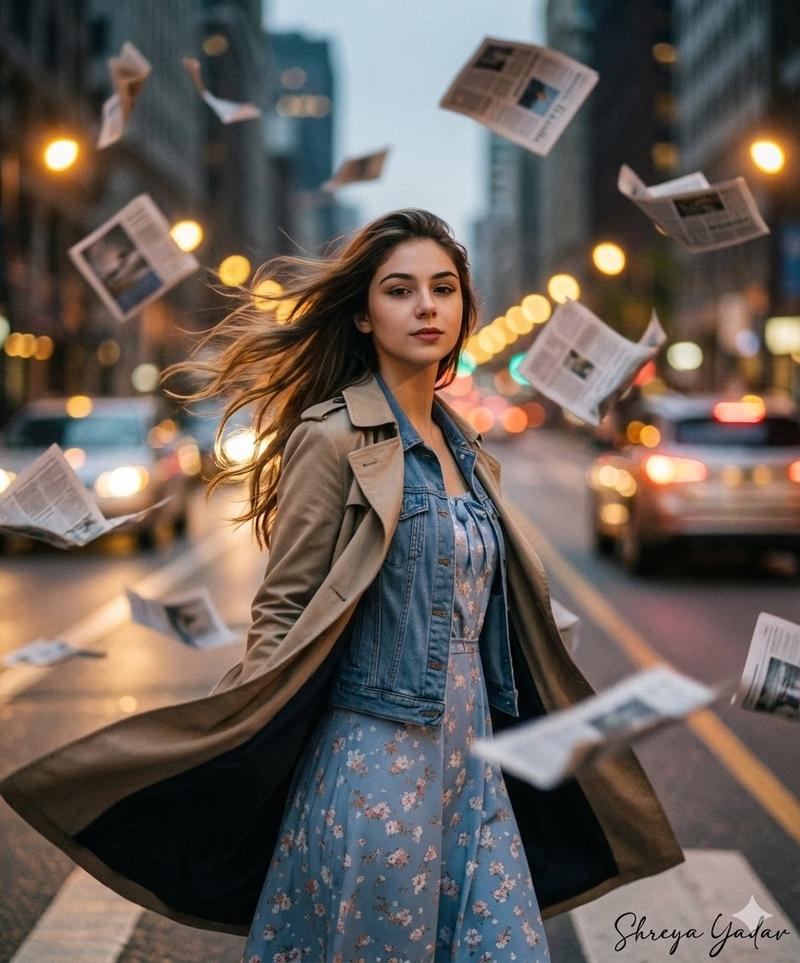
Shallow depth crowd portrait: GPT Image 2 prompt
Prompt
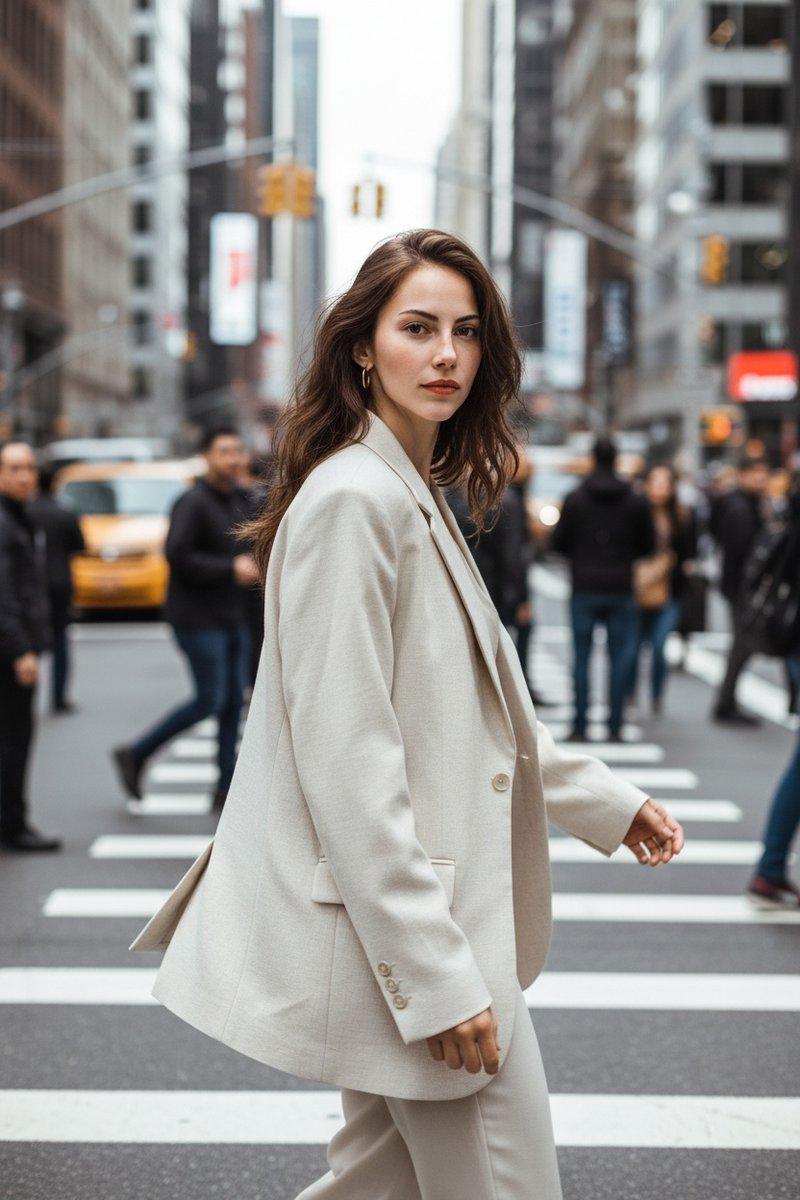
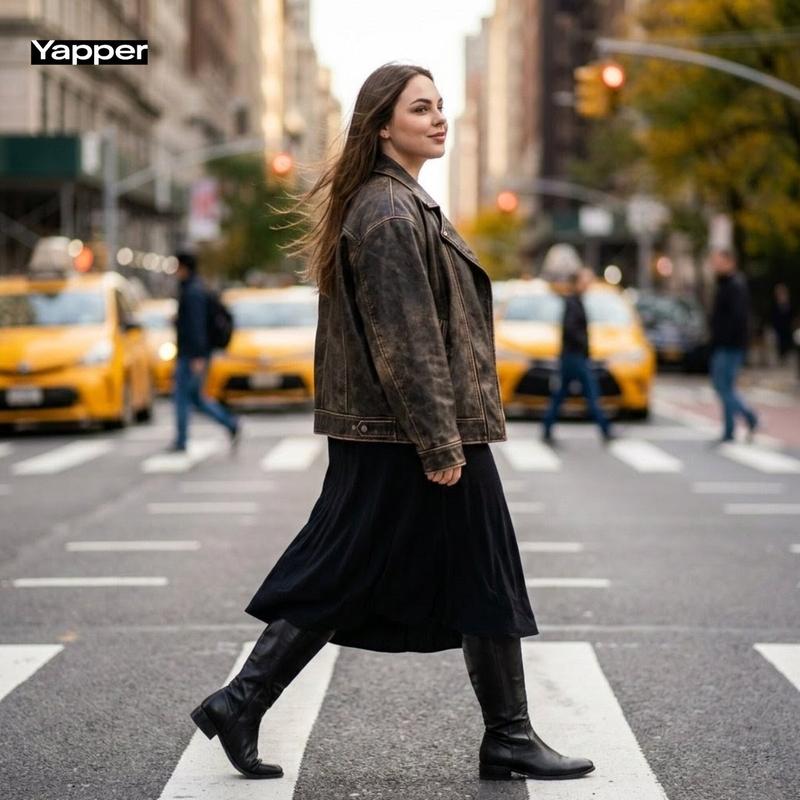
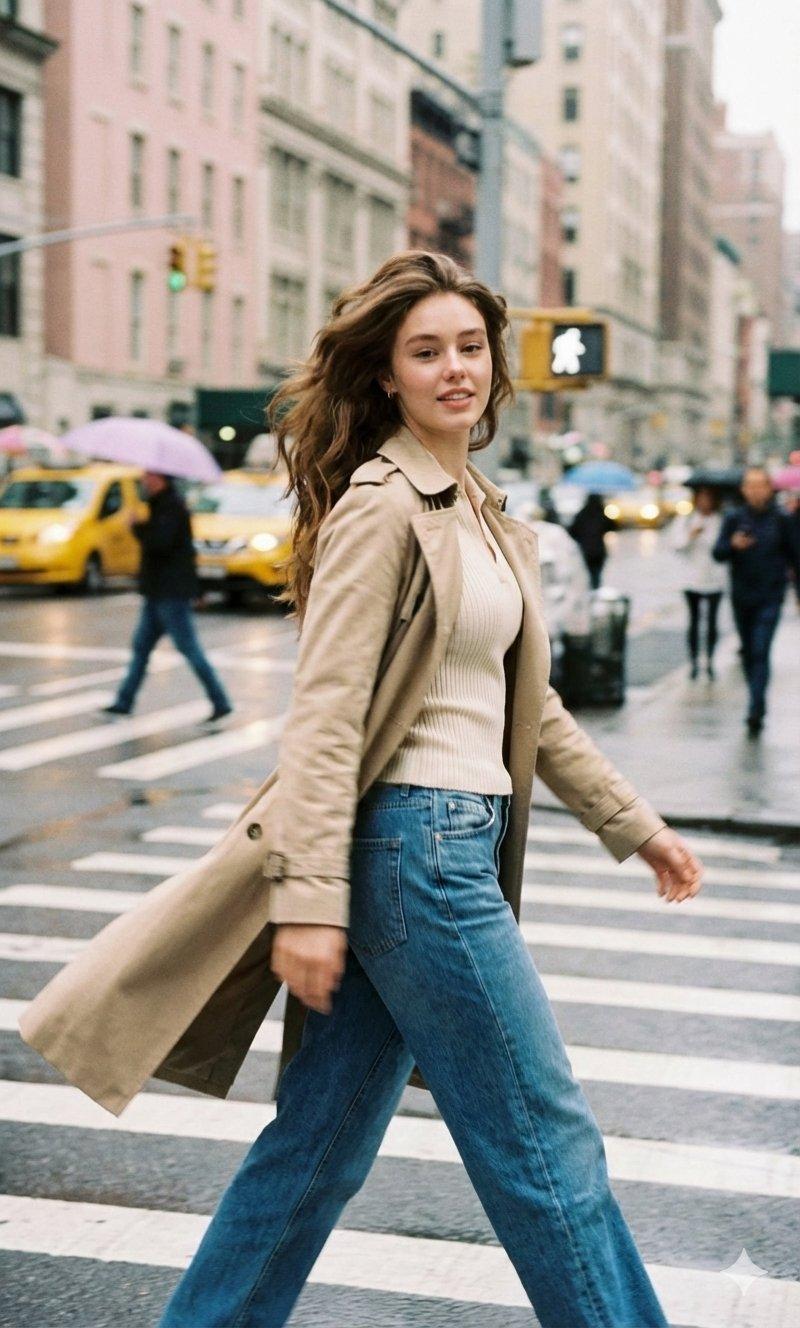
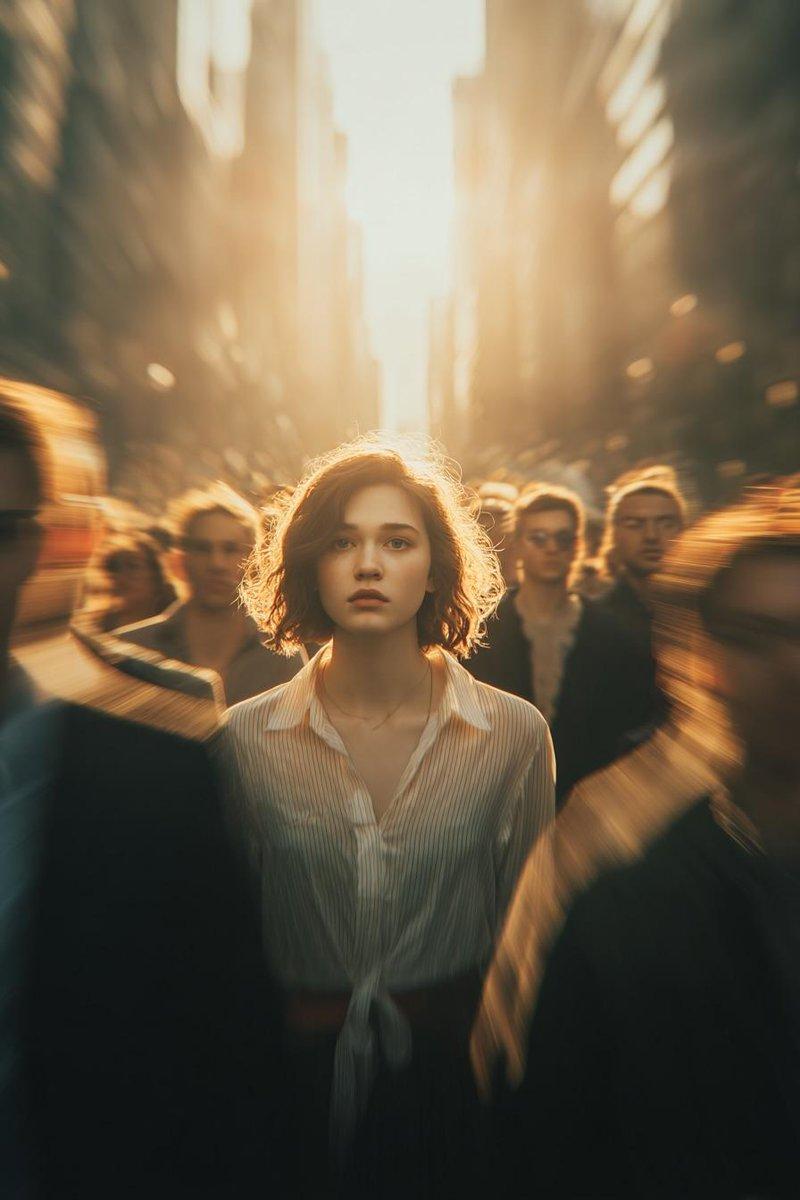
Core Intent: Create a photorealistic candid street-fashion portrait with extreme shallow depth of field where a single woman is sharply in focus in the mid-ground, surrounded by a moving crowd rendered as soft blur/bokeh. Preserve the exact framing, subject placement, color grade, and atmosphere.

1) Composition & Framing (LOCK)

•Aspect: 4:5 vertical.

•Camera height: chest-to-eye level (slightly above the subject’s shoulder line).

•Framing: mid-ground subject centered slightly left-of-center, from upper chest to top of head clearly visible; shoulders included; background heavily blurred.

•Foreground: two large blurred human shapes frame the subject:

•Left foreground: blurred middle-aged man occupying left third, grey/blue jacket, face out of focus.

•Right foreground: blurred person occupying right-lower quadrant (dark hair), also out of focus.

•Mid-right: blurred older bald man head/shoulder visible behind subject’s right shoulder.

•Background: dense city street with yellow taxi/cab shapes and warm orange bokeh lights; tall urban forms dissolve into creamy blur.

2) Subject (Primary)

•Person: young adult woman, fair/light skin, subtle freckles, natural editorial beauty.

•Hair: medium brown, messy low updo/bun with loose wisps; slightly damp/urban texture; flyaways framing face.

•Expression: calm, slightly serious/curious; lips relaxed; eyes looking directly toward camera with a soft, neutral intensity.

•Pose: body facing right (3/4 profile), head turned back over left shoulder to look at camera.

3) Wardrobe & Accessories (Exact Feel)

•Outerwear: beige/tan trench coat (matte cotton), collar open, classic lapels, slightly rumpled city-wear texture.

•Bag: small shoulder bag with thin gold chain strap on her right shoulder; strap catches a bit of light; bag itself mostly hidden.

•Jewelry: small earring visible (subtle, warm tone).

4) Environment (Street Mood)

•Busy metropolitan sidewalk/street scene, crowd density high.

•Background palette: teal/green-grey city haze + yellow cab + warm orange bokeh lights.

•No readable signage, no sharp background details—everything behind subject remains creamy blur.

5) Lighting (LOCK)

•Natural daylight, overcast-to-soft sun (diffused), no harsh shadows.

•Subject face evenly lit with gentle highlights on cheekbones and nose; cinematic soft contrast.

6) Camera & Optics (CRITICAL)

•Look: telephoto candid portrait with strong compression.

•Lens: 85mm–135mm range, wide open (f/1.4–f/2.0).

•Focus: tack-sharp on subject’s eyes and eyelashes; foreground and background strongly out of focus.

•Depth: creamy bokeh, smooth falloff, mild cat-eye bokeh at edges.

•Shutter/feel: background crowd appears naturally blurred from DOF; slight motion blur suggested in foreground figures.

7) Color Science / Grade (LOCK)

•Cinematic teal/green wash in shadows and background.

•Warm highlights (skin tones natural, slightly warm).

•Yellow taxi pops softly; orange bokeh lights glow.

•Fine film grain, subtle halation on bright bokeh points, gentle vignette.

8) Texture & Realism

•Natural skin texture (pores, freckles visible).

•Hair flyaways crisp near face.

•Trench fabric weave visible on in-focus areas.

•Editorial street-photo realism, not stylized/illustrated.

Negative Prompt (STRICT)

No text, no logos, no watermarks, no extra accessories, no hats, no sunglasses, no smile, no heavy makeup, no studio lighting, no perfect skin blur, no oversharpening, no HDR look, no cartoon/CGI, no extra taxis, no added objects, no duplicated faces, no distorted hands, no background readability.
- Category
- Photography & Realism
- Model
- GPT Image 2
- Creator
- Anissa
- Source ID
- 2008770349715030096
- Published
- Jan 7, 2026
Views0