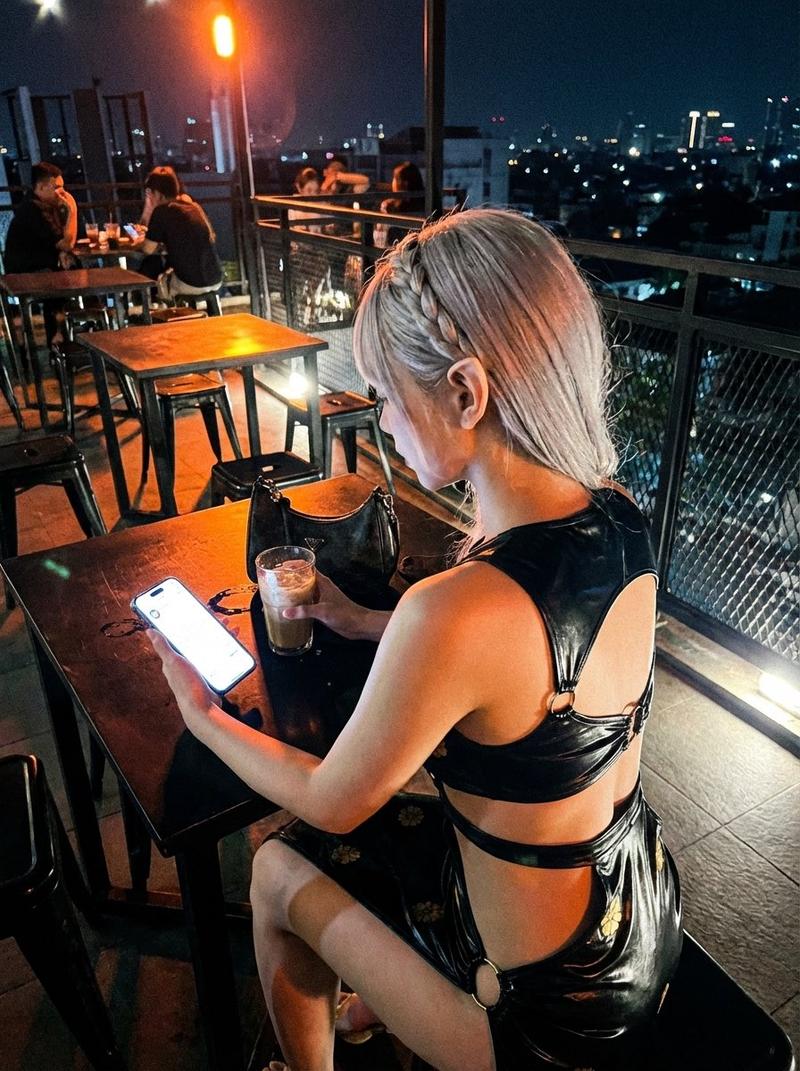
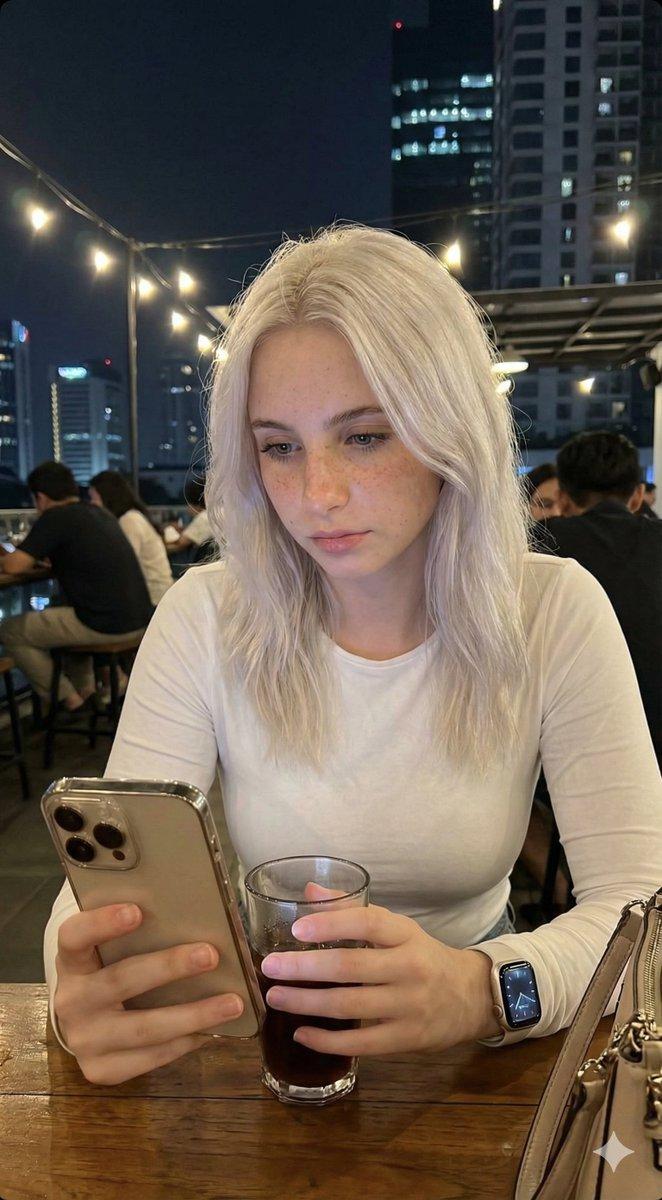
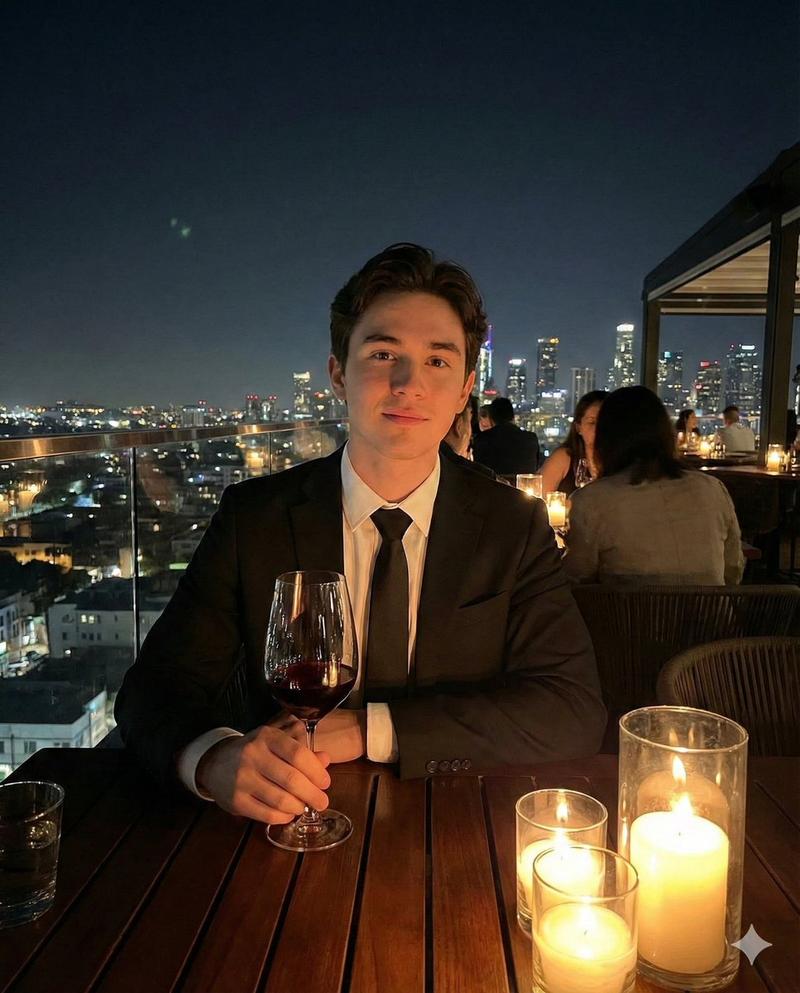
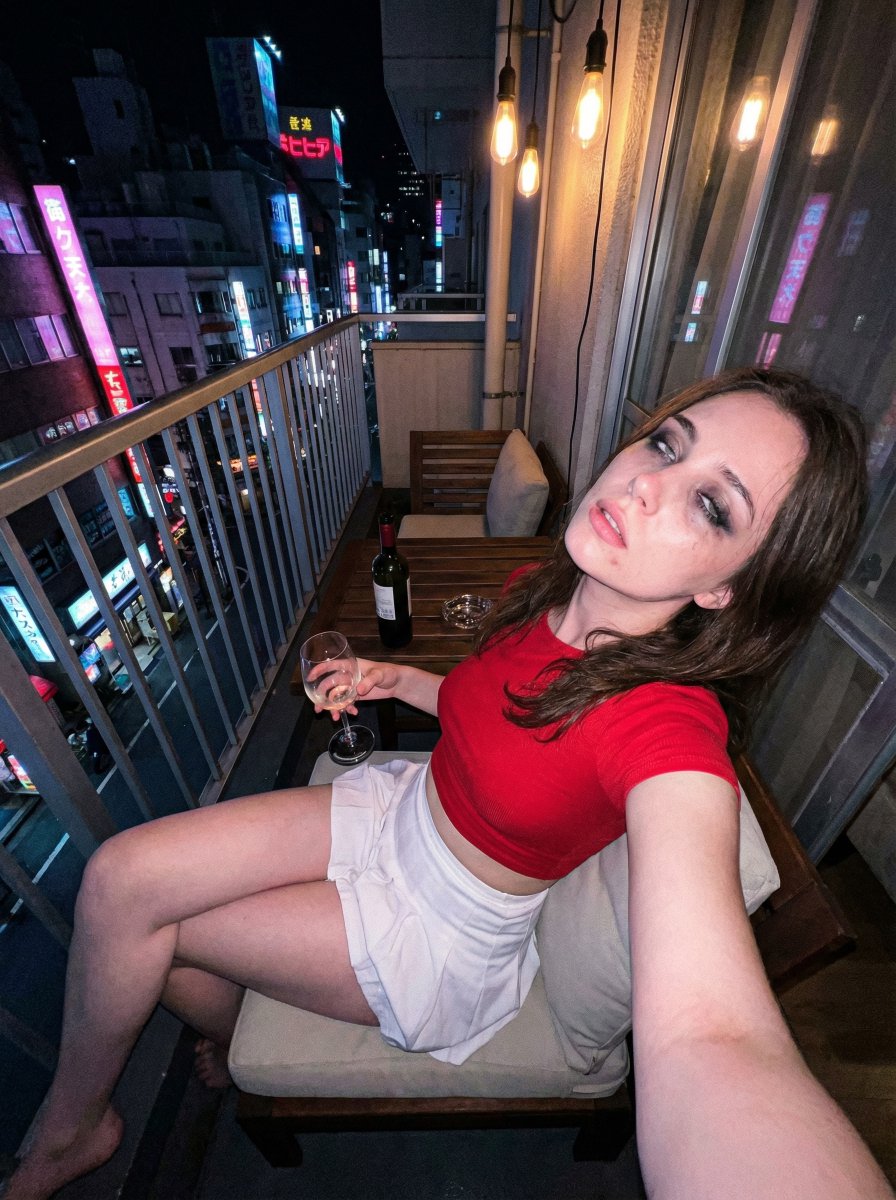
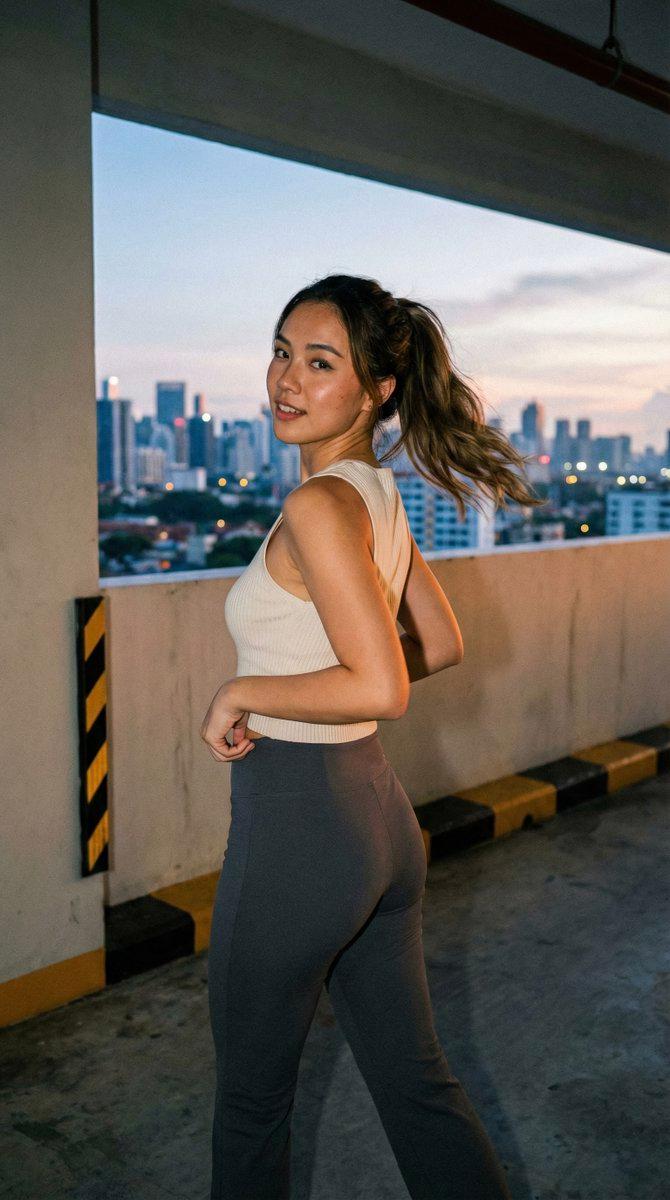
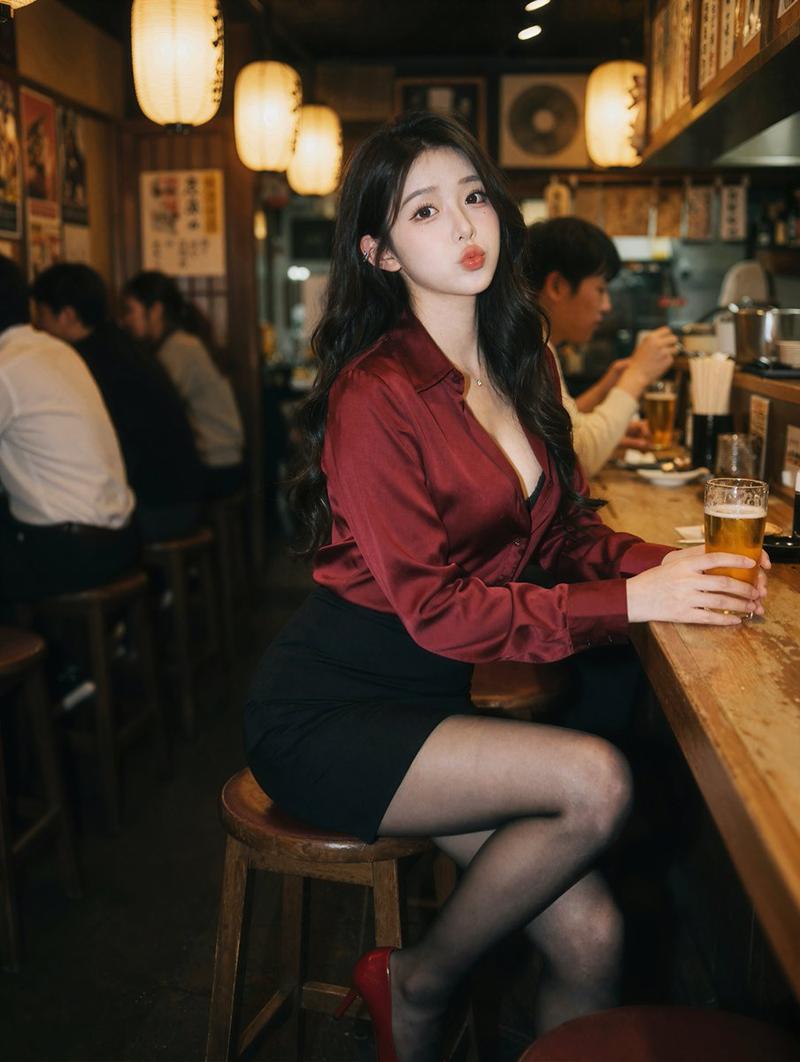
Candid smartphone night portrait: GPT Image 2 prompt
Prompt
{
 "task": "photo_editing",
 "instruction": "Replicate the exact appearance of the person from the reference image—including their face, hair, and the specific clothing they are wearing. Place this person into the pose and setting described below. The subject should be performing the actions (sitting, using phone, holding drink) while maintaining their visual identity and attire from the reference photo.",
 "photo_style": {
 "type": "candid_smartphone_photo",
 "aspect_ratio": "3:4",
 "time": "night",
 "device": "low-end Android phone",
 "shooting_style": "handheld, rushed, imperfect",
 "quality": "realistic, unpolished"
 },
 "subject": {
 "appearance_reference": "EXACT match of the person's face, features, and hair from reference image",
 "vibe": [
 "girl-next-door",
 "young",
 "fresh",
 "everyday",
 "not model-like",
 "not glamorous",
 "not influencer",
 "not styled"
 ]
 },
 "pose_and_action": {
 "seating": "sitting casually at a café table",
 "moment": "unplanned, unposed",
 "hands": {
 "one_hand": "holding a glass of drink",
 "other_hand": "using phone"
 },
 "attention": "focused on her phone, unaware of camera (candid)"
 },
 "clothing_and_appearance": {
 "attire": {
 "requirement": "MUST be an exact replica of the clothing (style, color, material) worn in the reference image",
 "fit": "retained from reference but adapted to the sitting pose"
 },
 "hair": {
 "style": "matches reference image",
 "detail": "flowing naturally in the night breeze"
 },
 "skin": {
 "look": "matches reference image",
 "restrictions": [
 "no beauty filter",
 "no retouching",
 "no AI-polished skin"
 ]
 }
 },
 "camera_angle_and_framing": {
 "angle": "slightly from the side and slightly behind",
 "perspective": "authentic candid",
 "framing": "medium-wide",
 "visibility": "upper body and part of table visible"
 },
 "lighting": {
 "type": "harsh and imperfect",
 "sources": [
 "rooftop café lights",
 "city street lights"
 ],
 "effects": [
 "uneven exposure",
 "blown highlights",
 "deep shadows",
 "imperfect white balance"
 ]
 },
 "focus_and_quality": {
 "focus": "slightly more on subject",
 "background_blur": "soft blur due to low light and camera limitations",
 "artifacts": [
 "visible digital noise",
 "grain",
 "slight motion blur",
 "imperfect focus accuracy"
 ]
 },
 "background": {
 "location": "Jakarta rooftop café",
 "elements": [
 "tables",
 "railing",
 "other people casually visible",
 "distant Jakarta buildings",
 "city lights"
 ]
 },
 "objects": {
 "table_items": [
 "iPhone 17 Pro Max (being used by subject)",
 "part of a woman’s handbag"
 ],
 "accessories": {
 "requirement": "Match any jewelry, watches, or accessories from the reference image"
 }
 },
 "overall_feeling": [
 "authentic",
 "realistic",
 "taken by her boyfriend",
 "unstaged lifestyle photo",
 "night life in Jakarta"
 ]
}- Category
- Photography & Realism
- Model
- GPT Image 2
- Creator
- BeautyVerse
- Source ID
- 2010559842365386883
- Published
- Jan 12, 2026
Views0