Avant-garde streetwear typography poster: GPT Image 2 prompt
Prompt
[PERSON NAME]. Act as a graphic designer creating a minimalist, avant-garde streetwear poster.
COMPOSITION (THE FUSION):
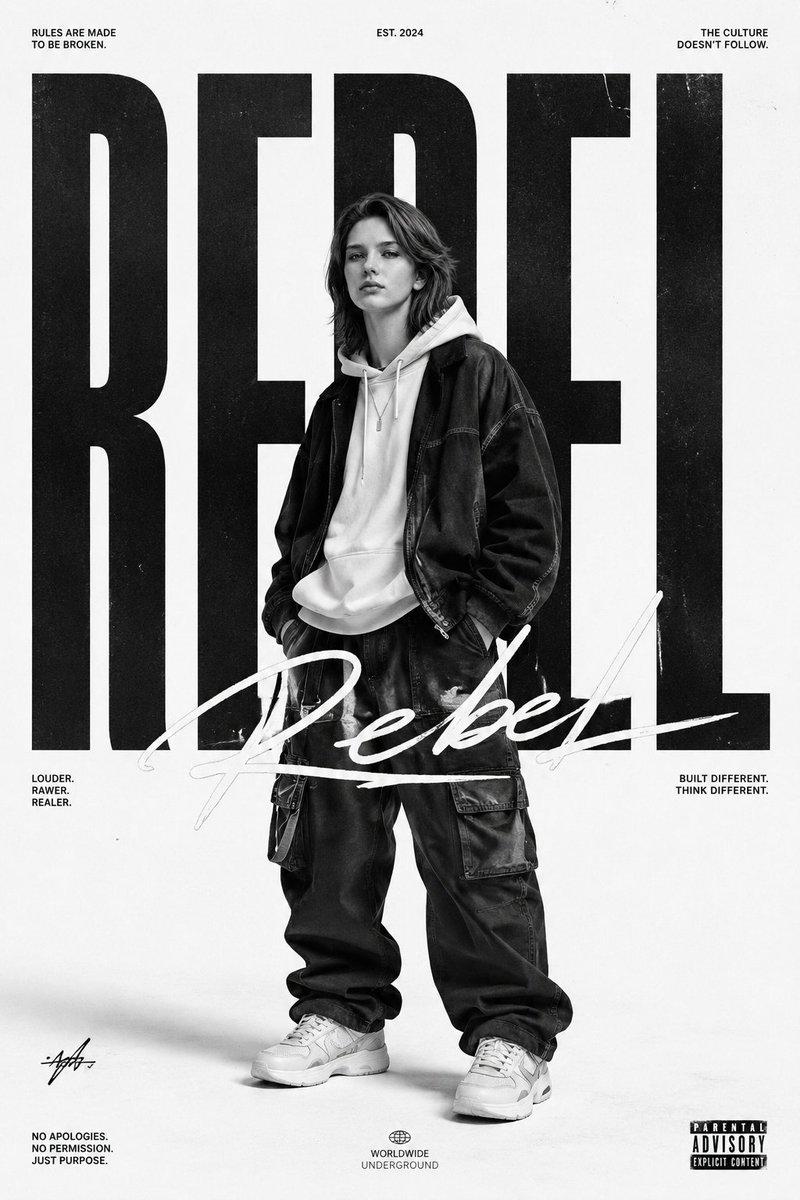
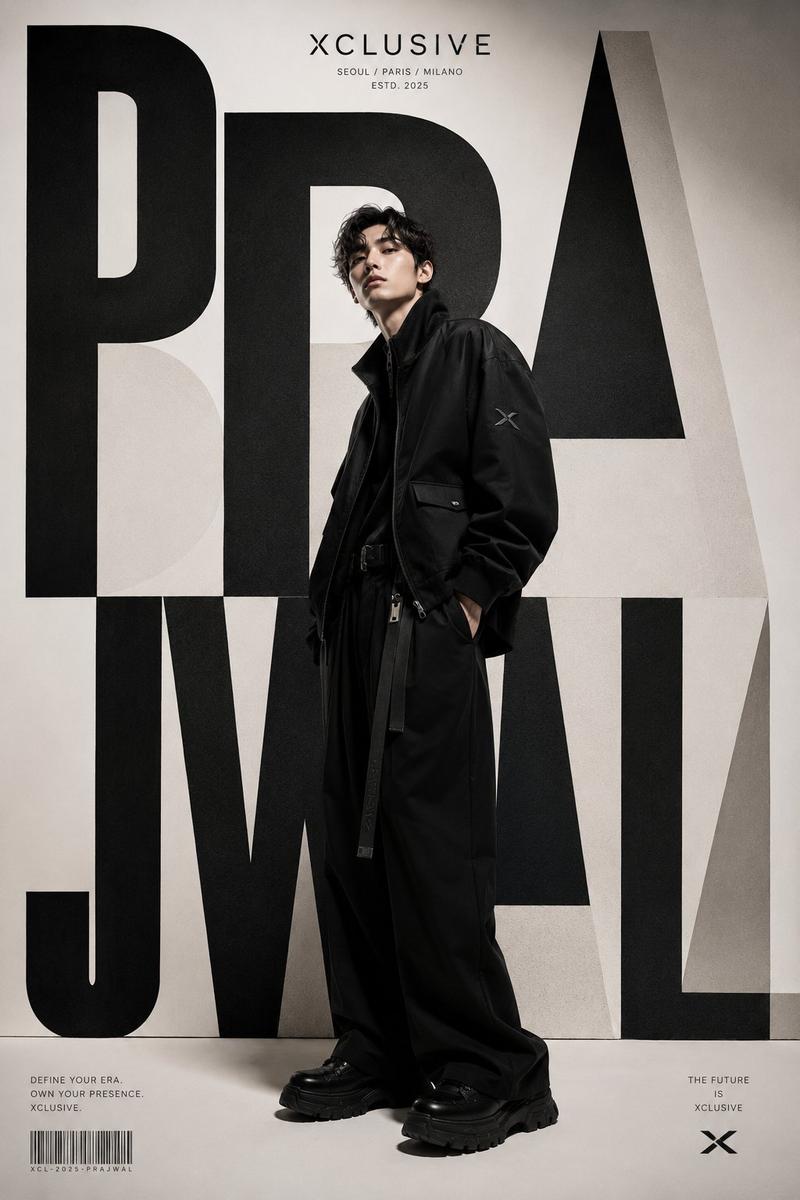
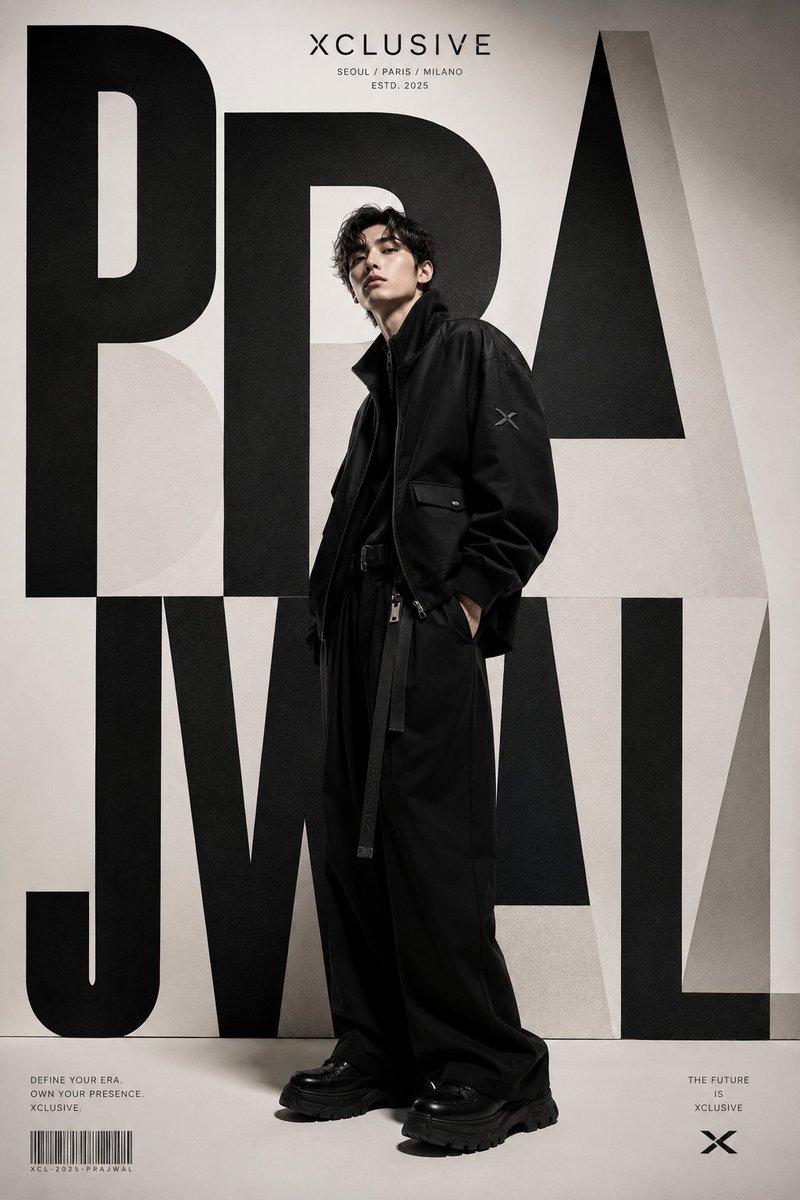
The image is a creative fusion of a massive typographic name and a monochrome portrait of [PERSON NAME].
The Subject: A high-contrast, black-and-white full-body or 3/4 cut-out photograph of [PERSON NAME]. The subject stands centrally, looking cool and detached.
The Typography: The person's name is written horizontally across the entire width of the image. The text interacts with the body: the person stands through the letters, creating a "woven" depth effect (some limbs in front of text, some behind), or the portrait creates a silhouette mask for the text.
TYPOGRAPHY STYLE (MIXED SCRIPTS):
Mimic the specific "Street Editorial" font pairing:
The First Letter: The initial letter of the name is rendered in a large, sweeping, expressive Calligraphic Script or Brush font (dynamic and loose).
The Rest of the Name: The remaining letters are rendered in an Ultra-Heavy, Geometric Sans-Serif font (like Impact or Helvetica Black).
Color: The text is solid Dark Grey or Black.
AESTHETICS & ATMOSPHERE:
Palette: Strictly Monochrome (Black, White, and Greyscale).
Background: Pure, vast White Minimalist background. Extensive negative space.
Vibe: Raw, "Zine" aesthetic, cut-and-paste collage feel, high-fashion streetwear poster.
LAYOUT DETAILS:
Add very small, microscopic functional text in the extreme corners (e.g., "poster design", "2025", "fig 01") to enhance the Swiss Design poster feel.
- Category
- Photography & Realism
- Model
- GPT Image 2
- Creator
- AmirMušić
- Source ID
- 2011170447434649774
- Published
- Jan 13, 2026
Views0


![[PERSON NAME]](https://i.pixshop.app/storage/v1/render/image/public/prompt-source-media/promptsref/work-43470/image-1-f791f5f1e664fccb.png?width=800&quality=75&resize=contain)