Skincare product shot: GPT Image 2 prompt
Prompt
{
 "master_prompt": {
 "global_settings": {
 "resolution": "8K",
 "aspect_ratio": "1:1",
 "image_type": "photorealistic AI-generated product photography",
 "detail_level": "ultra-high detail, macro clarity",
 "noise": "none",
 "artifacts": "none",
 "focus": "sharp subject, controlled depth of field"
 },

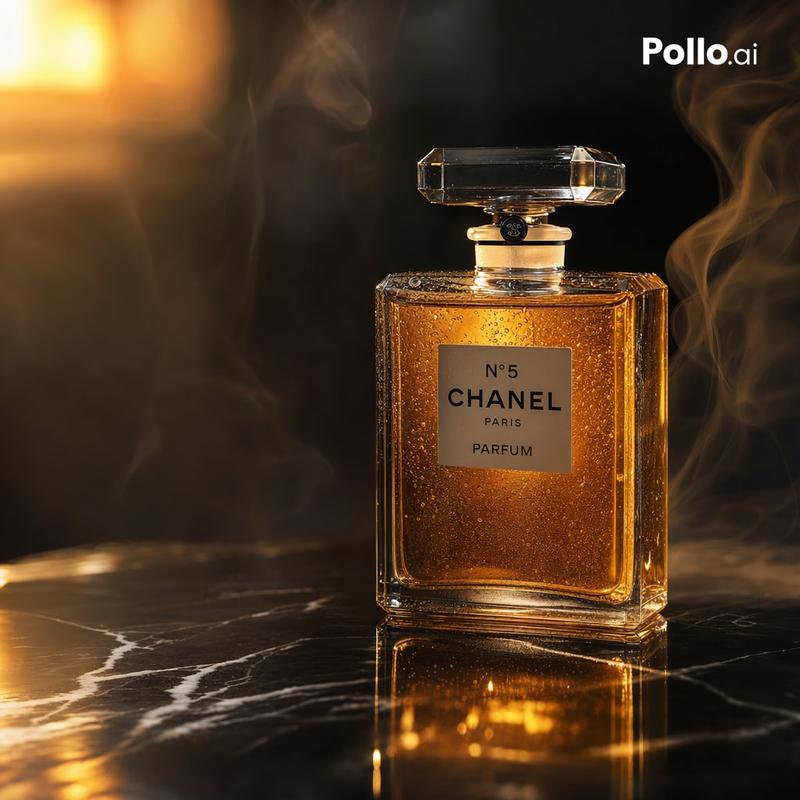
 "module_1_image_1_style": {
 "subject": {
 "object_type": "cosmetic bottle",
 "label_text_visible": "NAHDA SKINCARE",
 "product_type_text": "SHOWER GEL / SHOWER GEL",
 "bottle_material": "frosted translucent glass",
 "liquid_color": "soft pale yellow",
 "shape": "cylindrical with rounded shoulders",
 "cap": {
 "material": "metallic",
 "color": "silver",
 "surface_pattern": "hexagonal honeycomb texture",
 "finish": "matte"
 },
 "surface_details": "small and medium water droplets evenly distributed"
 },
 "environment": {
 "setting": "forest floor",
 "base_surface": "weathered tree stump",
 "surroundings": [
 "green moss",
 "small yellow wildflowers",
 "tree trunk to the right",
 "fine spider web attached to moss"
 ],
 "background": "soft forest bokeh with diffused sunlight",
 "atmosphere": "humid, natural, calm"
 },
 "lighting": {
 "type": "natural diffused light",
 "direction": "soft backlight and side illumination",
 "highlights": "gentle glow through liquid",
 "shadows": "soft, natural"
 },
 "camera": {
 "angle": "eye-level product shot",
 "lens_style": "macro product photography",
 "depth_of_field": "shallow"
 },
 "color_palette": [
 "pale yellow",
 "soft green",
 "natural brown",
 "muted gold"
 ]
 },

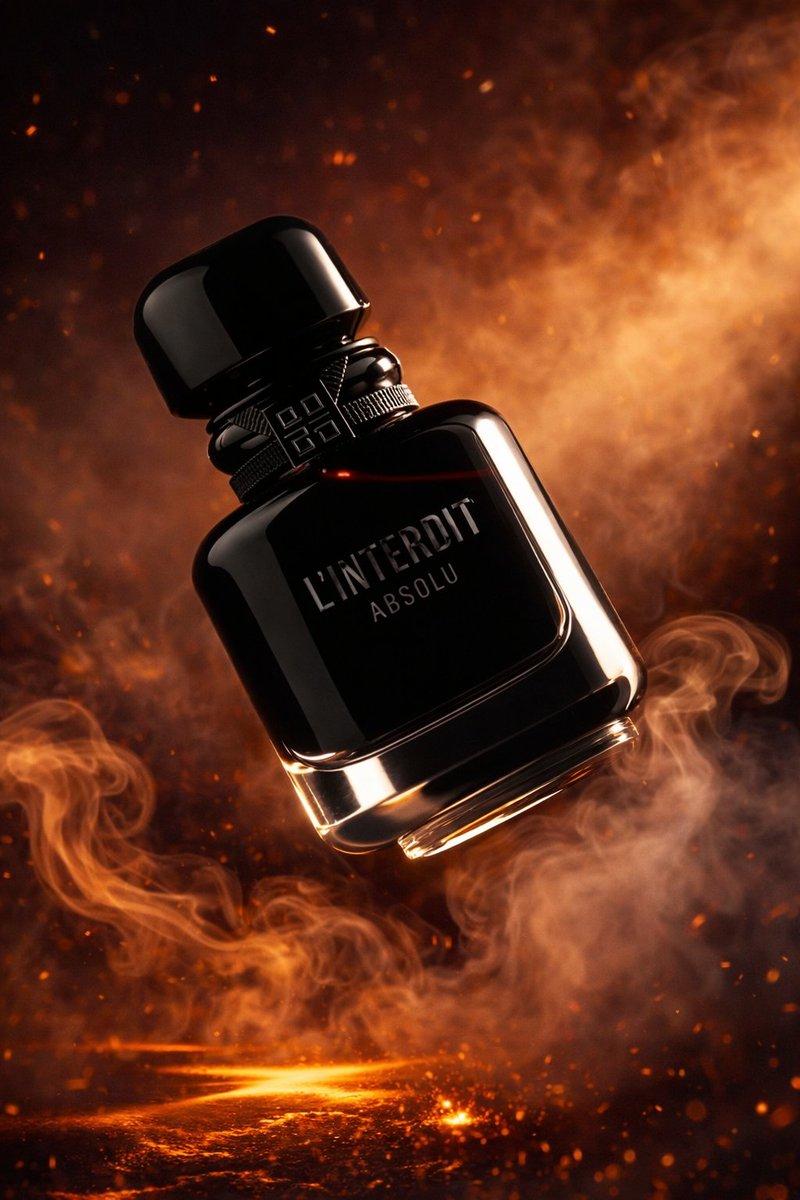
 "module_2_image_2_style": {
 "subject": {
 "object_type": "perfume bottle",
 "label_text_visible": "FOREST",
 "bottle_color": "deep matte green",
 "material": "opaque glass",
 "shape": "rectangular with rounded edges",
 "cap": {
 "material": "metallic",
 "color": "gold",
 "finish": "glossy cylindrical"
 },
 "surface_details": "dense fine water droplets covering bottle"
 },
 "environment": {
 "setting": "forest pathway",
 "base_surface": "moss-covered stone or log",
 "foreground_elements": [
 "orange autumn leaf",
 "fallen brown leaves"
 ],
 "background": "tall trees fading into mist",
 "atmosphere": "misty, cool, forest depth"
 },
 "lighting": {
 "type": "warm ambient forest light",
 "direction": "top-front diffused",
 "effects": "soft glow and mist illumination"
 },
 "camera": {
 "angle": "straight-on centered composition",
 "lens_style": "portrait product lens",
 "depth_of_field": "moderate with soft background blur"
 },
 "color_palette": [
 "forest green",
 "gold",
 "autumn orange",
"earth brown"- Category
- Products & E-commerce
- Model
- GPT Image 2
- Creator
- Shahid Wani
- Source ID
- 2020094371107074147
- Published
- Feb 7, 2026
Views1