16

Anime illustration: GPT Image 2 prompt
Enlarge

Anime illustration: GPT Image 2 prompt

Prompt
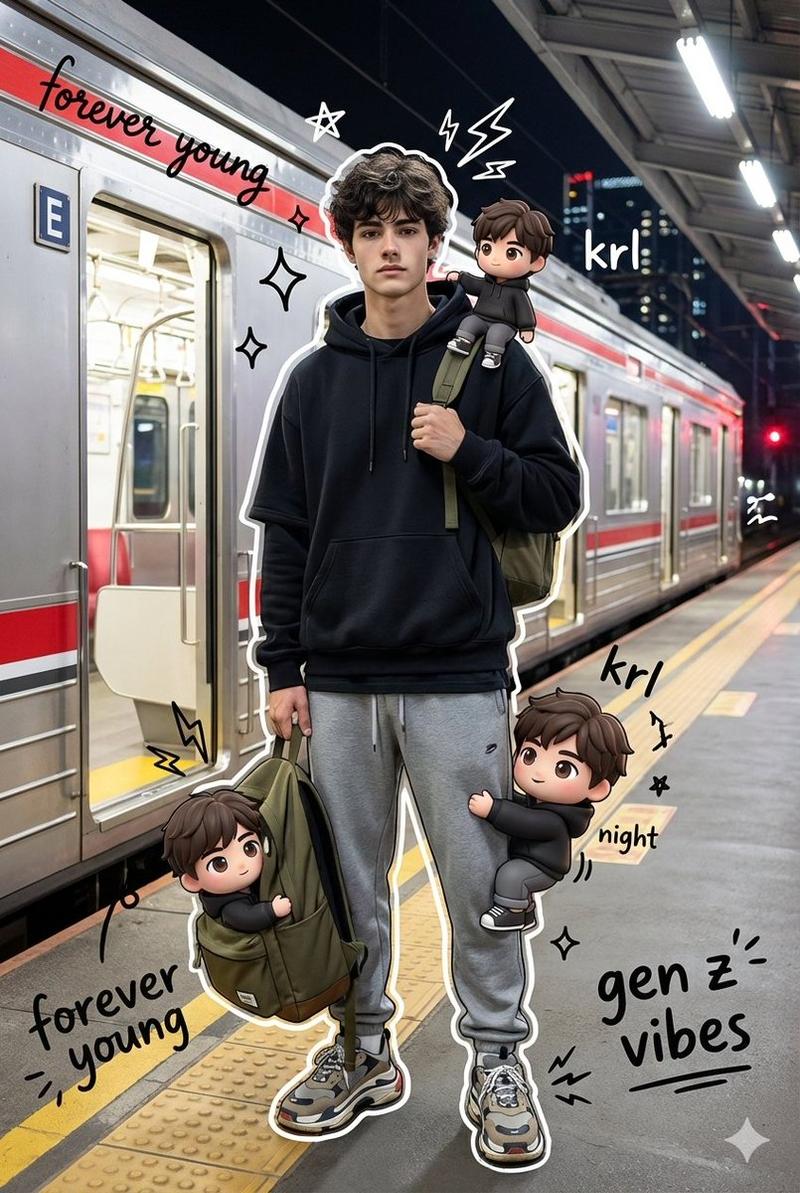
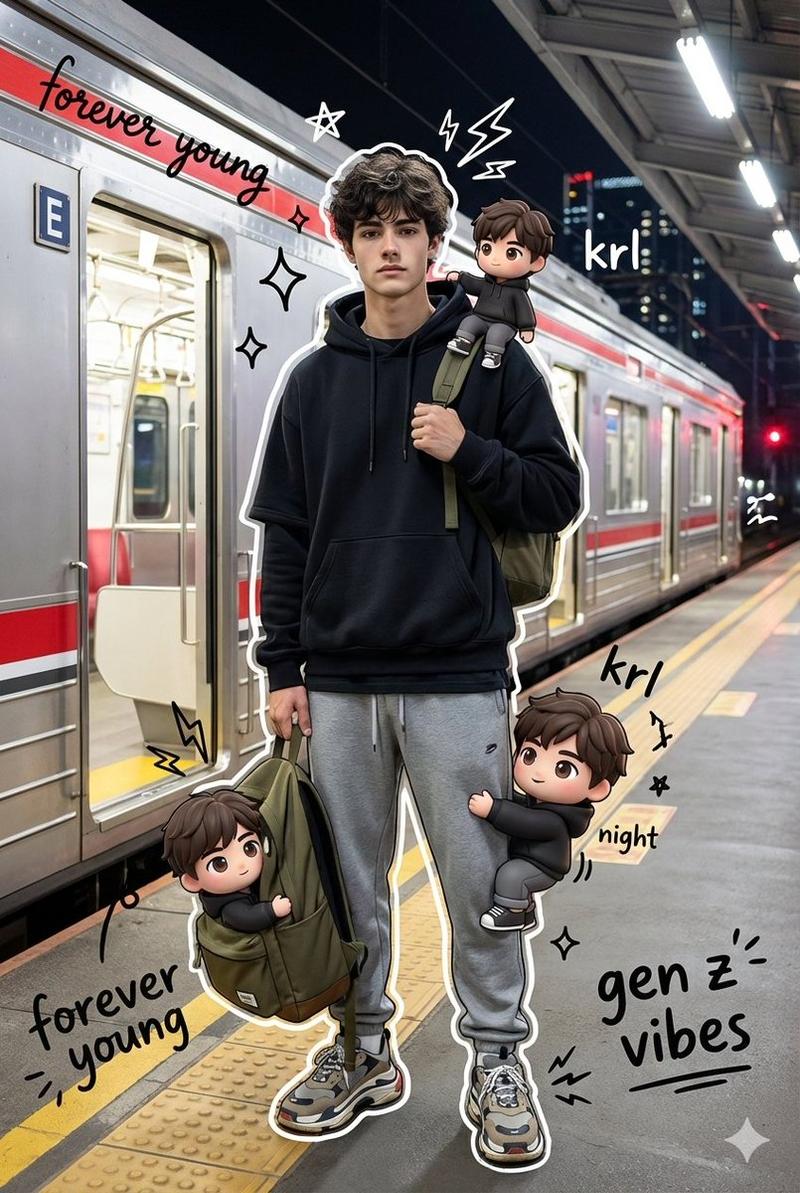
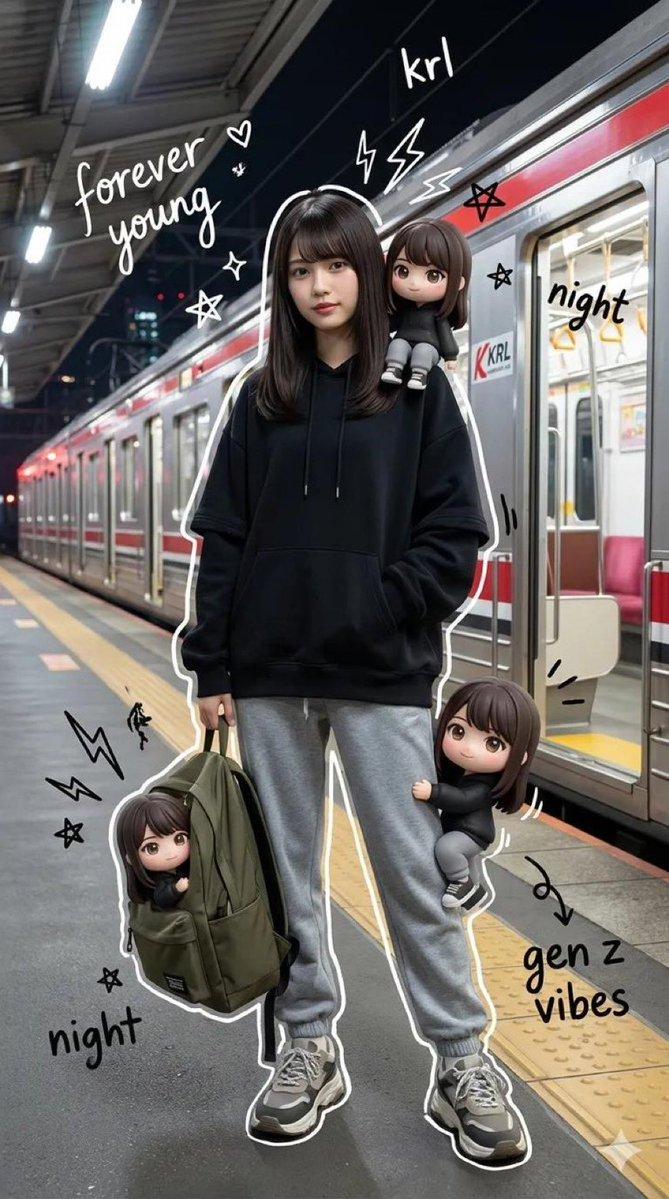
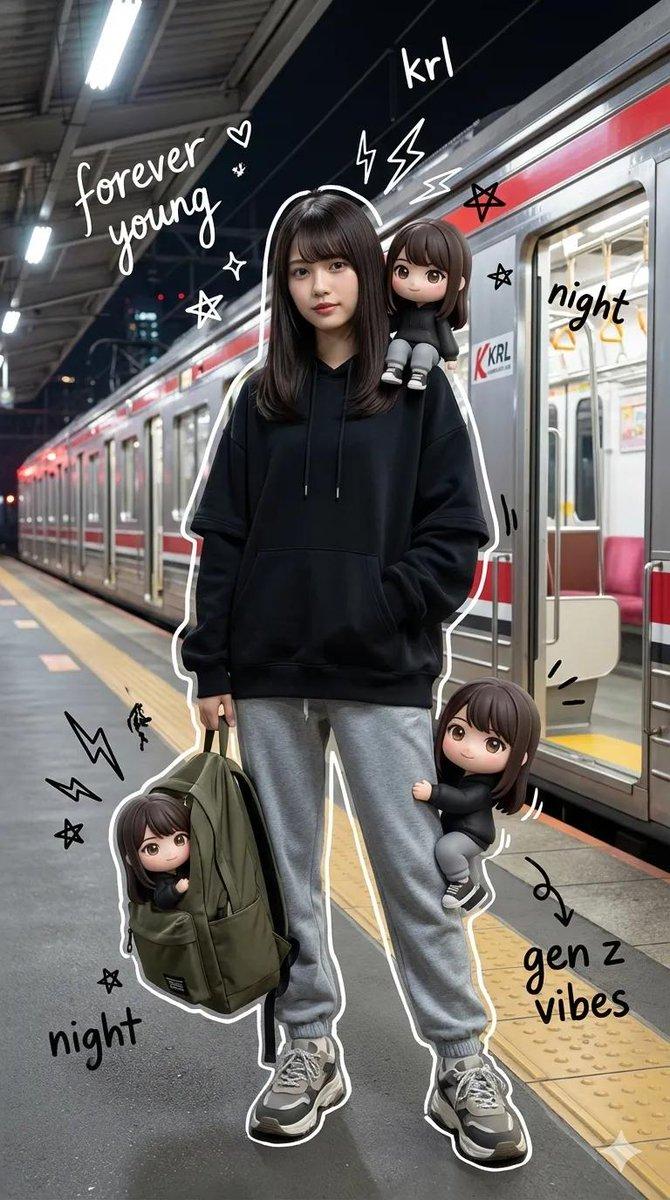
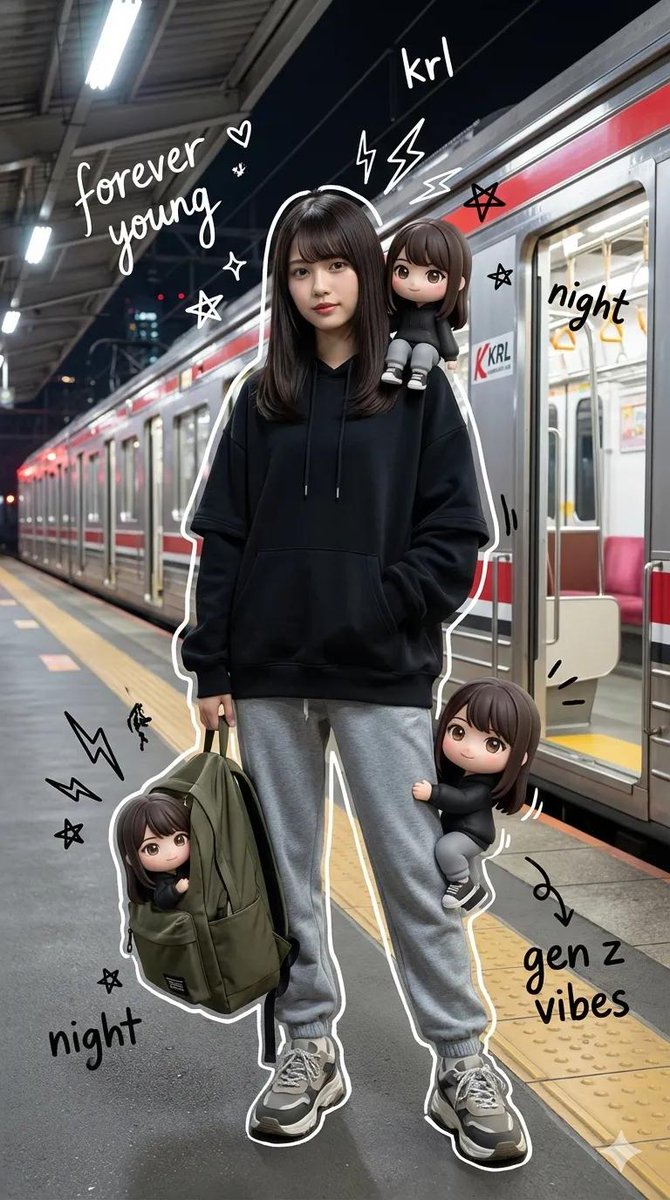
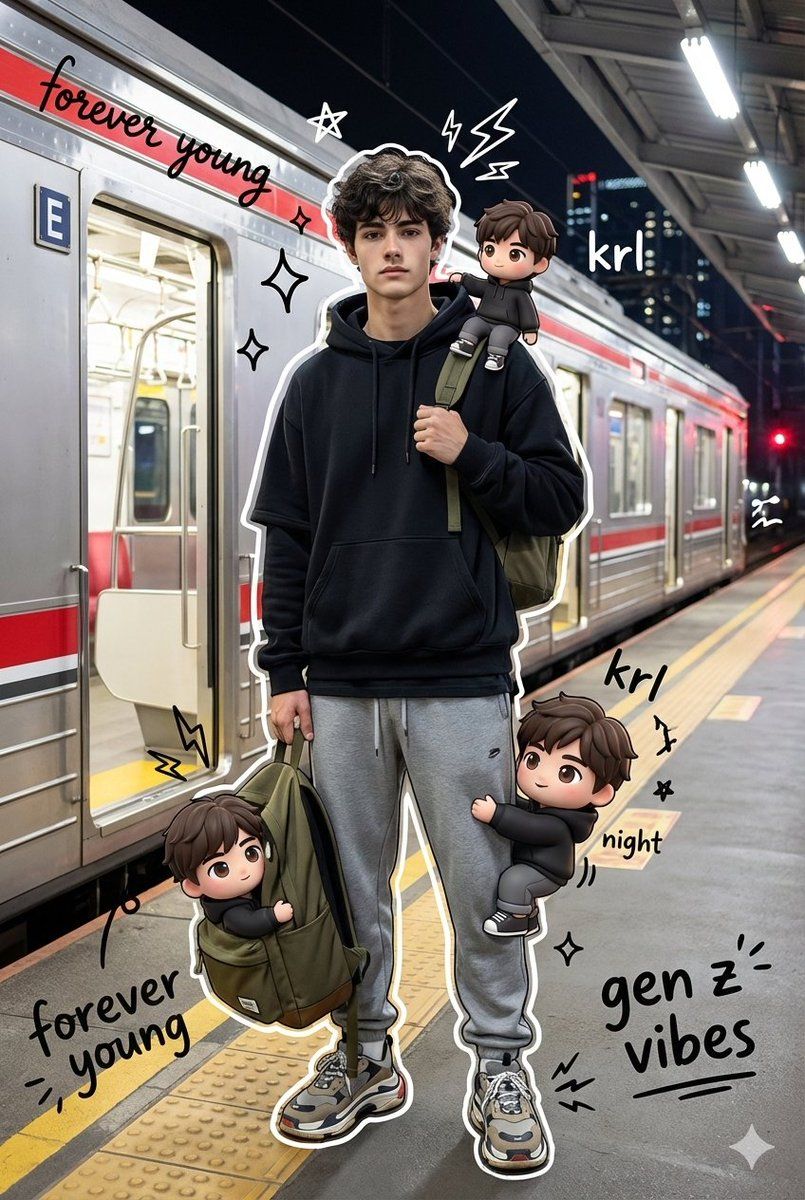
A high quality mixed media portrait of a trendy young man (using my uploaded person photo) standing on a train station platform at night. The subject is posing coolly, holding the strap of an olive backpack with one hand. He is wearing a stylish streetwear outfit with an oversized layered black hoodie, gray sweatpants, and chunky sneakers.

The background features a realistic KRL Jabodetabek Commuter Line train side view with its signature red striping, with the train doors wide open, bathed in bright cinematic station lighting and city night ambiance.

Surrounding the realistic main subject are several cute 3D style chibi versions of himself, same outfit and same face. These chibis are interacting playfully, one sitting on his shoulder, one climbing his leg, and another peeking out from the backpack.

Overlay the image with vibrant hand drawn doodle effects, white drawn outlines around the subject, playful scribbles, stars, sparkles, electric sparks, and floating white and black handwritten slogans like “forever young”, “krl”, “night”, and “gen z vibes”. The style should seamlessly blend hyper realistic photography with colorful flat cartoon illustrations while keeping the face and body shape unchanged.
Category
Photography & Realism
Model
GPT Image 2
Creator
Harboris
Views1
Source ID
2021810779348140286
Published
Feb 12, 2026

Guide

About "Anime illustration: GPT Image 2 prompt"

What is this prompt for?

"Anime illustration: GPT Image 2 prompt" AI image prompt for GPT Image 2 (Photography & Realism). A high quality mixed media portrait of a trendy young man (us…

The full copyable prompt and example visuals above are ready for AI image generation or one-click recreate in Picva.

How to use this prompt

  1. Step 1

    Open the prompt detail

    Review the example visuals, category, and full prompt text for "Anime illustration: GPT Image 2 prompt".

  2. Step 2

    Copy the prompt

    Copy the prompt body from this page, or load it directly in Studio.

  3. Step 3

    Pick a model (GPT Image 2)

    Prefer GPT Image 2. If you switch models, keep subject and composition and tweak style terms.

  4. Step 4

    Generate and export

    Recreate the look in Picva, or export into your workflow for editing and publishing.

FAQ

What is the "Anime illustration: GPT Image 2 prompt" prompt?
It is an AI image-generation prompt for GPT Image 2 in the Photography & Realism category. This page includes the full prompt text, example visuals, and a one-click recreate path in Picva.
How do I use this prompt to generate an image?
Copy the prompt from this page, or use Generate / Studio. Paste it into a compatible image model, or recreate the look in Picva with optional reference images.
Which model is this prompt for?
This page lists GPT Image 2. Most descriptive prompts also transfer to nearby image models such as GPT Image, Flux, or Midjourney with light style tweaks.
Can I use the result commercially?
You can usually copy the prompt for creation, but commercial use of the final image depends on the model terms, reference-image rights, and the generated content. Follow the source author and platform rules.