17

Retro scene: GPT Image 2 prompt
Enlarge

Retro scene: GPT Image 2 prompt

Prompt
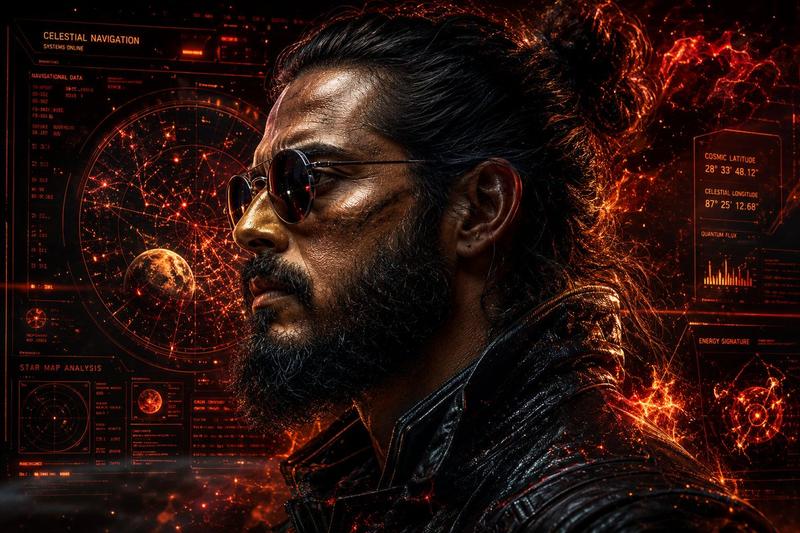
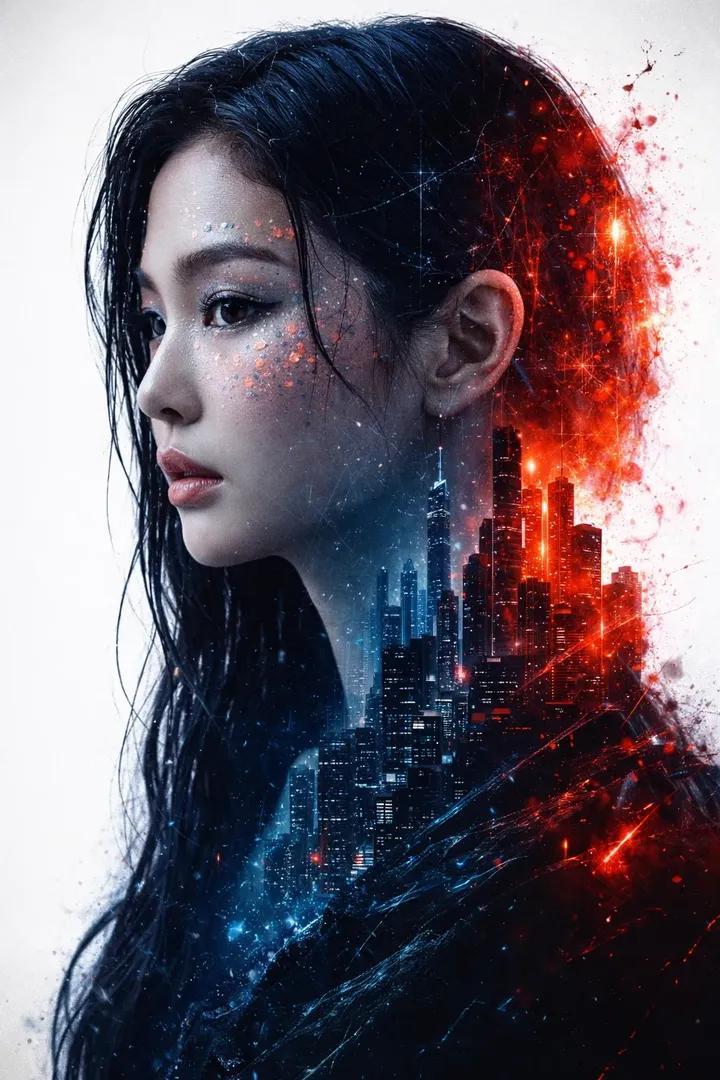
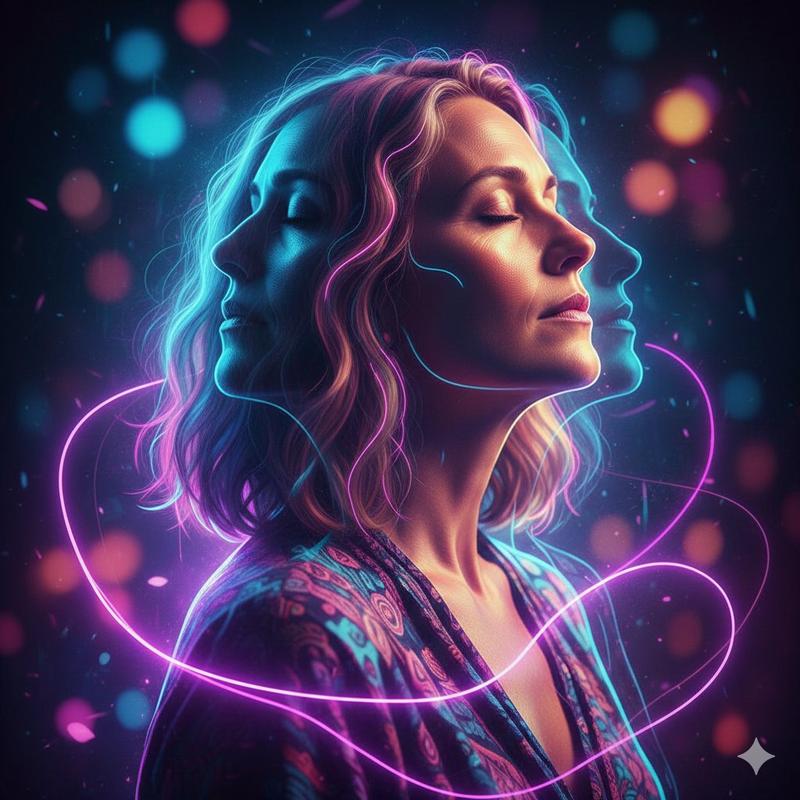
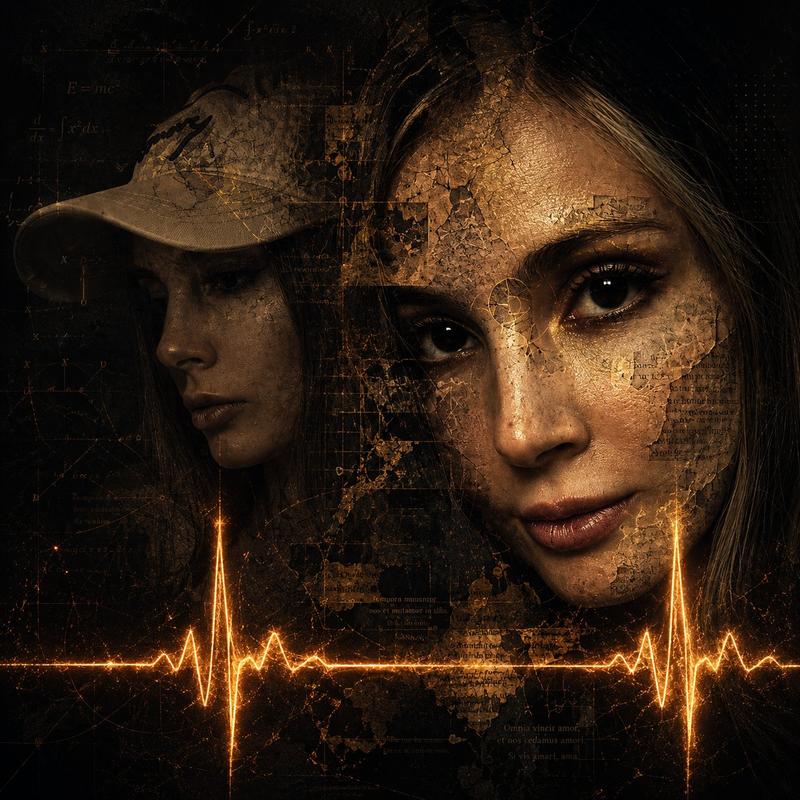
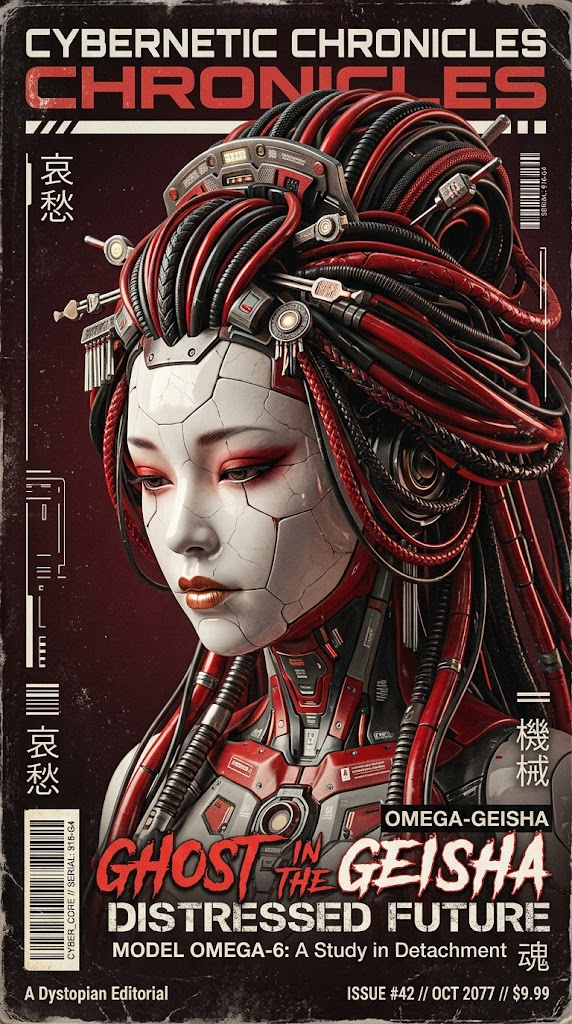
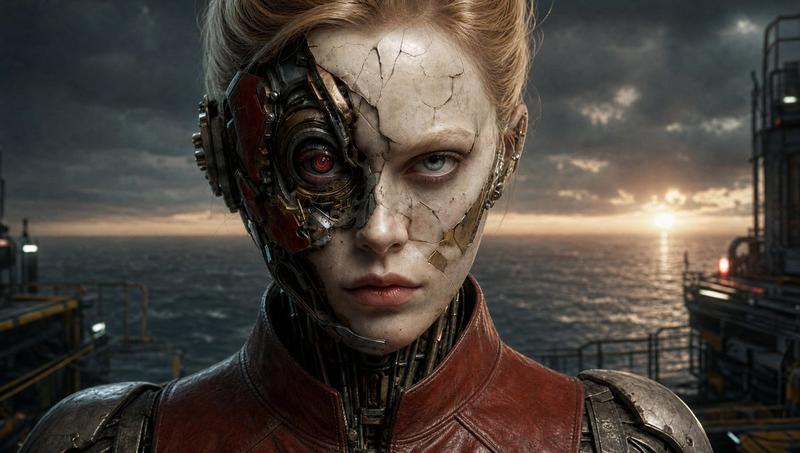
A cinematic close-up profile of a weathered women with a salt-and-pepper face, wearing brass-rimmed aviator goggles pushed up. Low-key lighting with a heavy amber glow; thick molten copper droplets and incandescent heat waves shimmering in the air. Dark, soot-stained background layered with vintage patent blueprints, floating golden gear-ratio calculations, and radial HUD overlays. High contrast, grit-textured skin, hyper-realistic sweat beads, heavy industrial atmosphere, cinematic sepia grading, 8K, epic digital concept art..
Category
Photography & Realism
Model
GPT Image 2
Creator
Aijaz
Views0
Source ID
2023215251924389964
Published
Feb 16, 2026

Guide

About "Retro scene: GPT Image 2 prompt"

What is this prompt for?

"Retro scene: GPT Image 2 prompt" AI image prompt for GPT Image 2 (Photography & Realism). A cinematic close-up profile of a weathered women with a salt-and-pe…

The full copyable prompt and example visuals above are ready for AI image generation or one-click recreate in Picva.

How to use this prompt

  1. Step 1

    Open the prompt detail

    Review the example visuals, category, and full prompt text for "Retro scene: GPT Image 2 prompt".

  2. Step 2

    Copy the prompt

    Copy the prompt body from this page, or load it directly in Studio.

  3. Step 3

    Pick a model (GPT Image 2)

    Prefer GPT Image 2. If you switch models, keep subject and composition and tweak style terms.

  4. Step 4

    Generate and export

    Recreate the look in Picva, or export into your workflow for editing and publishing.

FAQ

What is the "Retro scene: GPT Image 2 prompt" prompt?
It is an AI image-generation prompt for GPT Image 2 in the Photography & Realism category. This page includes the full prompt text, example visuals, and a one-click recreate path in Picva.
How do I use this prompt to generate an image?
Copy the prompt from this page, or use Generate / Studio. Paste it into a compatible image model, or recreate the look in Picva with optional reference images.
Which model is this prompt for?
This page lists GPT Image 2. Most descriptive prompts also transfer to nearby image models such as GPT Image, Flux, or Midjourney with light style tweaks.
Can I use the result commercially?
You can usually copy the prompt for creation, but commercial use of the final image depends on the model terms, reference-image rights, and the generated content. Follow the source author and platform rules.