15

Logo design: GPT Image 2 prompt
Enlarge

Example images

Logo design: GPT Image 2 prompt

Prompt
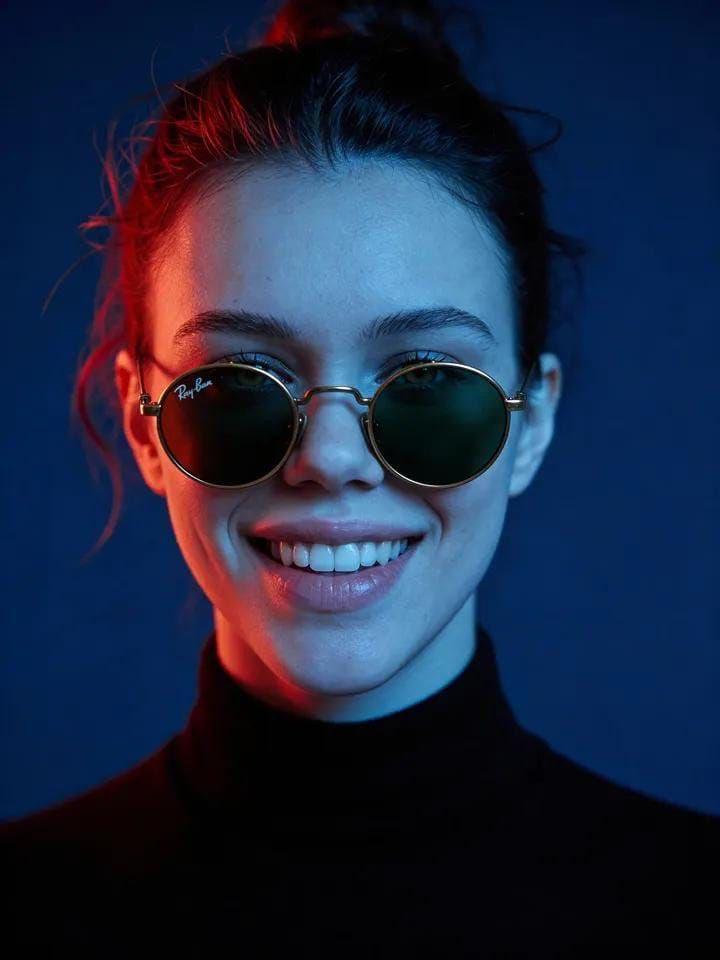
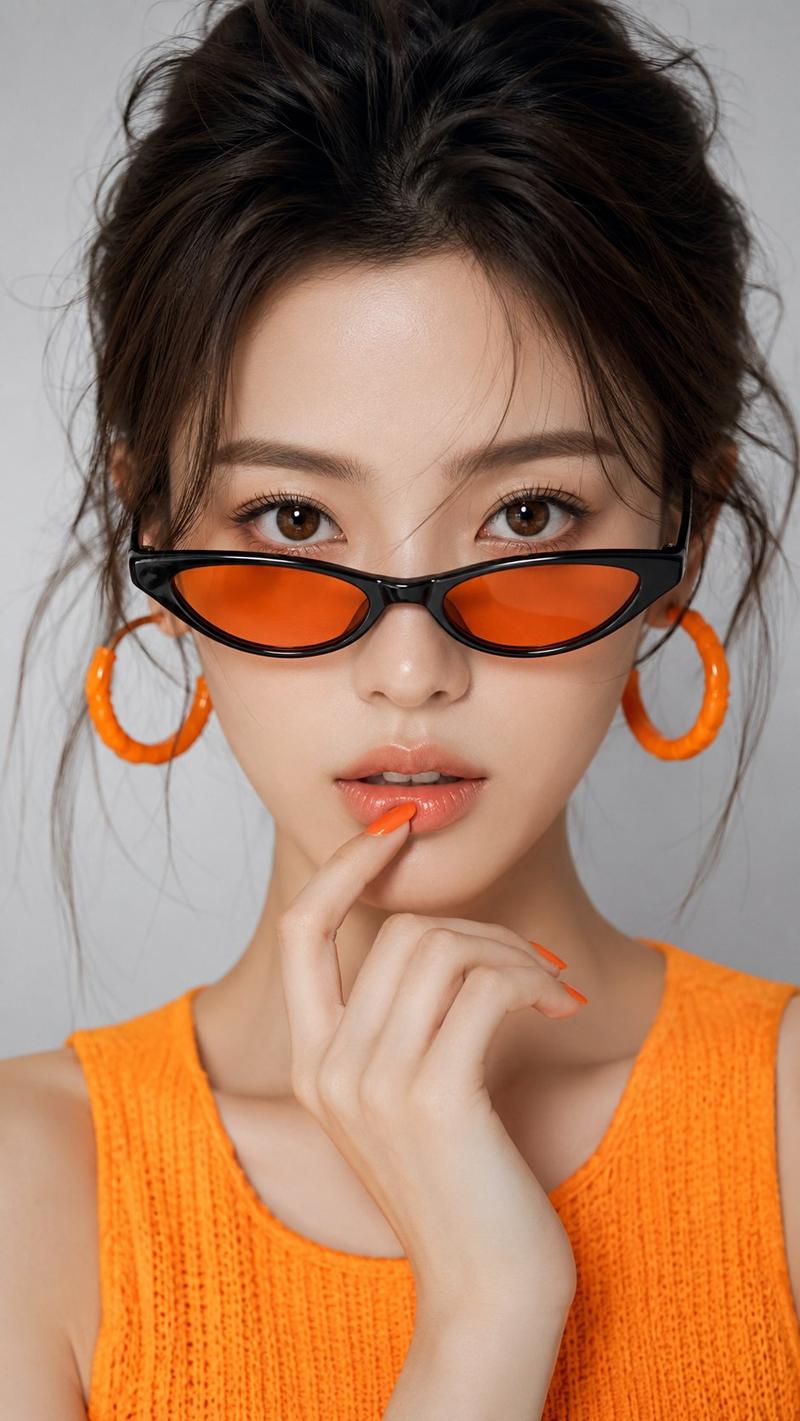
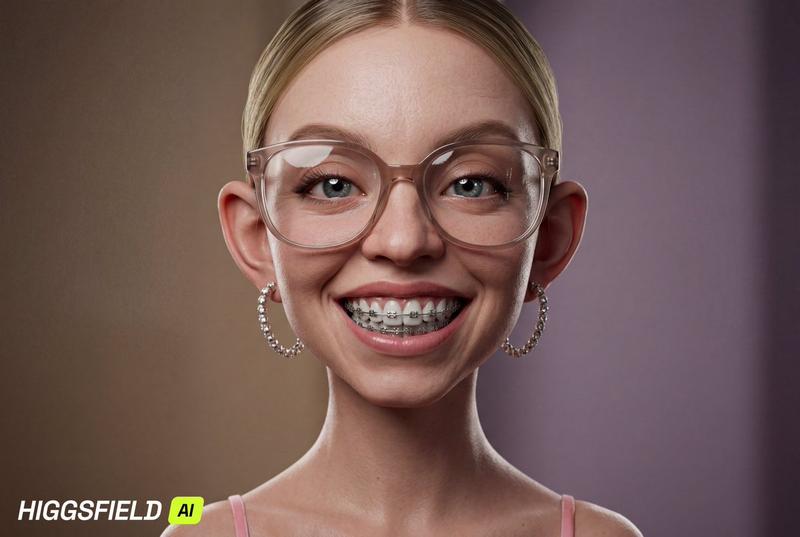
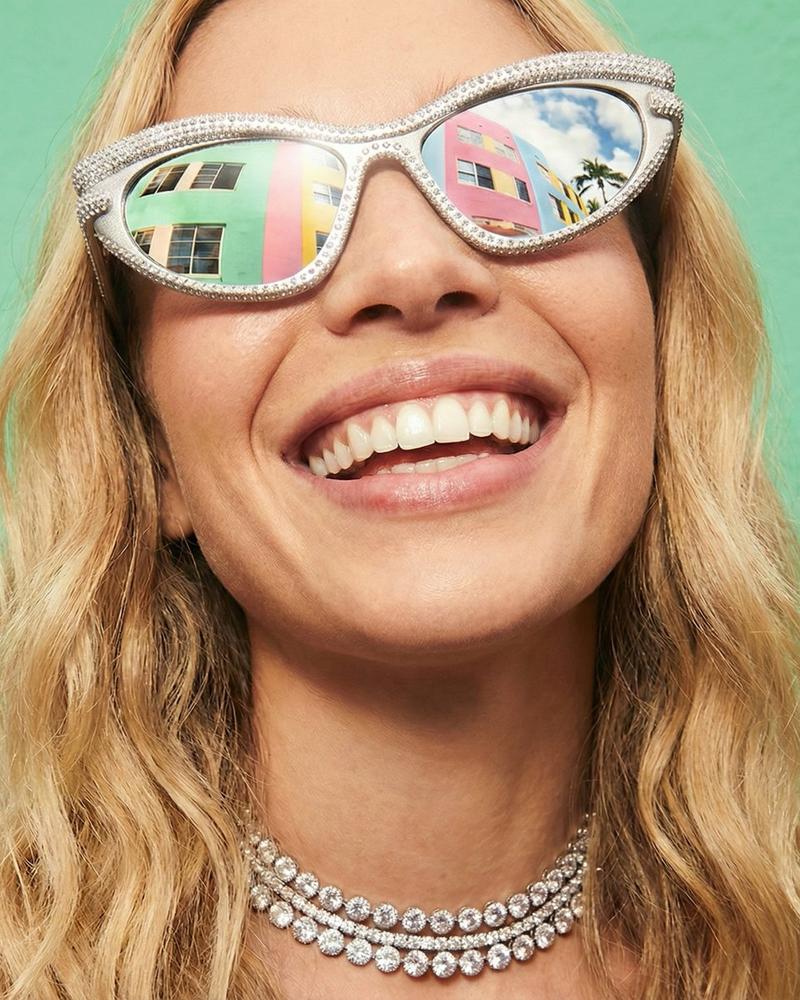
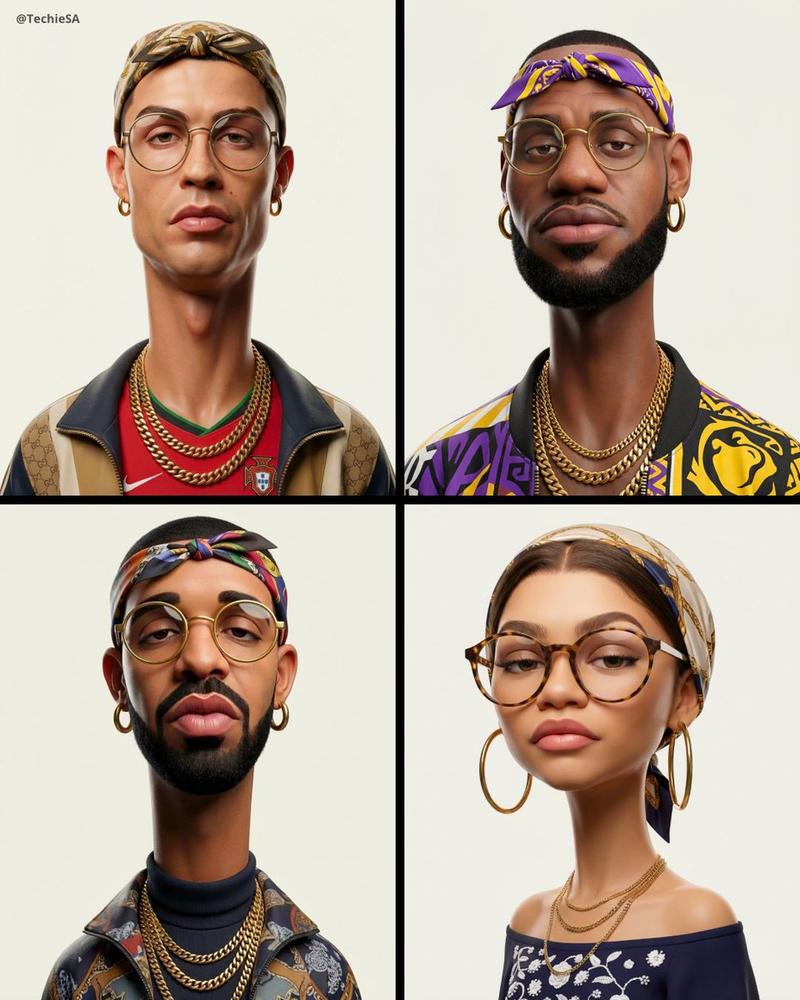
Hyper-stylized dynamic 3D floating head portrait of the attached reference image, perfectly centered, upright, symmetrical, filling 80% of the 4:5 frame. No neck. No shoulder edges. Clean cut-out. Subject floating in white space.Predominantly white background enhanced with subtle tonal gradients and soft volumetric glow. A thin luminous neon halo ring glows behind the head, slightly diffused but clean and circular.

Facial features match reference photo precisely. Expression: confident, dominant smirk with focused eye contact. Diamond-studded braces sparkle under sharp lighting.

Sleek silver sports sunglasses reflect digital stadium lights and neon streaks. Chrome stud earrings and polished silver chain subtly visible.

Official lakers shirt strictly front view chest logo and sponsor visible only.

Lighting combines bright frontal fill with strong rim lights. Subtle neon reflections trace along jawline edges. Micro lens flares appear at high-intensity highlights.

White-on-white energy with controlled neon accents. Futuristic champion aura. Glossy skin, exaggerated reflections, cinematic intensity.

Aspect ratio 4:5.
Category
Photography & Realism
Model
GPT Image 2
Views0
Source ID
2026207647968743551
Published
Feb 24, 2026

Guide

About "Logo design: GPT Image 2 prompt"

What is this prompt for?

"Logo design: GPT Image 2 prompt" AI image prompt for GPT Image 2 (Photography & Realism). Hyper-stylized dynamic 3D floating head portrait of the attached ref…

The full copyable prompt and example visuals above are ready for AI image generation or one-click recreate in Picva.

How to use this prompt

  1. Step 1

    Open the prompt detail

    Review the example visuals, category, and full prompt text for "Logo design: GPT Image 2 prompt".

  2. Step 2

    Copy the prompt

    Copy the prompt body from this page, or load it directly in Studio.

  3. Step 3

    Pick a model (GPT Image 2)

    Prefer GPT Image 2. If you switch models, keep subject and composition and tweak style terms.

  4. Step 4

    Generate and export

    Recreate the look in Picva, or export into your workflow for editing and publishing.

FAQ

What is the "Logo design: GPT Image 2 prompt" prompt?
It is an AI image-generation prompt for GPT Image 2 in the Photography & Realism category. This page includes the full prompt text, example visuals, and a one-click recreate path in Picva.
How do I use this prompt to generate an image?
Copy the prompt from this page, or use Generate / Studio. Paste it into a compatible image model, or recreate the look in Picva with optional reference images.
Which model is this prompt for?
This page lists GPT Image 2. Most descriptive prompts also transfer to nearby image models such as GPT Image, Flux, or Midjourney with light style tweaks.
Can I use the result commercially?
You can usually copy the prompt for creation, but commercial use of the final image depends on the model terms, reference-image rights, and the generated content. Follow the source author and platform rules.