20

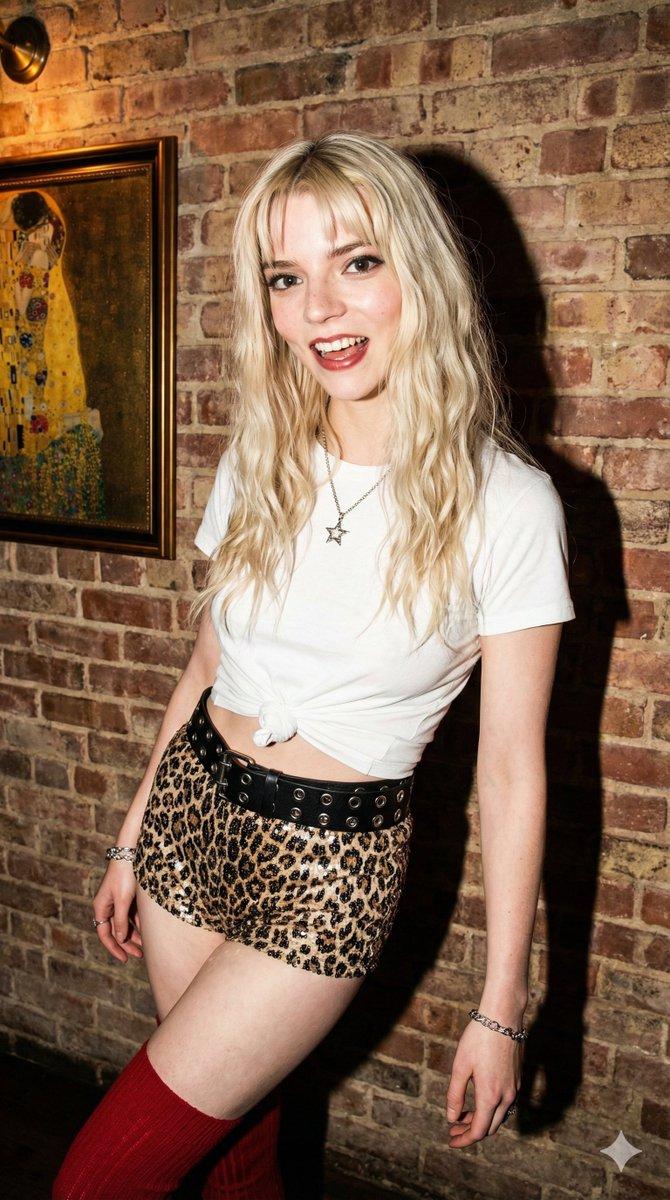
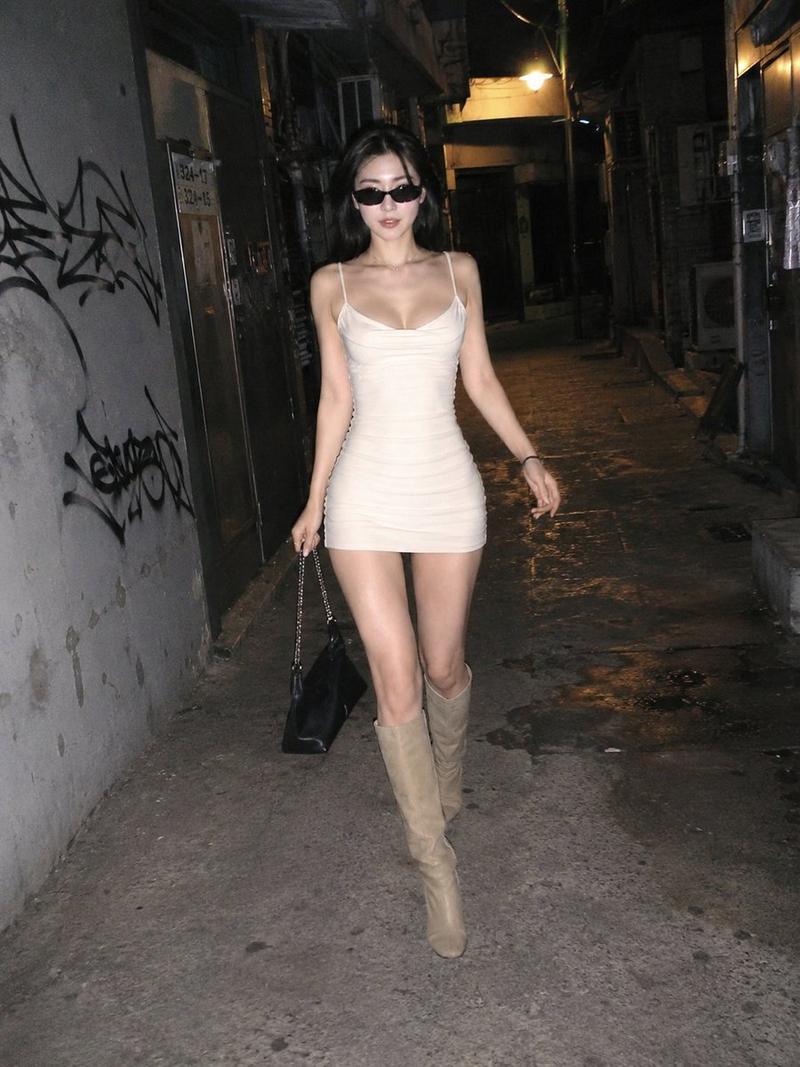
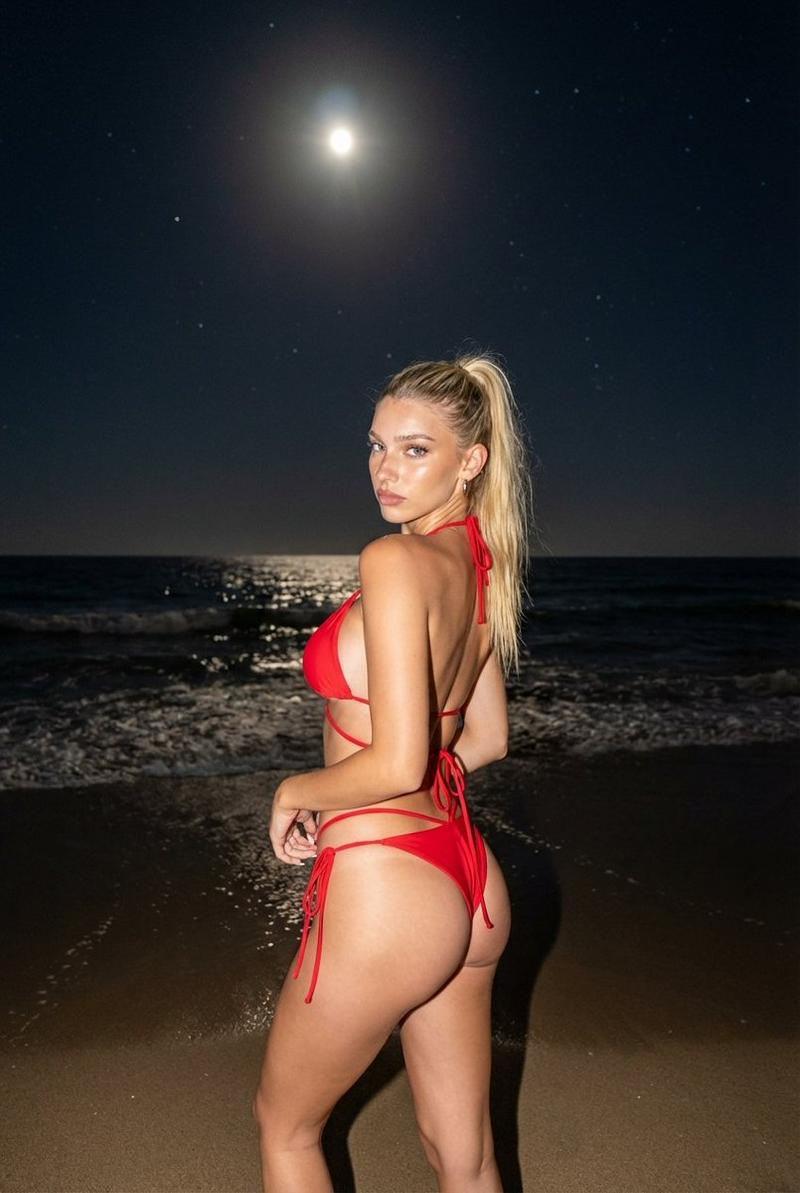
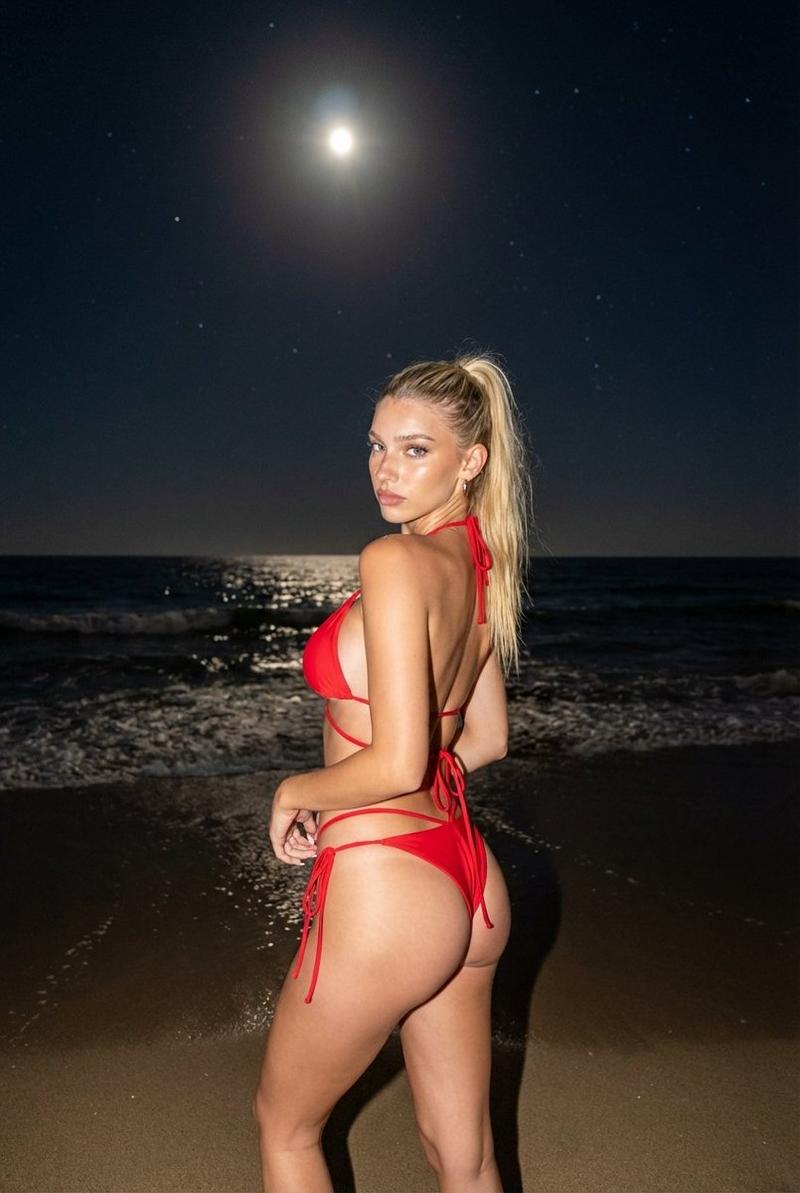
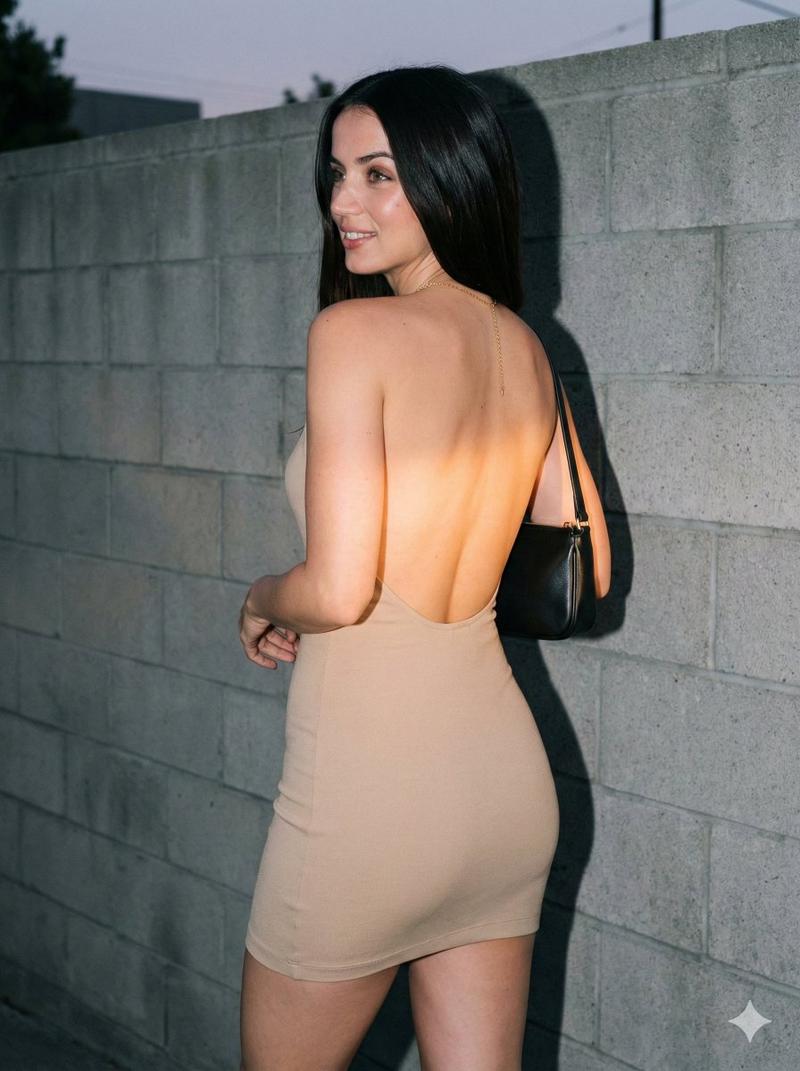
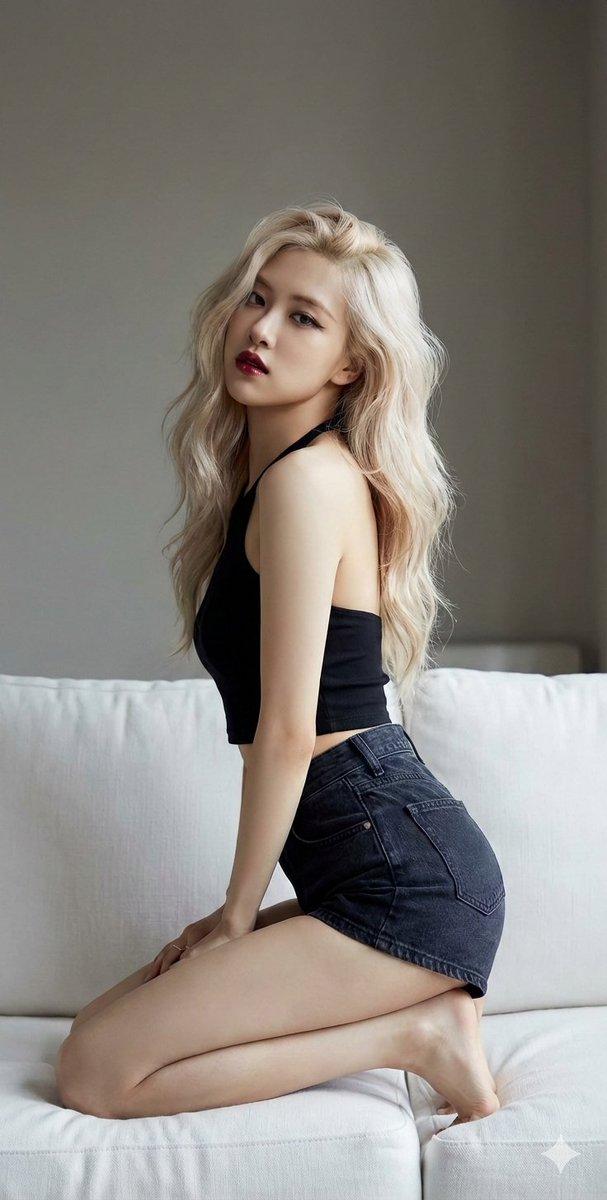
iPhone flash alley portrait: GPT Image 2 prompt
Enlarge

iPhone flash alley portrait: GPT Image 2 prompt

Prompt
{
 "meta": {
 "camera": "iPhone 17 Pro",
 "lens": "48mm",
 "aspect_ratio": "2:3",
 "style": "harsh iphone flash nightlife candid",
 "quality": "ultra photorealistic",
 "color_science": "deep contrast, warm streetlights, cool shadow separation"
 },

 "character_lock": {
 "ethnicity": "Asian (Korean/Japanese mix)",
 "face": "sharp jawline, glossy lips, intense dark brown eyes",
 "body": "slim thick, tight waist, round hips, toned thighs",
 "hair": "jet black high ponytail, slightly loosened from night out"
 },

 "scene": {
 "location": "back alley behind nightclub",
 "time": "2:11 AM",
 "lighting_temperature": "warm sodium streetlight 2900K + direct iphone flash"
 },

 "composition": {
 "angle": "slightly low, shot quickly mid-walk",
 "framing": "three-quarter body, slight crop at knees",
 "imperfections": [
 "flash hotspot on legs",
 "hard shadow on brick wall",
 "minor motion blur from movement"
 ]
 },

 "subject": {
 "pose": "turning over shoulder while walking away",
 "expression": "slow dangerous smirk, half-lidded eyes",
 "outfit": {
 "top": "black latex halter top, glossy, tight tension across chest",
 "bottom": "low-rise dark denim micro shorts with raw hem",
 "shoes": "strappy black heels"
 },
 "details": "tiny sweat glow on collarbones, waist chain catching flash"
 },

 "photography": {
 "flash": "strong direct flash, blown highlights intentional",
 "grain": "visible night grain",
 "handheld_realism": true
 }
}
Category
Photography & Realism
Model
GPT Image 2
Creator
babydoll
Views1
Source ID
2033184442068697589
Published
Mar 15, 2026

Guide

About "iPhone flash alley portrait: GPT Image 2 prompt"

What is this prompt for?

"iPhone flash alley portrait: GPT Image 2 prompt" AI image prompt for GPT Image 2 (Photography & Realism). { "meta": { "camera": "iPhone 17 Pro", "lens": "48mm…

The full copyable prompt and example visuals above are ready for AI image generation or one-click recreate in Picva.

How to use this prompt

  1. Step 1

    Open the prompt detail

    Review the example visuals, category, and full prompt text for "iPhone flash alley portrait: GPT Image 2 prompt".

  2. Step 2

    Copy the prompt

    Copy the prompt body from this page, or load it directly in Studio.

  3. Step 3

    Pick a model (GPT Image 2)

    Prefer GPT Image 2. If you switch models, keep subject and composition and tweak style terms.

  4. Step 4

    Generate and export

    Recreate the look in Picva, or export into your workflow for editing and publishing.

FAQ

What is the "iPhone flash alley portrait: GPT Image 2 prompt" prompt?
It is an AI image-generation prompt for GPT Image 2 in the Photography & Realism category. This page includes the full prompt text, example visuals, and a one-click recreate path in Picva.
How do I use this prompt to generate an image?
Copy the prompt from this page, or use Generate / Studio. Paste it into a compatible image model, or recreate the look in Picva with optional reference images.
Which model is this prompt for?
This page lists GPT Image 2. Most descriptive prompts also transfer to nearby image models such as GPT Image, Flux, or Midjourney with light style tweaks.
Can I use the result commercially?
You can usually copy the prompt for creation, but commercial use of the final image depends on the model terms, reference-image rights, and the generated content. Follow the source author and platform rules.