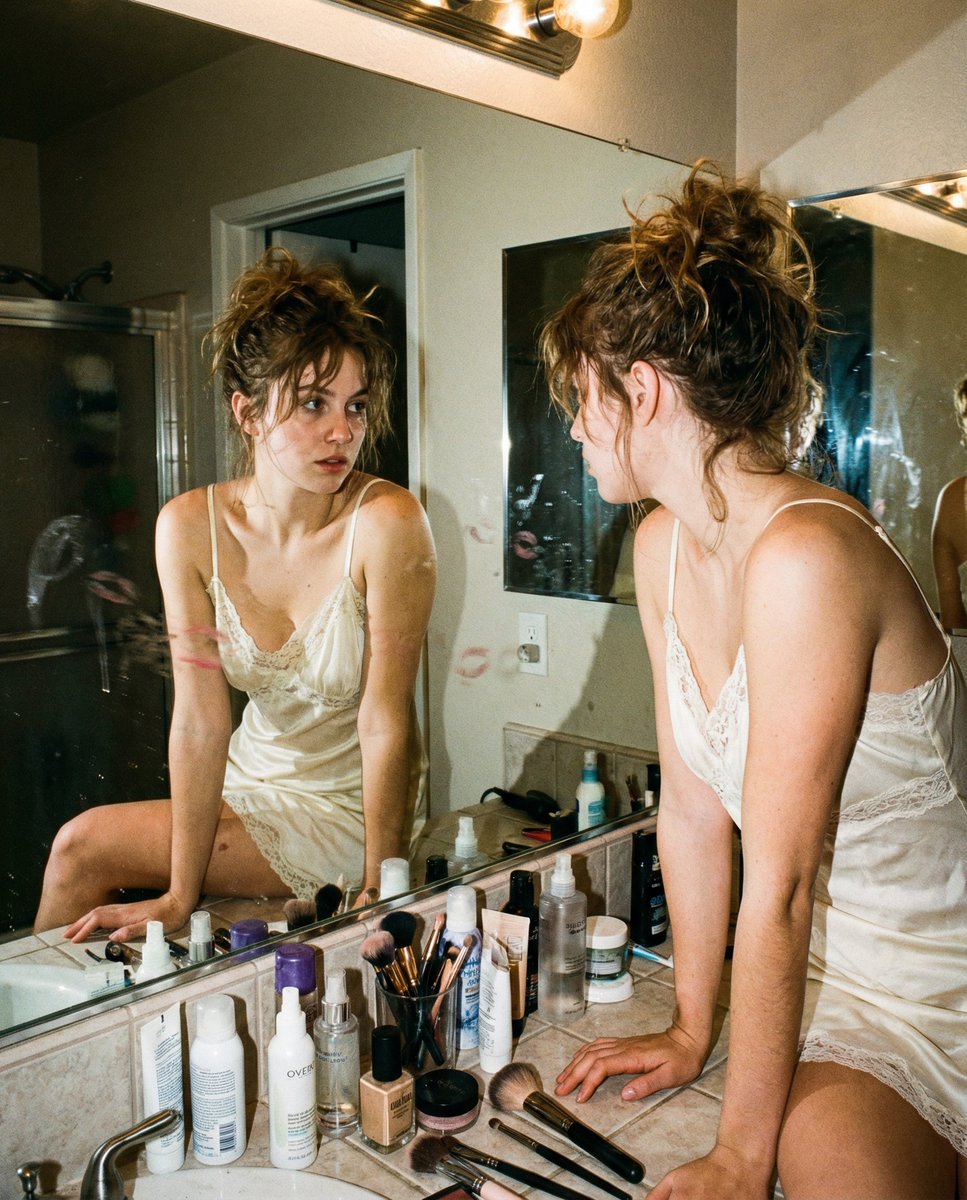
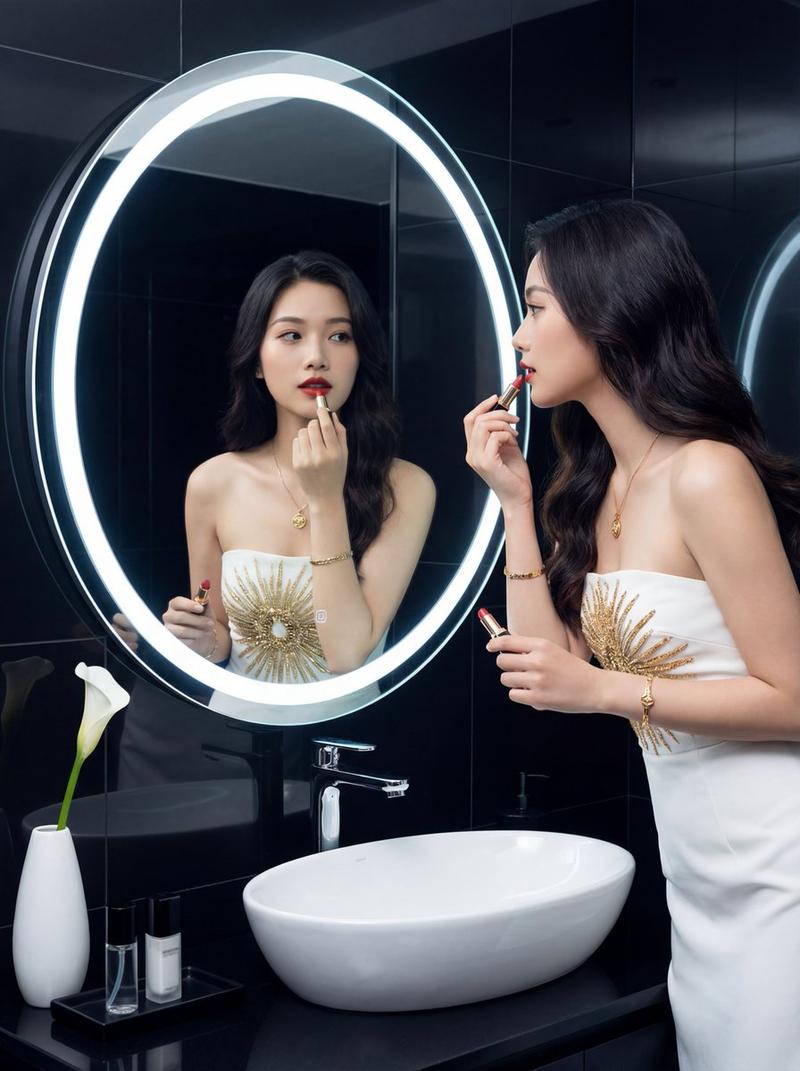
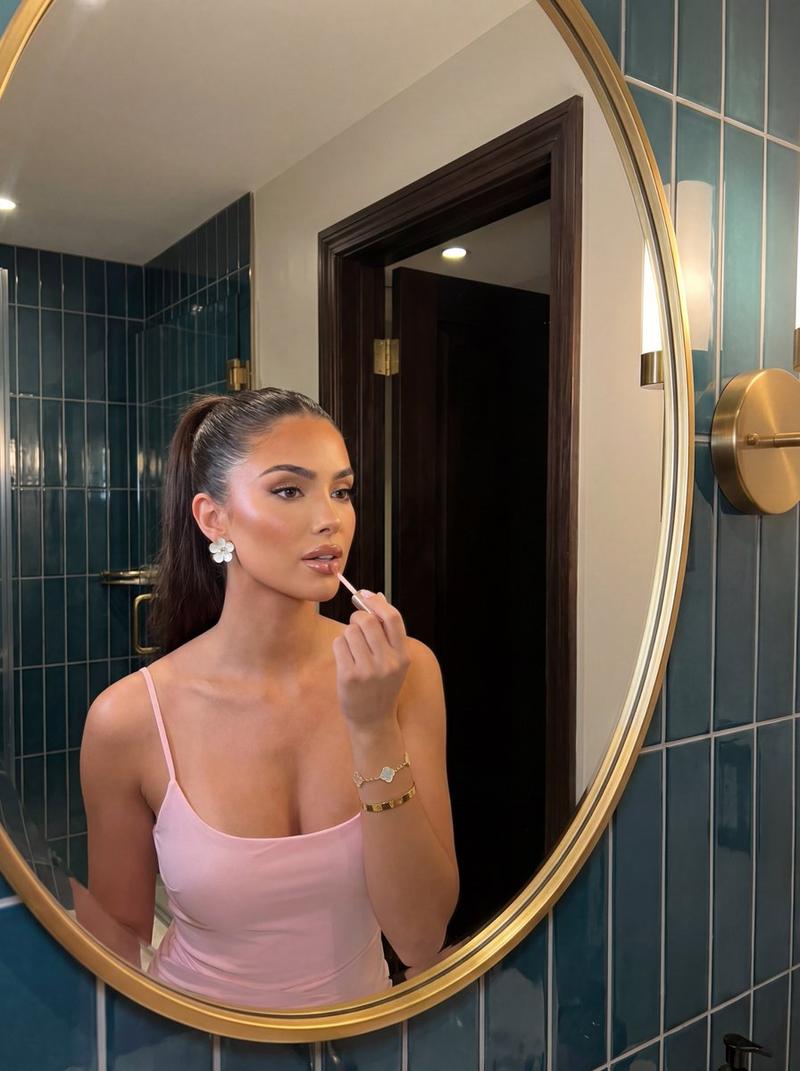
Photorealistic woman portrait: GPT Image 2 prompt
Prompt
{
 "scene": {
 "setting": "modern bathroom vanity",
 "background": "large mirror with warm-toned walls, marble countertop, built-in sink, soft ambient lighting from ceiling fixtures, minimal decor including skincare items and tissue box",
 "lighting": "warm indoor lighting with soft highlights and gentle shadows, evenly diffused across subject and reflection"
 },
 "subject": {
 "type": "female",
 "pose": "seated on bathroom counter with legs crossed at the knee, torso slightly turned toward mirror, one hand holding makeup applicator near lips, the other resting on lap",
 "expression": "focused yet soft expression while applying makeup, slightly upward gaze toward mirror reflection",
 "face": "Use uploaded reference image, keep identity exact, natural facial proportions, realistic skin texture with subtle imperfections",
 "hair": "Use uploaded reference image, keep identity exact, medium-length straight hair with natural flow and texture, use reference image hair color",
 "eyes": "Use uploaded reference image, keep identity exact, natural eye color with indoor reflections",
 "skin": "natural skin tone with warm lighting highlights, realistic texture with subtle imperfections",
 "body": "natural proportions maintained"
 },
 "clothing": {
 "outfit": "black satin mini dress with thin straps and open back detailing, smooth reflective fabric",
 "footwear": "black high-heeled sandals with ankle straps",
 "accessories": "minimal jewelry, makeup applicator in hand"
 },
 "environment_details": {
 "props": "mirror, marble countertop, sink fixtures, skincare items, tissue box",
 "textures": "smooth marble surface, satin dress sheen, glossy mirror reflection, matte walls"
 },
 "camera": {
 "angle": "slightly angled side view capturing both subject and mirror reflection",
 "framing": "medium full-body shot with reflection included",
 "focus": "sharp focus on subject and mirror reflection",
 "lens": "standard lens with natural perspective"
 },
 "style": {
 "realism": "ultra realistic lifestyle photography",
 "color_tone": "warm indoor tones with soft contrast",
 "effects": "natural lighting enhancement, realistic reflections, no beautification",
 "details": "high detail textures, natural imperfections preserved, clean modern aesthetic"
 }
}- Category
- Photography & Realism
- Model
- GPT Image 2
- Creator
- glena Jenner
- Source ID
- 2043449707314487616
- Published
- Apr 12, 2026
Views1