18

Glitch monochrome side-profile portrait: GPT Image 2 prompt
Enlarge

Example images

Glitch monochrome side-profile portrait: GPT Image 2 prompt

Prompt
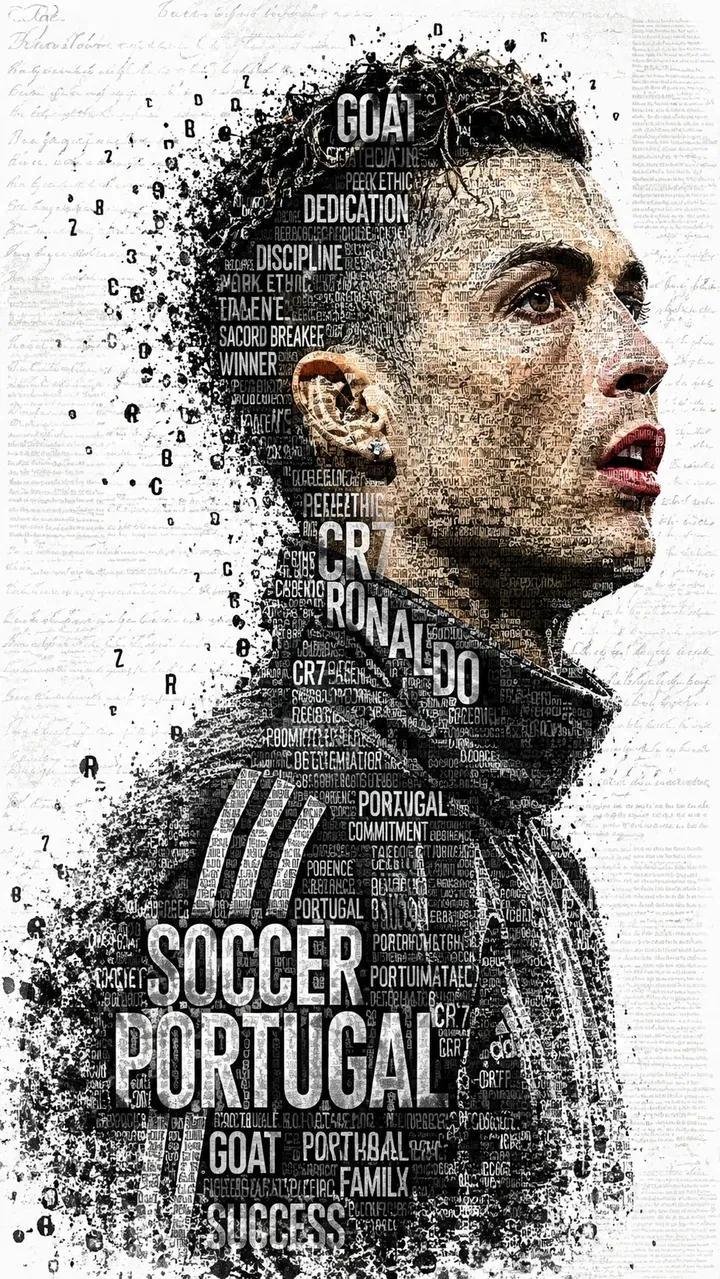
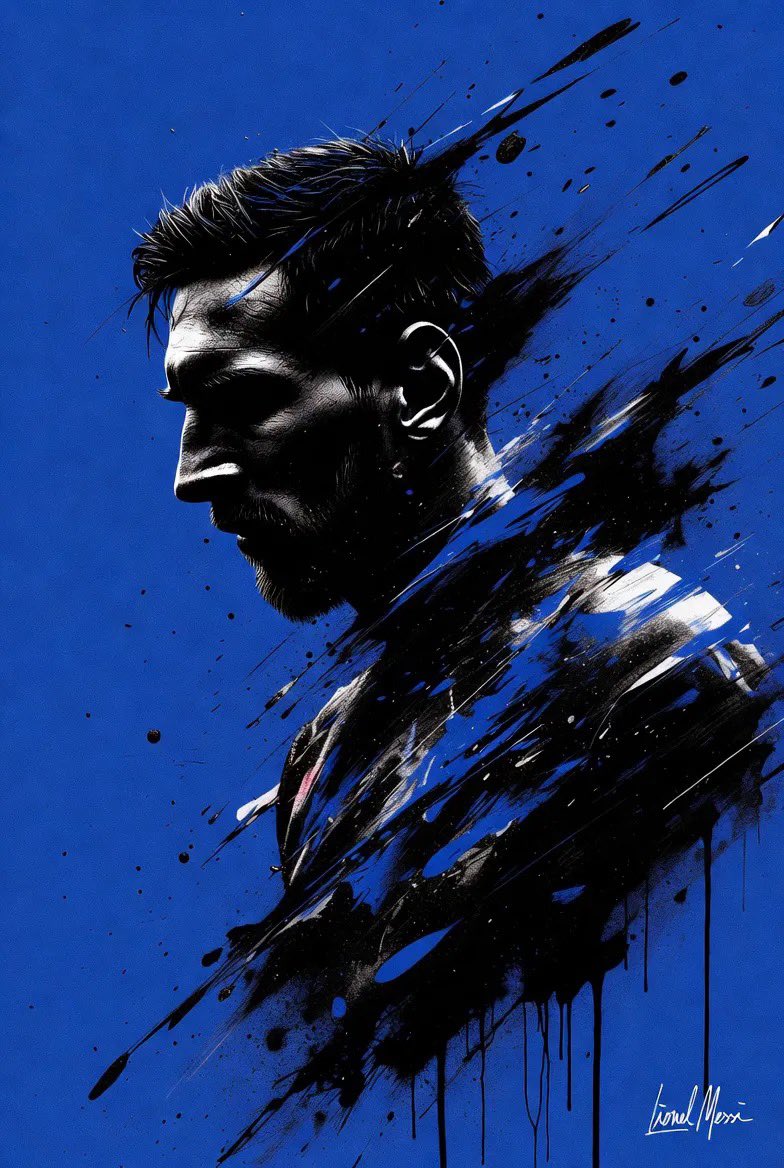
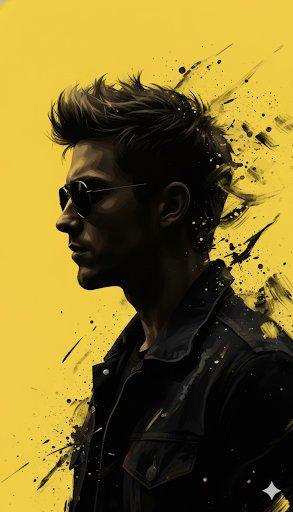
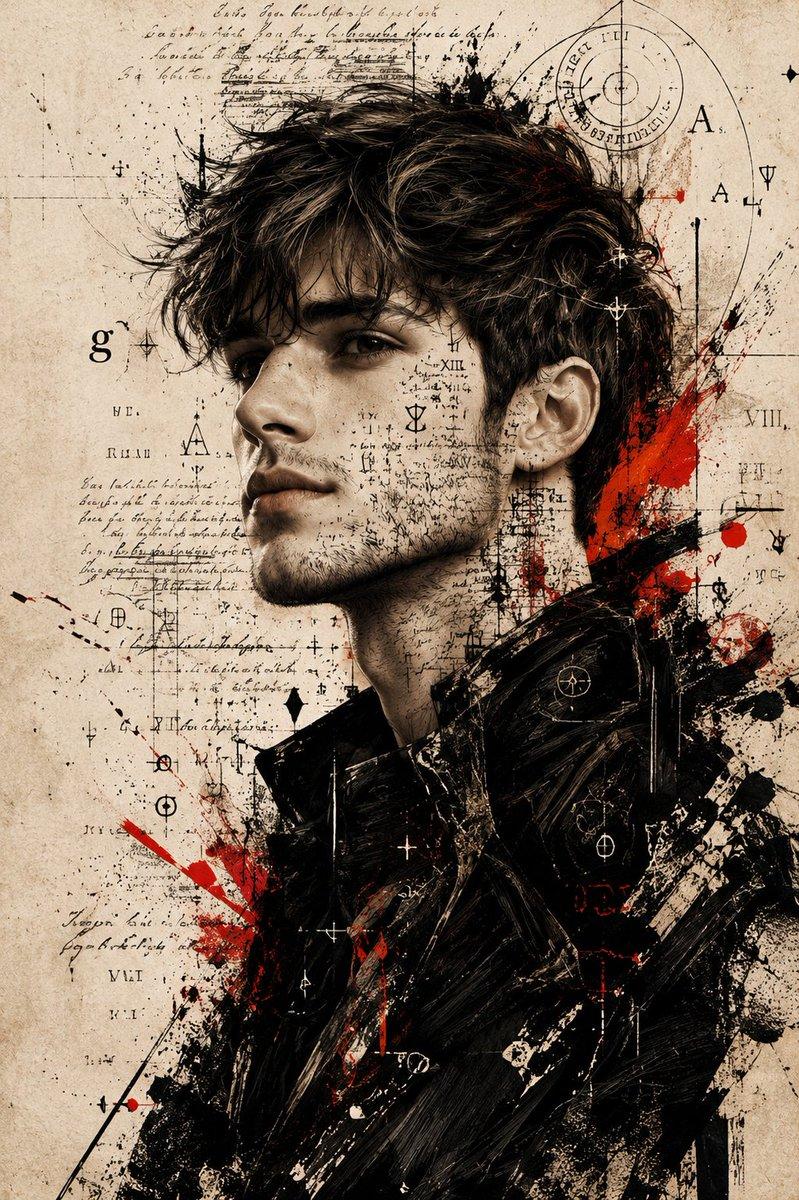
Subject: A sharp, high-contrast side-profile portrait of a handsome man with a defined jawline, short stubble, and voluminous, textured dark hair styled upwards.

Style & Composition: A fusion of realistic photography and abstract digital glitch art. The subject is rendered in stark black and white, set against a clean, minimalist white background.

Color Palette: Strictly monochromatic (deep blacks and bright whites) with aggressive, vibrant splashes of crimson red.

Graphic Elements: > * Glitch Effect: The back of the head and the lower torso dissolve into abstract geometric shards, pixel sorting, and "glitchy" red brushstrokes.

Texture: Gritty, ink-wash textures and distressed digital overlays that suggest a modern noir or cyberpunk editorial feel.

Lighting & Technicals: > * Lighting: Intense side-lighting (Chiaroscuro) creating deep shadows on the face to highlight bone structure.

Details: Hyper-realistic skin texture, individual hair strands visible, high-grain film aesthetic.

Framing: Vertical aspect ratio, close-up profile shot.

Aspect ratio is 9:16
Category
Photography & Realism
Model
GPT Image 2
Views1
Source ID
2049733639651385759
Published
Apr 30, 2026

Guide

About "Glitch monochrome side-profile portrait: GPT Image 2 prompt"

What is this prompt for?

"Glitch monochrome side-profile portrait: GPT Image 2 prompt" AI image prompt for GPT Image 2 (Photography & Realism). Subject: A sharp, high-contrast side-pro…

The full copyable prompt and example visuals above are ready for AI image generation or one-click recreate in Picva.

How to use this prompt

  1. Step 1

    Open the prompt detail

    Review the example visuals, category, and full prompt text for "Glitch monochrome side-profile portrait: GPT Image 2 prompt".

  2. Step 2

    Copy the prompt

    Copy the prompt body from this page, or load it directly in Studio.

  3. Step 3

    Pick a model (GPT Image 2)

    Prefer GPT Image 2. If you switch models, keep subject and composition and tweak style terms.

  4. Step 4

    Generate and export

    Recreate the look in Picva, or export into your workflow for editing and publishing.

FAQ

What is the "Glitch monochrome side-profile portrait: GPT Image 2 prompt" prompt?
It is an AI image-generation prompt for GPT Image 2 in the Photography & Realism category. This page includes the full prompt text, example visuals, and a one-click recreate path in Picva.
How do I use this prompt to generate an image?
Copy the prompt from this page, or use Generate / Studio. Paste it into a compatible image model, or recreate the look in Picva with optional reference images.
Which model is this prompt for?
This page lists GPT Image 2. Most descriptive prompts also transfer to nearby image models such as GPT Image, Flux, or Midjourney with light style tweaks.
Can I use the result commercially?
You can usually copy the prompt for creation, but commercial use of the final image depends on the model terms, reference-image rights, and the generated content. Follow the source author and platform rules.