19

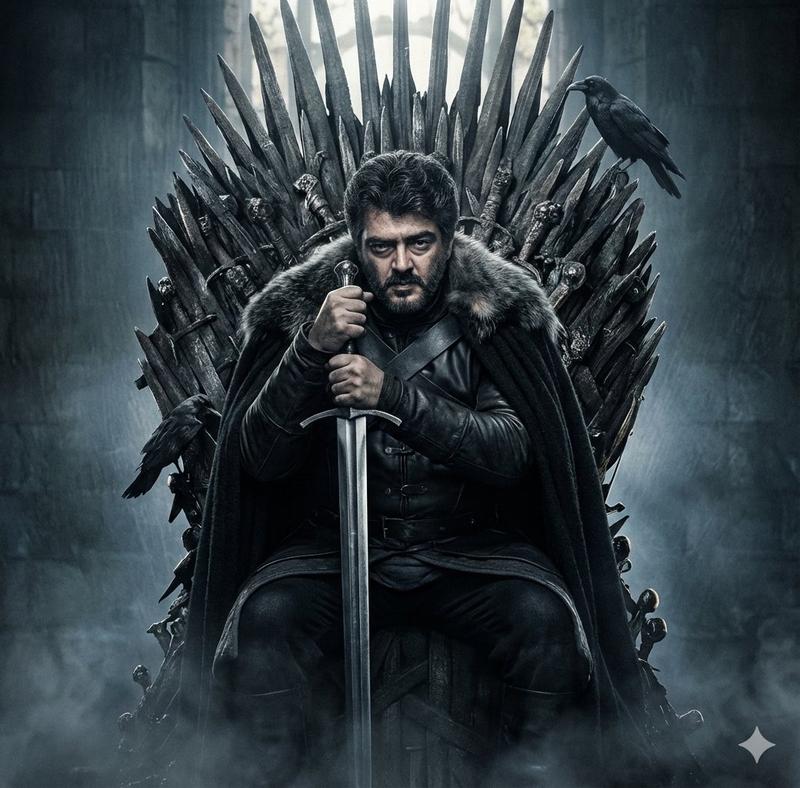
Obsidian throne cathedral portrait: GPT Image 2 prompt
Enlarge

Example images

Obsidian throne cathedral portrait: GPT Image 2 prompt

Prompt
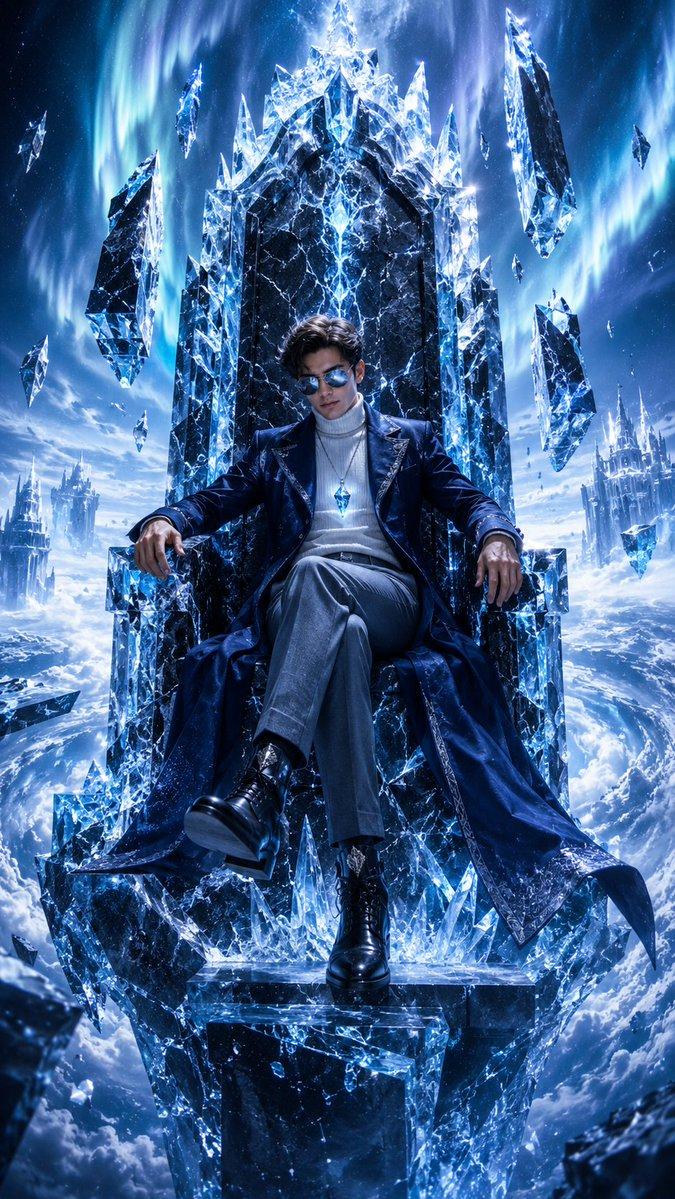
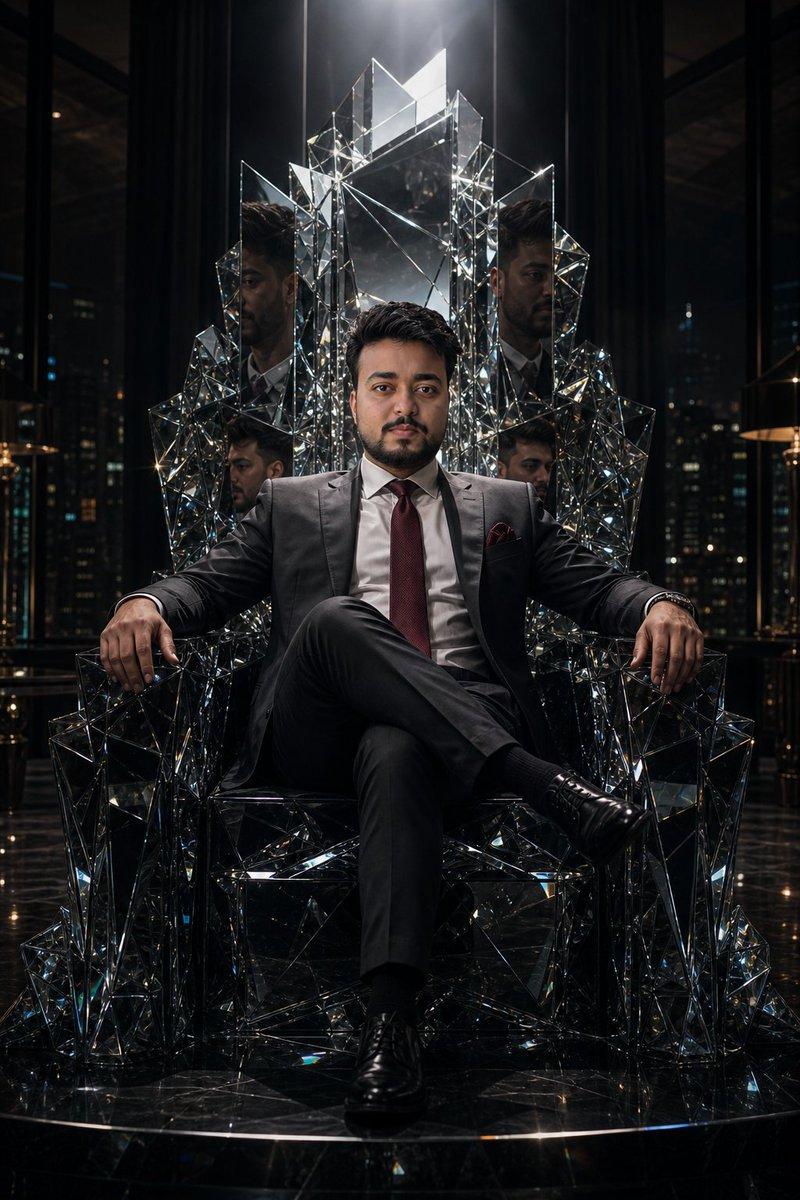
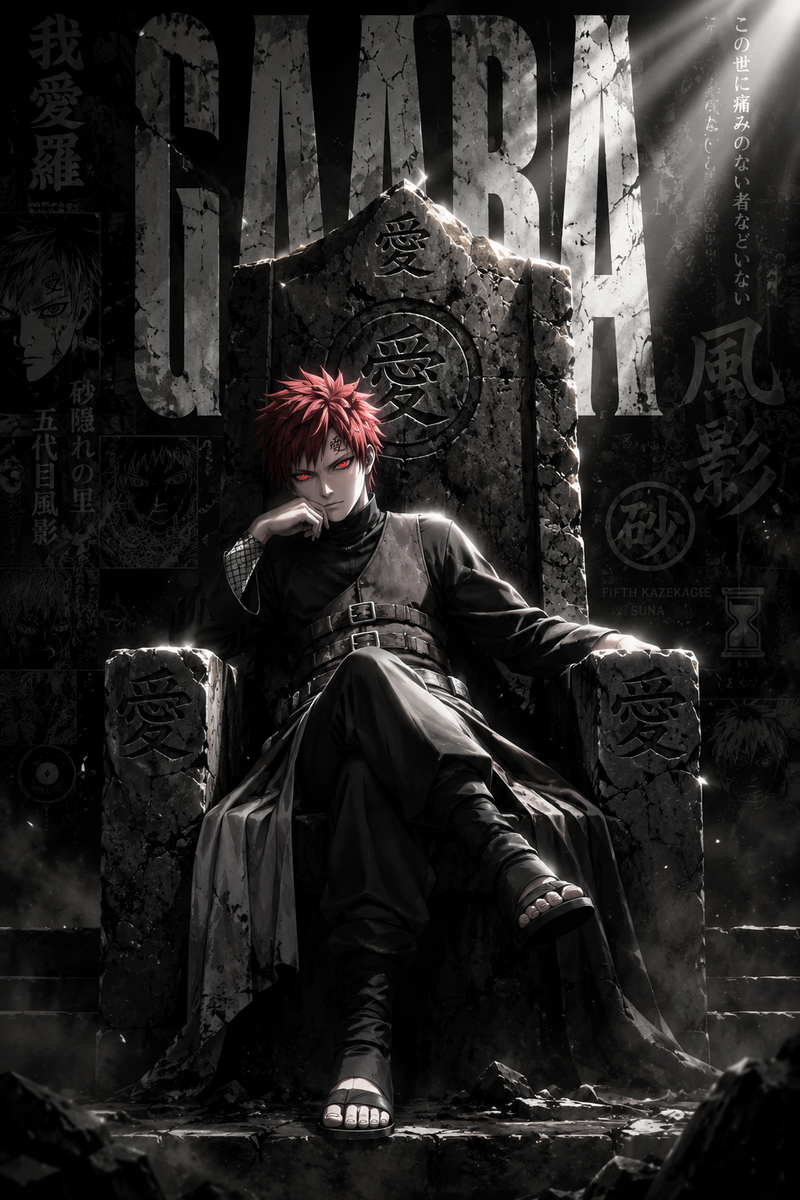
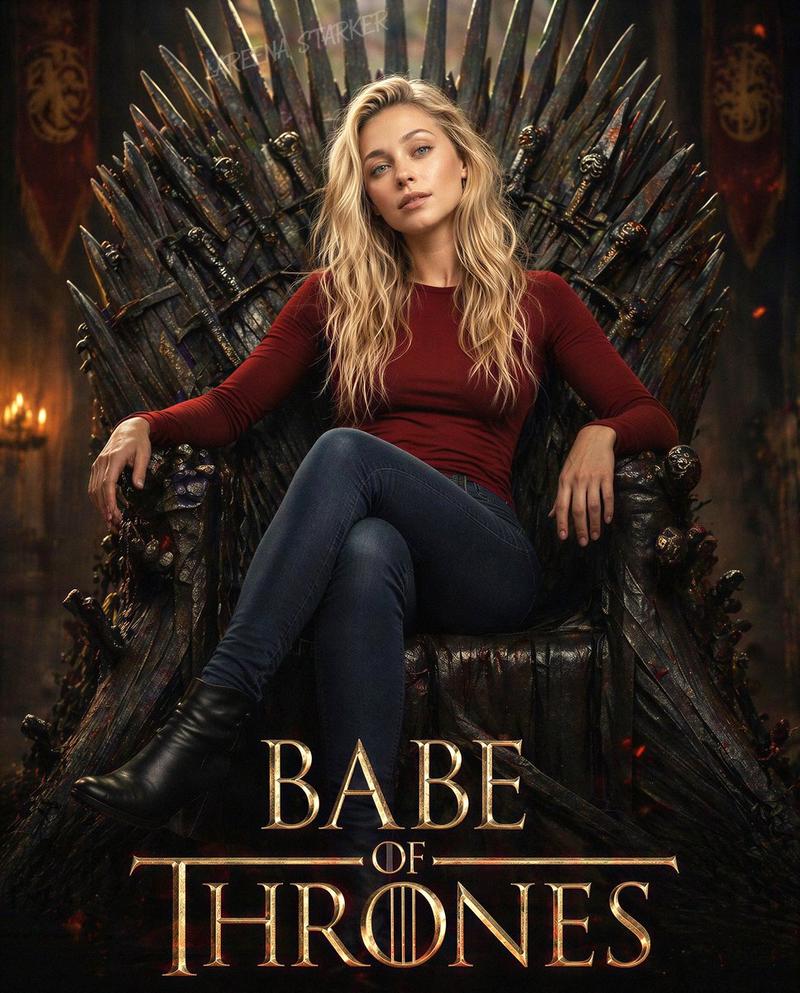
An American white man with sharp jawline and defined facial features sits on a cracked obsidian throne in an abandoned cathedral, single divine beam of light cutting down from a shattered ceiling above him, his charcoal three-piece suit immaculate, both hands interlaced with calm authority, while translucent smoke morphs into ghostly hands and faces swirling around him like forgotten souls — the entire atmosphere drenched in deep navy and silver tones, Vertical 9:13 format. Ultra photorealistic, 8K, no text overlays, cinematic color grading.
Category
Photography & Realism
Model
GPT Image 2
Creator
Ozair AI
Views0
Source ID
2050871134959112387
Published
May 3, 2026

Guide

About "Obsidian throne cathedral portrait: GPT Image 2 prompt"

What is this prompt for?

"Obsidian throne cathedral portrait: GPT Image 2 prompt" AI image prompt for GPT Image 2 (Photography & Realism). An American white man with sharp jawline and…

The full copyable prompt and example visuals above are ready for AI image generation or one-click recreate in Picva.

How to use this prompt

  1. Step 1

    Open the prompt detail

    Review the example visuals, category, and full prompt text for "Obsidian throne cathedral portrait: GPT Image 2 prompt".

  2. Step 2

    Copy the prompt

    Copy the prompt body from this page, or load it directly in Studio.

  3. Step 3

    Pick a model (GPT Image 2)

    Prefer GPT Image 2. If you switch models, keep subject and composition and tweak style terms.

  4. Step 4

    Generate and export

    Recreate the look in Picva, or export into your workflow for editing and publishing.

FAQ

What is the "Obsidian throne cathedral portrait: GPT Image 2 prompt" prompt?
It is an AI image-generation prompt for GPT Image 2 in the Photography & Realism category. This page includes the full prompt text, example visuals, and a one-click recreate path in Picva.
How do I use this prompt to generate an image?
Copy the prompt from this page, or use Generate / Studio. Paste it into a compatible image model, or recreate the look in Picva with optional reference images.
Which model is this prompt for?
This page lists GPT Image 2. Most descriptive prompts also transfer to nearby image models such as GPT Image, Flux, or Midjourney with light style tweaks.
Can I use the result commercially?
You can usually copy the prompt for creation, but commercial use of the final image depends on the model terms, reference-image rights, and the generated content. Follow the source author and platform rules.