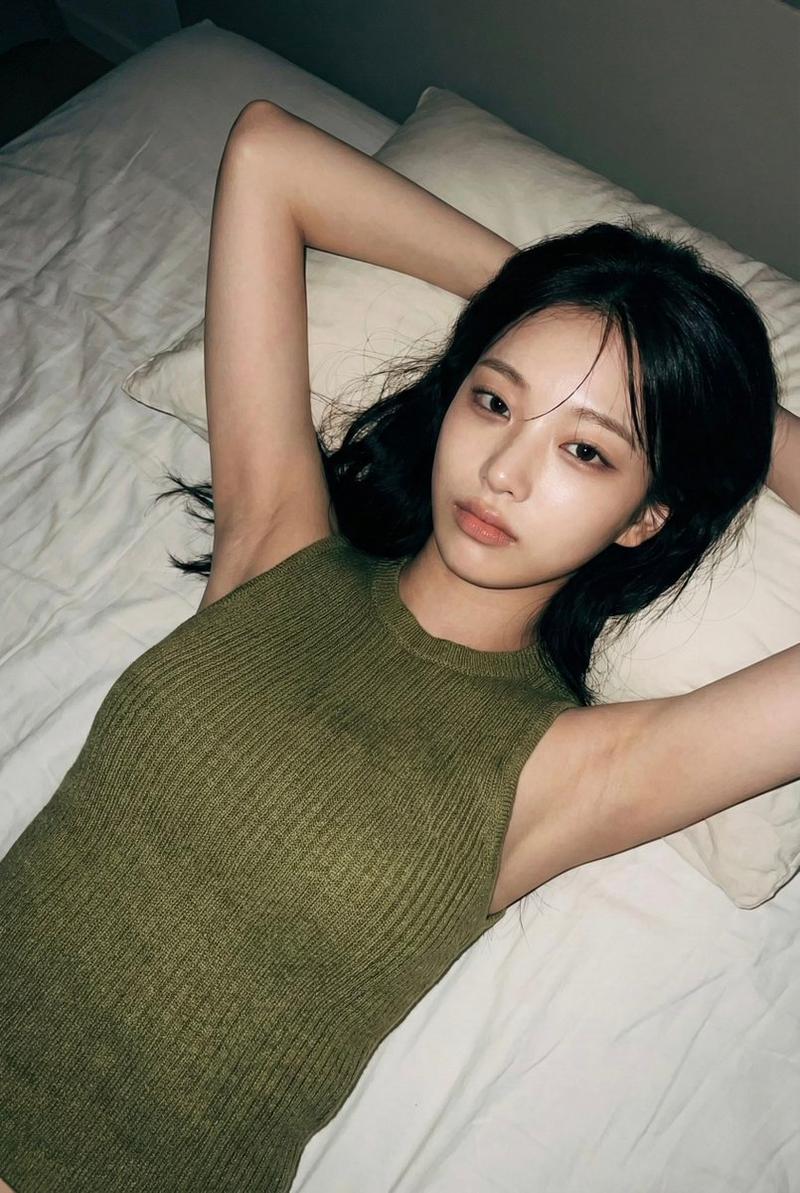
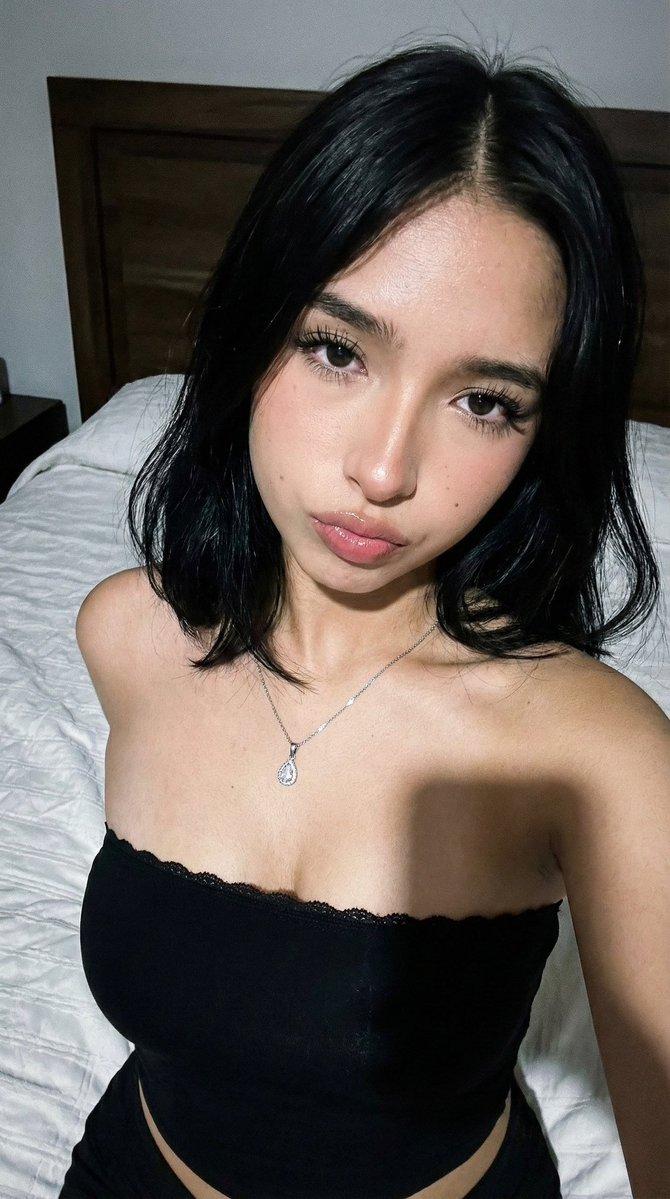
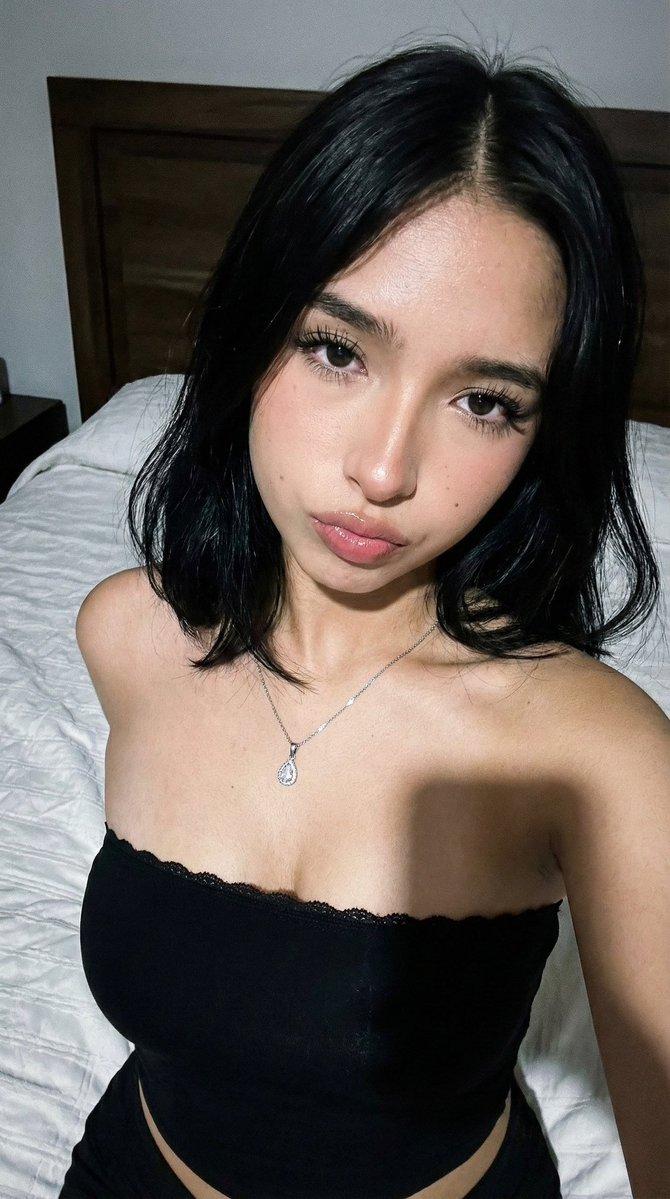
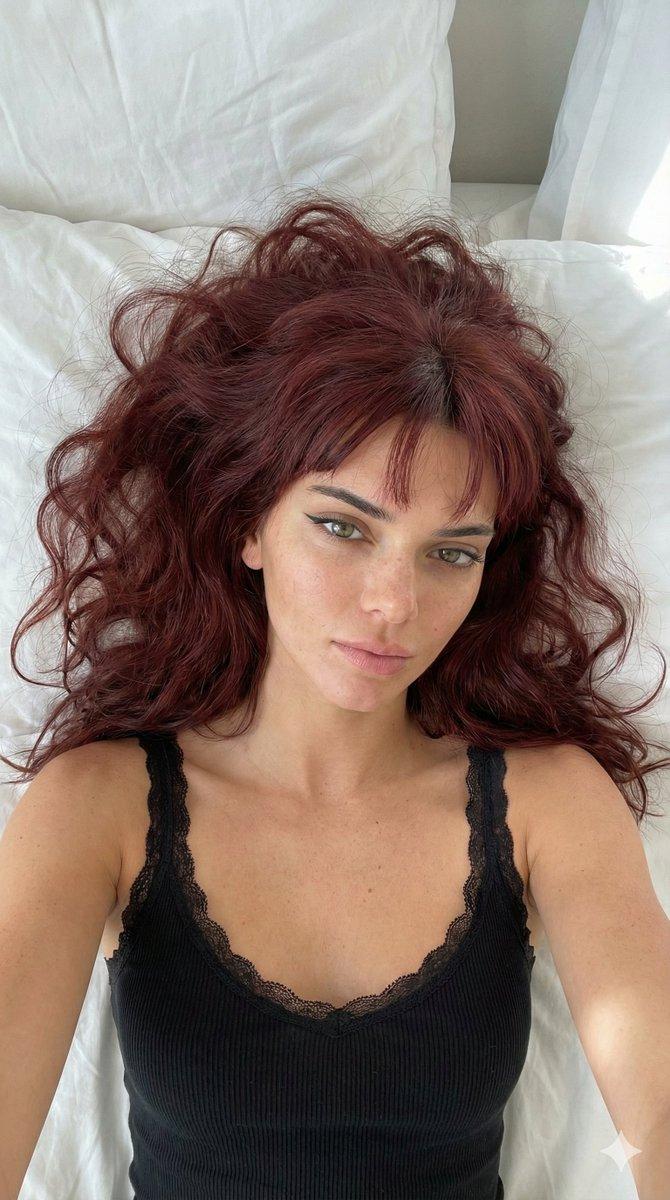
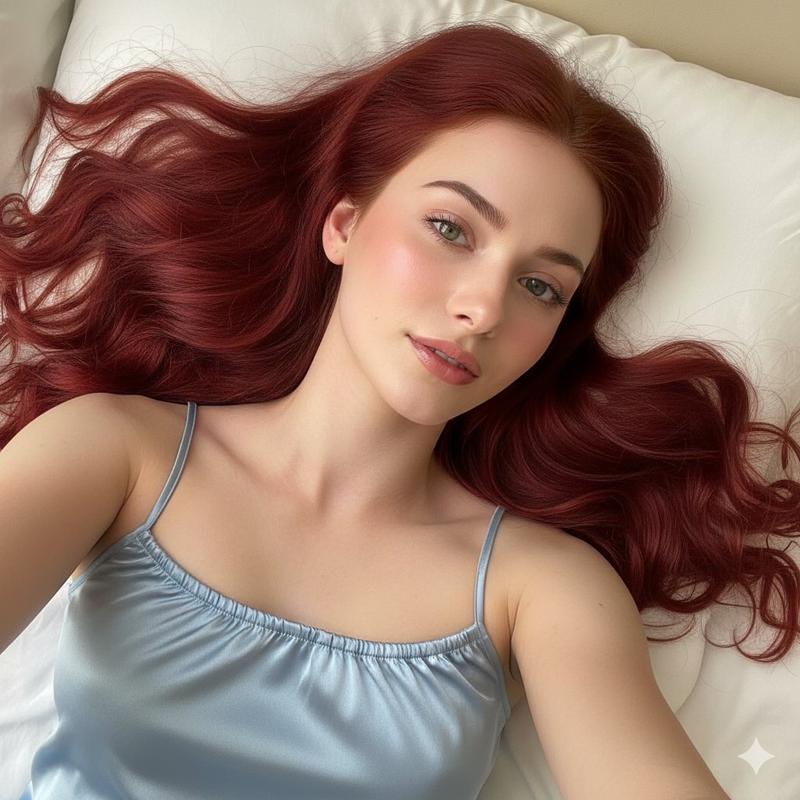
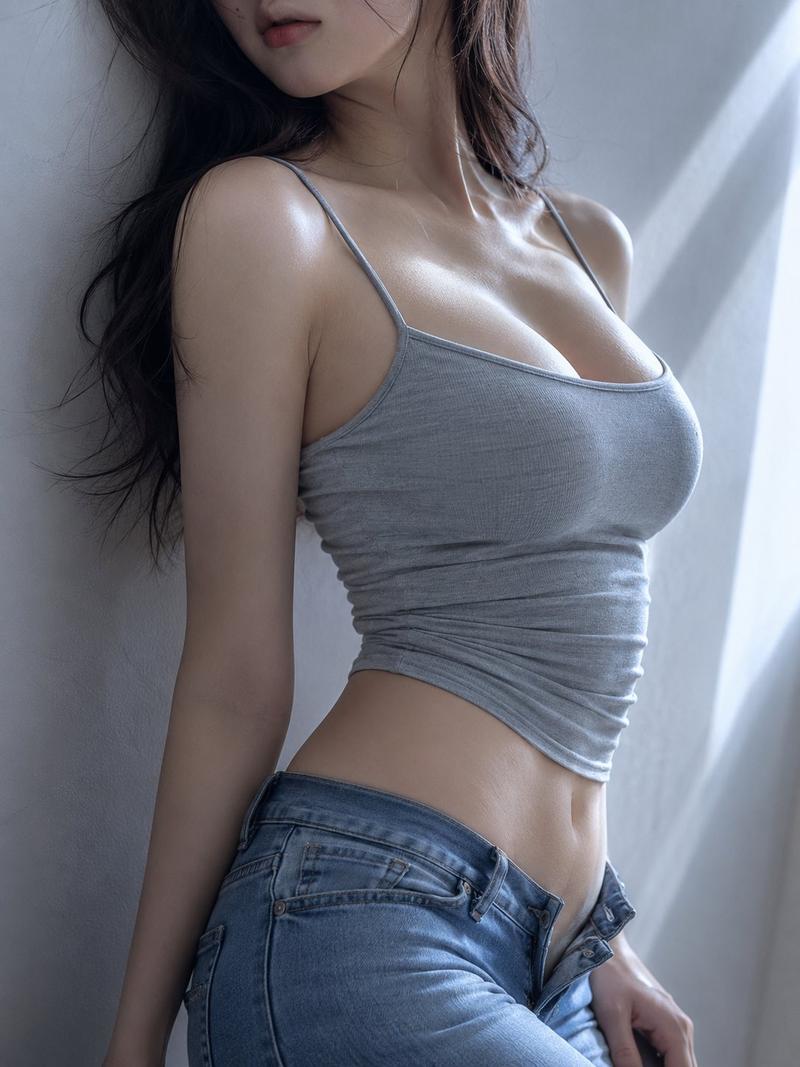
Overhead direct-flash bedroom editorial portrait: GPT Image 2 prompt
Prompt
Generate a [overhead direct-flash editorial portrait] style fashion portrait of an adult woman, with the aspect ratio of [aspect ratio].

Scene setting:
The subject lies on a clean [bed surface type], shot from directly overhead or a slightly tilted overhead angle. The face is clearly centered, the body extends naturally, and the sheets and pillow form large negative space. Overall mood: a real, restrained, intimate bedroom flash photography feel.

Character setting:
An adult woman with distinctive recognizable features, naturally refined facial structure but not a generic influencer face. Hair style: [hair style]. Hair color: [hair color]. Makeup: [makeup style]. The gaze should carry [emotion keyword] — e.g. needing protection, slight surprise, faint anticipation, quietness, fragility, alertness, or half-dazed — without exaggerated performative expression. Preserve realistic skin texture, no over-smoothing.

Wardrobe setting:
Clothing is [garment type]: it can be a midriff-baring top, off-shoulder, bandeau, lace-up top, cropped T-shirt, tank, knit top, or silk top — overall editorial fashion with a casual, lived-in feel. Pair with subtle metal jewelry, bracelets, rings, earrings — not stacked excessively.

Composition:
The subject is centered or slightly off-center. The face is the primary focal point; hands and the waist-to-abdomen line are secondary. Hair fans out naturally, forming linear texture. Clear subject, clean background, stable visual reading order.

Lighting and texture:
Strong phone-flash or direct camera-flash effect, with visible highlights, hard shadows, and authentic flash texture. Bedsheets, skin, and fabric show clear specular layering — like a real moment captured by a flash in a nighttime bedroom. Avoid soft-box studio look.

Color and atmosphere:
Main color palette: [main palette]. Overall low saturation, real, restrained, clean. Background is mostly white bedding, light gray shadows, and a few sheet wrinkles — avoid complex props or busy scenes. The vibe sits between bedroom flash editorial, overhead emotional portraiture, and a mild blend of Y2K and soft grunge.

Quality:
High-resolution, realistic photographic feel, natural hand anatomy, real hair strands, accurate body proportions, sharp face, fine skin texture, premium editorial fashion sense.

Avoid:
No minors, no youth-coding, no overt nudity, no sexualized poses, no exaggerated bust-to-waist proportions, no cheap suggestive feel, no over-smoothing, no plastic skin, no studio-portrait vibe, no busy backgrounds, no cluttered props, no malformed fingers, no text, no watermark, no logo, no obvious AI look.
- Category
- Photography & Realism
- Model
- GPT Image 2
- Creator
- Larus Canus
- Source ID
- 2059175442121212175
- Published
- May 26, 2026
Views5