16

CCD flash backless-heels tatami portrait: GPT Image 2 prompt
Enlarge

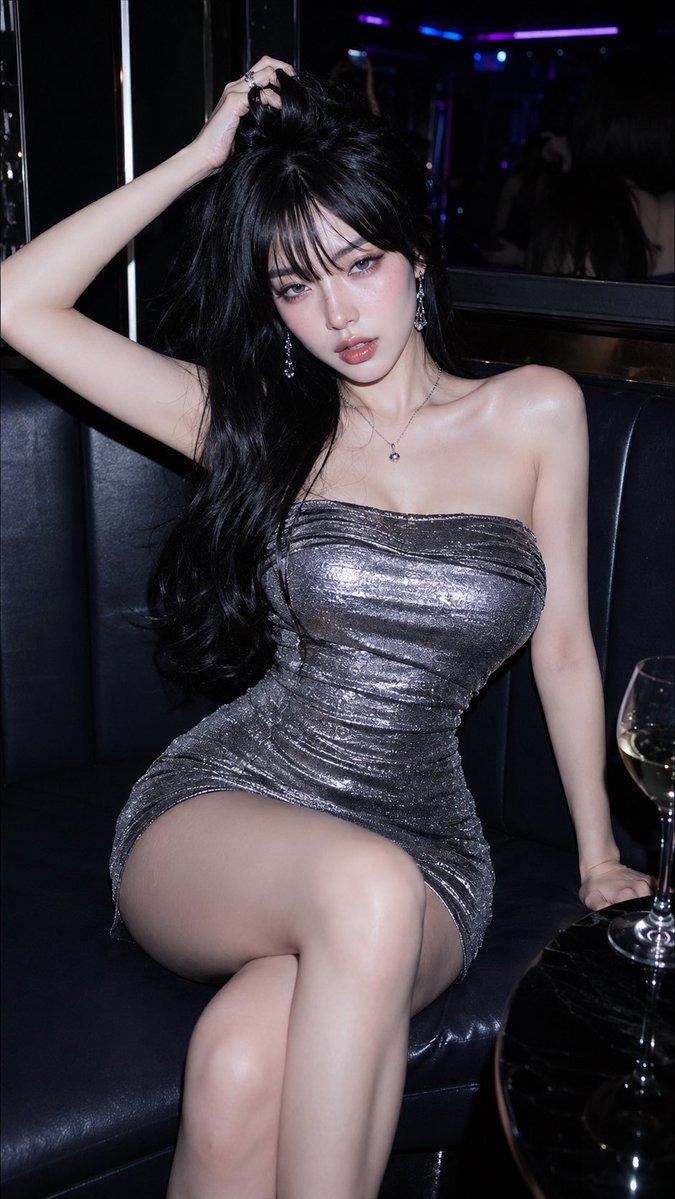
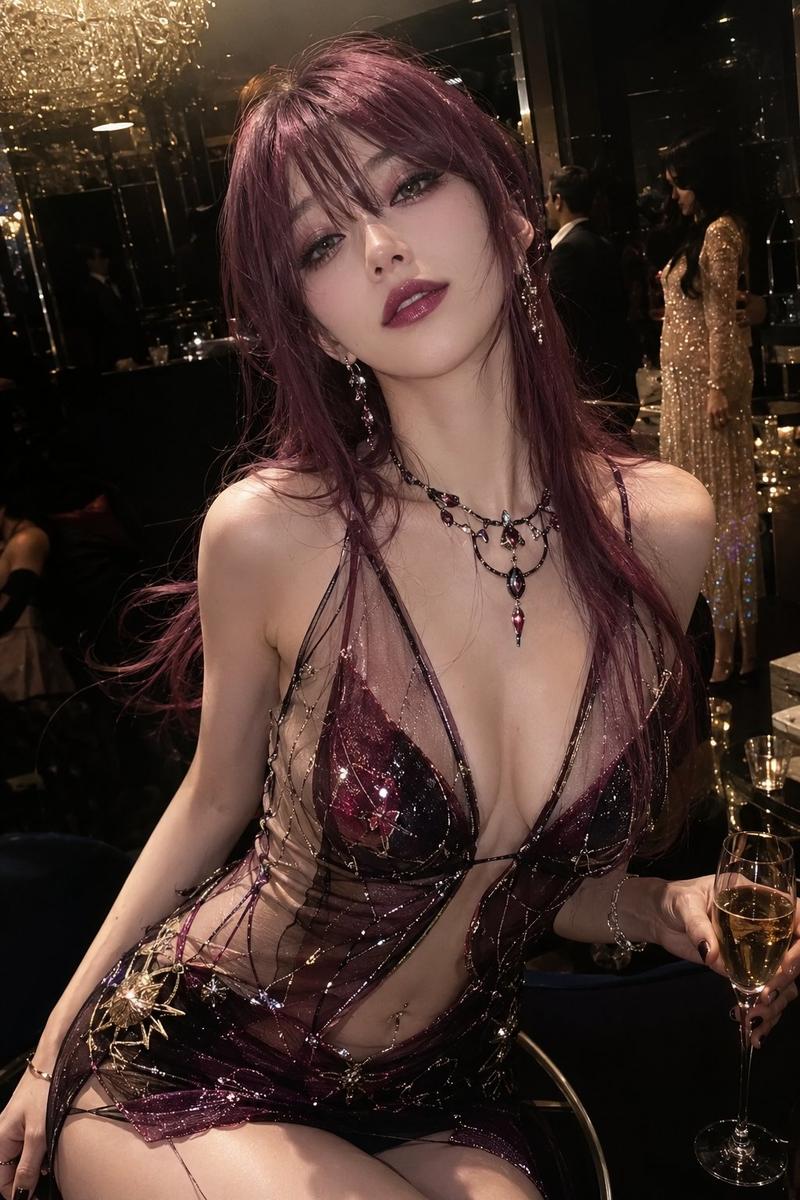
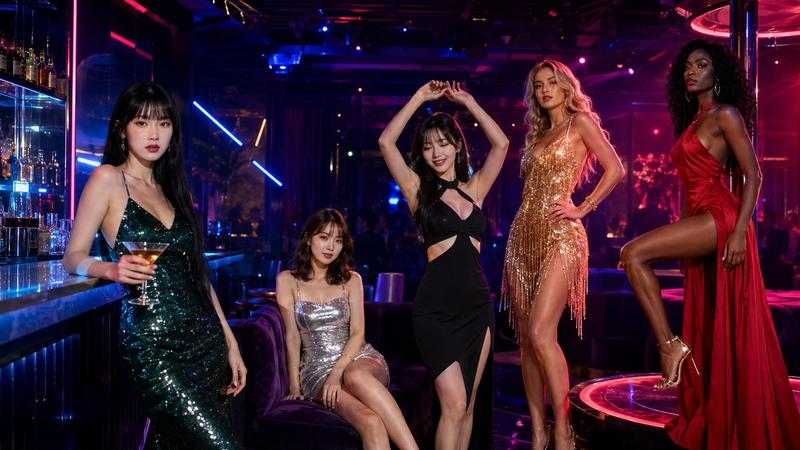
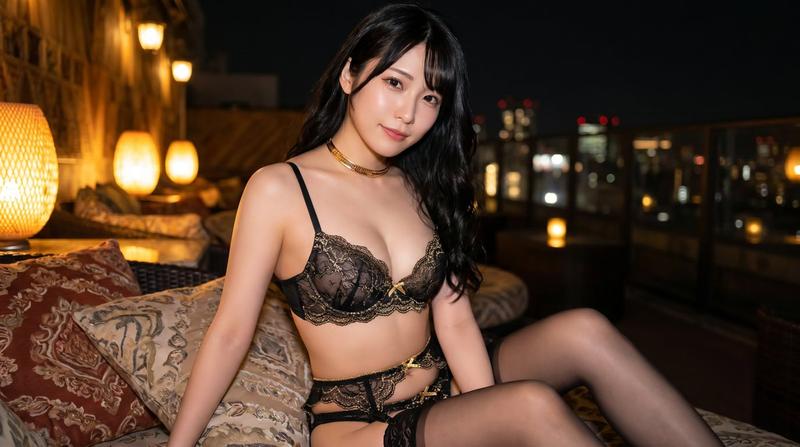
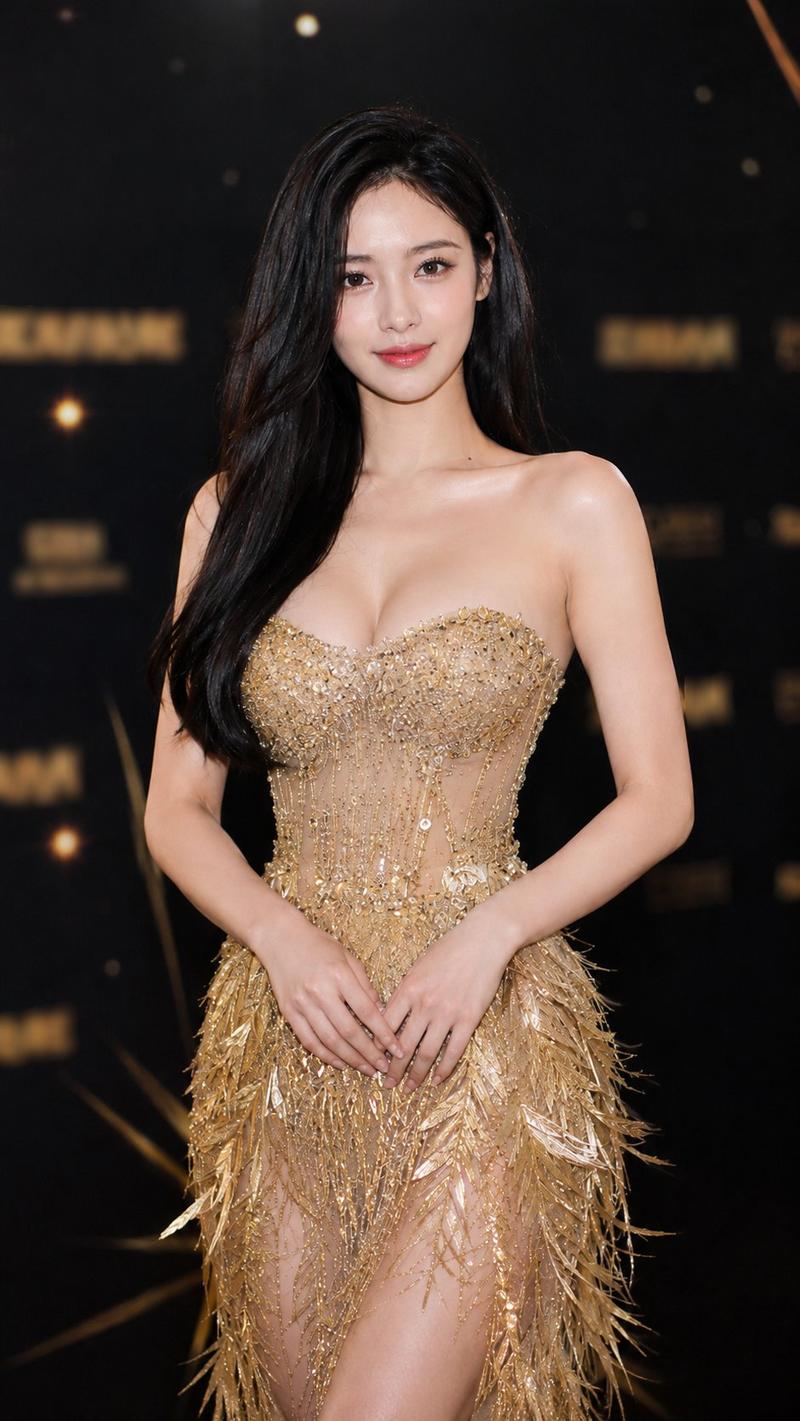
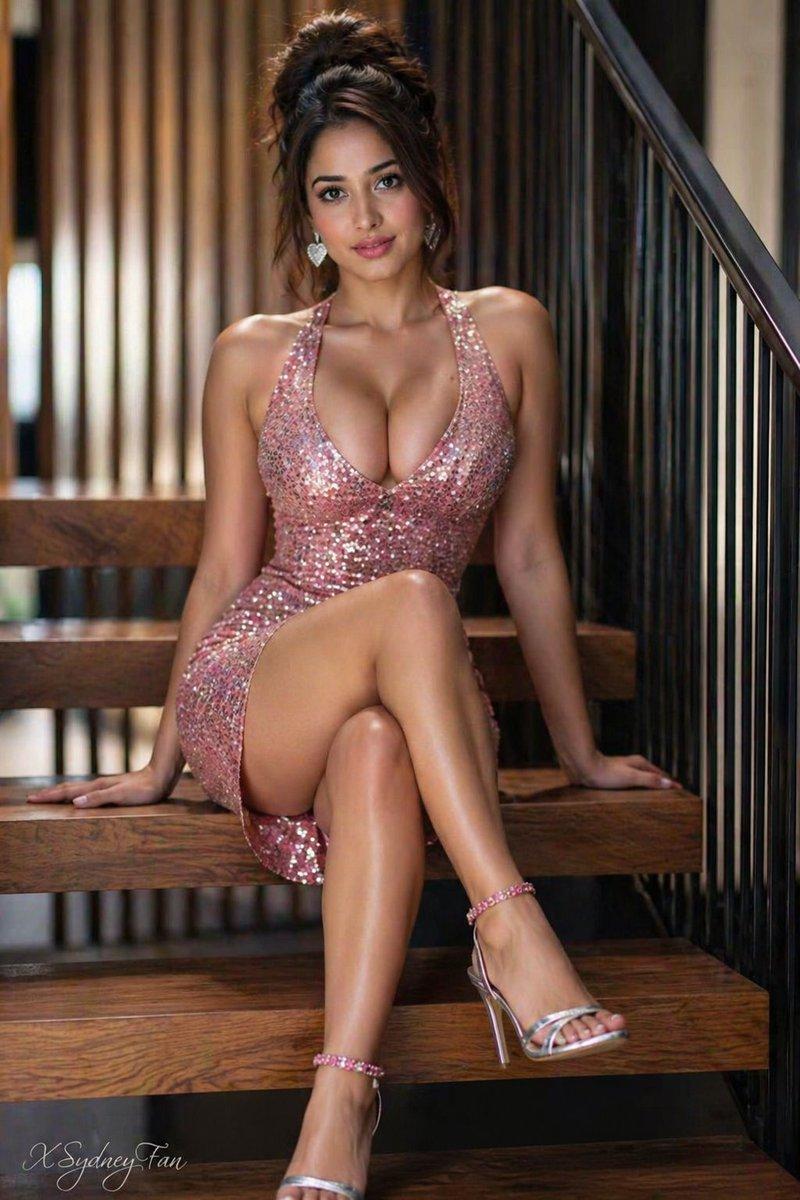
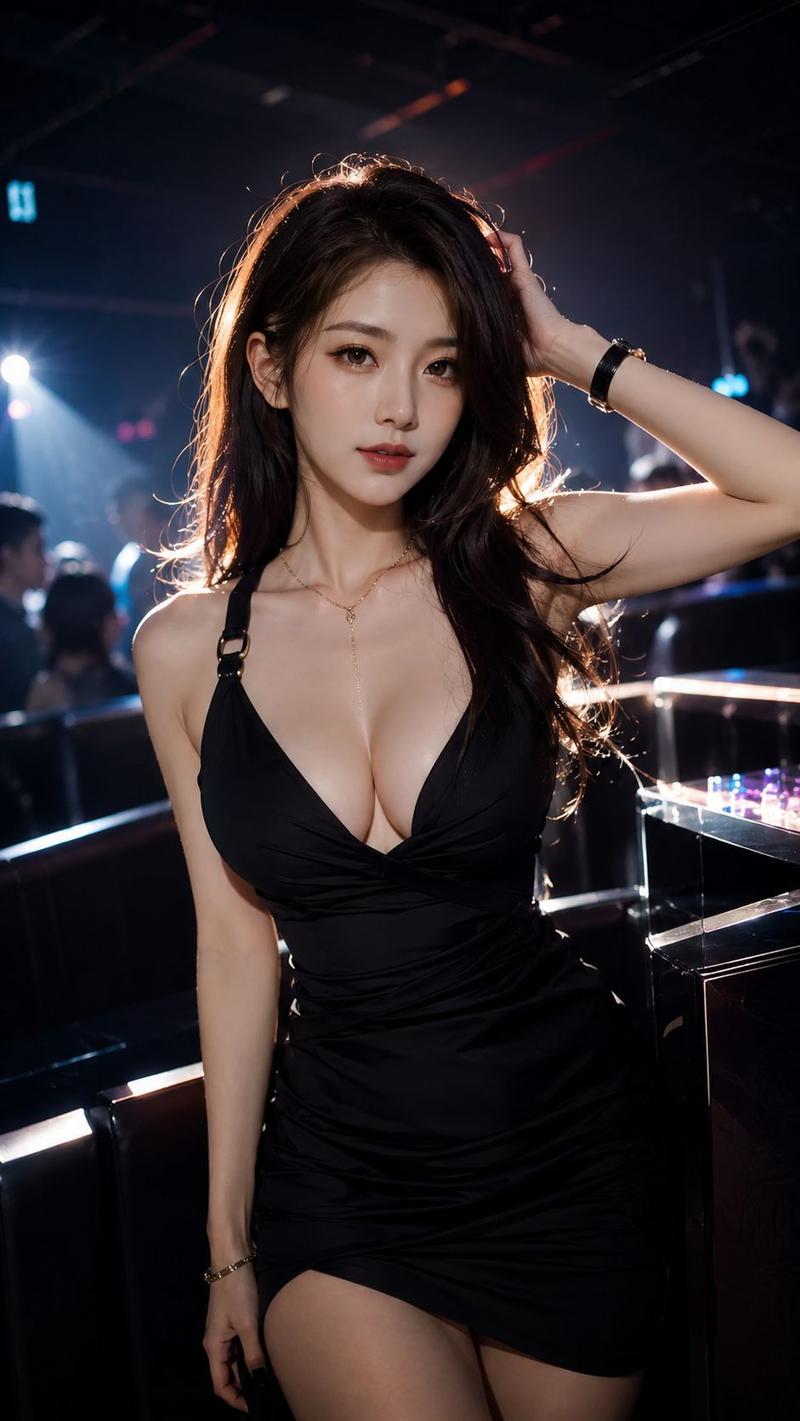
Example images

CCD flash backless-heels tatami portrait: GPT Image 2 prompt

Prompt
3:4, CCD, flash.
A Korean oval-faced beauty, half-face-covering blunt bangs, short black hair, pink blush, light freckles, porcelain-white skin.
A cold, alluring goddess.
Beige rhinestone thin-strap backless layered short dress, beige-silver open-back high heels.
Sitting with legs crossed holding the skirt, on a shimmering silver sequined tatami couch, legs raised high.
Bright smile, crescent-moon eyes, lip bite.
Night, dark-toned bestie party.
The flash creates intense soft light, diffused highlights, soft focus, silver bloom, and local light spots.
Small contrast-color art signature VSCZHENG in the lower-right corner.
Category
Photography & Realism
Model
GPT Image 2
Views0
Source ID
2069638534261277012
Published
Jun 24, 2026

Guide

About "CCD flash backless-heels tatami portrait: GPT Image 2 prompt"

What is this prompt for?

"CCD flash backless-heels tatami portrait: GPT Image 2 prompt" AI image prompt for GPT Image 2 (Photography & Realism). 3:4, CCD, flash. A Korean oval-faced be…

The full copyable prompt and example visuals above are ready for AI image generation or one-click recreate in Picva.

How to use this prompt

  1. Step 1

    Open the prompt detail

    Review the example visuals, category, and full prompt text for "CCD flash backless-heels tatami portrait: GPT Image 2 prompt".

  2. Step 2

    Copy the prompt

    Copy the prompt body from this page, or load it directly in Studio.

  3. Step 3

    Pick a model (GPT Image 2)

    Prefer GPT Image 2. If you switch models, keep subject and composition and tweak style terms.

  4. Step 4

    Generate and export

    Recreate the look in Picva, or export into your workflow for editing and publishing.

FAQ

What is the "CCD flash backless-heels tatami portrait: GPT Image 2 prompt" prompt?
It is an AI image-generation prompt for GPT Image 2 in the Photography & Realism category. This page includes the full prompt text, example visuals, and a one-click recreate path in Picva.
How do I use this prompt to generate an image?
Copy the prompt from this page, or use Generate / Studio. Paste it into a compatible image model, or recreate the look in Picva with optional reference images.
Which model is this prompt for?
This page lists GPT Image 2. Most descriptive prompts also transfer to nearby image models such as GPT Image, Flux, or Midjourney with light style tweaks.
Can I use the result commercially?
You can usually copy the prompt for creation, but commercial use of the final image depends on the model terms, reference-image rights, and the generated content. Follow the source author and platform rules.