20

Indonesian infinity pool portrait: GPT Image 2 prompt
Enlarge

Indonesian infinity pool portrait: GPT Image 2 prompt

Prompt
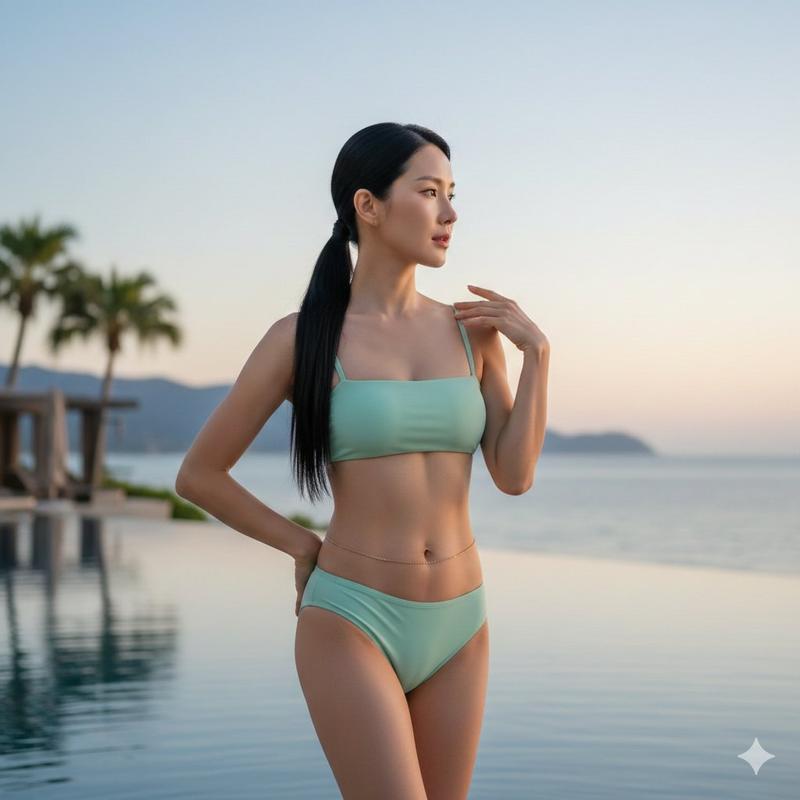
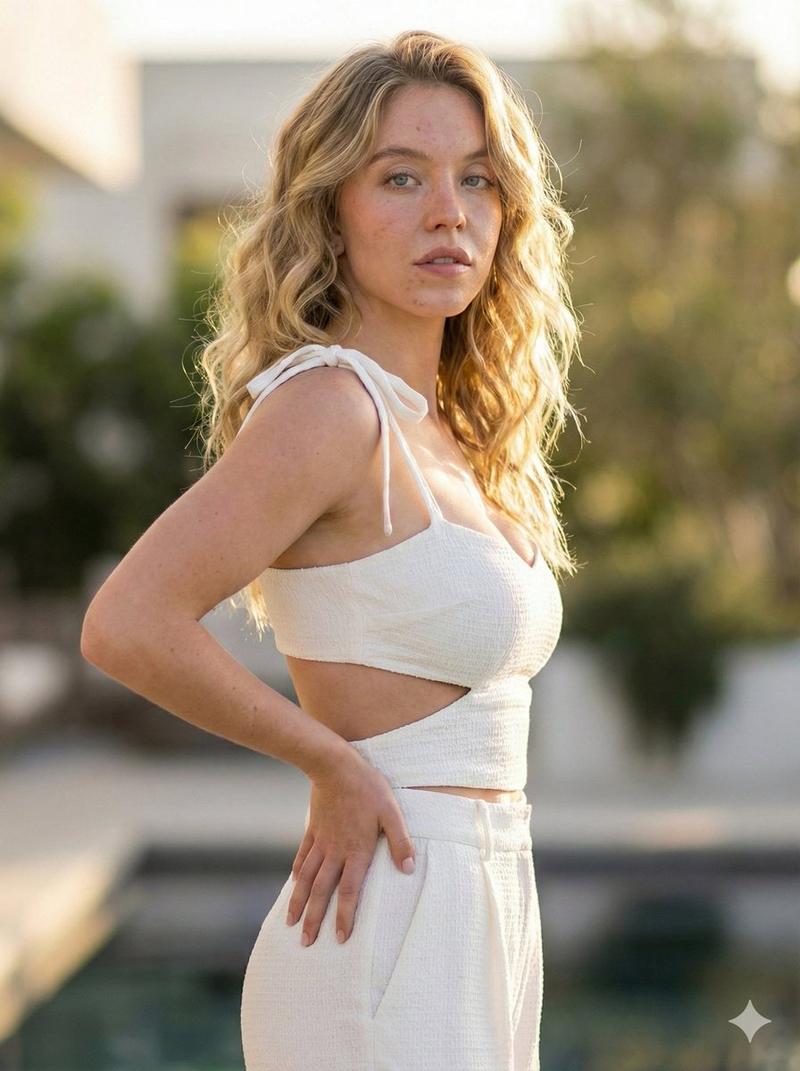
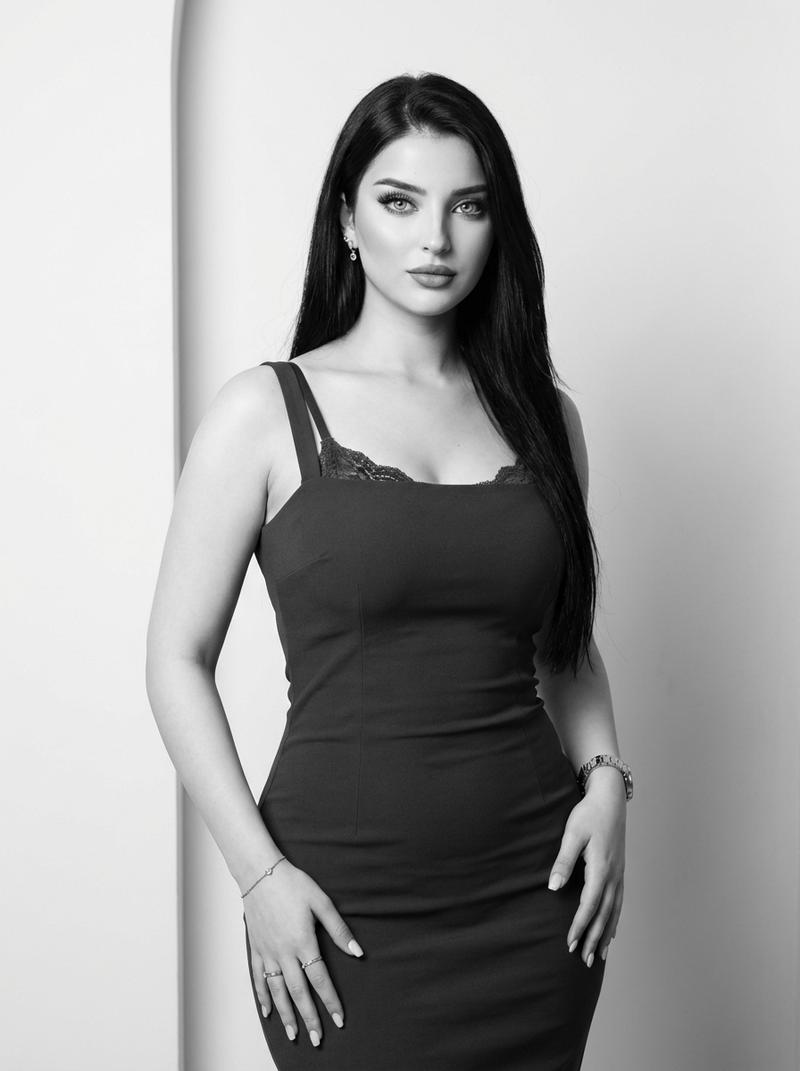
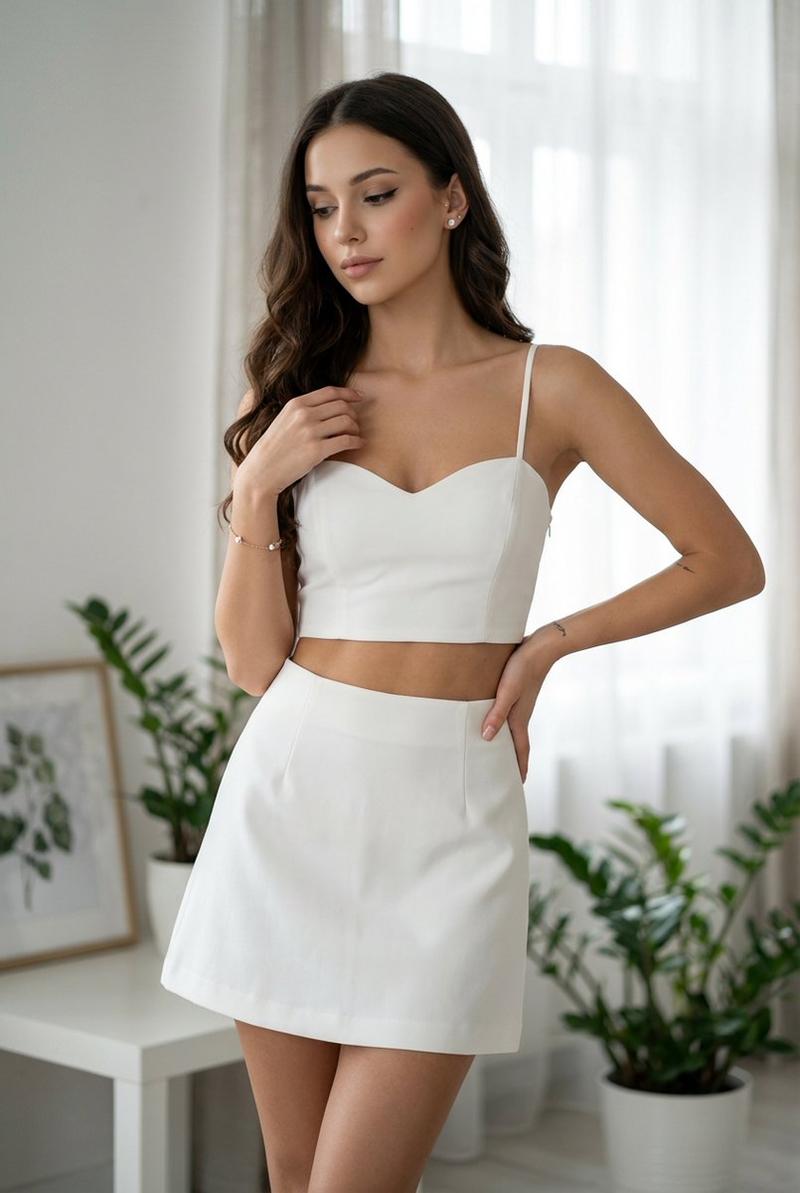
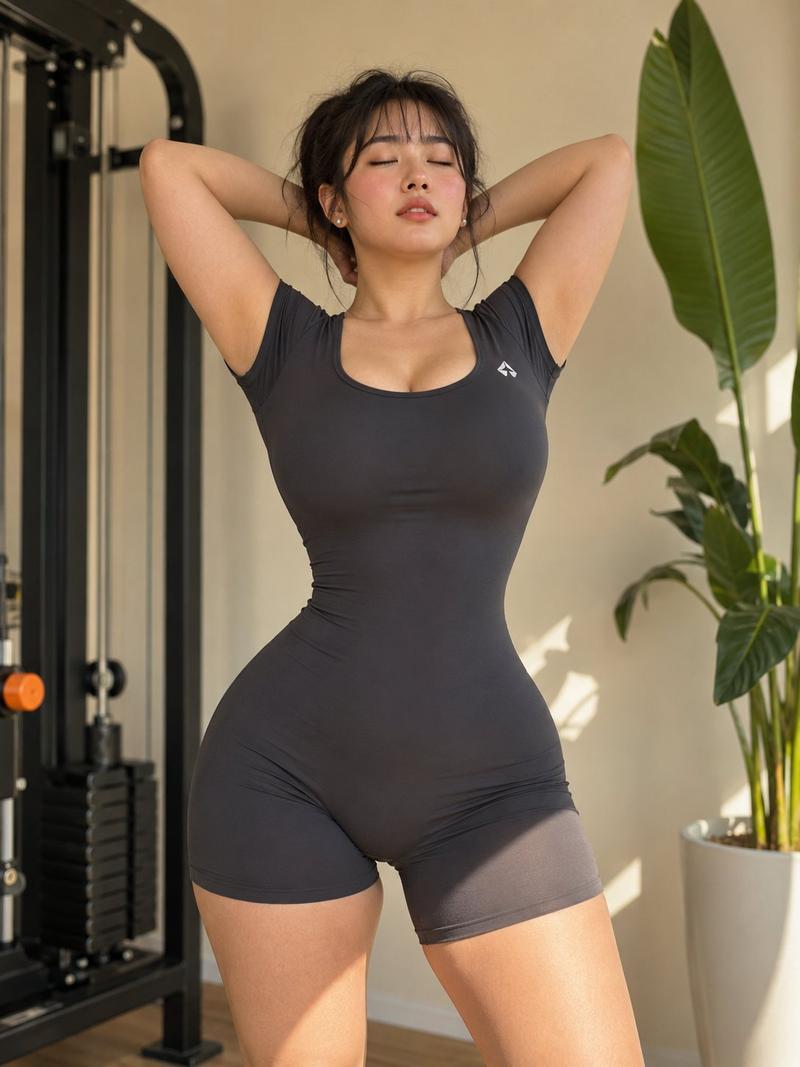
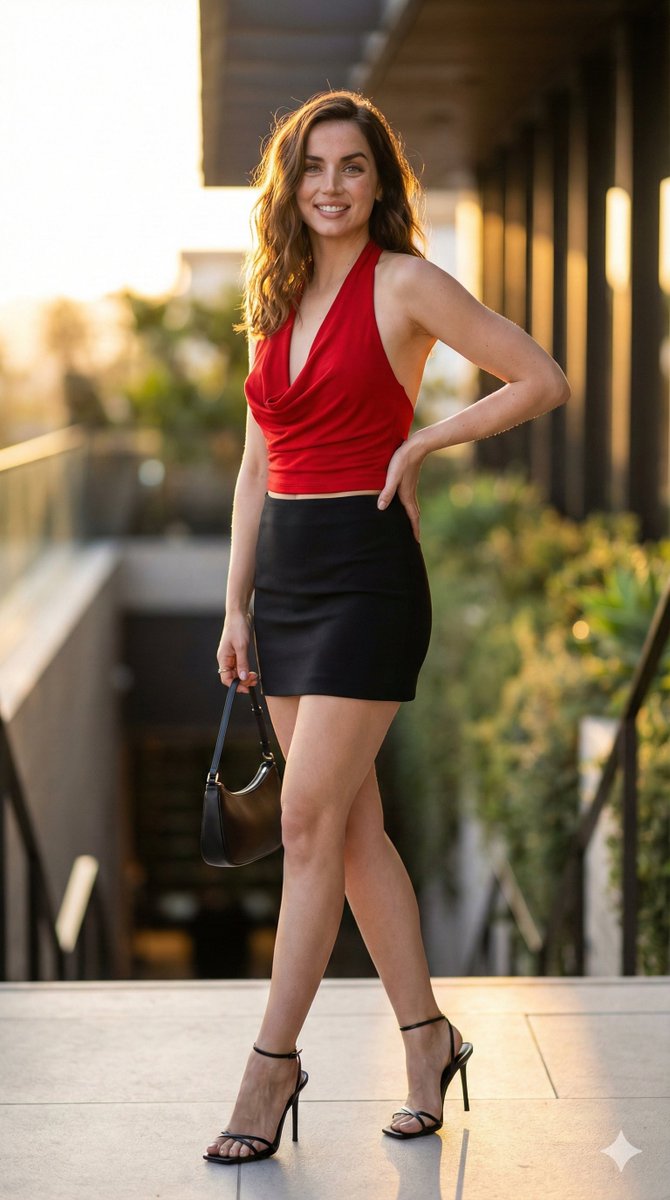
Photorealistic portrait of a beautiful Indonesian woman in her mid-20s, fair to medium tan skin, long straight jet-black hair cascading past her shoulders, subtle natural makeup with glossy lips, standing confidently by a luxurious infinity pool. 

She wears a tight-fitting short-sleeved polo shirt dress with color-block design: upper half light grey with black collar and small logo detail, lower half solid black, the dress is form-fitting, ends high on the thighs, accentuating her athletic yet curvy figure, toned legs, and hourglass shape. 

Pose: standing with legs slightly apart, one hand resting on her hip, the other hand gently touching her hair near her ear, slight smile, direct gaze at camera, natural and elegant expression. 

Background: bright sunny day, clear blue sky with light clouds, lush green tropical foliage and trees surrounding the pool area, distant hills or landscape visible, vibrant turquoise pool water, high-end resort or villa setting in Indonesia. 

Professional photography, sharp focus, natural daylight lighting with soft shadows, cinematic composition, 8k detail, realistic skin texture, fabric details, highly detailed, photorealistic, shot on Sony A7R IV --ar 9:16 --stylize 250 --v 6
Category
Photography & Realism
Model
grok-imagine
Views0
Source ID
2073497073660617172
Published
Jul 4, 2026

Guide

About "Indonesian infinity pool portrait: GPT Image 2 prompt"

What is this prompt for?

"Indonesian infinity pool portrait: GPT Image 2 prompt" AI image prompt for grok-imagine (Photography & Realism). Photorealistic portrait of a beautiful Indone…

The full copyable prompt and example visuals above are ready for AI image generation or one-click recreate in Picva.

How to use this prompt

  1. Step 1

    Open the prompt detail

    Review the example visuals, category, and full prompt text for "Indonesian infinity pool portrait: GPT Image 2 prompt".

  2. Step 2

    Copy the prompt

    Copy the prompt body from this page, or load it directly in Studio.

  3. Step 3

    Pick a model (grok-imagine)

    Prefer grok-imagine. If you switch models, keep subject and composition and tweak style terms.

  4. Step 4

    Generate and export

    Recreate the look in Picva, or export into your workflow for editing and publishing.

FAQ

What is the "Indonesian infinity pool portrait: GPT Image 2 prompt" prompt?
It is an AI image-generation prompt for grok-imagine in the Photography & Realism category. This page includes the full prompt text, example visuals, and a one-click recreate path in Picva.
How do I use this prompt to generate an image?
Copy the prompt from this page, or use Generate / Studio. Paste it into a compatible image model, or recreate the look in Picva with optional reference images.
Which model is this prompt for?
This page lists grok-imagine. Most descriptive prompts also transfer to nearby image models such as GPT Image, Flux, or Midjourney with light style tweaks.
Can I use the result commercially?
You can usually copy the prompt for creation, but commercial use of the final image depends on the model terms, reference-image rights, and the generated content. Follow the source author and platform rules.