19

Engraved line art portrait: GPT Image 2 prompt
Enlarge

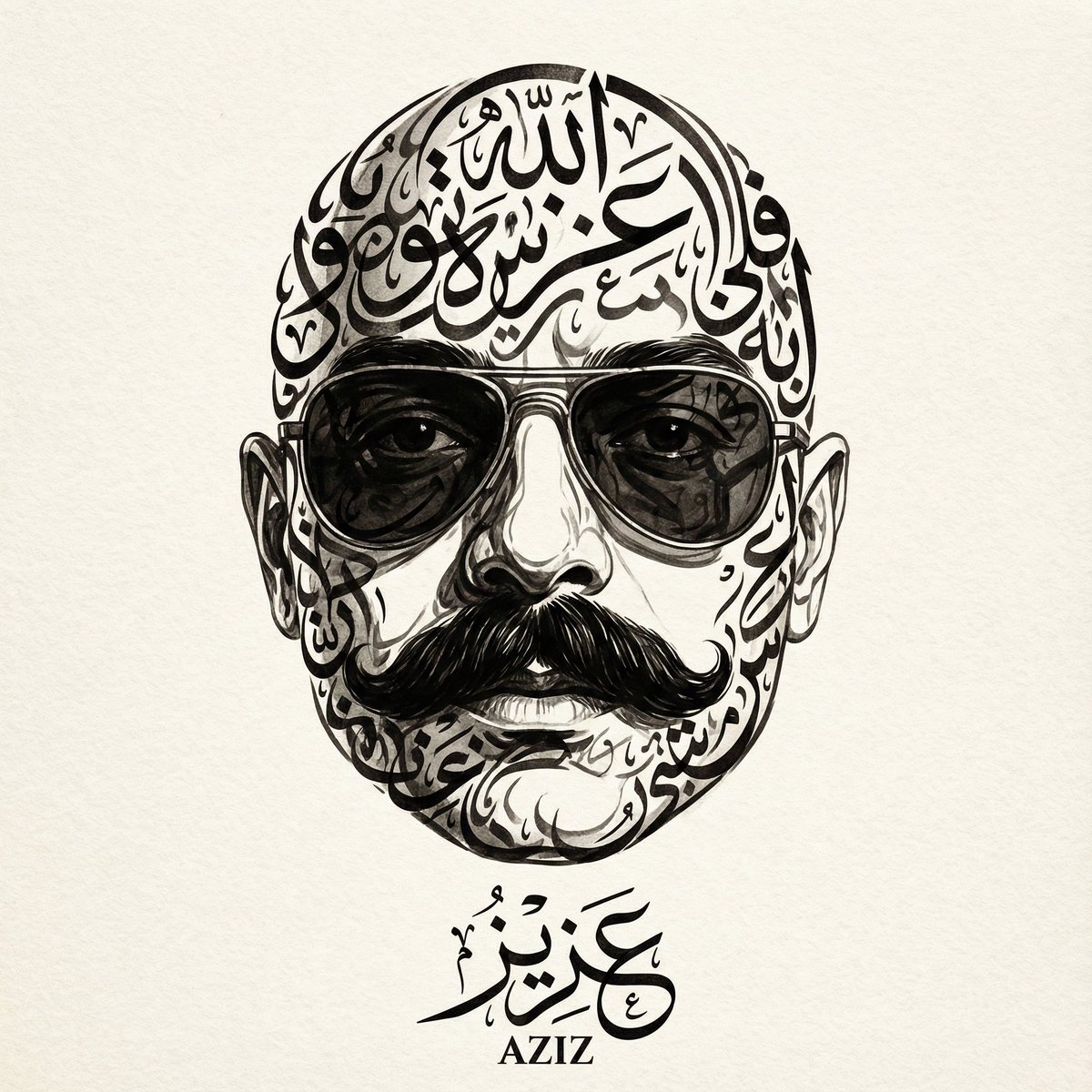
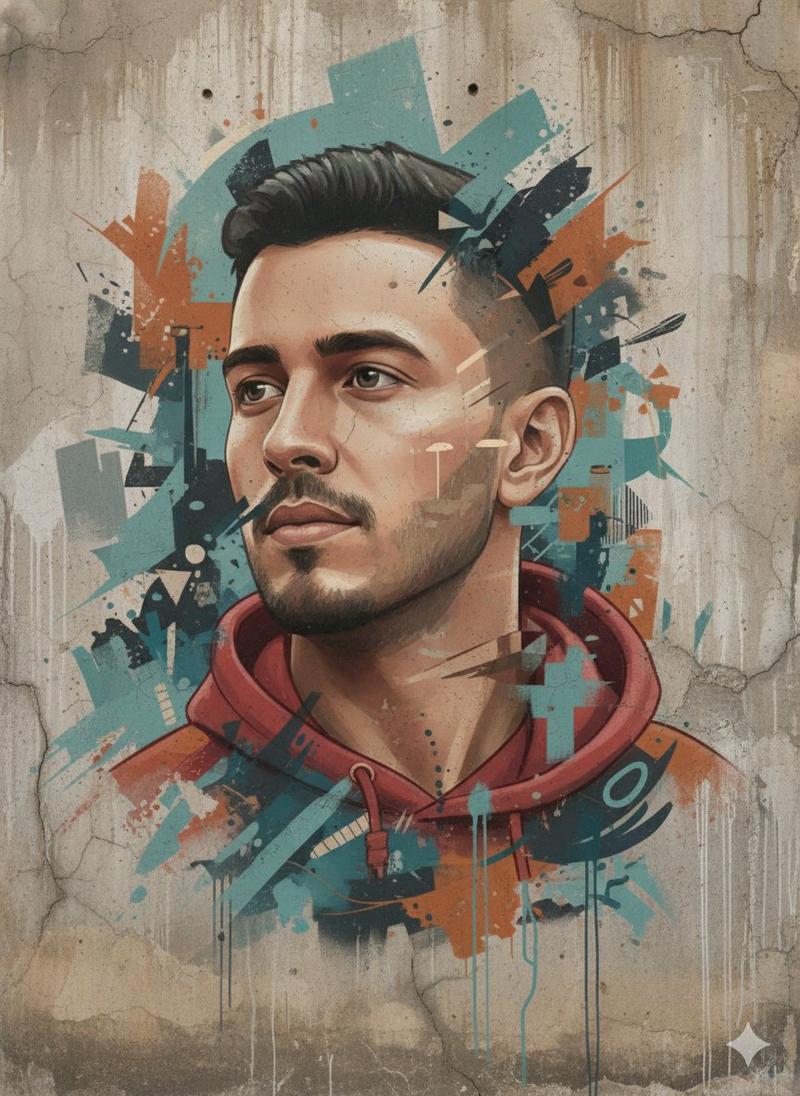
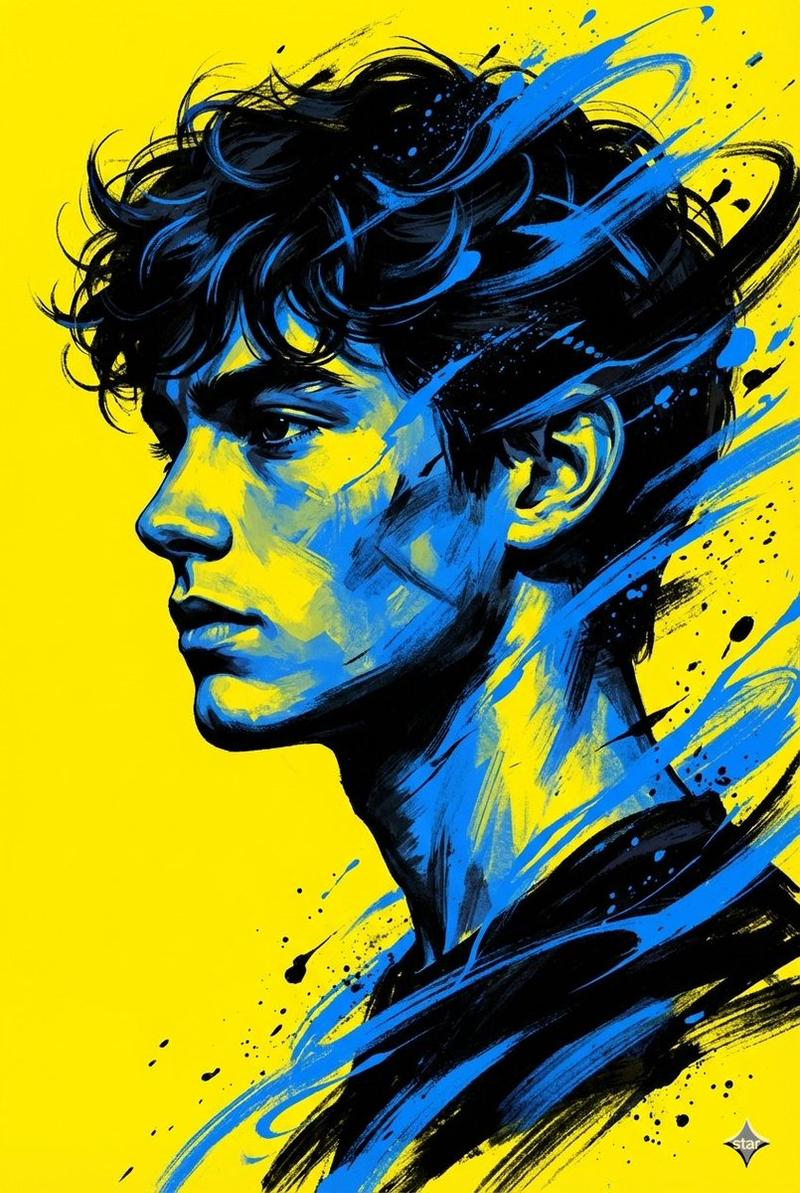
Example images

Engraved line art portrait: GPT Image 2 prompt

Prompt
A highly detailed black-and-white engraved line art style portrait of the enclosed object rendered 100% identical. Monochrome portrait illustration with very clean curved contour shading, smooth flowing parallel lines shading the face and anatomy, an aesthetic inspired by vintage woodcuts and linoleum, thick black ink outlines combined with thin rhythmic engraved strokes, minimalist grayscale composition on a plain white background, an elegant high-contrast vector engraving look, precise contour lines wrapping naturally around facial structures and body curves, a subtle ink etching texture, a modern editorial illustration combined with classic printing techniques, subtle organic line density transitions, sharp negative space highlights, a handmade etching illustration look, very sharp line consistency, a refined retro poster aesthetic, a clean graphic novel engraving style, a sophisticated monochrome portrait rendering, flowing hair and beard created with layered ink strokes, contemporary digital engraving art inspired by linoleum.
Category
Illustration & Art
Model
nano-banana-2
Creator
zayan
Views4
Source ID
2073766385562550547
Published
Jul 5, 2026

Guide

About "Engraved line art portrait: GPT Image 2 prompt"

What is this prompt for?

"Engraved line art portrait: GPT Image 2 prompt" AI image prompt for nano-banana-2 (Illustration & Art). A highly detailed black-and-white engraved line art st…

The full copyable prompt and example visuals above are ready for AI image generation or one-click recreate in Picva.

How to use this prompt

  1. Step 1

    Open the prompt detail

    Review the example visuals, category, and full prompt text for "Engraved line art portrait: GPT Image 2 prompt".

  2. Step 2

    Copy the prompt

    Copy the prompt body from this page, or load it directly in Studio.

  3. Step 3

    Pick a model (nano-banana-2)

    Prefer nano-banana-2. If you switch models, keep subject and composition and tweak style terms.

  4. Step 4

    Generate and export

    Recreate the look in Picva, or export into your workflow for editing and publishing.

FAQ

What is the "Engraved line art portrait: GPT Image 2 prompt" prompt?
It is an AI image-generation prompt for nano-banana-2 in the Illustration & Art category. This page includes the full prompt text, example visuals, and a one-click recreate path in Picva.
How do I use this prompt to generate an image?
Copy the prompt from this page, or use Generate / Studio. Paste it into a compatible image model, or recreate the look in Picva with optional reference images.
Which model is this prompt for?
This page lists nano-banana-2. Most descriptive prompts also transfer to nearby image models such as GPT Image, Flux, or Midjourney with light style tweaks.
Can I use the result commercially?
You can usually copy the prompt for creation, but commercial use of the final image depends on the model terms, reference-image rights, and the generated content. Follow the source author and platform rules.