16

Eastern Zen curtain silhouette: GPT Image 2 prompt
Enlarge

Eastern Zen curtain silhouette: GPT Image 2 prompt

Prompt
Theme direction: Eastern Zen minimalist poster
Style branch: high-contrast light luxury
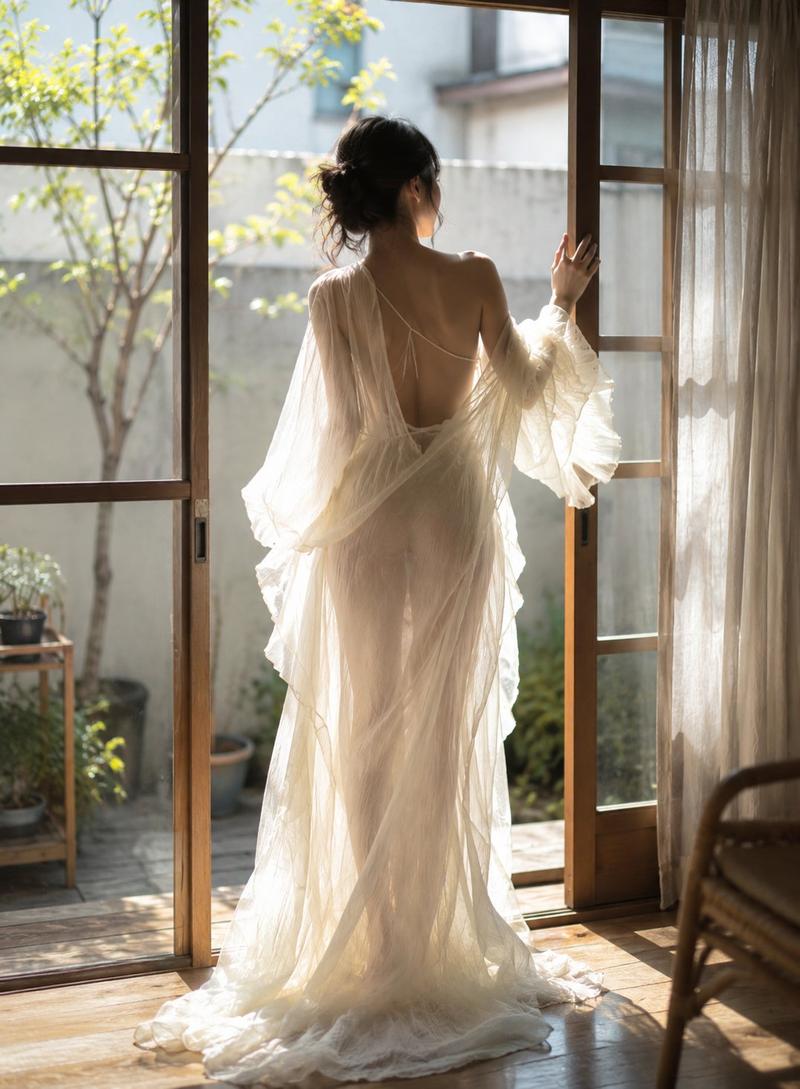
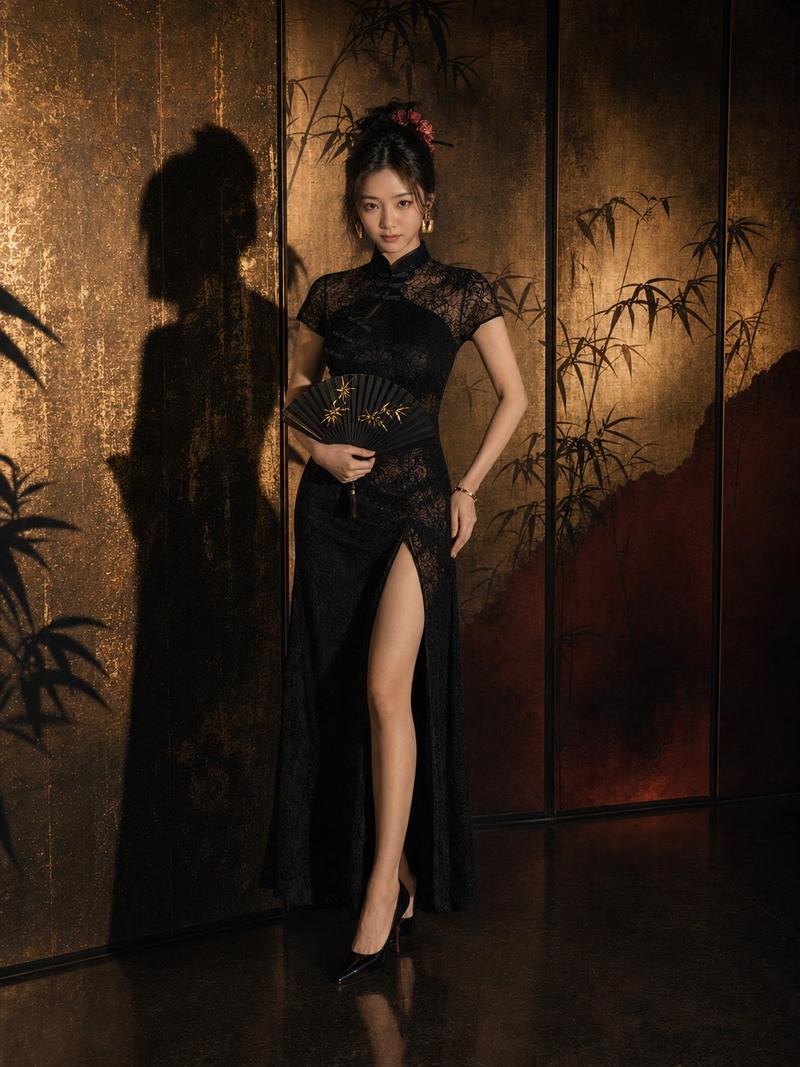
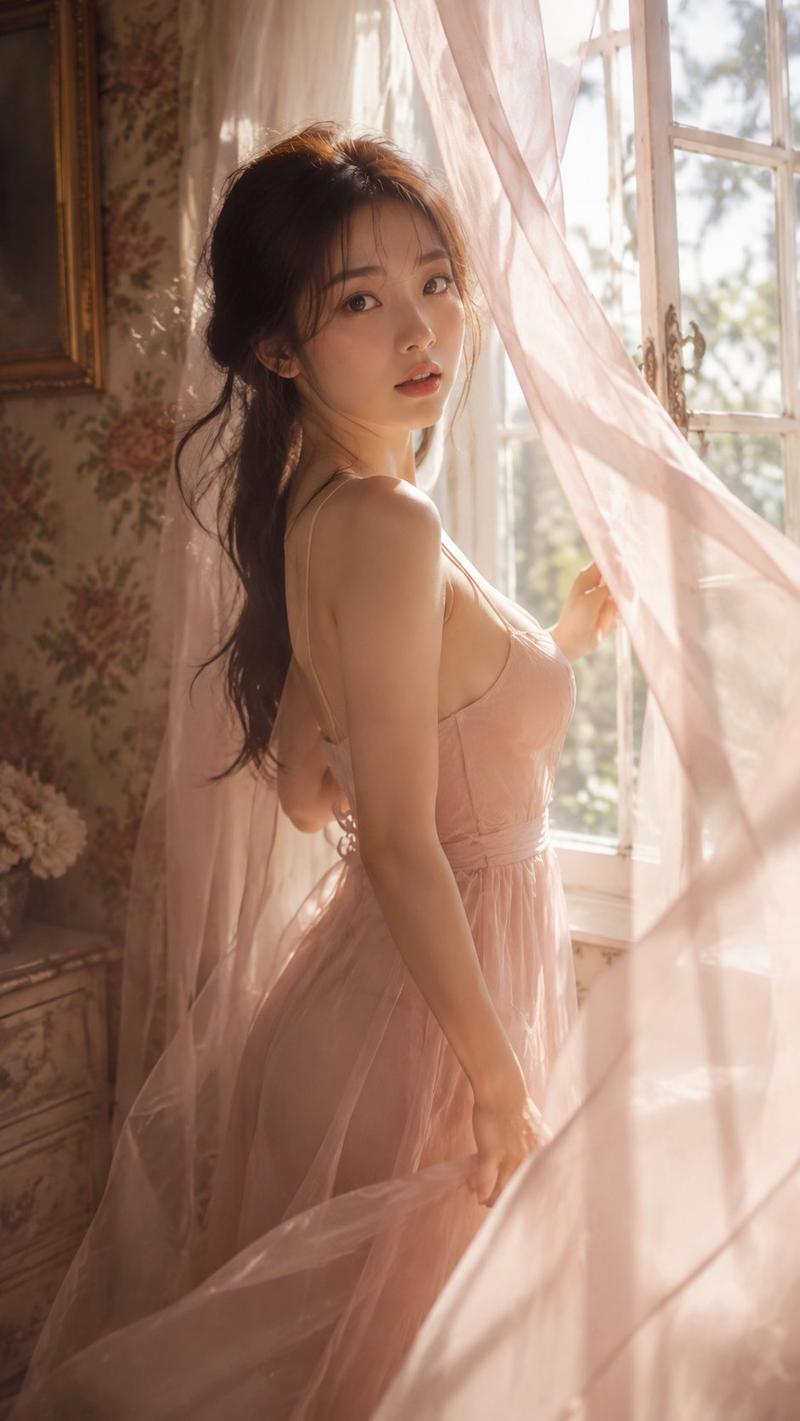
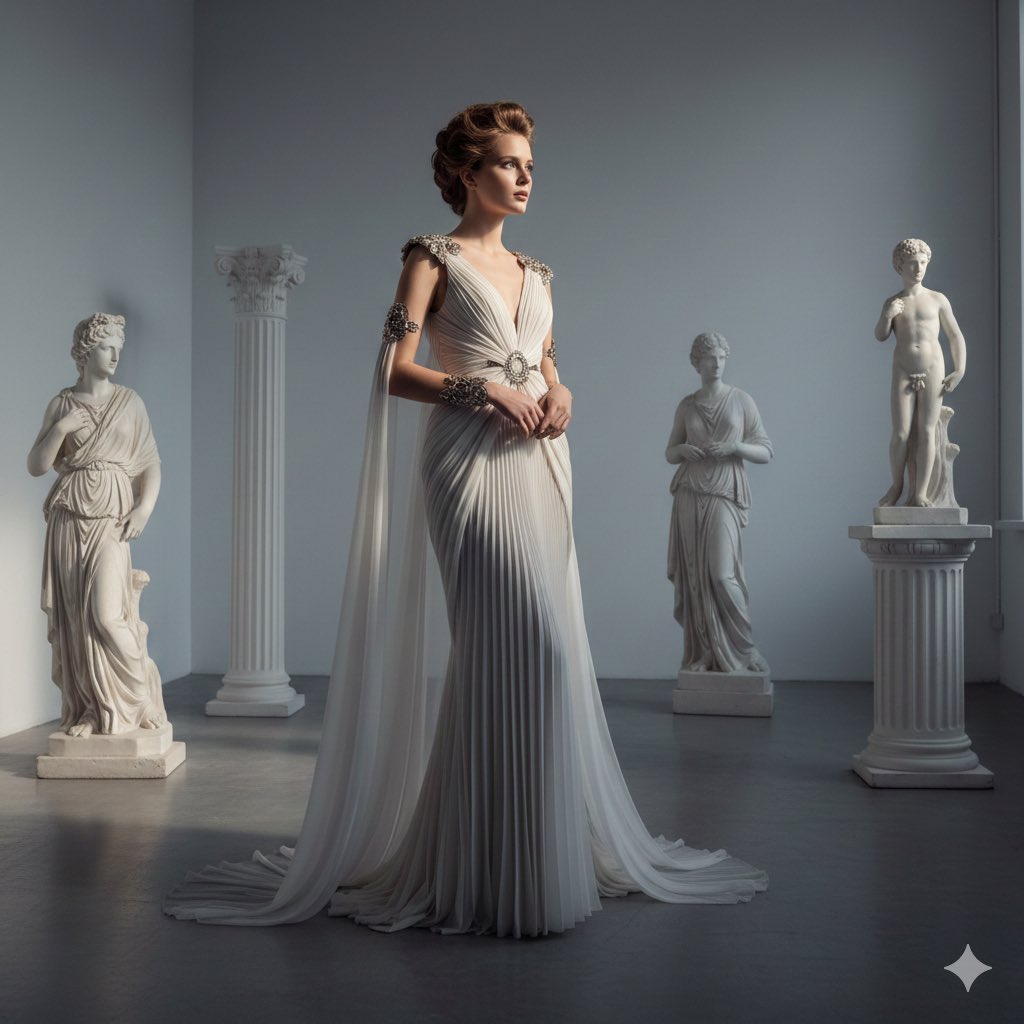
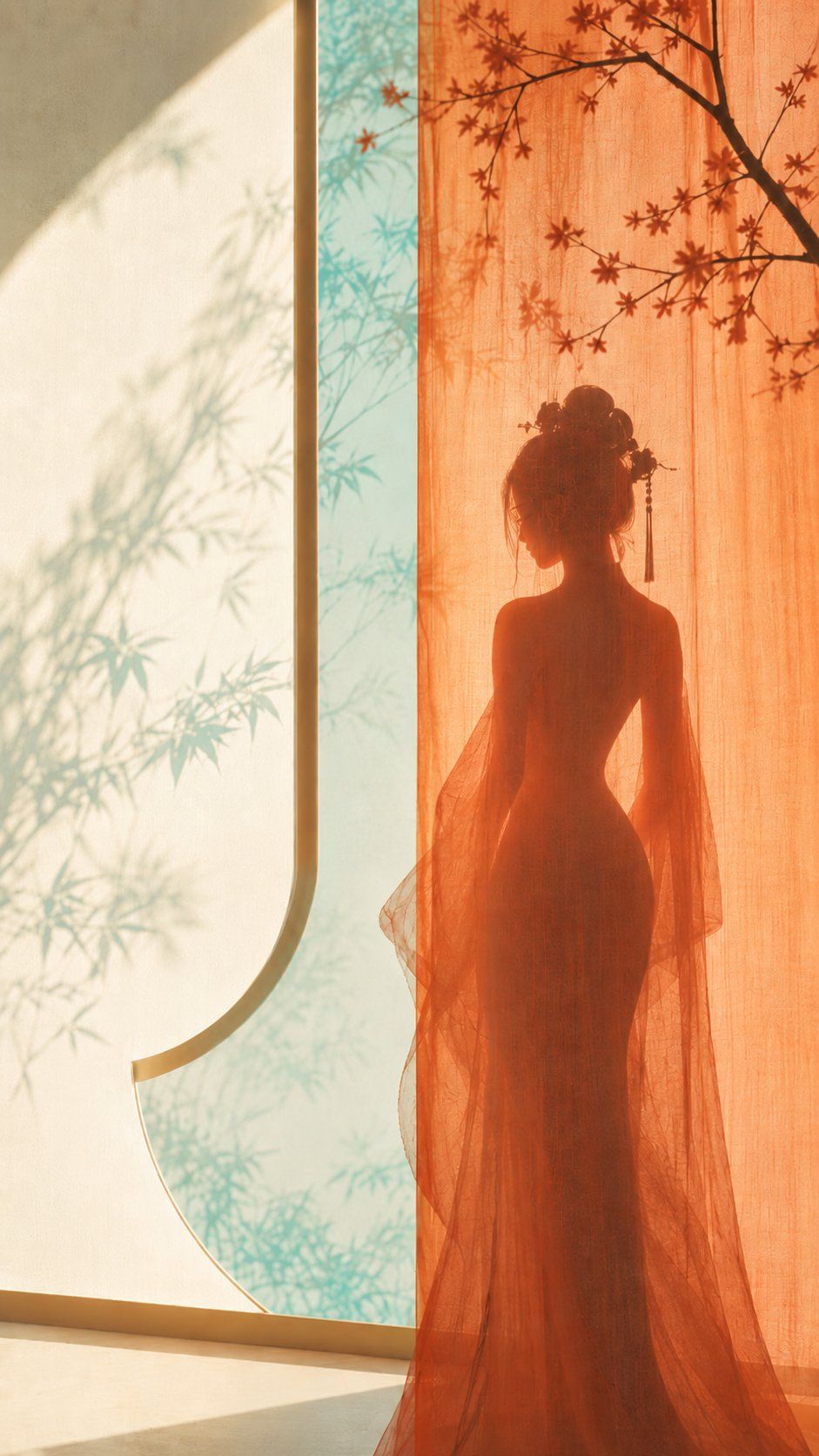
Main subject: a graceful ancient-style feminine silhouette standing behind a gauze curtain, with clear body curves
Emotional motif: hazy, elegant, still yet dramatic
Scene and imagery: reddish-orange window gauze, aqua-green tree shadows outside the window, warm white wall, human silhouette
Composition and space: slightly centered composition; the gauze curtain forms the translucent main visual, the figure is positioned in the middle behind the gauze, and the wall plus window shadows provide negative space
Color control: use warm white as the wall and negative-space base, aqua green for the outdoor tree shadows and airy atmosphere, reddish orange only for the main gauze curtain and local warm light, and dark gray for the silhouette; avoid making the whole image orange
Light and texture: soft transmitted light, subtle gauze texture, light paper feel, softened edges
Aspect ratio: 9:16
Additional requirement: the image should have a feminine aesthetic cover feel while remaining minimalist, without complex interior furnishings
Category
Posters & Typography
Model
GPT Image 2
Creator
李岳
Views1
Source ID
2076213533206106597
Published
Jul 12, 2026

Guide

About "Eastern Zen curtain silhouette: GPT Image 2 prompt"

What is this prompt for?

"Eastern Zen curtain silhouette: GPT Image 2 prompt" AI image prompt for GPT Image 2 (Posters & Typography). Theme direction: Eastern Zen minimalist poster Sty…

The full copyable prompt and example visuals above are ready for AI image generation or one-click recreate in Picva.

How to use this prompt

  1. Step 1

    Open the prompt detail

    Review the example visuals, category, and full prompt text for "Eastern Zen curtain silhouette: GPT Image 2 prompt".

  2. Step 2

    Copy the prompt

    Copy the prompt body from this page, or load it directly in Studio.

  3. Step 3

    Pick a model (GPT Image 2)

    Prefer GPT Image 2. If you switch models, keep subject and composition and tweak style terms.

  4. Step 4

    Generate and export

    Recreate the look in Picva, or export into your workflow for editing and publishing.

FAQ

What is the "Eastern Zen curtain silhouette: GPT Image 2 prompt" prompt?
It is an AI image-generation prompt for GPT Image 2 in the Posters & Typography category. This page includes the full prompt text, example visuals, and a one-click recreate path in Picva.
How do I use this prompt to generate an image?
Copy the prompt from this page, or use Generate / Studio. Paste it into a compatible image model, or recreate the look in Picva with optional reference images.
Which model is this prompt for?
This page lists GPT Image 2. Most descriptive prompts also transfer to nearby image models such as GPT Image, Flux, or Midjourney with light style tweaks.
Can I use the result commercially?
You can usually copy the prompt for creation, but commercial use of the final image depends on the model terms, reference-image rights, and the generated content. Follow the source author and platform rules.