18

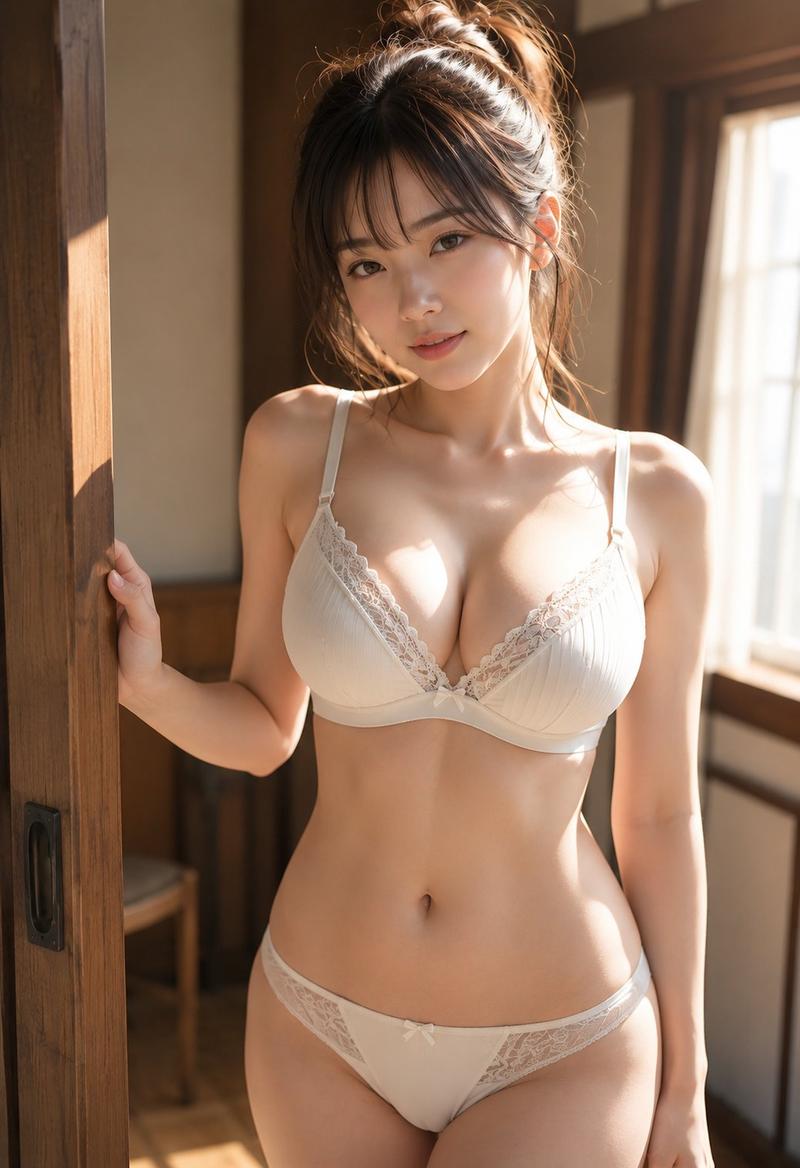
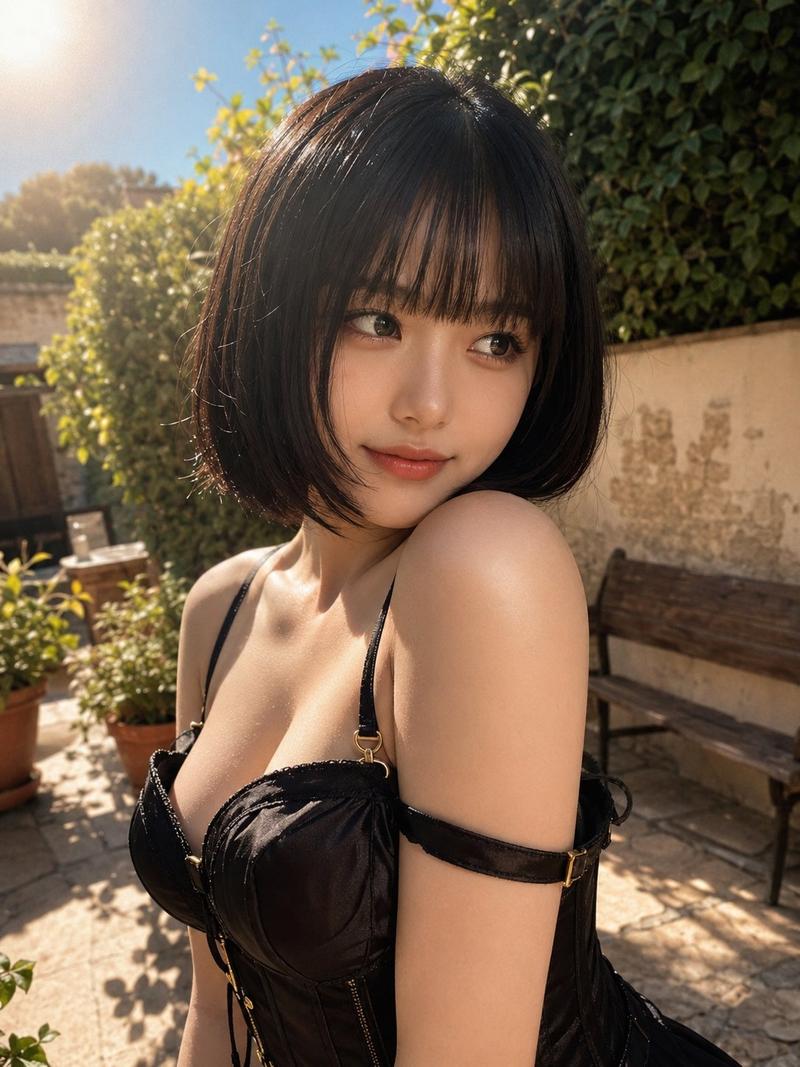
Abandoned exam room editorial: GPT Image 2 prompt
Enlarge

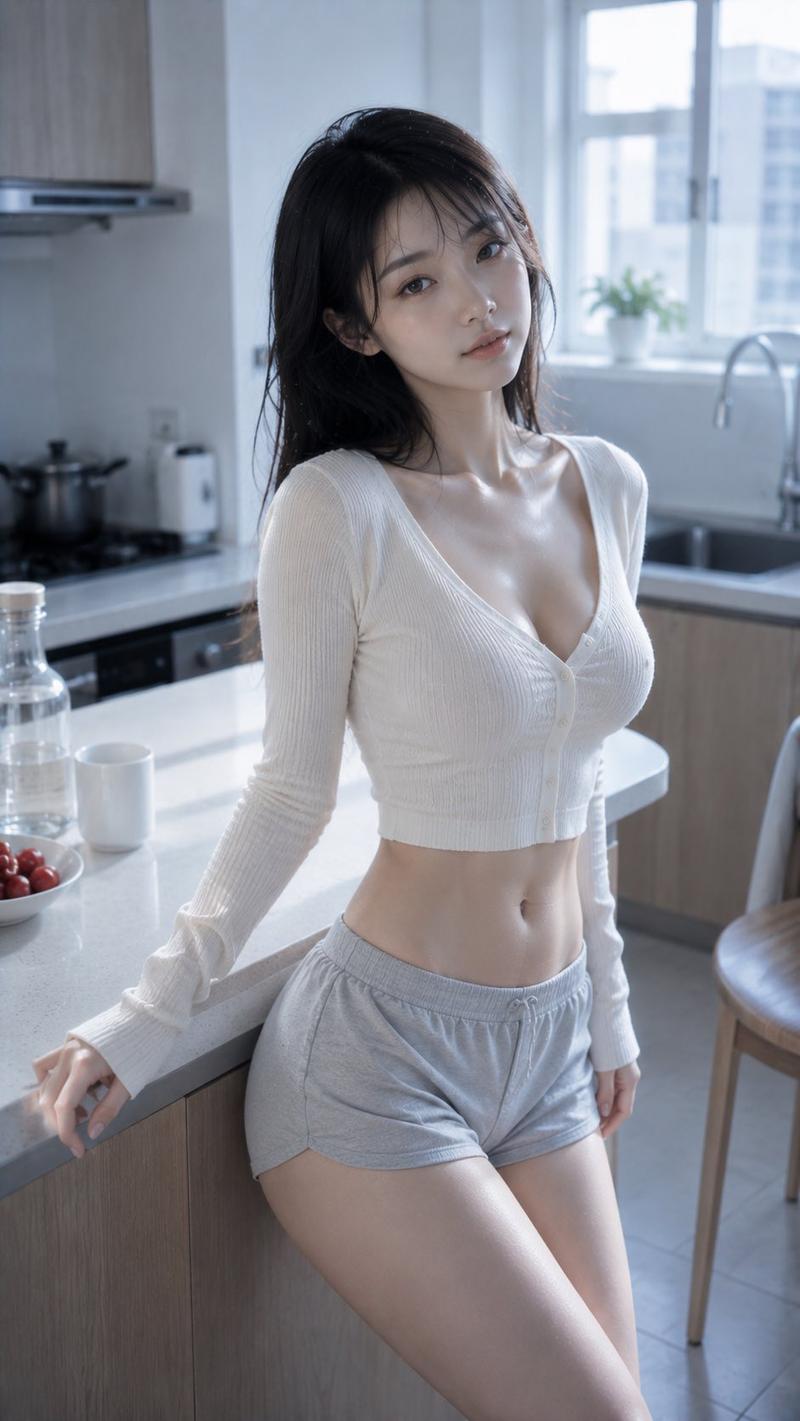
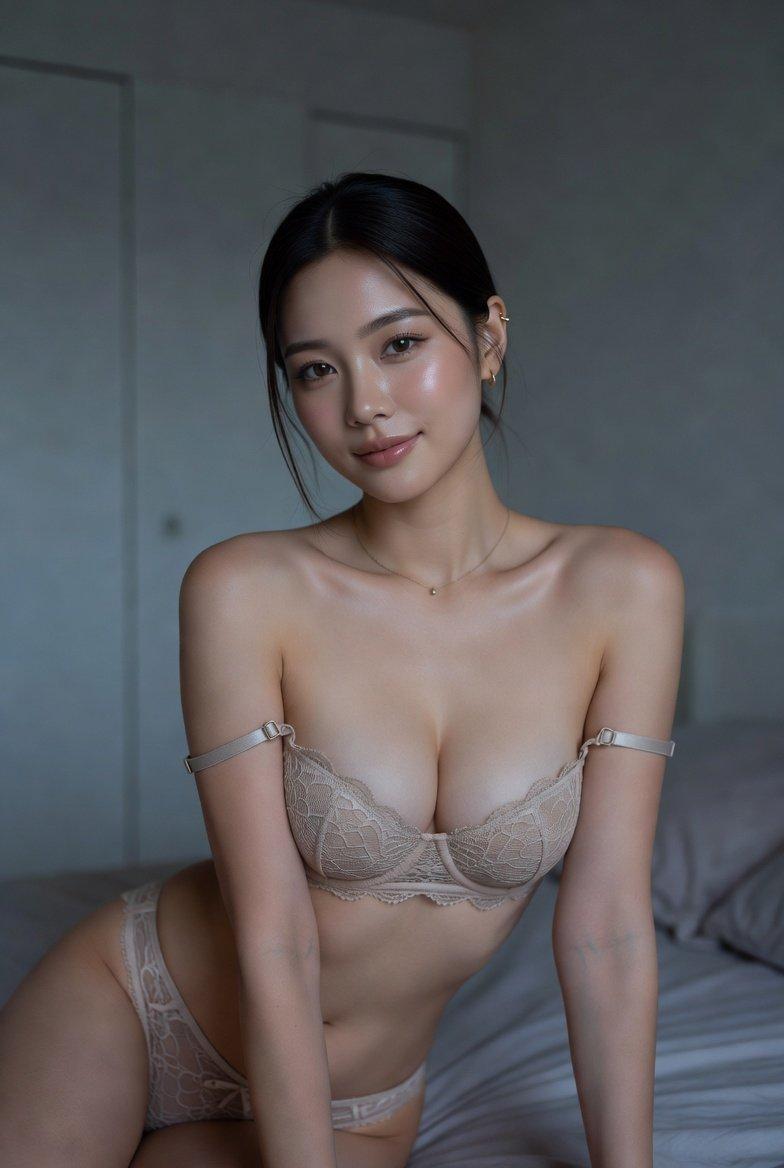
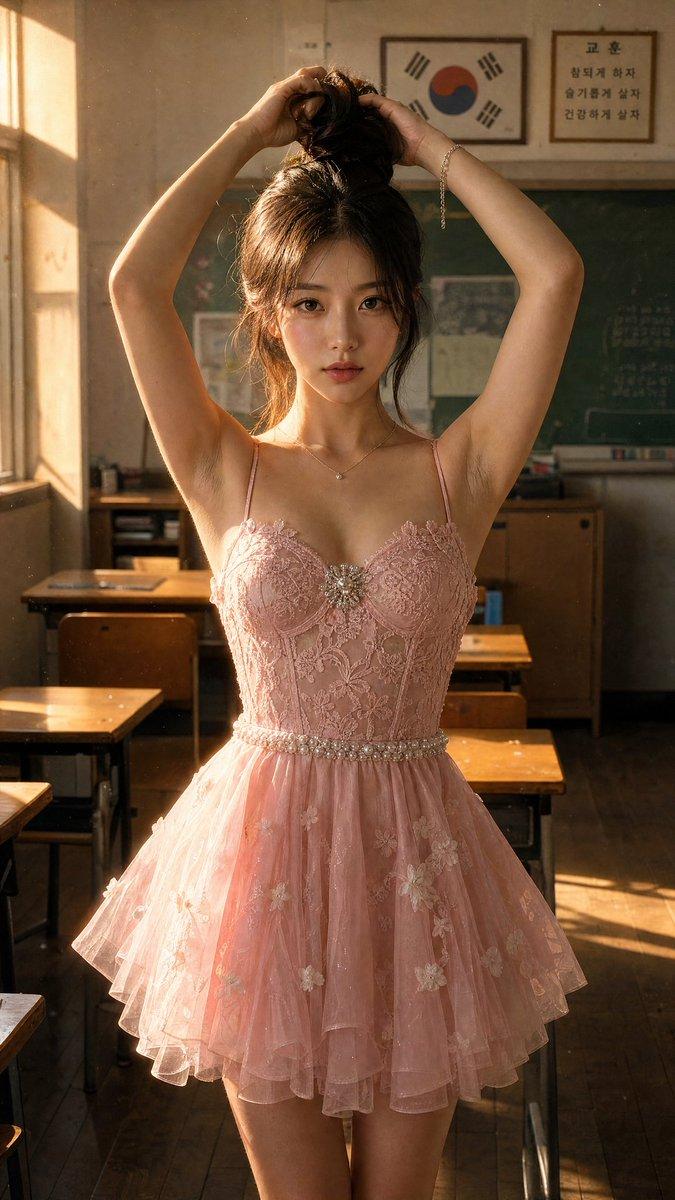
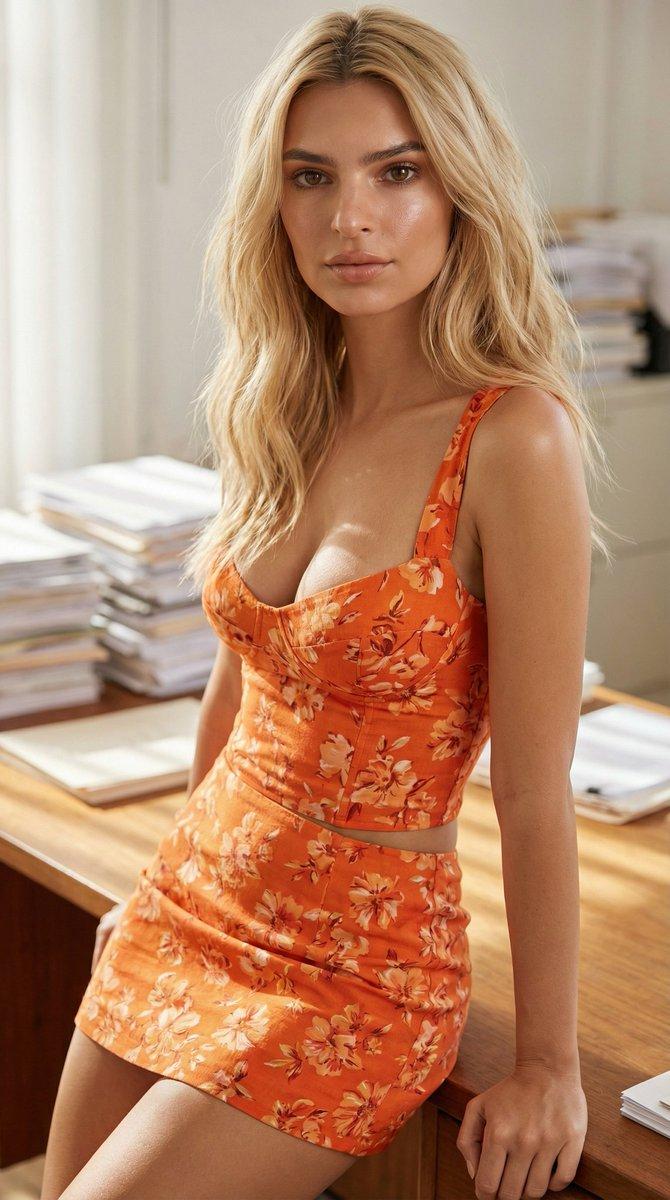
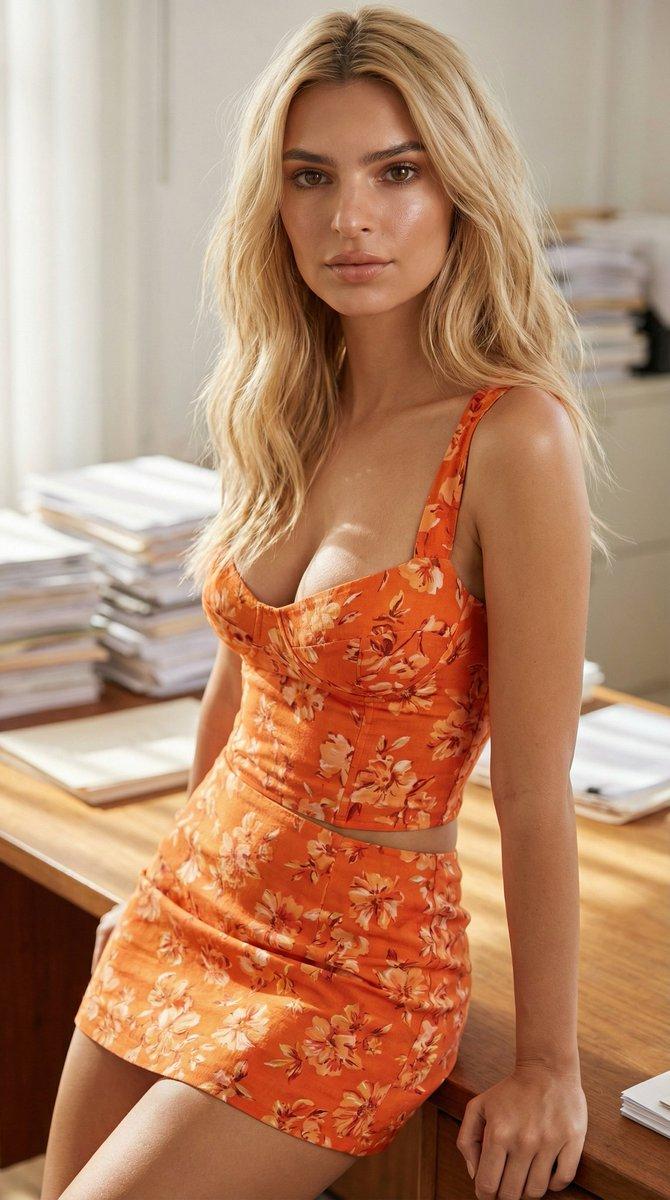
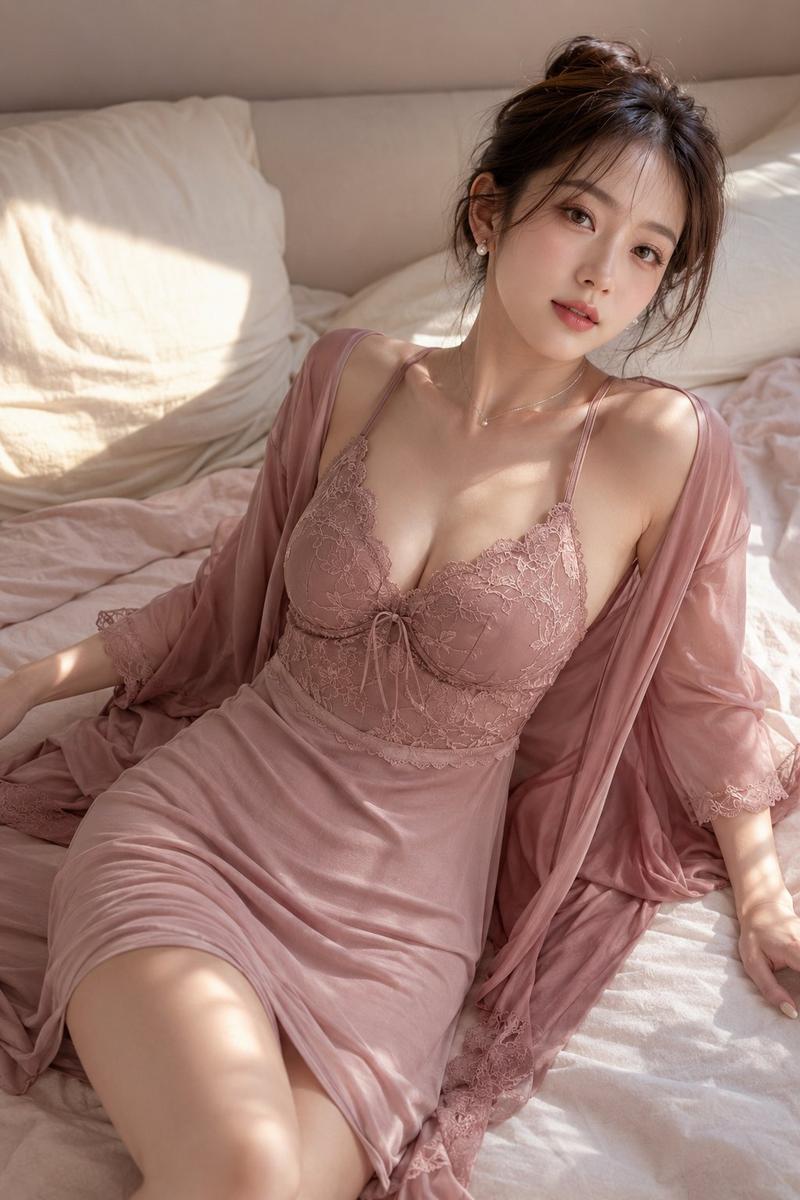
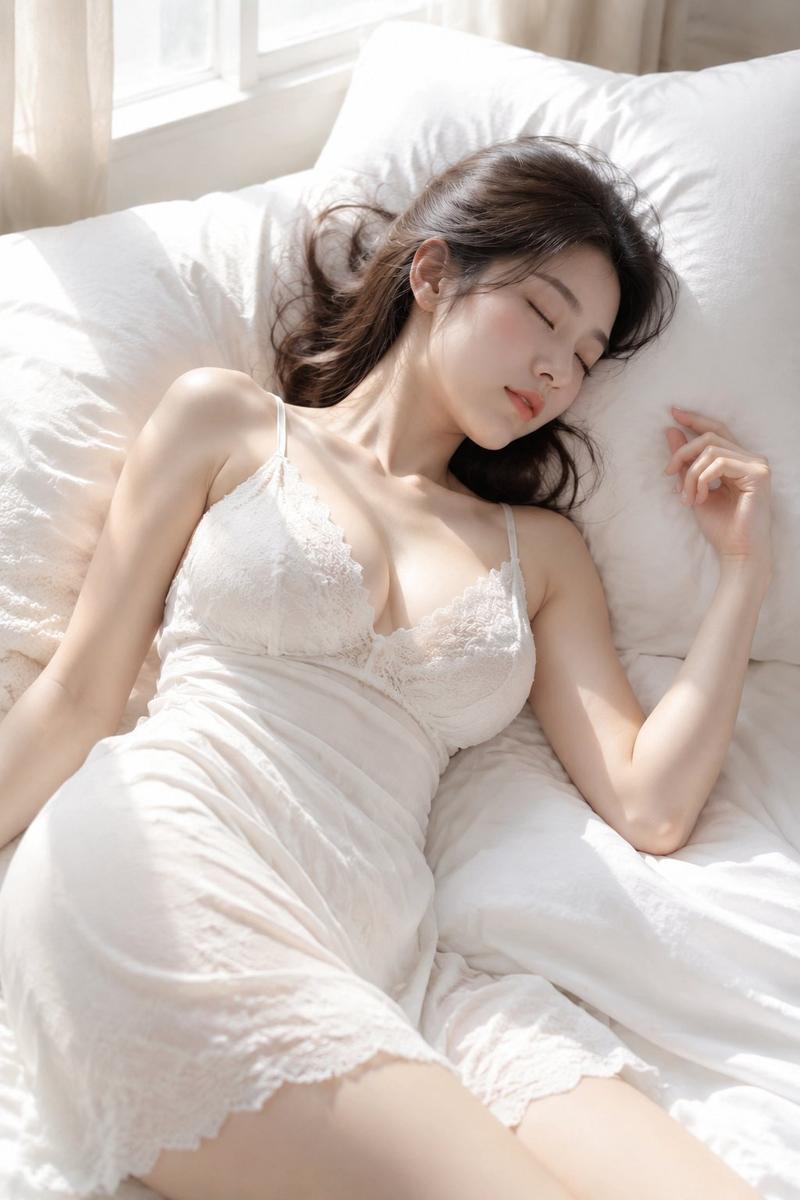
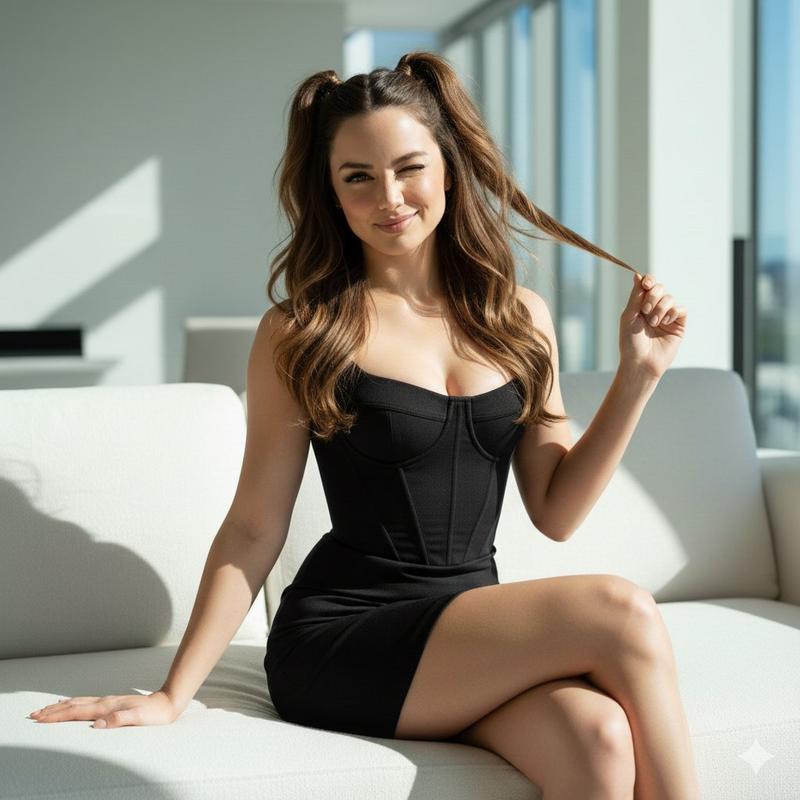
Example images

Abandoned exam room editorial: GPT Image 2 prompt

Prompt
Create a photorealistic editorial portrait. A 20s seductive stunning Japanese or Korean woman, sexy tall slim-curvy silhouette, 94-58-92 body proportion anchor, narrow defined waist, rounded hips, flat abdomen, medium-to-long hair with a deep side part, mostly smooth texture, subtle natural bends. Wearing satin corset mini outfit, strapless underwire cup corset with structured cup seams, lace micro-skirt layer visible underneath the peplum. In abandoned examination room, medical bed, instrument cart. Inspired by Rinko Kawauchi, airy high-key image language, glossy Japanese portrait color grade, lifted midtones.
Category
Photography & Realism
Model
GPT Image 2
Creator
Nailai7981
Views2
Source ID
2076473988180840809
Published
Jul 13, 2026

Guide

About "Abandoned exam room editorial: GPT Image 2 prompt"

What is this prompt for?

"Abandoned exam room editorial: GPT Image 2 prompt" AI image prompt for GPT Image 2 (Photography & Realism). Create a photorealistic editorial portrait. A 20s…

The full copyable prompt and example visuals above are ready for AI image generation or one-click recreate in Picva.

How to use this prompt

  1. Step 1

    Open the prompt detail

    Review the example visuals, category, and full prompt text for "Abandoned exam room editorial: GPT Image 2 prompt".

  2. Step 2

    Copy the prompt

    Copy the prompt body from this page, or load it directly in Studio.

  3. Step 3

    Pick a model (GPT Image 2)

    Prefer GPT Image 2. If you switch models, keep subject and composition and tweak style terms.

  4. Step 4

    Generate and export

    Recreate the look in Picva, or export into your workflow for editing and publishing.

FAQ

What is the "Abandoned exam room editorial: GPT Image 2 prompt" prompt?
It is an AI image-generation prompt for GPT Image 2 in the Photography & Realism category. This page includes the full prompt text, example visuals, and a one-click recreate path in Picva.
How do I use this prompt to generate an image?
Copy the prompt from this page, or use Generate / Studio. Paste it into a compatible image model, or recreate the look in Picva with optional reference images.
Which model is this prompt for?
This page lists GPT Image 2. Most descriptive prompts also transfer to nearby image models such as GPT Image, Flux, or Midjourney with light style tweaks.
Can I use the result commercially?
You can usually copy the prompt for creation, but commercial use of the final image depends on the model terms, reference-image rights, and the generated content. Follow the source author and platform rules.