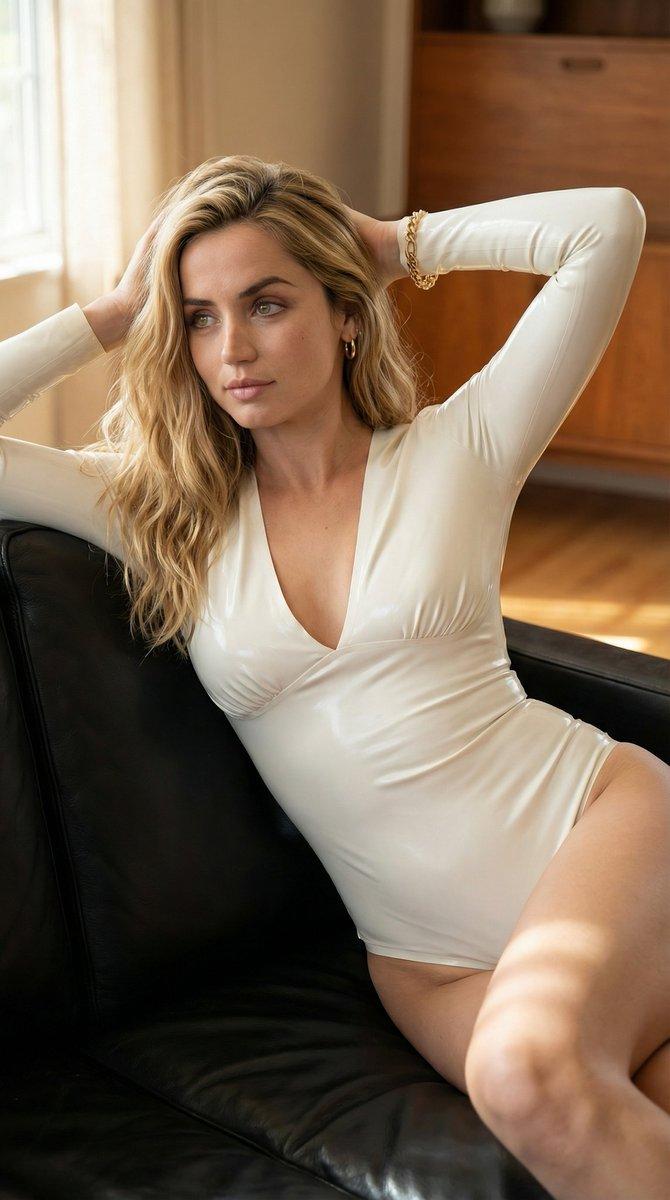
Luxury office power portrait: GPT Image 2 prompt
Prompt
{
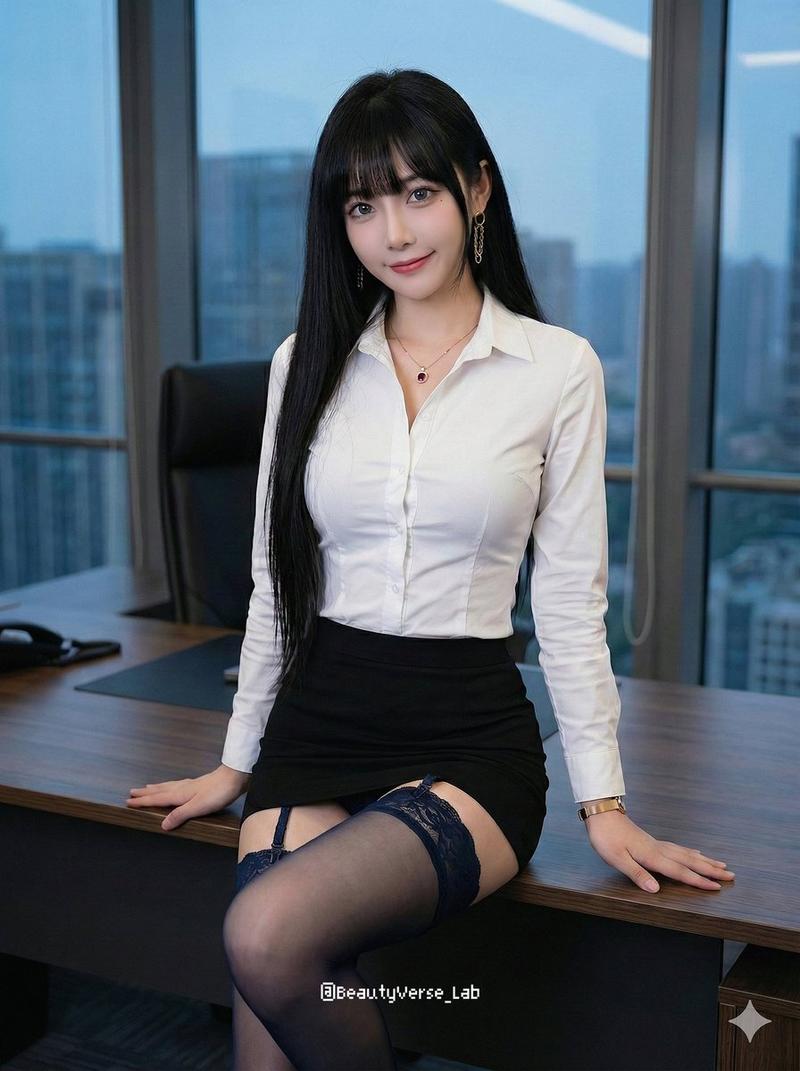
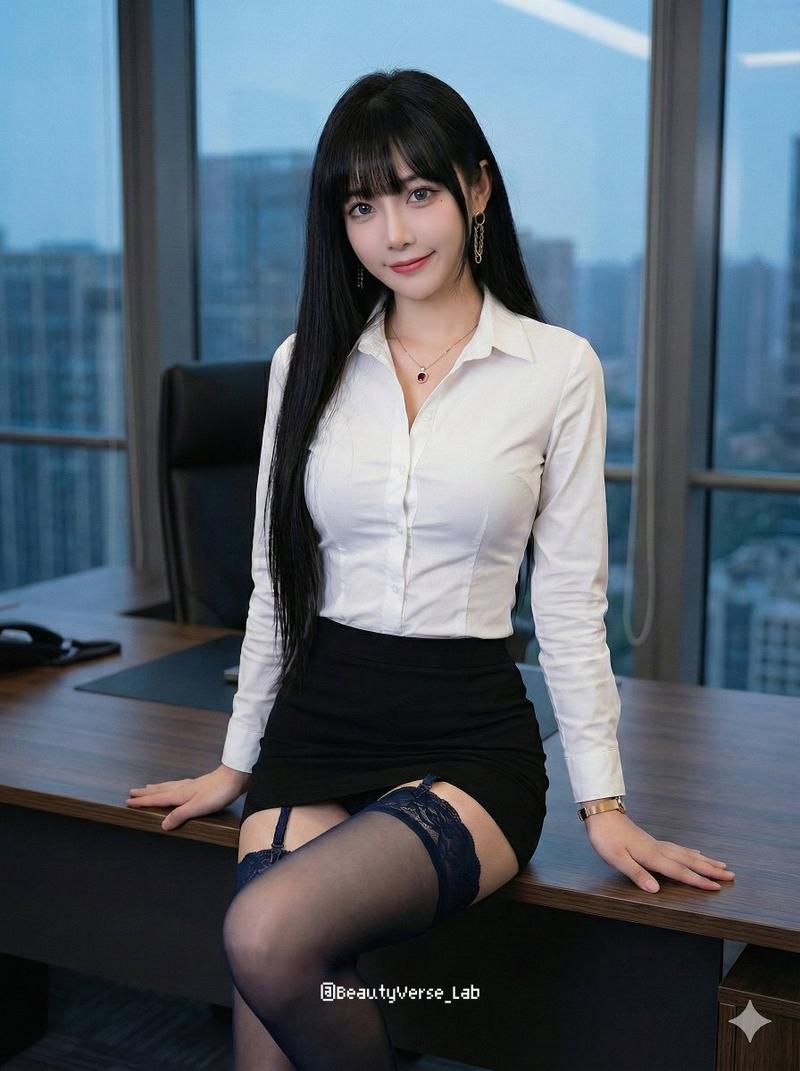
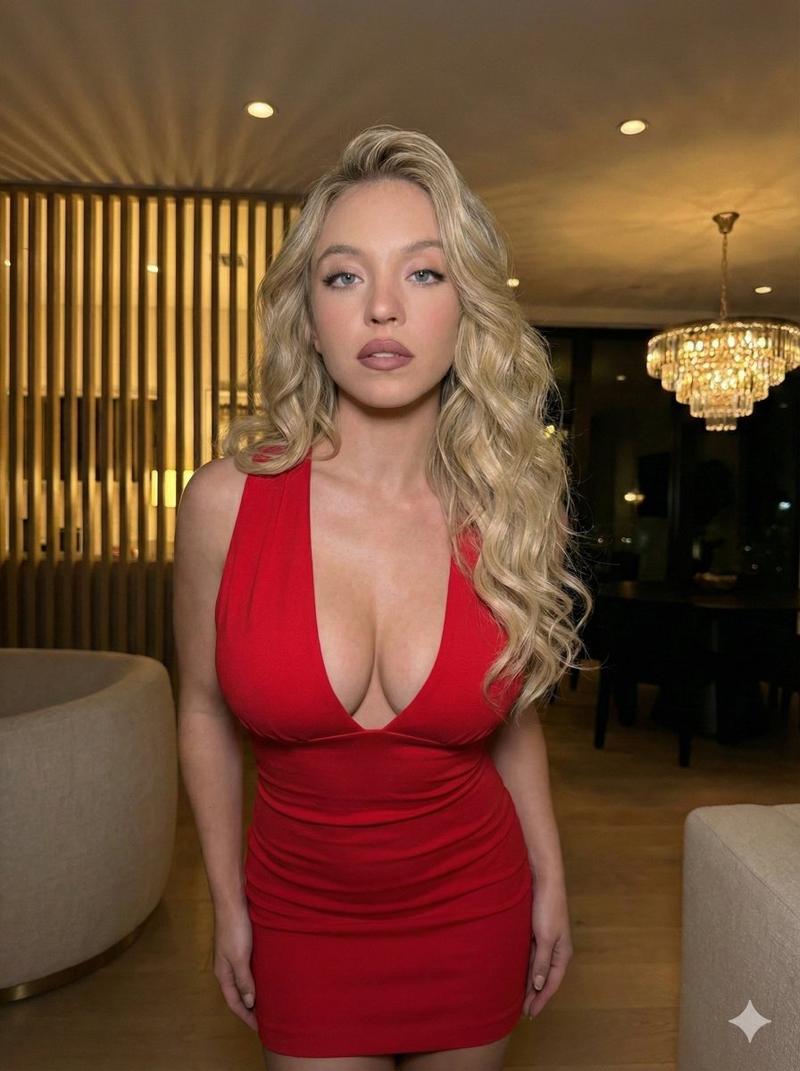
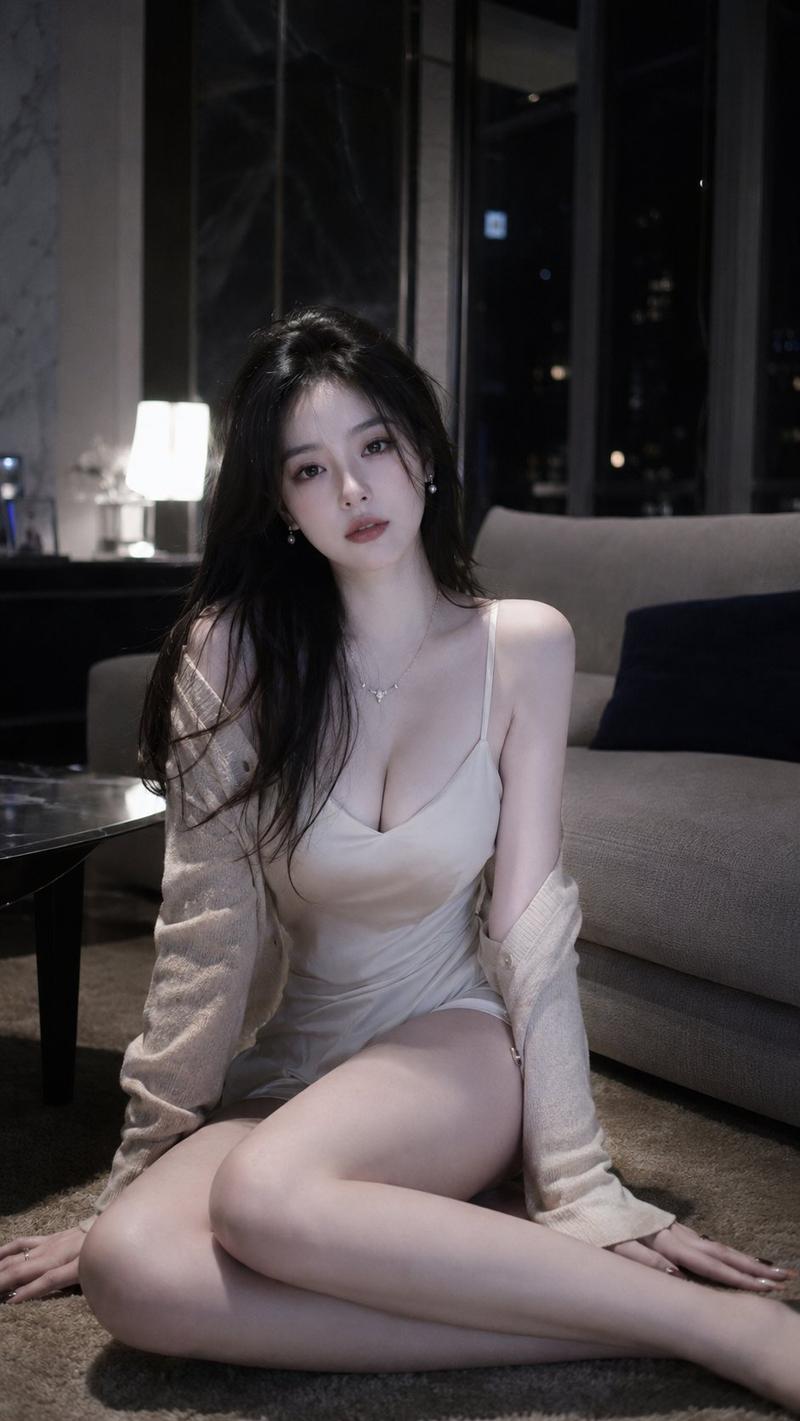
 "prompt": "Ultra-realistic luxury office editorial portrait of a young platinum-blonde woman with soft shoulder-length beach waves and a center part, wearing elegant black cat-eye eyeglasses. Warm ivory skin with visible pores, realistic skin texture, subtle freckles, authentic facial vellus hair, luminous satin complexion, soft peach blush, champagne shimmer eyeshadow, feathered brows, delicate fox-eye eyeliner, wispy lashes, and glossy nude-pink lips. Wearing a luxurious ivory satin button-up blouse with a slightly open collar, tucked into a high-waisted chocolate-brown crocodile-embossed leather mini skirt, paired with sheer black tights. Minimal gold hoop earrings, a delicate silver cross necklace, and subtle gold rings complete the sophisticated look. Sitting casually on the armrest of a modern black leather lounge chair with one hand resting on the chair and the other behind her, looking directly into the camera with a calm, confident editorial expression. Modern executive office featuring floor-to-ceiling windows with soft daylight, contemporary leather seating, minimalist conference table, neutral architecture, and luxury corporate interior. Captured using an iPhone 15 Pro with direct flash, creating crisp reflections on the satin blouse, glossy leather skirt, realistic skin highlights, subtle lens bloom, and an authentic early-2000s digital camera timestamp in the lower corner. Kodak Portra-inspired skin tones, premium fashion editorial, realistic skin rendering, DSLR-quality sharpness with authentic iPhone flash aesthetics, RAW photo, photorealistic, ultra detailed, 8K.",

 "negative_prompt": "cartoon, anime, CGI, painting, beauty filter, plastic skin, wax skin, excessive skin smoothing, fake pores, blurry face, blurry eyes, low resolution, noise, grain, watermark, text, logo, distorted anatomy, extra limbs, extra fingers, malformed hands, unrealistic proportions, duplicate furniture, oversaturated colors, clipped highlights, low-detail hair",

 "style": "photorealistic",

 "camera": {
 "type": "iPhone 15 Pro",
 "lens": "26mm main camera",
 "aperture": "f/1.8",
 "iso": 320,
 "angle": "eye-level portrait",
 "depth_of_field": "moderate"
 },

 "lighting": {
 "type": "direct smartphone flash with soft window daylight",
 "direction": "frontal flash",
 "mood": "luxury, clean, editorial"
 },

 "composition": {
 "framing": "vertical fashion portrait",
 "subject_position": "centered on modern lounge chair",
 "background": "minimalist executive office with leather furniture, conference table, and large windows"
 },

 "quality": {
 "resolution": "8k",
 "detail": "ultra high",
 "sharpness": "DSLR-quality with authentic iPhone rendering",
 "skin_detail": "visible pores, realistic texture, natural freckles",
 "realism": "maximum"
 }
}- Category
- Photography & Realism
- Model
- nano-banana
- Creator
- Dockie
- Source ID
- 2076621024721035348
- Published
- Jul 13, 2026
Views3