Blue floral qipao fashion portrait: GPT Image 2 prompt
Prompt
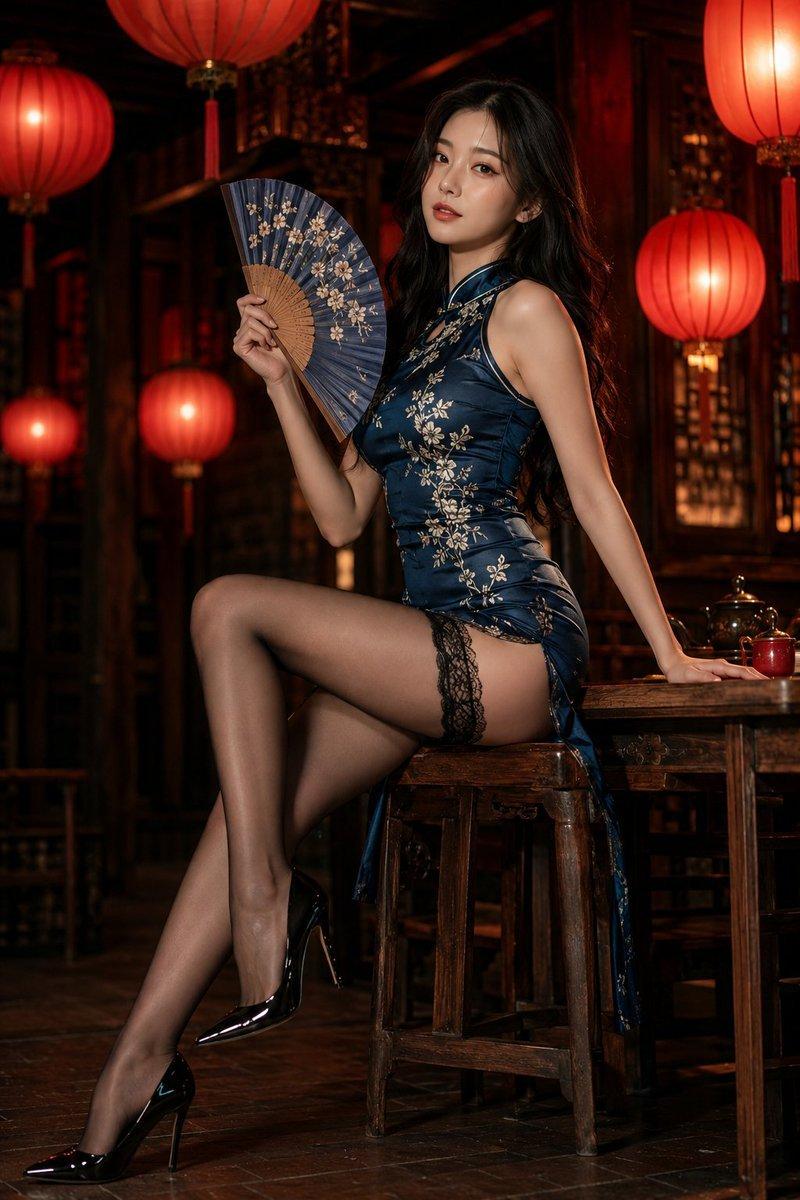
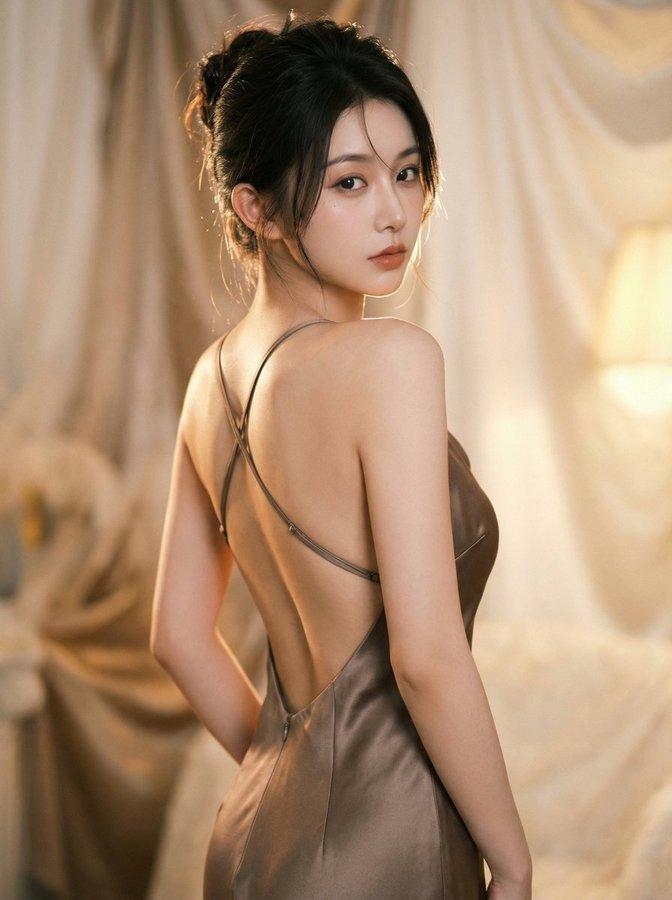
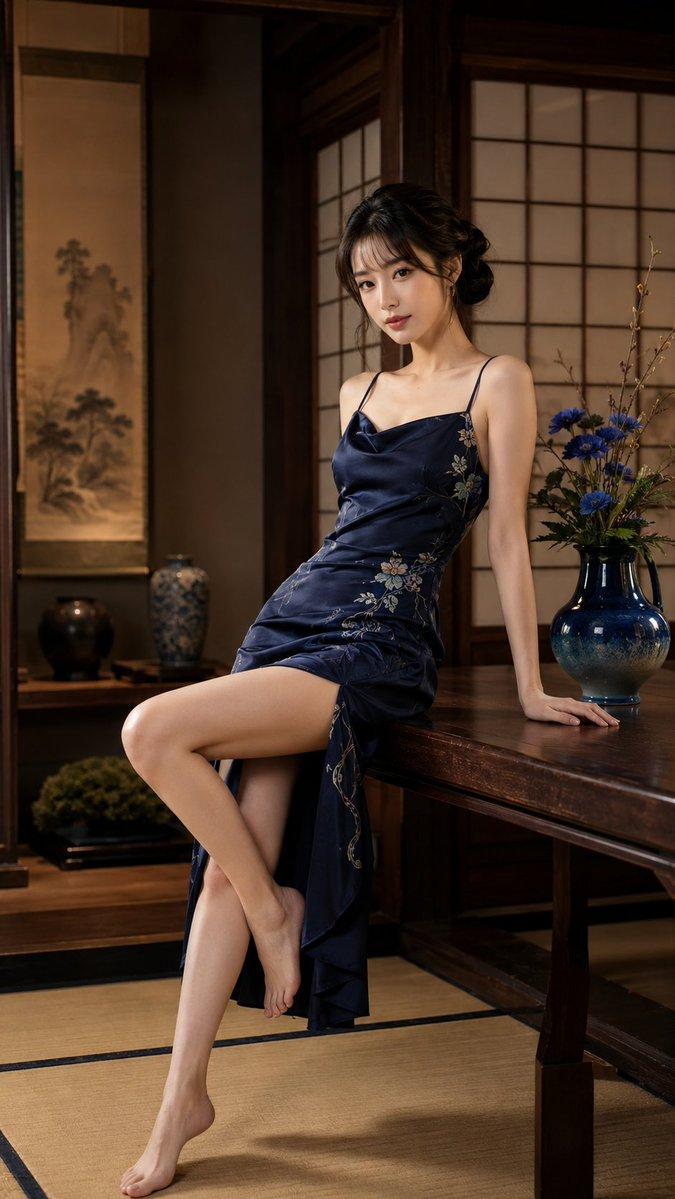
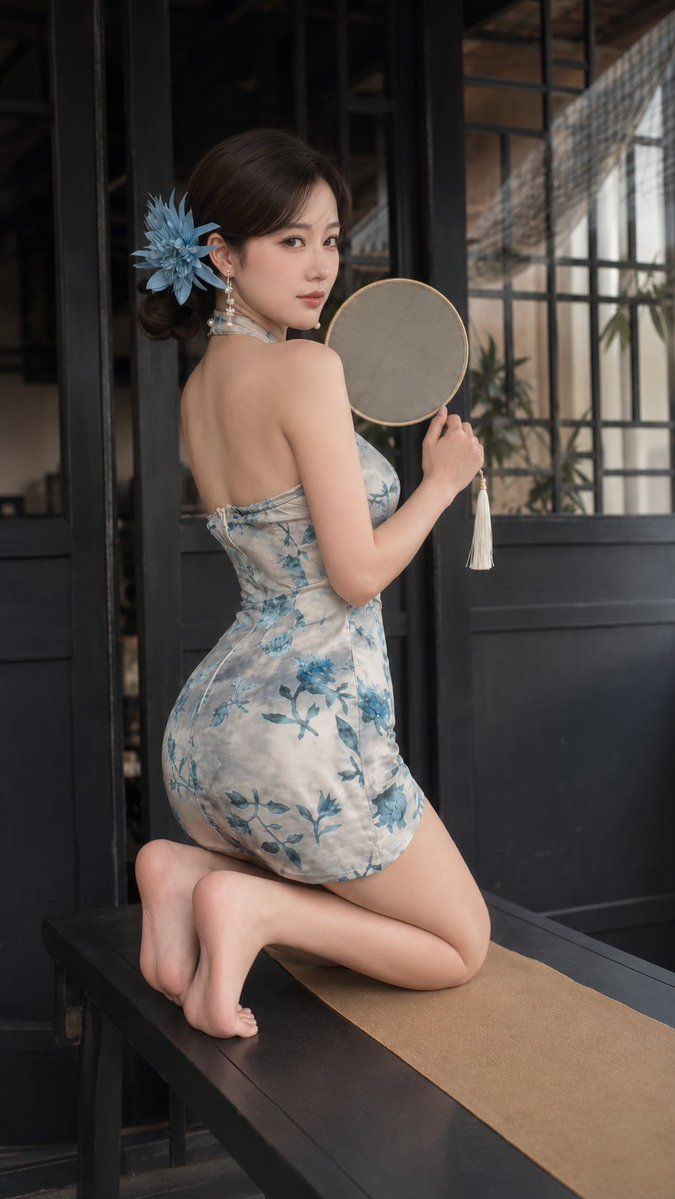
Create a realistic vertical elegant fashion portrait of an adult East Asian woman, age 21 or older, sitting gracefully on a dark long wooden bench or table in a refined interior that blends traditional and modern design. She is positioned slightly left of center, framed from bare feet to head, body turned to the right with her face gently turned toward the camera. Her expression is soft, calm, and composed, with a lightly focused gaze, natural brows, refined eyeliner, long lashes, pale peach blush, luminous skin, and soft rose-pink lips.

Her dark brown hair is styled in a low side bun with smooth volume and a few loose strands falling beside her cheeks. A large light-blue flower hair ornament is tucked behind her ear, adding delicate feminine elegance. She wears slim dangling earrings with pearl-like shine catching the light.

She wears a light silver-gray fitted sleeveless silk qipao-inspired mini dress with blue floral patterns. The dress has a high-neck halter style with an open-back feel, shaping an elegant silhouette. The satin surface is smooth and glossy, with blue botanical prints across the chest, waist, and hem. The fabric should feel lustrous and luxurious, with gentle folds and subtle highlights matching the posture. In one hand she holds a round traditional hand fan made of pale translucent silk, with a fine gold rim and a white tassel hanging from the handle.

Her seated pose is graceful and modest: one hand rests softly on the bench for support, legs bent to the side with bare feet toward the foreground, and the other hand places the fan on her lap. The composition emphasizes elegance, posture, traditional style, and serene beauty rather than explicitness.

The setting features dark wooden doors and window frames with rectangular glass panes, soft interior details, and a quiet courtyard or indoor garden outside. The bench or table is dark polished wood with a beige tablecloth. The background includes refined plants and architectural lines, softly blurred to keep attention on the subject.

Lighting should be soft natural light from the front-left, creating gentle highlights on the model's face, shoulders, arms, floral dress, fan, hair ornament, earrings, and polished wood surfaces. Use shallow depth of field, realistic skin texture, crisp silk fabric detail, clear floral pattern definition, and refined post-processing.

Style: realistic elegant Chinese-style fashion photography, adult model, light blue floral qipao mini dress, traditional round fan, blue flower hair ornament, dark wood interior, graceful seated pose, soft natural light, refined cultural styling, high detail, vertical aspect ratio. No text, no watermark, no logo, no other people, no distorted anatomy, no cartoon style, no harsh lighting, no clutter, no nudity.
- Category
- Photography & Realism
- Model
- GPT Image 2
- Creator
- ToroJushiAi
- Source ID
- 2077120952157065246
- Published
- Jul 14, 2026
Views5