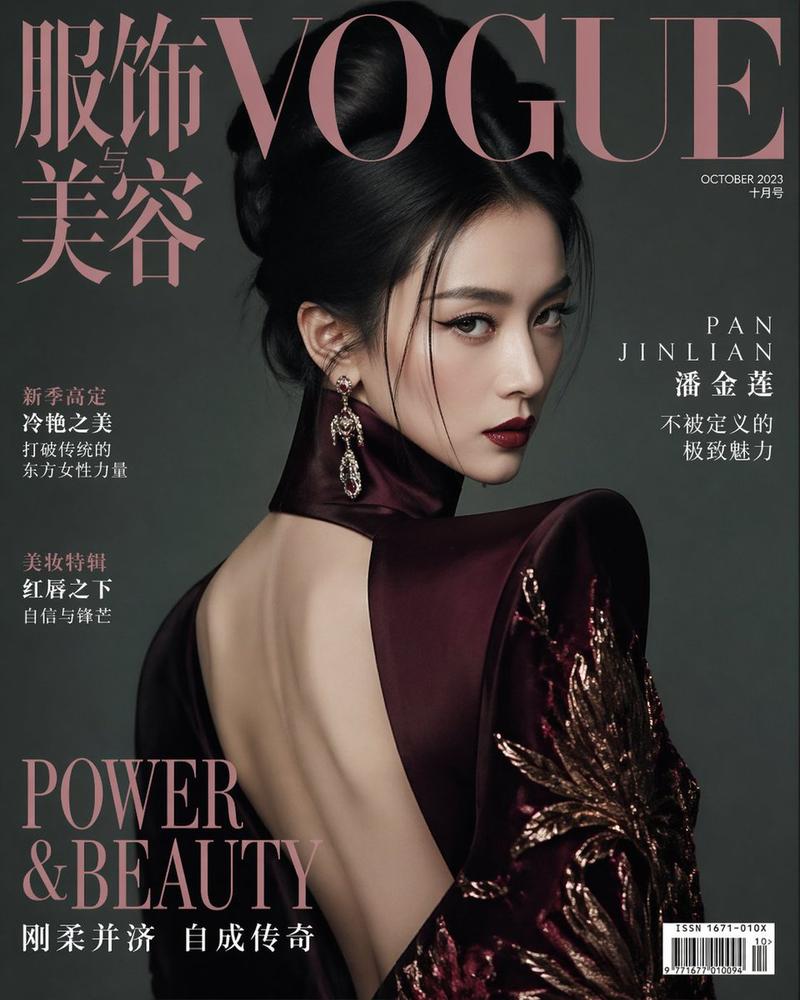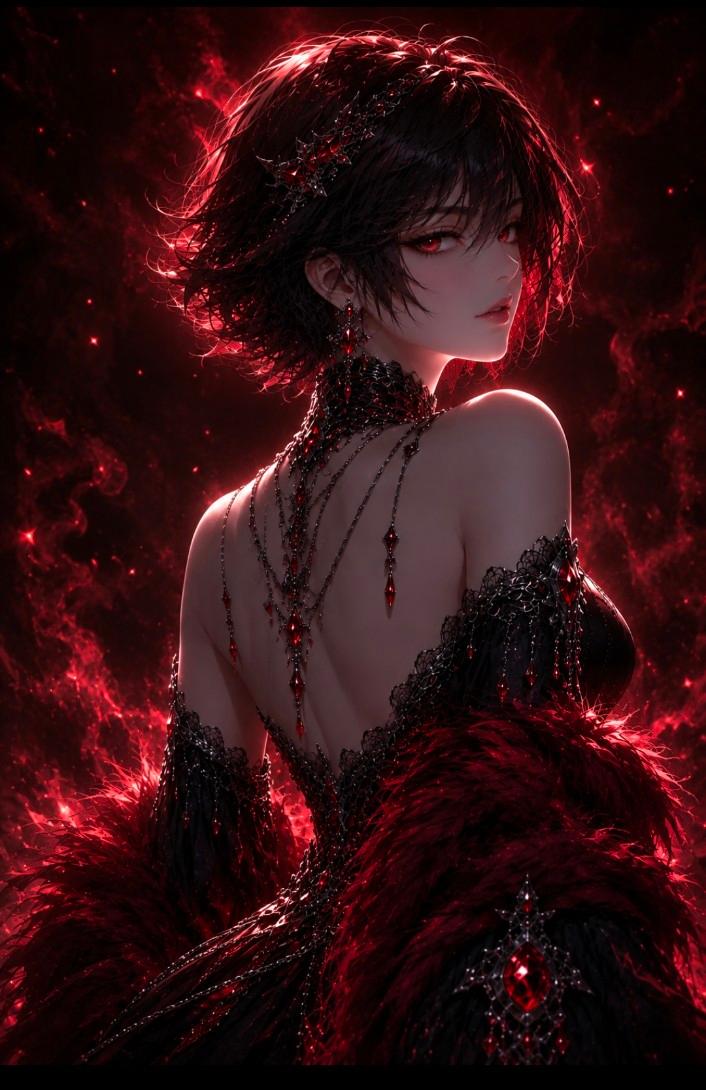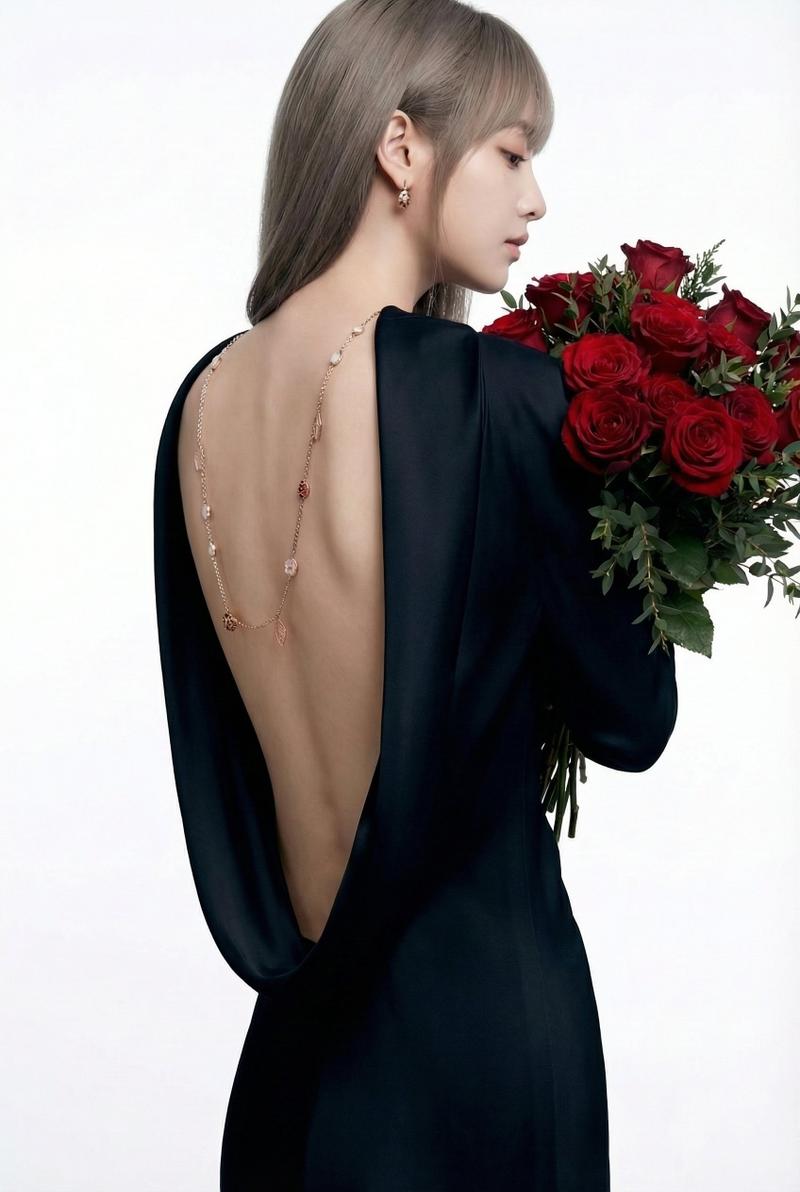
Taupe open-back fashion portrait: GPT Image 2 prompt
Prompt
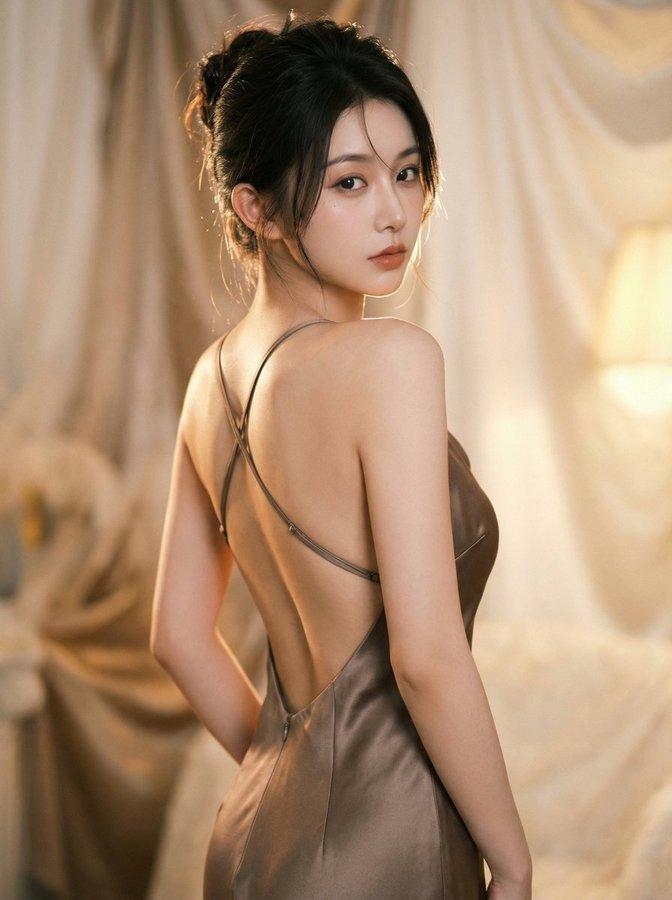
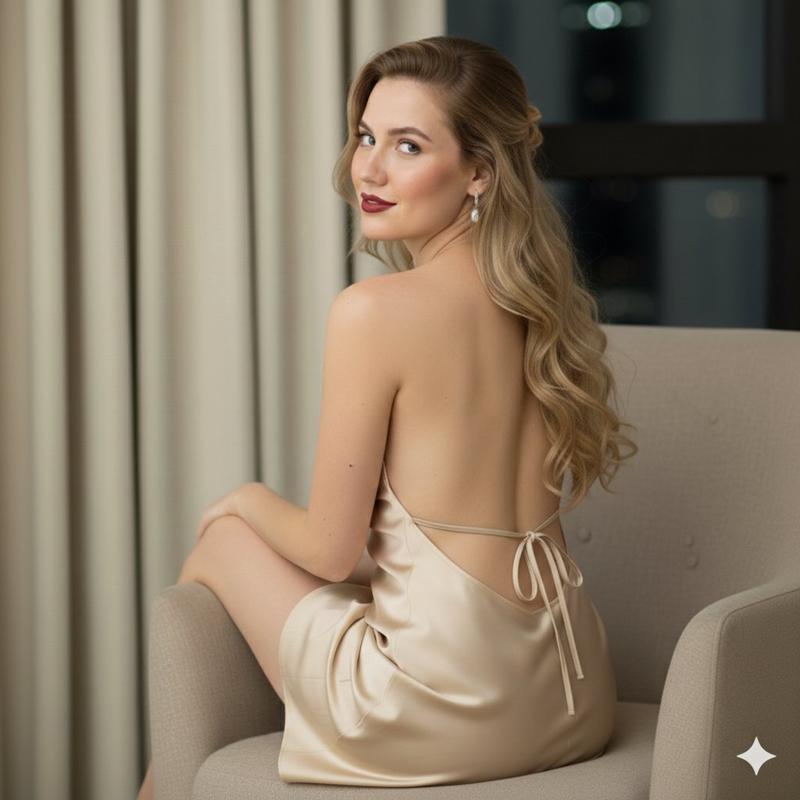
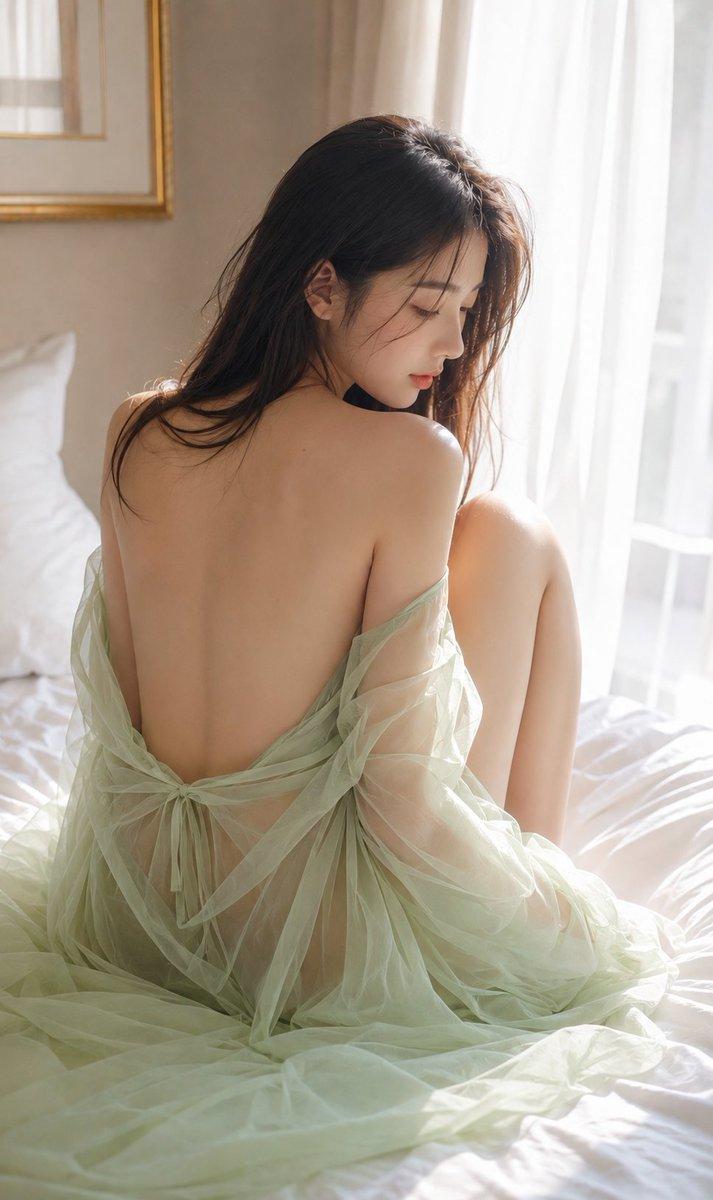
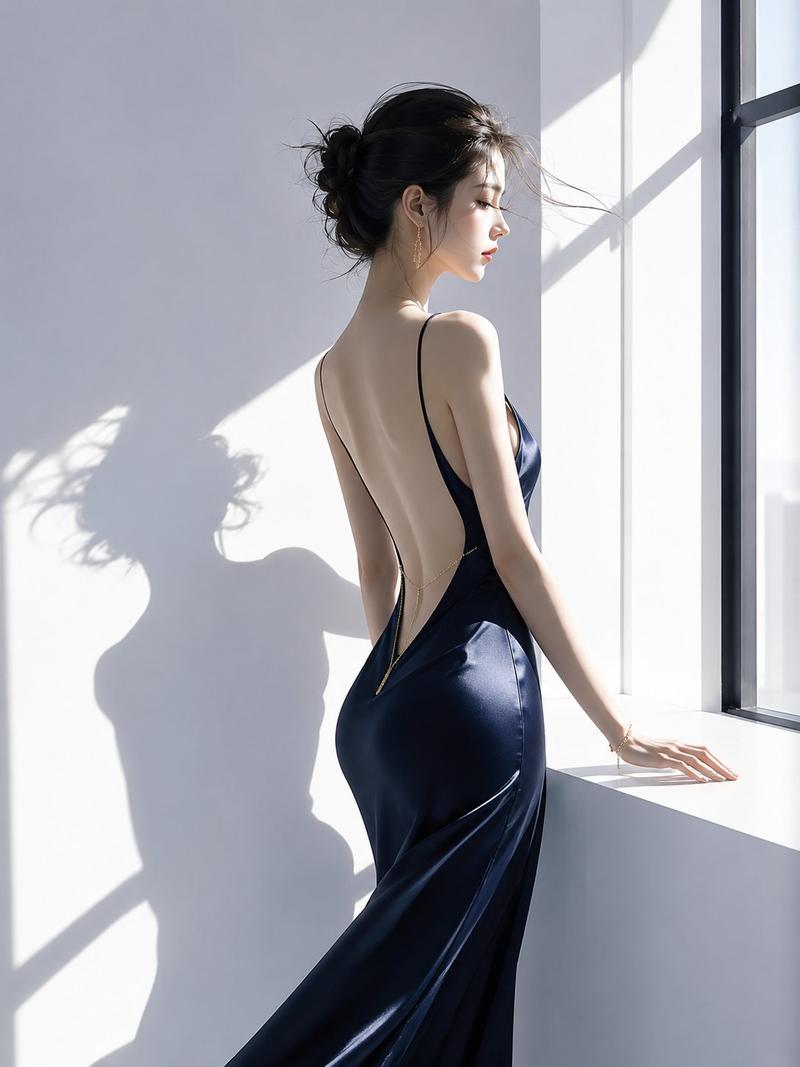
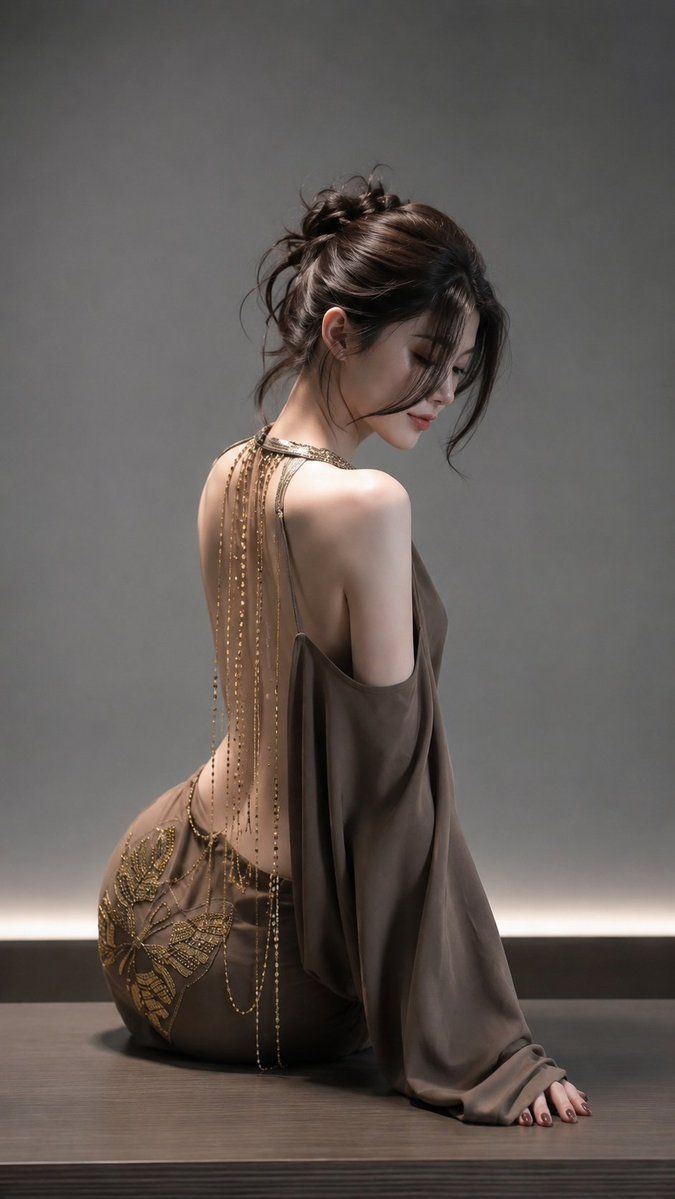
Realistic vertical luxury fashion portrait in a moody minimalist studio. An adult East Asian woman, age 21 or older, sits on a dark wooden platform with her body turned away from the camera and her head softly turned back over one shoulder in a gentle side profile. Frame slightly to the right from bare feet to the top of the head. Elegant seated pose: one leg folded to the side, the other relaxed behind her, one arm supporting her on the platform and the other loosely draped in flowing fabric. Calm, graceful, introspective expression, softly lowered eyes, relaxed lips, refined eyeliner, natural lashes, pale peach blush, luminous skin, muted rose-pink lips.

Subject: deep brown-black hair arranged in a loose high bun with soft volume, loose strands falling around the face, neck, and shoulders, and delicate flyaway hairs catching the backlight. Romantic, slightly undone, editorial hairstyle.

Wardrobe: taupe luxury evening gown with a dramatic open-back design and loose off-shoulder sleeves. Soft satin or silk in a muted mocha-grey tone, draped fabric, long loose sleeves. Delicate gold chain and bead back jewelry: a collar-like gold neckline at the shoulders, many fine vertical chains falling across the back, tiny beads, layered hanging chains catching the light. Additional gold chain loops at the waist and lower back. Decorative embroidered gold floral appliques around the hip area. Elegant, flowing, haute couture feeling: refined open back, delicate jewelry, soft fabric folds.

Scene: dark wooden platform or bench beneath her. Smooth grey studio wall in the background. A subtle horizontal warm light strip near the floor creates a soft glow behind the subject. Clean matte cinematic background emphasizing negative space and the model silhouette.

Lighting: soft, directional, dramatic light from the upper left and slightly behind, creating delicate highlights on hair, shoulders, back, cheek, gold chains, embroidered appliques, silk fabric, and wood. Gentle shadows on the grey wall and a fine rim light around the side profile and bun. Palette: smoky grey, taupe, antique gold, dark wood, warm highlights, natural glowing skin.

Style: ultra-realistic luxury studio fashion photography, adult model, taupe open-back satin gown, draped gold chain back jewelry, seated side profile, loose bun, moody grey background, soft cinematic lighting, elegant haute couture atmosphere, real skin texture, fine gold beadwork and embroidery, shallow depth of field, vertical composition, high detail. No text, watermark, logo, extra people, deformed anatomy, cartoon style, harsh flash, clutter, or explicit nudity.
- Category
- Photography & Realism
- Model
- GPT Image 2
- Creator
- ToroJushiAi
- Source ID
- 2077392741173018735
- Published
- Jul 15, 2026
Views7