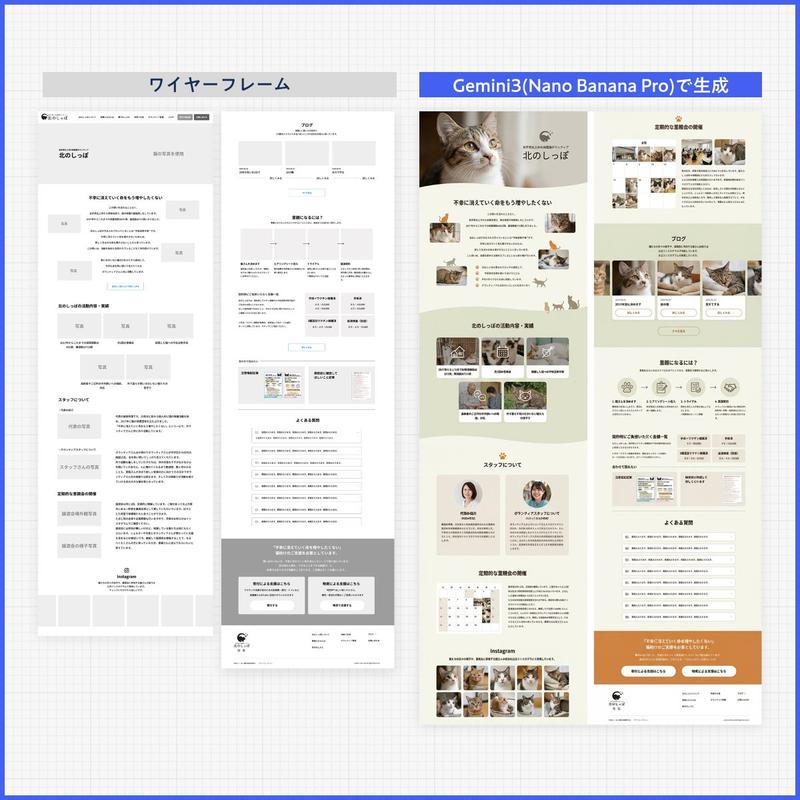
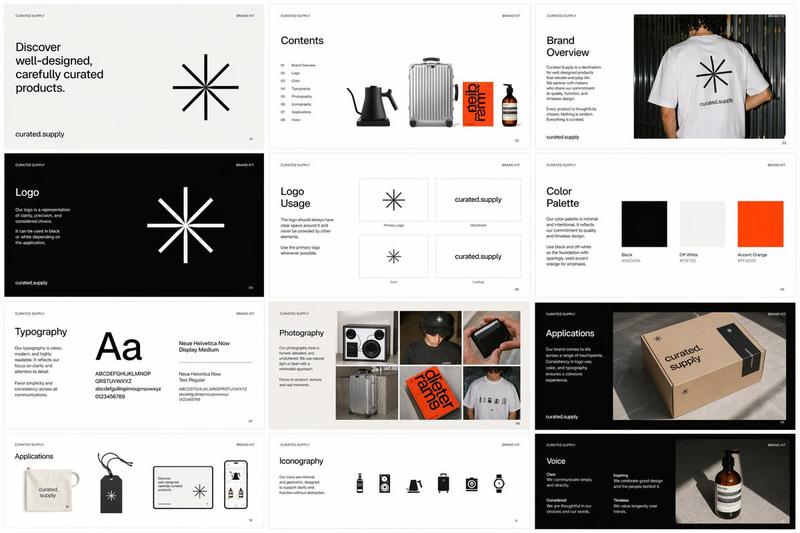
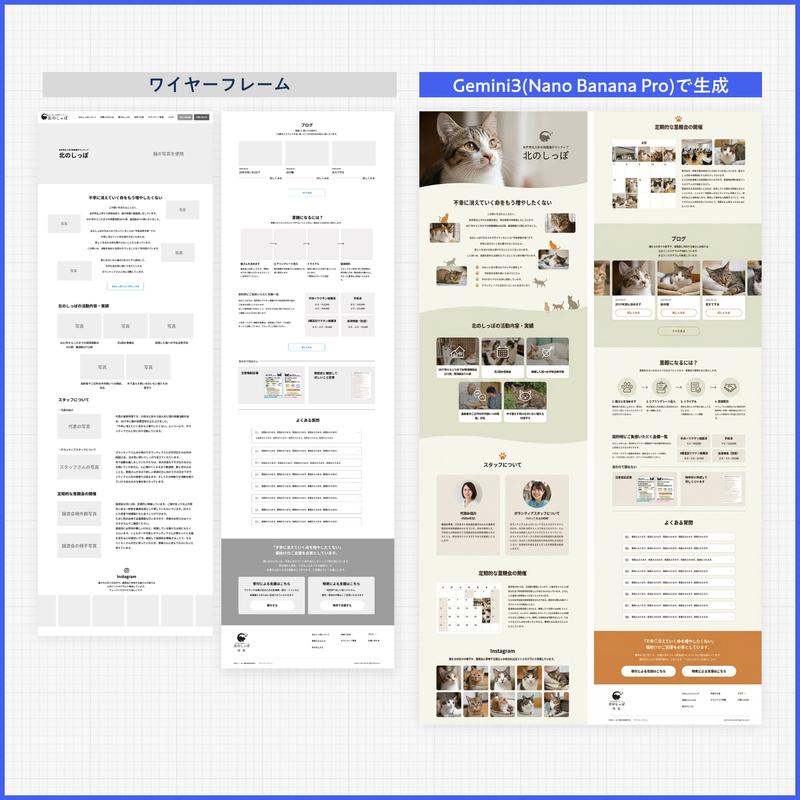
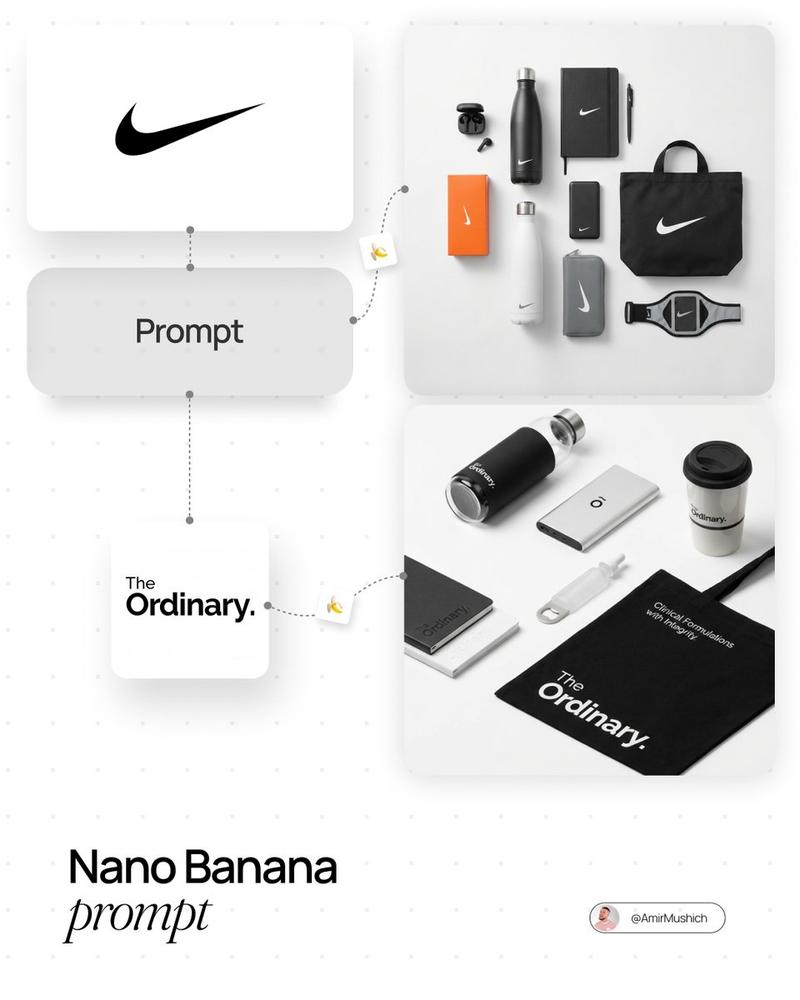
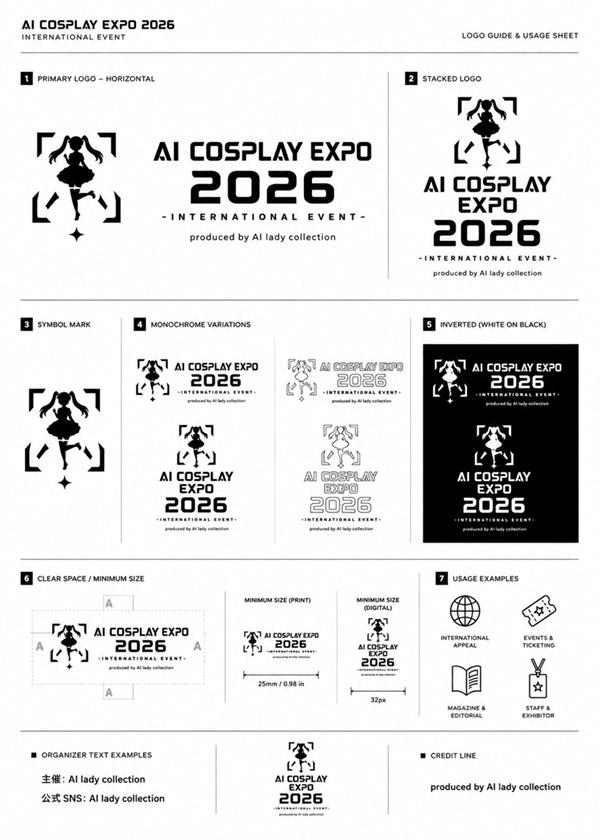
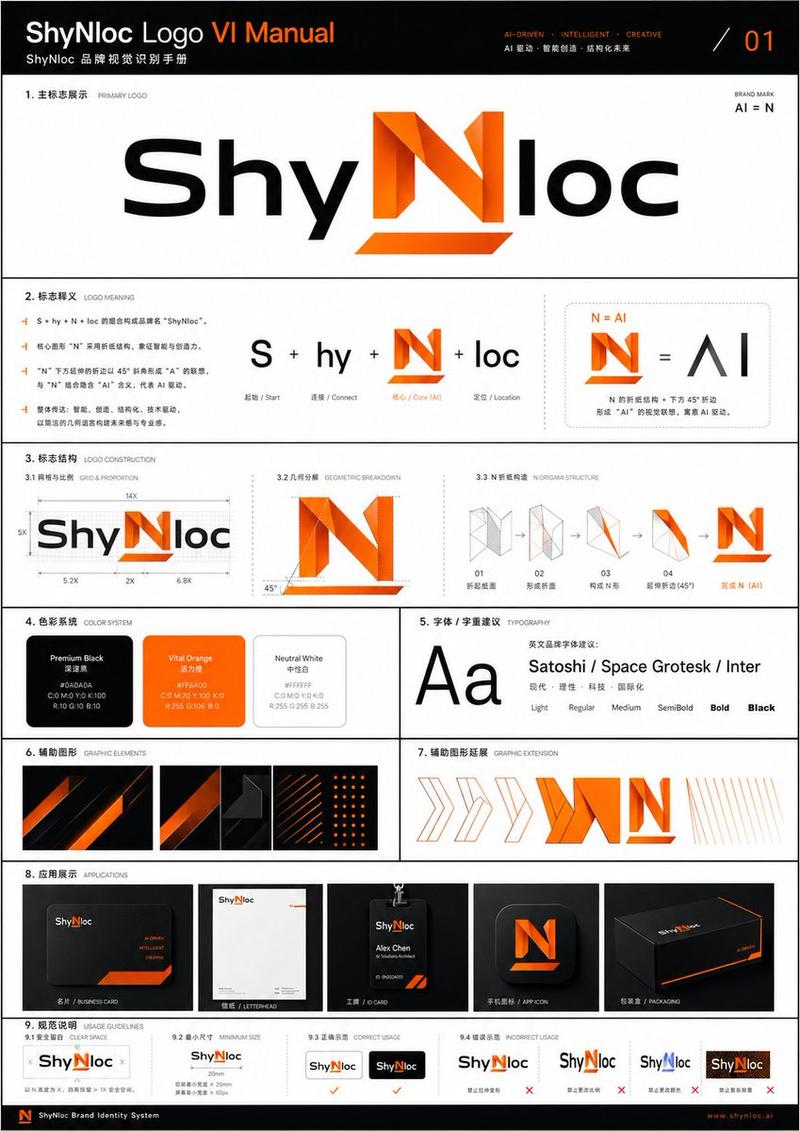
界面交互设计图
Prompt
{
  "type": "brand identity system presentation board",
  "header": {
    "title": "品牌视觉识别系统 BRAND IDENTITY SYSTEM",
    "slogan": "爱它·懂它·陪伴它"
  },
  "main_logo": {
    "text": "{argument name=\"brand name\" default=\"GDX\"}",
    "subtitle": "{argument name=\"brand chinese name\" default=\"狗东西\"}",
    "design_feature": "{argument name=\"main subject\" default=\"Dog profile in negative space of the letter D\"}",
    "metadata": [
      "品牌名称",
      "行业属性 {argument name=\"industry\" default=\"宠物行业\"}",
      "设计时间 2024.05"
    ]
  },
  "layout": {
    "sections": [
      {
        "title": "设计网格",
        "count": 1,
        "description": "Logo with architectural grid lines and golden ratio measurements"
      },
      {
        "title": "概念草图",
        "count": 4,
        "description": "Evolution steps from rough dog sketch to final geometric logo"
      },
      {
        "title": "灵感来源",
        "count": 4,
        "description": "Moodboard images including minimalist architecture, a golden retriever, and dark green geometric shapes"
      },
      {
        "title": "创意理念",
        "count": 4,
        "description": "Text blocks with minimalist icons explaining design philosophy, positioning, color psychology, and scalability"
      },
      {
        "title": "品牌应用",
        "count": 6,
        "labels": [
          "名片 正反面",
          "信纸信封",
          "APP图标",
          "网站页眉 / 网站图标",
          "产品包装 / 购物袋",
          "店面门头 / 标识牌"
        ],
        "description": "Mockups of business cards, envelopes, app icons, website header with a dog, paper shopping bags, and a storefront sign"
      },
      {
        "title": "色彩规范",
        "count": 5,
        "labels": [
          "主色",
          "辅助色",
          "强调色"
        ],
        "colors": [
          "{argument name=\"primary color\" default=\"#1E3D34\"}",
          "#F5F3EF",
          "#E5E2DD",
          "#A8C5B1",
          "#E0A86E"
        ]
      },
      {
        "title": "字体规范",
        "count": 2,
        "labels": [
          "思源黑体 CN",
          "思源柔黑体 CN"
        ],
        "description": "Typography specimens showing 'Aa', alphabet, and numbers"
      },
      {
        "title": "最小使用尺寸",
        "count": 2,
        "description": "Minimum logo size specifications at 20mm and 12mm"
      },
      {
        "title": "安全留白区域",
        "count": 1,
        "description": "Logo surrounded by a bounding box with 'X' indicating clear space margins"
      },
      {
        "title": "错误使用示例",
        "count": 5,
        "labels": [
          "不可拉伸变形",
          "不可改变颜色",
          "不可添加阴影",
          "不可倾斜使用",
          "不可复杂背景上使用"
        ],
        "description": "Examples of incorrect logo usage: stretched, wrong color, drop shadow, tilted, and placed on a busy photographic background"
      }
    ]
  }
}- Category
- UI & Interfaces
- Model
- GPT Image 2
- Creator
- freestylefly
- Source ID
- 133
Views3



![Create a premium brand kit board for [Promptsref], presented like a professional](https://i.pixshop.app/storage/v1/render/image/public/prompt-source-media/promptsref/work-2151/image-1-718919199311845f.png?width=800&quality=75&resize=contain)