14

主题海报版式设计
Enlarge

主题海报版式设计

Prompt
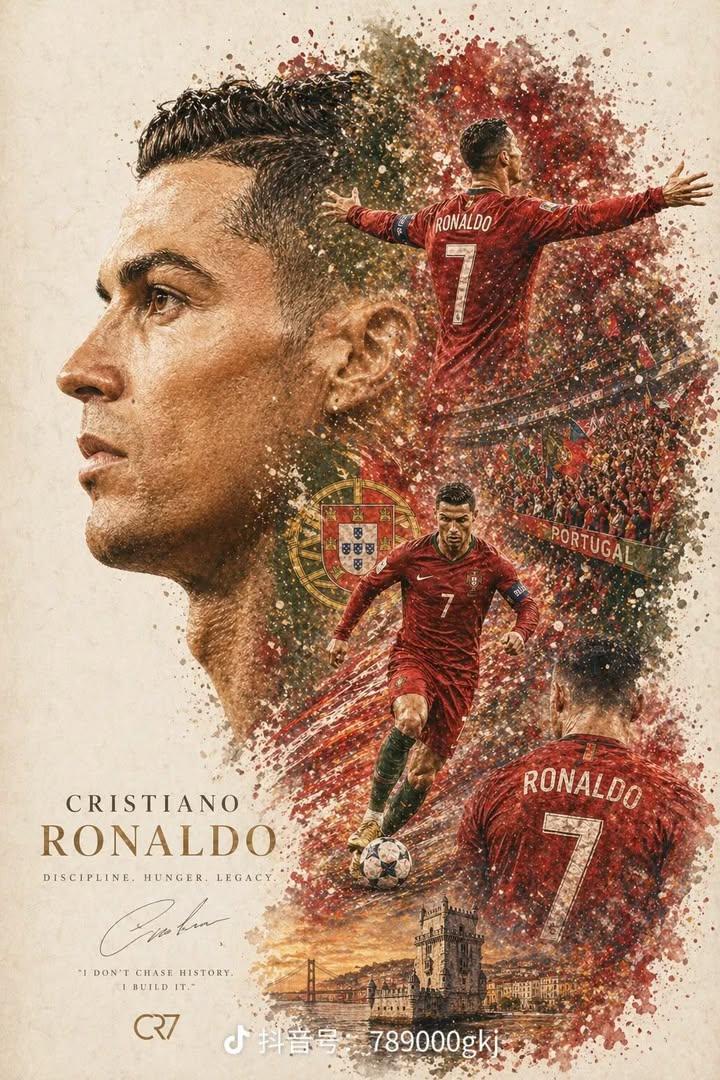
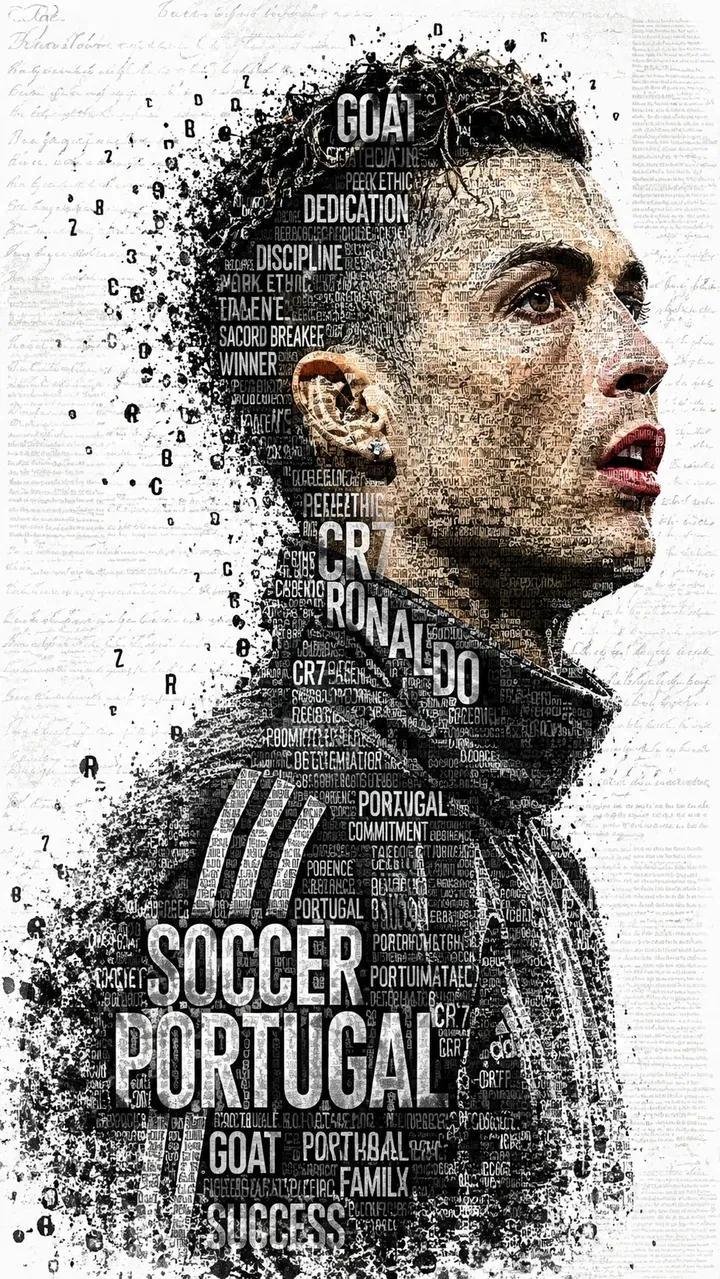
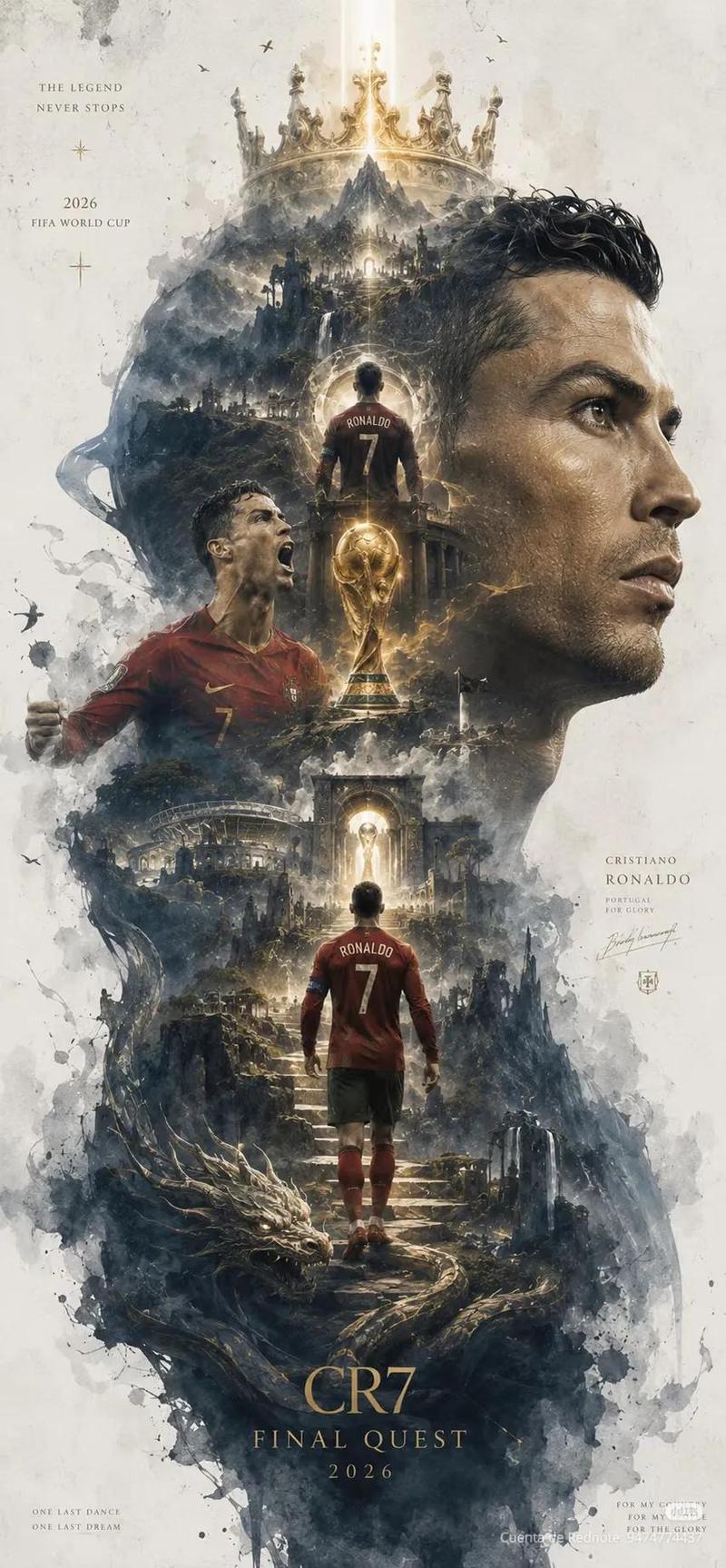
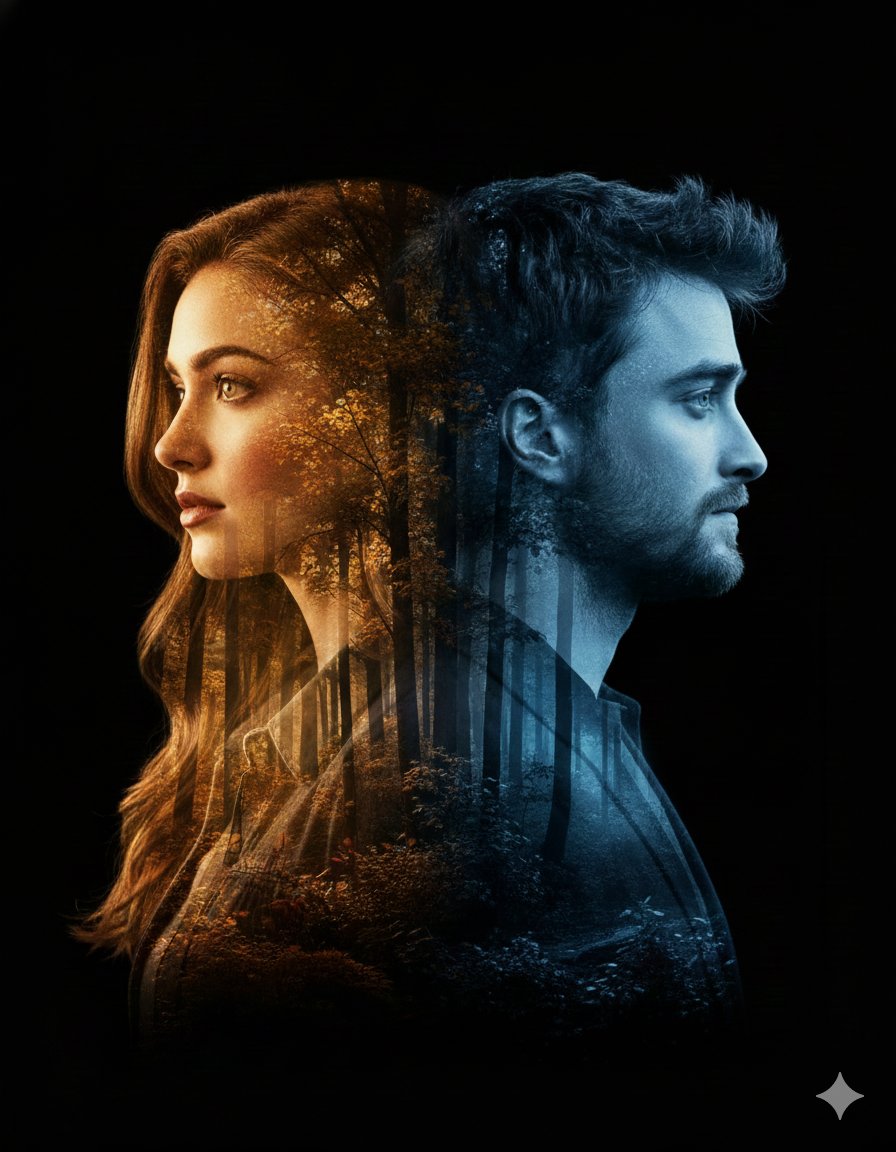
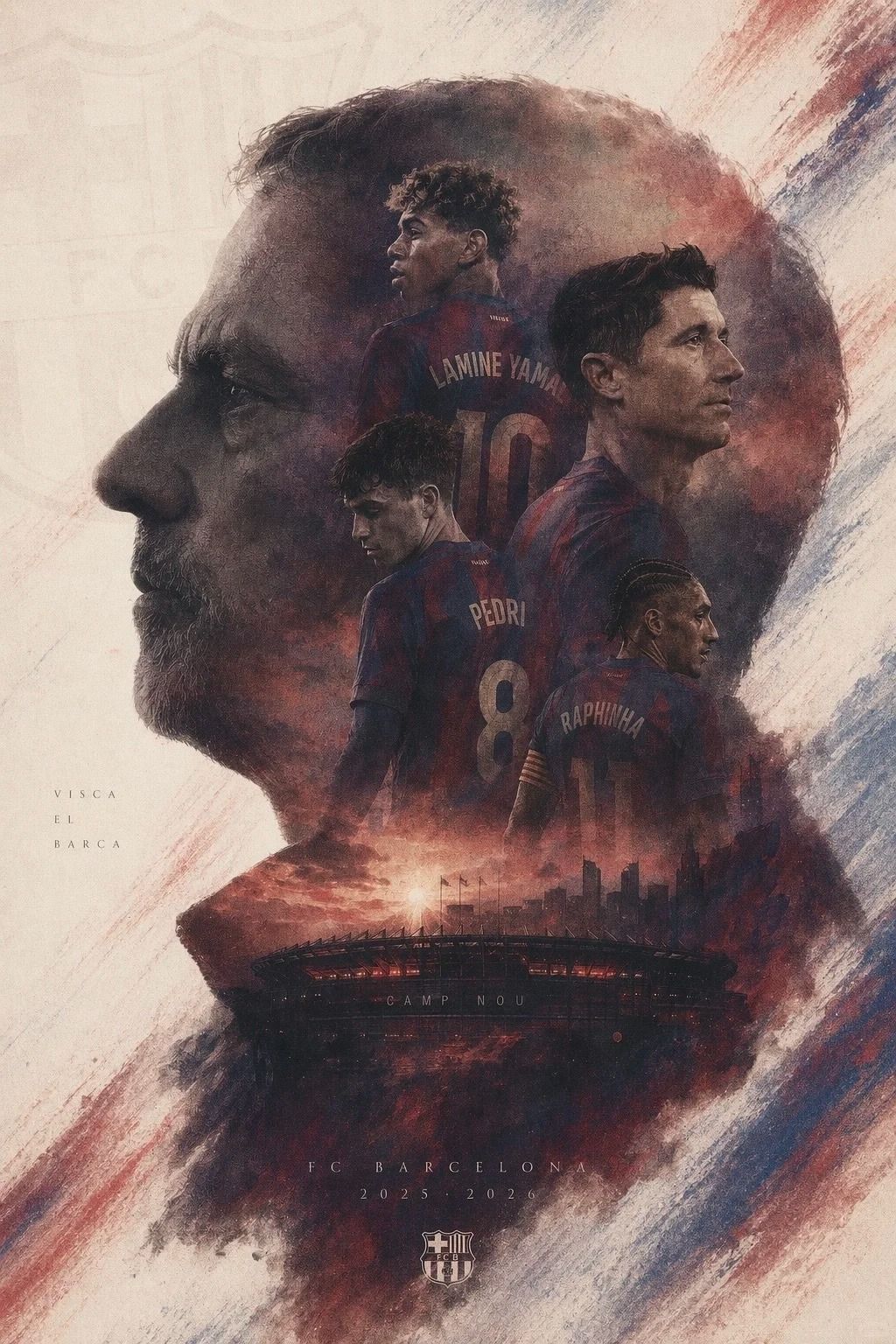
生成高完成度史诗感艺术海报,双重曝光构图,米白色背景,球队:xxxx队,xxx的大剪影占据主体,剪影内部融合xx、xx、xx、xx以及xx等元素。整体以xx、土褐、为主,压抑、决绝、宿命感极强,元素不要冗杂,要有留白,印刷颗粒质感,元素不要有太锐的细节,但是要有史诗质感,像正式院线动画电影海报,竖版。图片中若出现文字则以细体字为主
Category
Posters & Typography
Model
GPT Image 2
Views2
Source ID
16

Guide

About "主题海报版式设计"

What is this prompt for?

"主题海报版式设计" AI image prompt for GPT Image 2 (Posters & Typography). 生成高完成度史诗感艺术海报,双重曝光构图,米白色背景,球队:xxxx队,xxx的大剪影占据主体,剪影内部融合xx、xx、xx、xx以及xx等元素。整体以xx、土褐、为主,压抑、决绝、宿…

The full copyable prompt and example visuals above are ready for AI image generation or one-click recreate in Picva.

How to use this prompt

  1. Step 1

    Open the prompt detail

    Review the example visuals, category, and full prompt text for "主题海报版式设计".

  2. Step 2

    Copy the prompt

    Copy the prompt body from this page, or load it directly in Studio.

  3. Step 3

    Pick a model (GPT Image 2)

    Prefer GPT Image 2. If you switch models, keep subject and composition and tweak style terms.

  4. Step 4

    Generate and export

    Recreate the look in Picva, or export into your workflow for editing and publishing.

FAQ

What is the "主题海报版式设计" prompt?
It is an AI image-generation prompt for GPT Image 2 in the Posters & Typography category. This page includes the full prompt text, example visuals, and a one-click recreate path in Picva.
How do I use this prompt to generate an image?
Copy the prompt from this page, or use Generate / Studio. Paste it into a compatible image model, or recreate the look in Picva with optional reference images.
Which model is this prompt for?
This page lists GPT Image 2. Most descriptive prompts also transfer to nearby image models such as GPT Image, Flux, or Midjourney with light style tweaks.
Can I use the result commercially?
You can usually copy the prompt for creation, but commercial use of the final image depends on the model terms, reference-image rights, and the generated content. Follow the source author and platform rules.