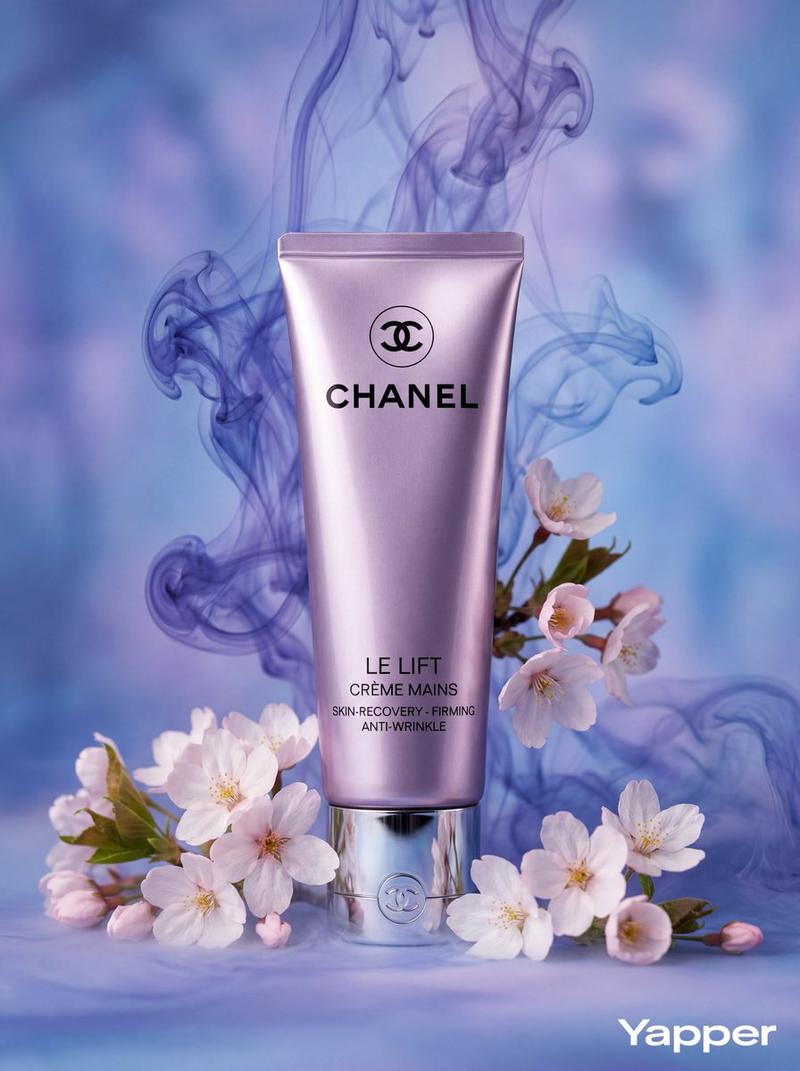
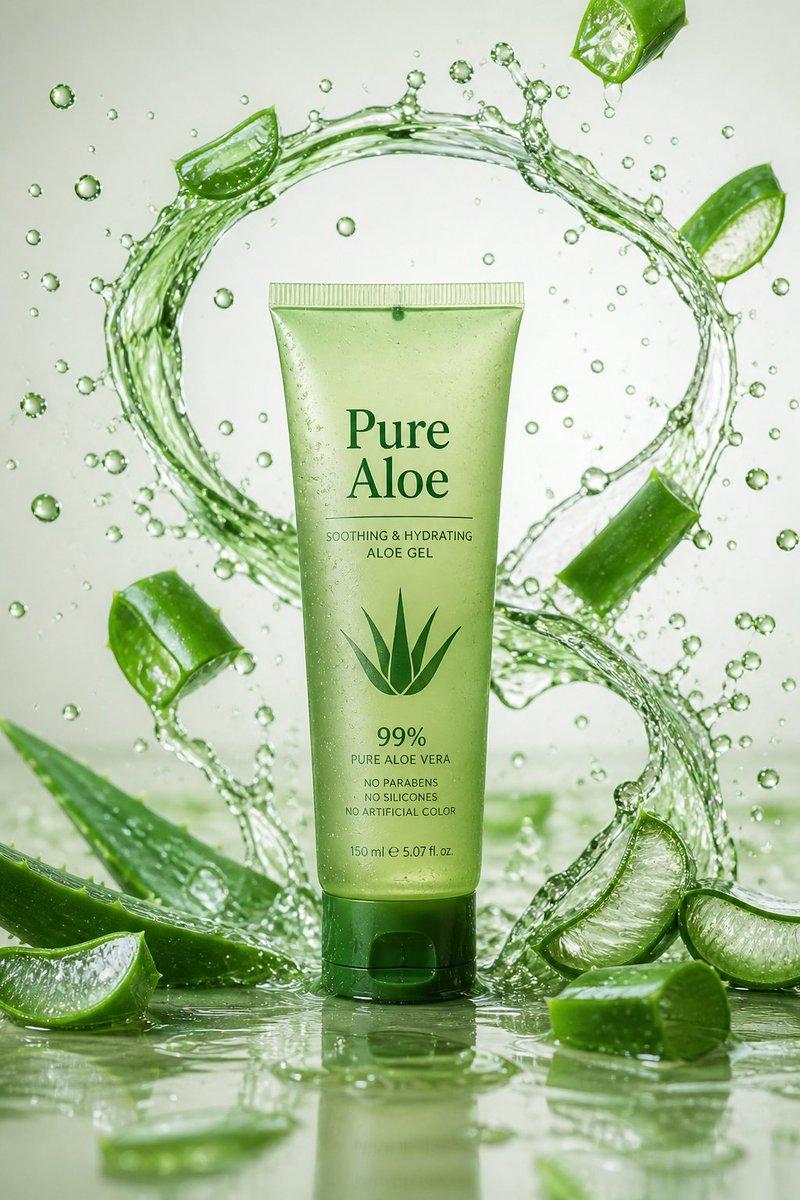
电商商品展示设计
Prompt
[中文]
{
  "style": "超写实奢华化妆品产品摄影",
  "composition": {
    "color_scheme": "戏剧性的单色蓝紫色",
    "resolution": "8K超高分辨率",
    "depth": "电影级景深",
    "aesthetic": "高端香氛护肤品广告风格"
  },
  "product": {
    "type": "软管包装",
    "finish": "缎面质感",
    "color": "长春花蓝",
    "label": "NUBELLA",
    "typography": "优雅的银色字体",
    "cap": "反光金属铬盖",
    "position": "垂直居中"
  },
  "surroundings": {
    "smoke": {
      "type": "墨水般的旋涡云雾",
      "colors": [
        "薰衣草色",
        "靛蓝色",
        "冰蓝色"
      ],
      "texture": "柔软、翻腾",
      "interaction": "环绕在产品周围"
    },
    "flowers": {
      "primary": [
        {
          "color": "紫色",
          "details": "错综复杂的花瓣细节",
          "center": "鲜艳的黄色"
        },
        {
          "color": "紫丁香色",
          "details": "错综复杂的花瓣细节",
          "center": "鲜艳的黄色"
        }
      ],
      "secondary": {
        "type": "细小的紫罗兰色花朵",
        "purpose": "增加立体感"
      }
    }
  },
  "lighting": {
    "direction": "来自左上方的柔和定向照明",
    "effects": [
      "突显软管的光滑曲度",
      "为金属盖增添微妙的光泽",
      "在烟雾中营造深度"
    ]
  },
  "background": {
    "blend": "无缝的冷色调蓝色和紫色调",
    "enhancement": "空灵的花香美学"
  },
  "details": "花瓣和蒸汽的超精细纹理"
}

[English]
{
  "style": "Ultra-realistic luxury cosmetic product photography",
  "composition": {
    "color_scheme": "Dramatic monochromatic blue-violet",
    "resolution": "8K ultra-high resolution",
    "depth": "Cinematic depth",
    "aesthetic": "High-end perfumed skincare advertising style"
  },
  "product": {
    "type": "Squeeze tube",
    "finish": "Satin-finish",
    "color": "Periwinkle-blue",
    "label": "NUBELLA",
    "typography": "Elegant silver",
    "cap": "Reflective metallic chrome",
    "position": "Vertically centered"
  },
  "surroundings": {
    "smoke": {
      "type": "Ink-like swirling clouds",
      "colors": [
        "Lavender",
        "Indigo",
        "Icy blue"
      ],
      "texture": "Soft, billowing",
      "interaction": "Wrapping around the product"
    },
    "flowers": {
      "primary": [
        {
          "color": "Purple",
          "details": "Intricate petal details",
          "center": "Vibrant yellow"
        },
        {
          "color": "Lilac",
          "details": "Intricate petal details",
          "center": "Vibrant yellow"
        }
      ],
      "secondary": {
        "type": "Tiny violet blossoms",
        "purpose": "Added dimension"
      }
    }
  },
  "lighting": {
    "direction": "Soft directional lighting from upper left",
    "effects": [
      "Highlights smooth curvature of the tube",
      "Adds subtle sheen to metallic cap",
      "Creates depth within smoke plumes"
    ]
  },
  "background": {
    "blend": "Seamless cool blue and purple tones",
    "enhancement": "Ethereal floral fragrance aesthetic"
  },
  "details": "Hyper-detailed textures of petals and vapor"
}- Category
- Products & E-commerce
- Model
- GPT Image 2
- Creator
- freestylefly
- Source ID
- 313
Views1