17

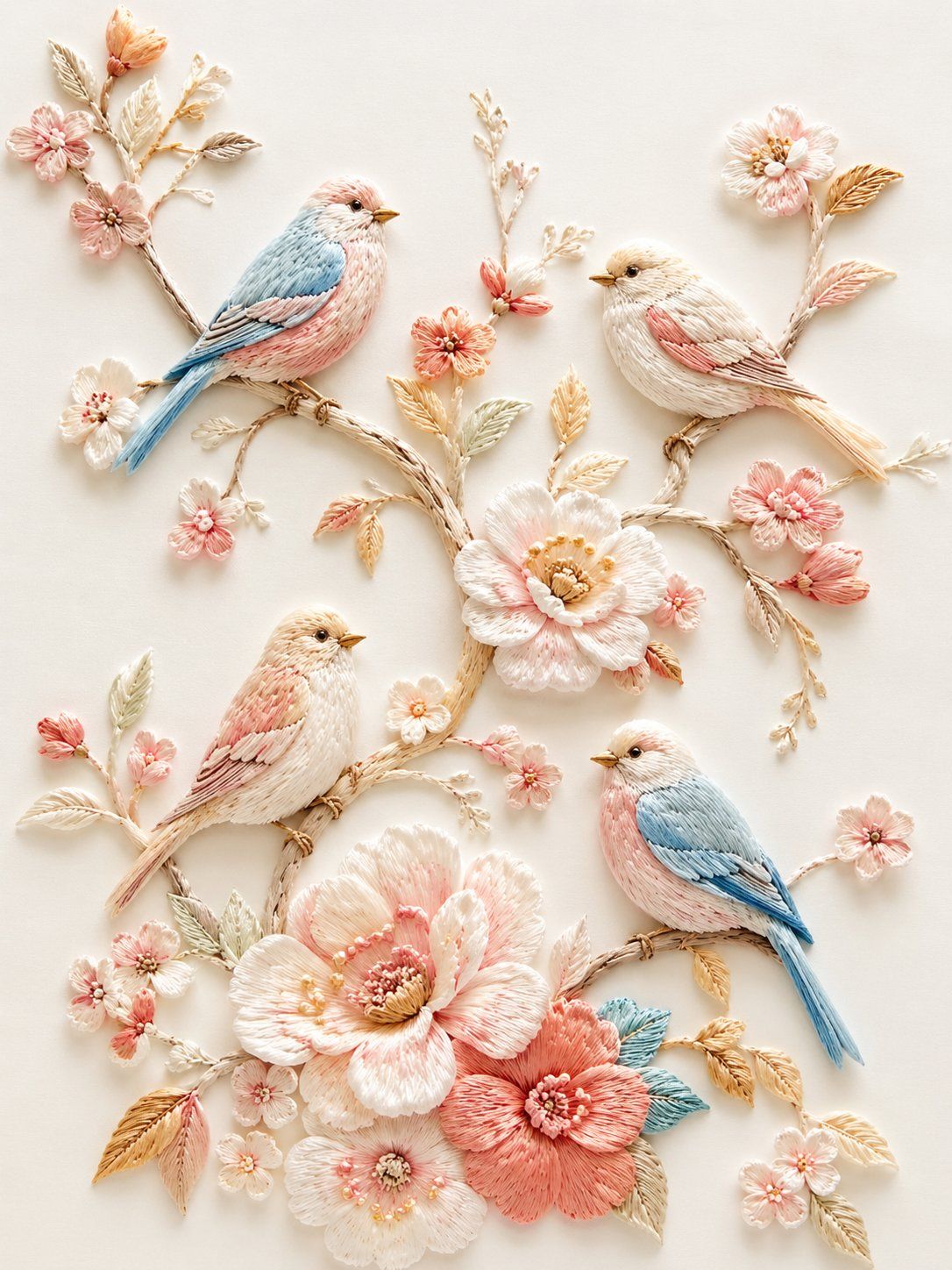
立体刺绣小鸟花枝
Enlarge

立体刺绣小鸟花枝

Prompt
精致立体刺绣风插画,浅浮雕纤维艺术效果,纯净「蚕丝白 + 奶白」底色,细腻丝线质感。画面为数只小鸟停在蜿蜒花枝上,周围点缀粉白、浅桃、珊瑚粉、淡金色花朵与叶片,构图轻盈雅致、留白充足。鸟儿羽毛以奶白、浅蓝、淡粉、浅金丝线刺绣表现,花枝纤细自然,花朵层层叠线,整体呈现高级手工刺绣、丝线堆绣、柔和光影、细节丰富、温柔清新的艺术效果。
Category
Illustration & Art
Model
GPT Image 2
Views2
Source ID
346

Guide

About "立体刺绣小鸟花枝"

What is this prompt for?

"立体刺绣小鸟花枝" AI image prompt for GPT Image 2 (Illustration & Art). 精致立体刺绣风插画,浅浮雕纤维艺术效果,纯净「蚕丝白 + 奶白」底色,细腻丝线质感。画面为数只小鸟停在蜿蜒花枝上,周围点缀粉白、浅桃、珊瑚粉、淡金色花朵与叶片,构图轻盈雅致、留白充足。鸟儿…

The full copyable prompt and example visuals above are ready for AI image generation or one-click recreate in Picva.

How to use this prompt

  1. Step 1

    Open the prompt detail

    Review the example visuals, category, and full prompt text for "立体刺绣小鸟花枝".

  2. Step 2

    Copy the prompt

    Copy the prompt body from this page, or load it directly in Studio.

  3. Step 3

    Pick a model (GPT Image 2)

    Prefer GPT Image 2. If you switch models, keep subject and composition and tweak style terms.

  4. Step 4

    Generate and export

    Recreate the look in Picva, or export into your workflow for editing and publishing.

FAQ

What is the "立体刺绣小鸟花枝" prompt?
It is an AI image-generation prompt for GPT Image 2 in the Illustration & Art category. This page includes the full prompt text, example visuals, and a one-click recreate path in Picva.
How do I use this prompt to generate an image?
Copy the prompt from this page, or use Generate / Studio. Paste it into a compatible image model, or recreate the look in Picva with optional reference images.
Which model is this prompt for?
This page lists GPT Image 2. Most descriptive prompts also transfer to nearby image models such as GPT Image, Flux, or Midjourney with light style tweaks.
Can I use the result commercially?
You can usually copy the prompt for creation, but commercial use of the final image depends on the model terms, reference-image rights, and the generated content. Follow the source author and platform rules.