16

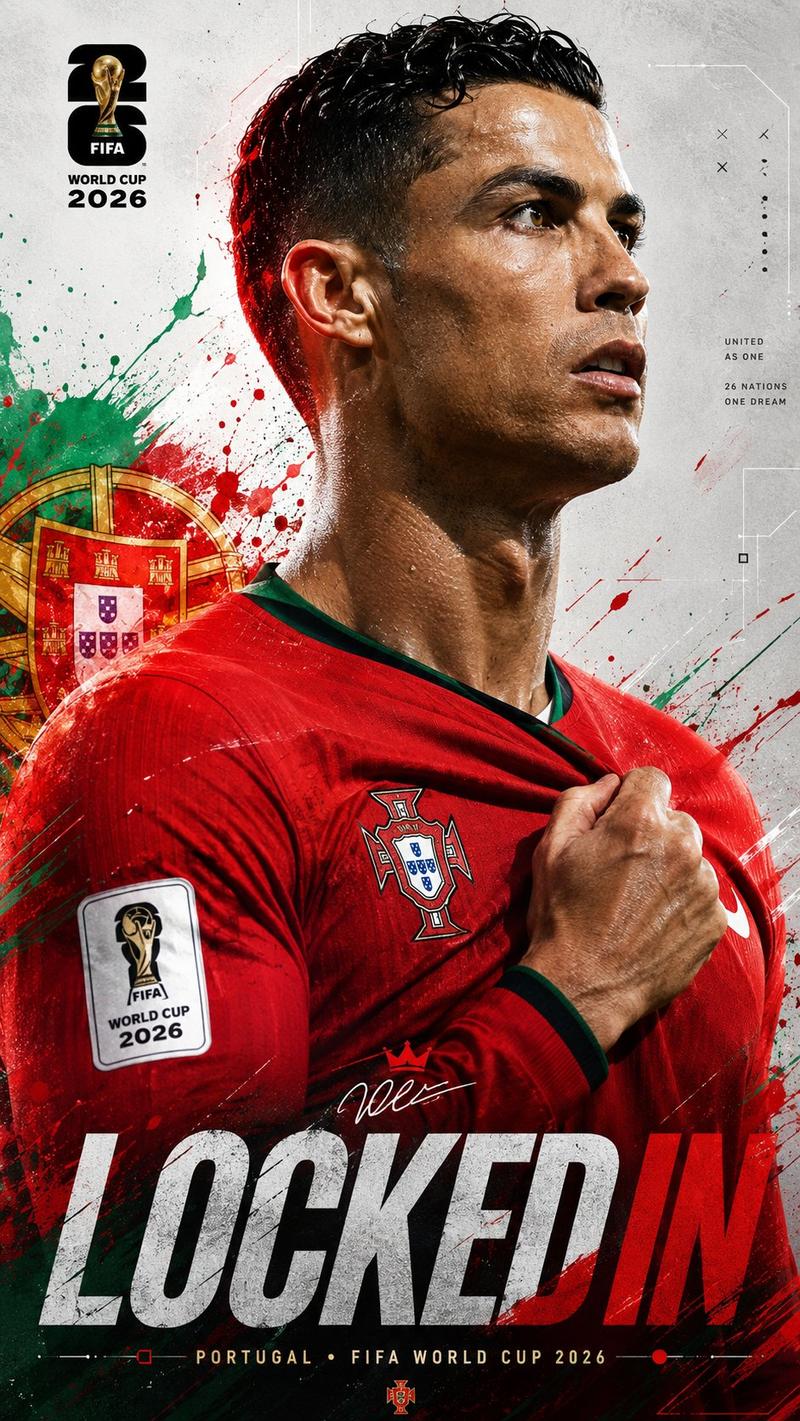
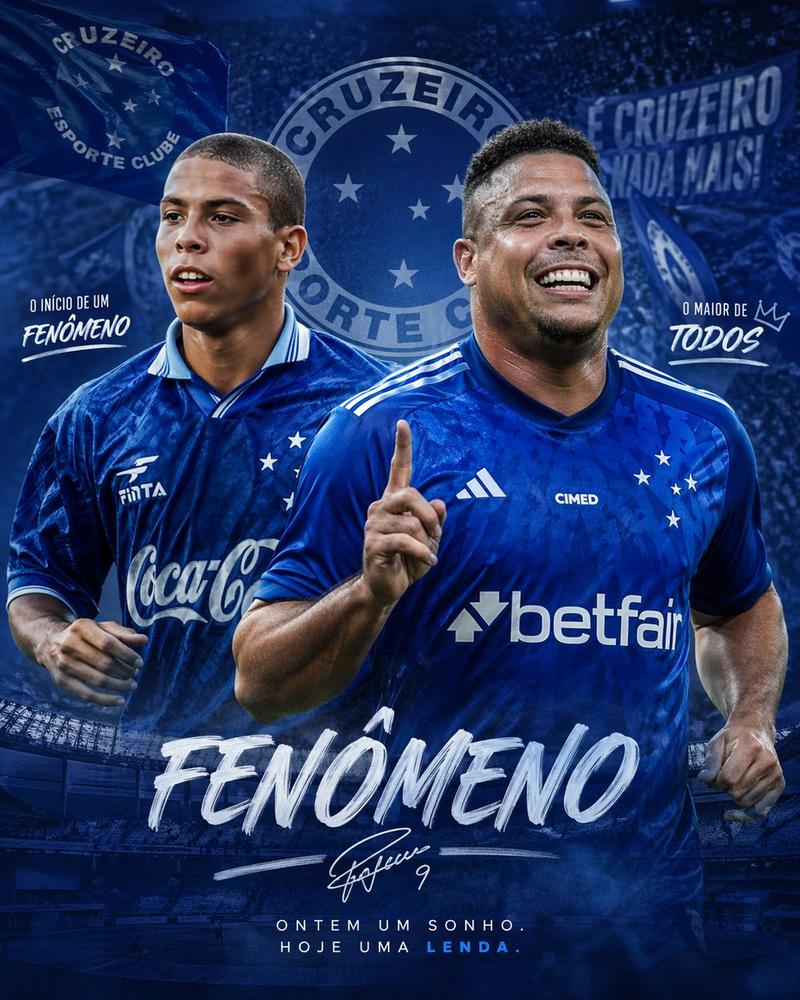
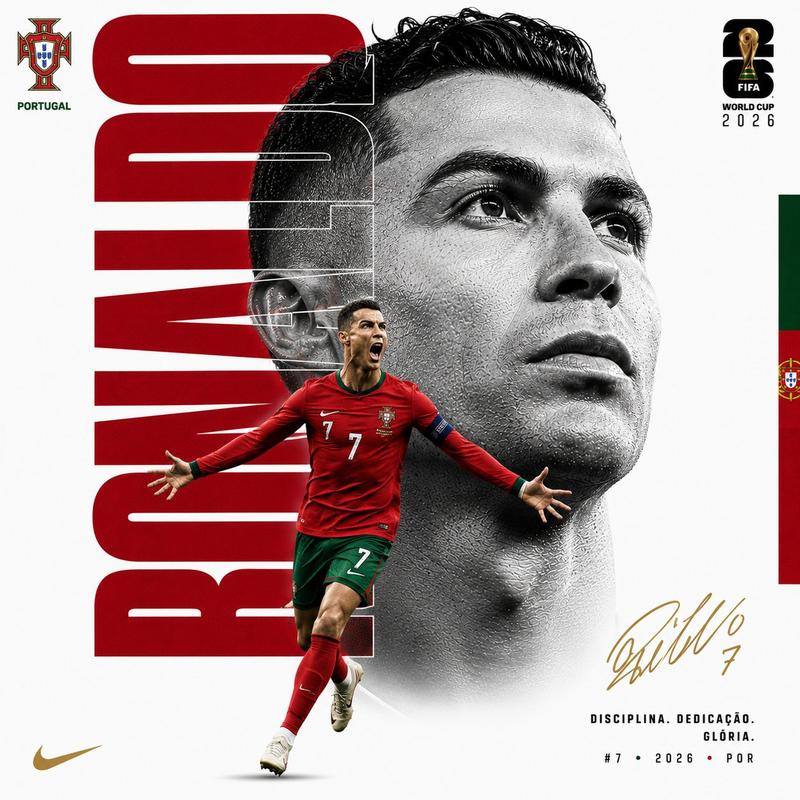
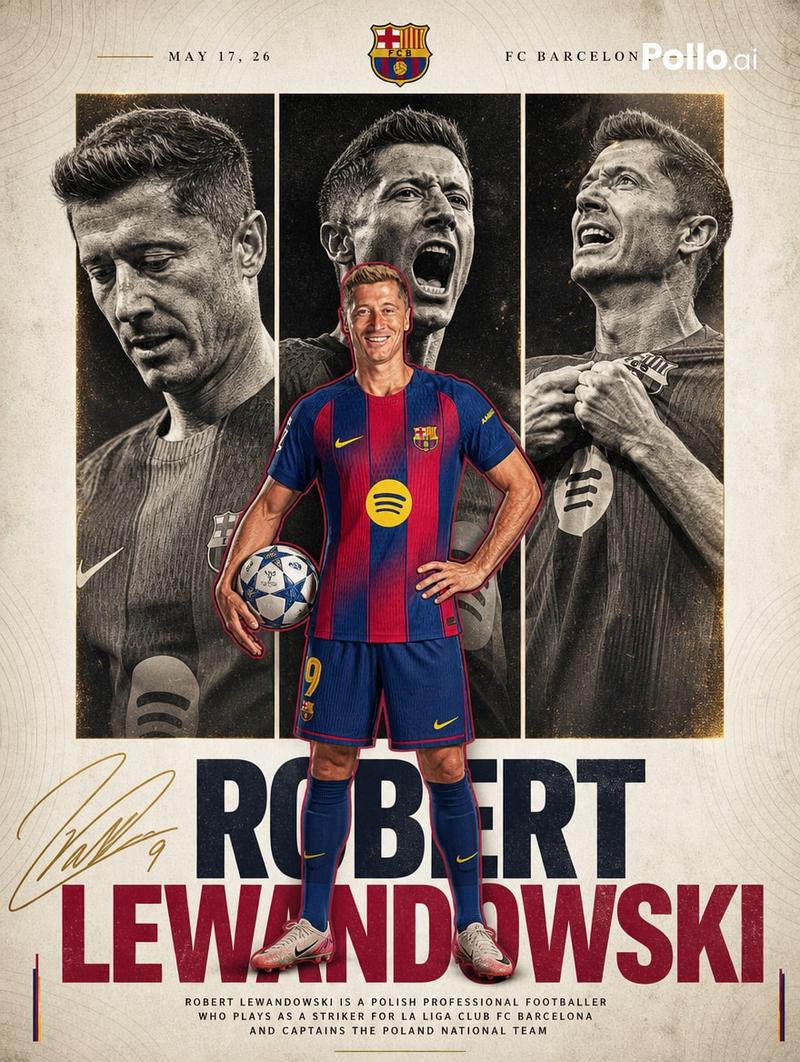
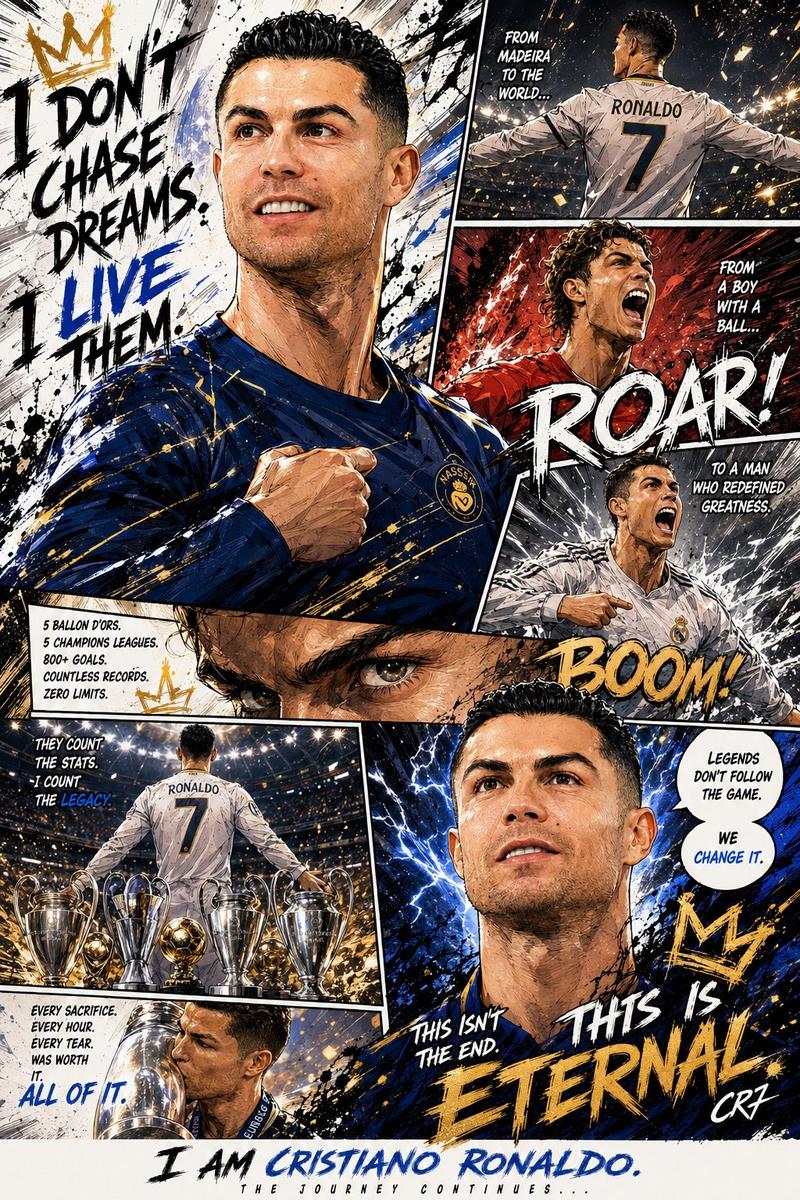
足球球员数据涂鸦海报
Enlarge

足球球员数据涂鸦海报

Prompt
Create a scrapbook doodle-style football poster of [PLAYER_NAME].

AI auto-generates realistic career stats (club and national team).

Main photo: realistic, unchanged ([PLAYER_NAME] in action or iconic pose).

Doodles and handwritten notes: white and [PRIMARY_COLOR] neon ink (no warm colors unless specified), arrows, stars, scribbles, sketchy outlines. Add a glowing [PRIMARY_COLOR] outline around the player's body.

Layout (bold handwritten titles and stats):
- Top Title: "[PLAYER_NAME]" plus "[NICKNAME/TITLE]"
- Club Career: total matches and goals plus 2–4 main clubs (apps and goals)
- Highlights: 2–3 standout achievements (e.g., UCL goals, Ballon d'Or, top scorer)
- National Team: caps and goals plus 1–2 international achievements

Style: modern football poster x notebook aesthetic, clean but energetic, slightly messy doodles, high contrast, neon accents on dark or muted background.

Important: all stats must be realistic and proportional to the player's real career.
Category
Posters & Typography
Model
GPT Image 2
Views7
Source ID
350

Guide

About "足球球员数据涂鸦海报"

What is this prompt for?

"足球球员数据涂鸦海报" AI image prompt for GPT Image 2 (Posters & Typography). Create a scrapbook doodle-style football poster of [PLAYER_NAME]. AI auto-generates realis…

The full copyable prompt and example visuals above are ready for AI image generation or one-click recreate in Picva.

How to use this prompt

  1. Step 1

    Open the prompt detail

    Review the example visuals, category, and full prompt text for "足球球员数据涂鸦海报".

  2. Step 2

    Copy the prompt

    Copy the prompt body from this page, or load it directly in Studio.

  3. Step 3

    Pick a model (GPT Image 2)

    Prefer GPT Image 2. If you switch models, keep subject and composition and tweak style terms.

  4. Step 4

    Generate and export

    Recreate the look in Picva, or export into your workflow for editing and publishing.

FAQ

What is the "足球球员数据涂鸦海报" prompt?
It is an AI image-generation prompt for GPT Image 2 in the Posters & Typography category. This page includes the full prompt text, example visuals, and a one-click recreate path in Picva.
How do I use this prompt to generate an image?
Copy the prompt from this page, or use Generate / Studio. Paste it into a compatible image model, or recreate the look in Picva with optional reference images.
Which model is this prompt for?
This page lists GPT Image 2. Most descriptive prompts also transfer to nearby image models such as GPT Image, Flux, or Midjourney with light style tweaks.
Can I use the result commercially?
You can usually copy the prompt for creation, but commercial use of the final image depends on the model terms, reference-image rights, and the generated content. Follow the source author and platform rules.