16

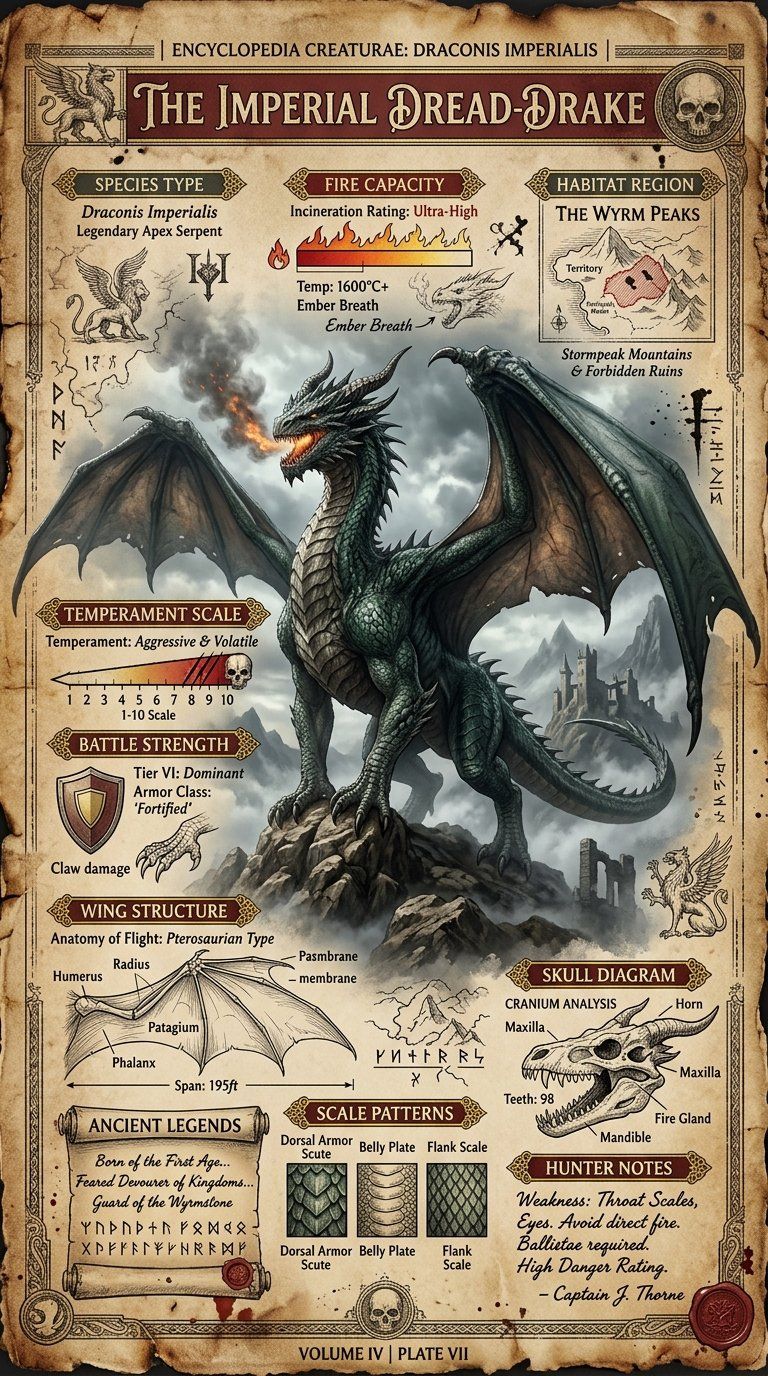
龙类物种复古百科海报
Enlarge

龙类物种复古百科海报

Prompt
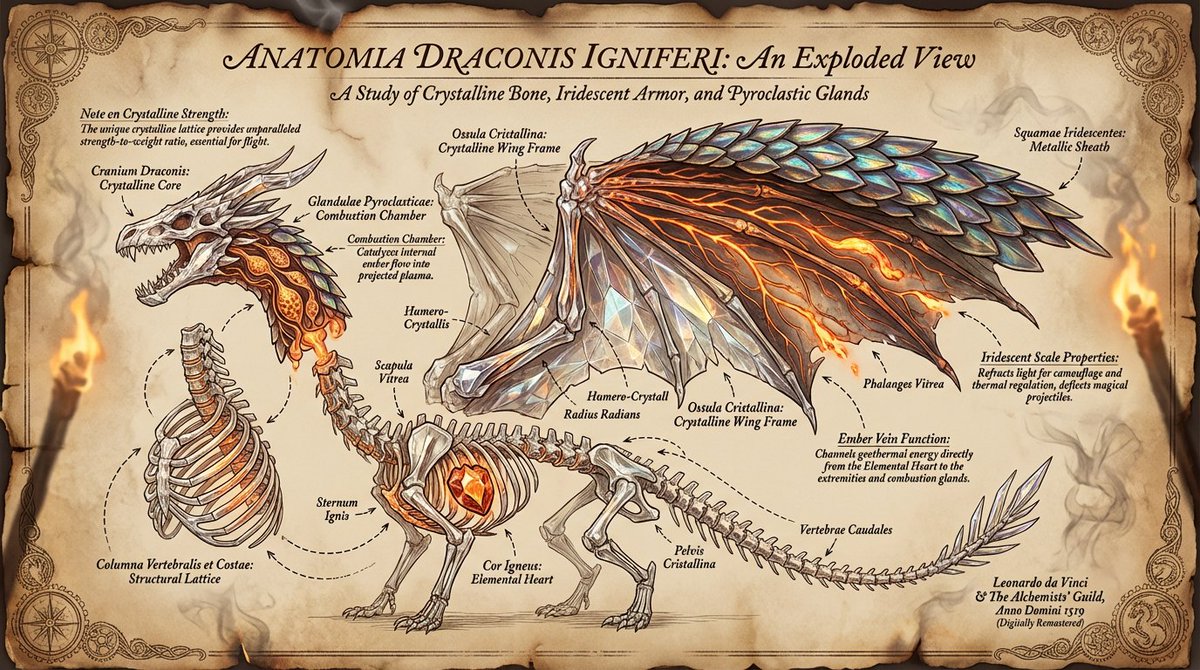
Create a highly detailed A4 vertical vintage fantasy encyclopedia style dragon species poster.

Style: medieval creature atlas, ancient mythology manuscript, museum fantasy archive, old explorer journal.

Main subject:
a massive hyper realistic dragon standing proudly in center with detailed scales, smoke from nostrils, giant wings partially open.

Background:
stormy mountains, ancient ruins, fog layers, burnt parchment texture.

Color palette:
dark emerald, ash gray, faded gold, ancient brown, deep crimson.

Include infographic sections:
Species Type,
Fire Capacity,
Wing Structure,
Temperament Scale,
Habitat Region,
Battle Strength,
Ancient Legends,
Scale Patterns,
Skull Diagram,
Hunter Notes.

Add:
engraved fantasy sketches,
ancient symbols,
old map textures,
ink grain,
collectible poster layout.

NO modern UI.
NO futuristic elements.
NO flat minimalism.

Ultra detailed.
8K printable masterpiece.
Category
Posters & Typography
Model
GPT Image 2
Views3
Source ID
396

Guide

About "龙类物种复古百科海报"

What is this prompt for?

"龙类物种复古百科海报" AI image prompt for GPT Image 2 (Posters & Typography). Create a highly detailed A4 vertical vintage fantasy encyclopedia style dragon species pos…

The full copyable prompt and example visuals above are ready for AI image generation or one-click recreate in Picva.

How to use this prompt

  1. Step 1

    Open the prompt detail

    Review the example visuals, category, and full prompt text for "龙类物种复古百科海报".

  2. Step 2

    Copy the prompt

    Copy the prompt body from this page, or load it directly in Studio.

  3. Step 3

    Pick a model (GPT Image 2)

    Prefer GPT Image 2. If you switch models, keep subject and composition and tweak style terms.

  4. Step 4

    Generate and export

    Recreate the look in Picva, or export into your workflow for editing and publishing.

FAQ

What is the "龙类物种复古百科海报" prompt?
It is an AI image-generation prompt for GPT Image 2 in the Posters & Typography category. This page includes the full prompt text, example visuals, and a one-click recreate path in Picva.
How do I use this prompt to generate an image?
Copy the prompt from this page, or use Generate / Studio. Paste it into a compatible image model, or recreate the look in Picva with optional reference images.
Which model is this prompt for?
This page lists GPT Image 2. Most descriptive prompts also transfer to nearby image models such as GPT Image, Flux, or Midjourney with light style tweaks.
Can I use the result commercially?
You can usually copy the prompt for creation, but commercial use of the final image depends on the model terms, reference-image rights, and the generated content. Follow the source author and platform rules.