18

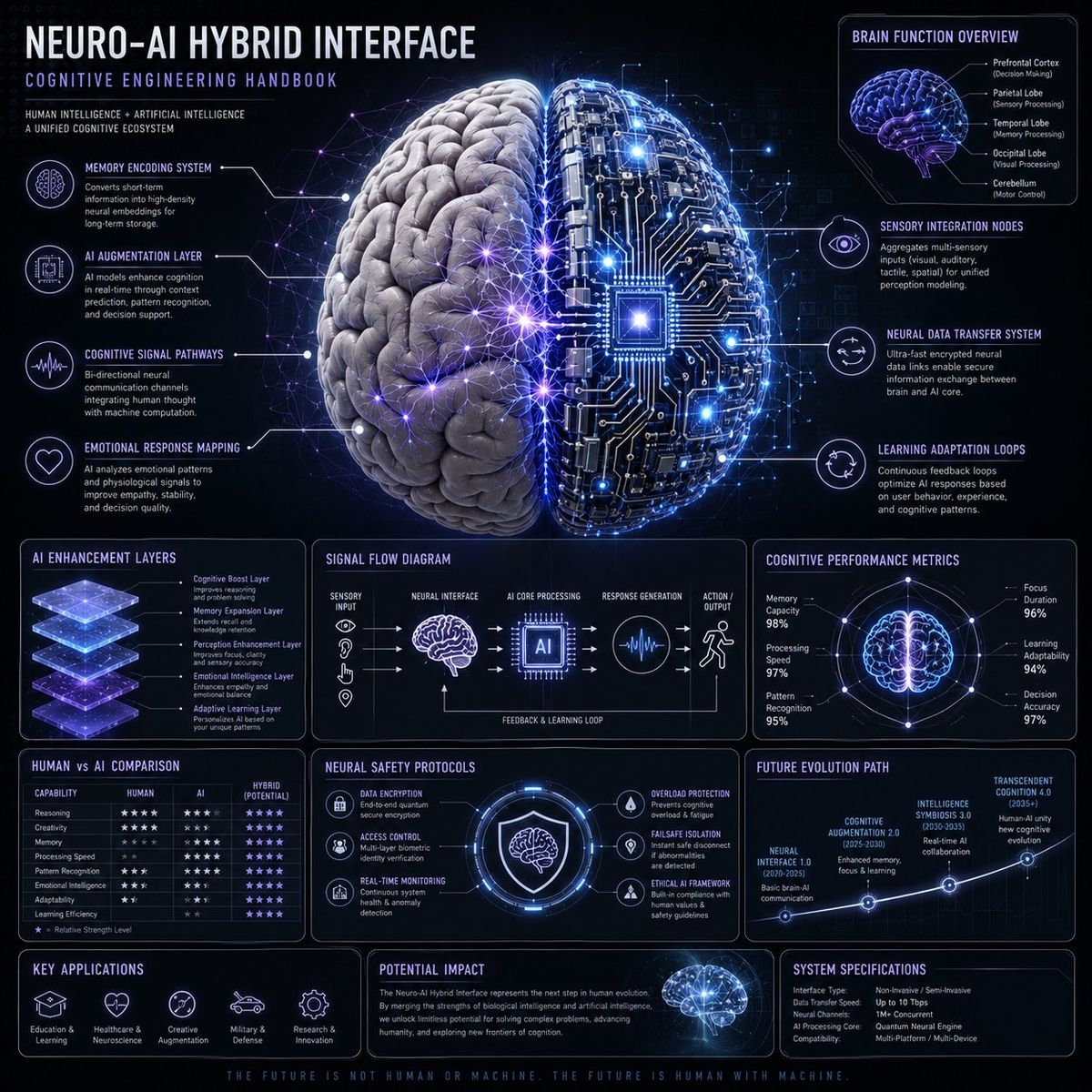
Neuro-AI 混合系统信息图
Enlarge

Neuro-AI 混合系统信息图

Prompt
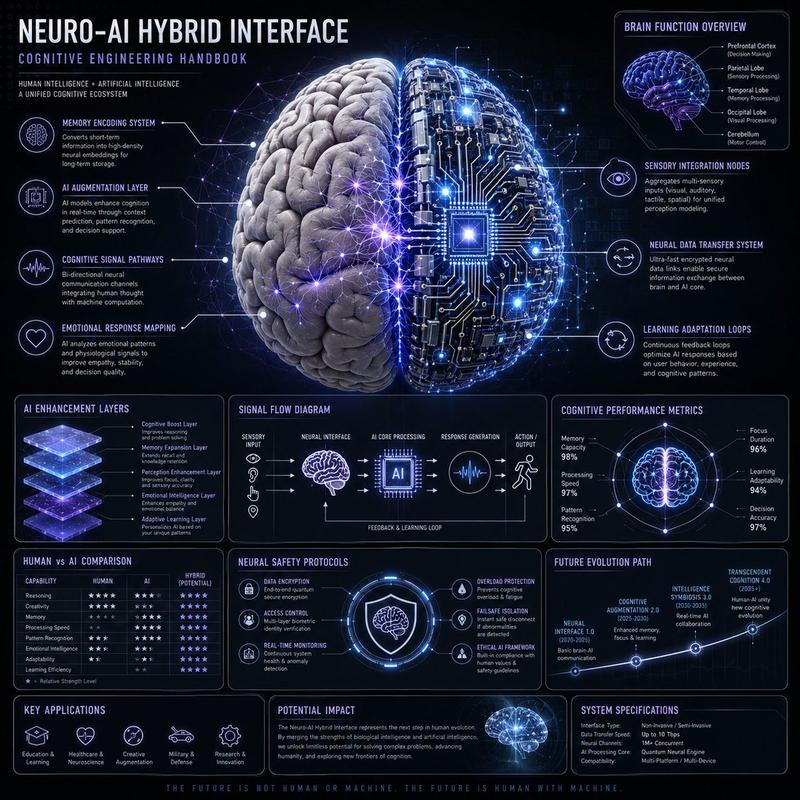
Create a premium square “neuro-AI hybrid system infographic” designed as a scientific cognitive engineering handbook page.

Visual Direction:
• 1:1 composition
• dark neutral background with glowing neural network overlays
• palette: electric blue, violet, soft white, silver
• elegant scientific typography and modular panels
• central ultra-detailed human brain + AI circuit fusion render

Main Subject:
A realistic human brain merging with AI neural networks and digital circuitry.

Include callouts:
• memory encoding system
• AI augmentation layer
• cognitive signal pathways
• emotional response mapping
• sensory integration nodes
• neural data transfer system
• learning adaptation loops

Modules:
• Brain Function Overview
• AI Enhancement Layers
• Signal Flow Diagram
• Cognitive Performance Metrics
• Human vs AI Comparison Chart
• Neural Safety Protocols
• Future Evolution Path

Style:
“neuroscience + AI engineering manual”, “high-end cognitive systems diagram”
Category
Charts & Infographics
Model
GPT Image 2
Views3
Source ID
407

Guide

About "Neuro-AI 混合系统信息图"

What is this prompt for?

"Neuro-AI 混合系统信息图" AI image prompt for GPT Image 2 (Charts & Infographics). Create a premium square “neuro-AI hybrid system infographic” designed as a scientif…

The full copyable prompt and example visuals above are ready for AI image generation or one-click recreate in Picva.

How to use this prompt

  1. Step 1

    Open the prompt detail

    Review the example visuals, category, and full prompt text for "Neuro-AI 混合系统信息图".

  2. Step 2

    Copy the prompt

    Copy the prompt body from this page, or load it directly in Studio.

  3. Step 3

    Pick a model (GPT Image 2)

    Prefer GPT Image 2. If you switch models, keep subject and composition and tweak style terms.

  4. Step 4

    Generate and export

    Recreate the look in Picva, or export into your workflow for editing and publishing.

FAQ

What is the "Neuro-AI 混合系统信息图" prompt?
It is an AI image-generation prompt for GPT Image 2 in the Charts & Infographics category. This page includes the full prompt text, example visuals, and a one-click recreate path in Picva.
How do I use this prompt to generate an image?
Copy the prompt from this page, or use Generate / Studio. Paste it into a compatible image model, or recreate the look in Picva with optional reference images.
Which model is this prompt for?
This page lists GPT Image 2. Most descriptive prompts also transfer to nearby image models such as GPT Image, Flux, or Midjourney with light style tweaks.
Can I use the result commercially?
You can usually copy the prompt for creation, but commercial use of the final image depends on the model terms, reference-image rights, and the generated content. Follow the source author and platform rules.