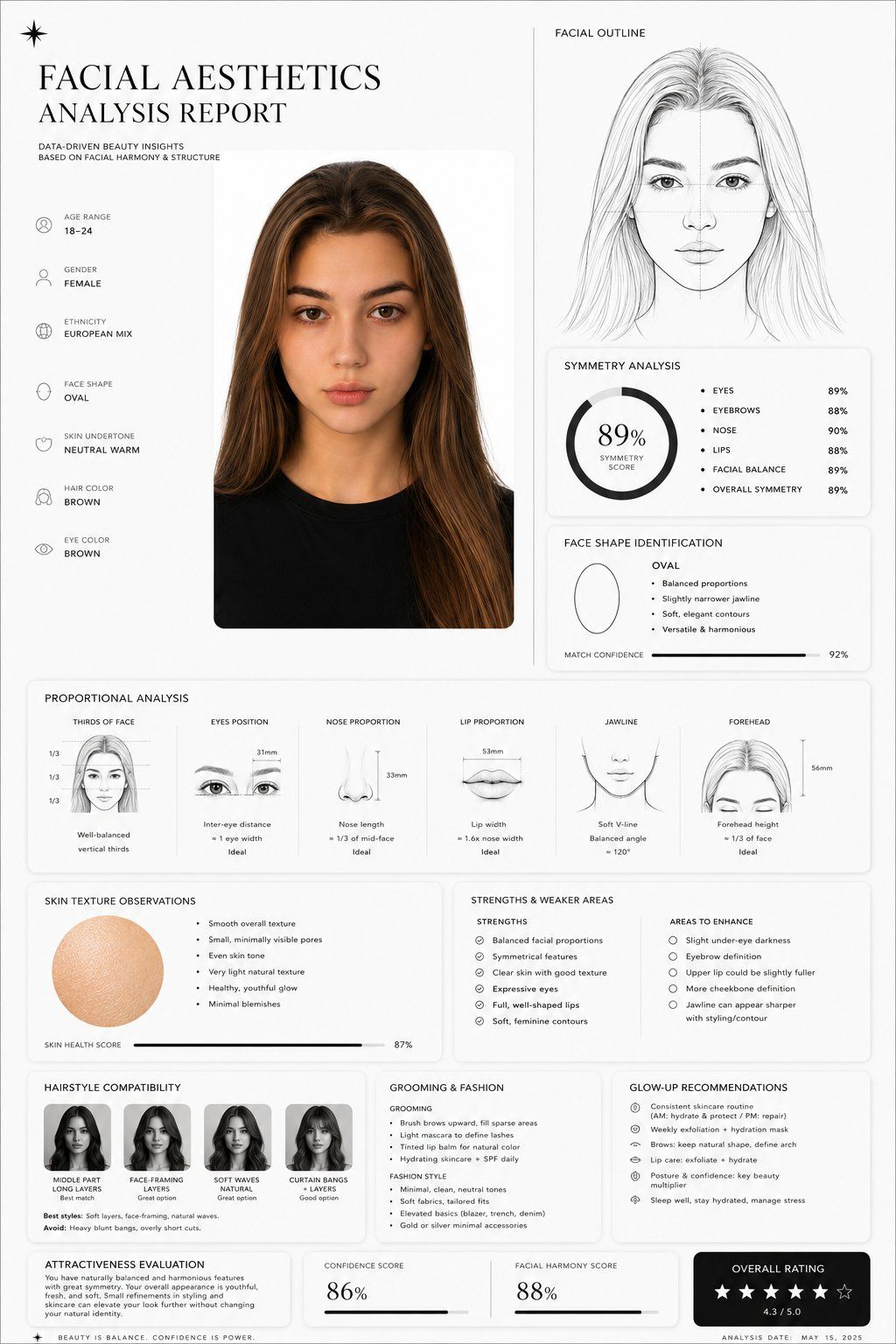
面部美学分析报告
Prompt
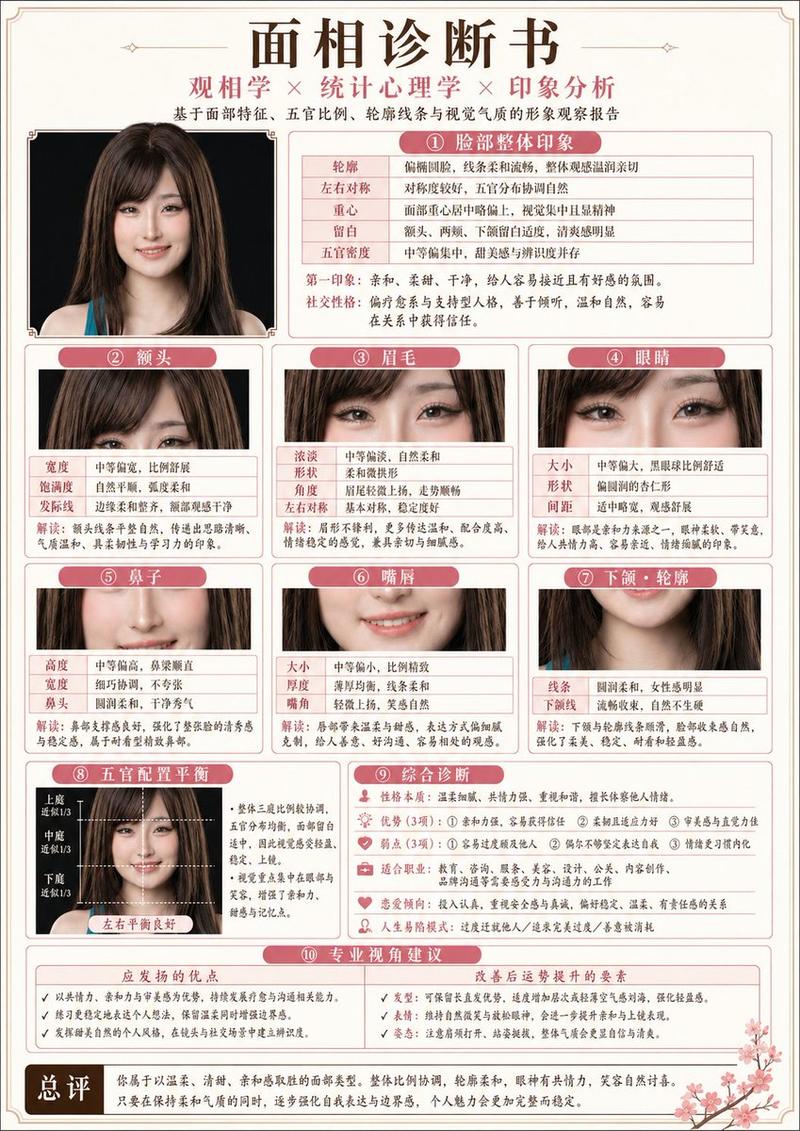
Create a clean, minimal, luxury-style facial aesthetics analysis report based on the uploaded portrait photo.
Design style:
Ultra-modern black and white interface, premium editorial aesthetic, thin elegant divider lines, soft rounded cards, subtle shadows, spacious layout, luxury skincare / fashion magazine vibe, monochrome palette, Apple-style UI refinement.
Include:
– A simple contour line-art drawing of the face based on the subject
– Facial symmetry analysis
– Face shape identification
– Proportional analysis (eyes, nose, jawline, lips, forehead)
– Skin texture observations
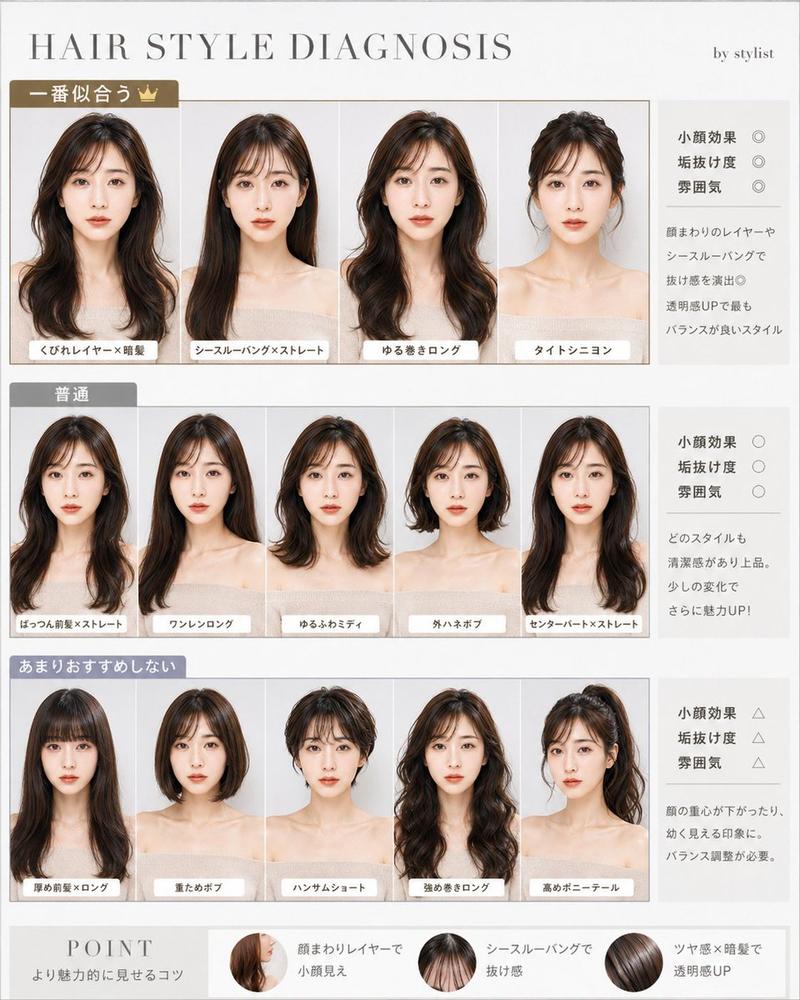
– Hairstyle compatibility suggestions
– Grooming and fashion recommendations
– Honest attractiveness evaluation with balanced critique
– Strengths and weaker facial areas explained objectively
– Actionable glow-up recommendations
– Confidence score and facial harmony score shown with elegant charts or meters
Style notes:
Keep the report data-driven, visually refined, realistic, and not overly flattering.
Avoid exaggerated praise.
Use clean typography, premium spacing, modern infographics, subtle geometric accents, and professional cosmetic consultation aesthetics.
Visual composition:
Magazine-quality presentation, luxury beauty report dashboard, highly organized layout, cinematic monochrome feel, minimalist infographic design, realistic facial structure interpretation, modern masculine beauty analytics.
Rendering:
Ultra-detailed, sharp UI design, realistic portrait adaptation, sophisticated editorial presentation, high-end branding aesthetic, 4K quality.
- Category
- UI & Interfaces
- Model
- GPT Image 2
- Creator
- freestylefly
- Source ID
- 437
Views1