17

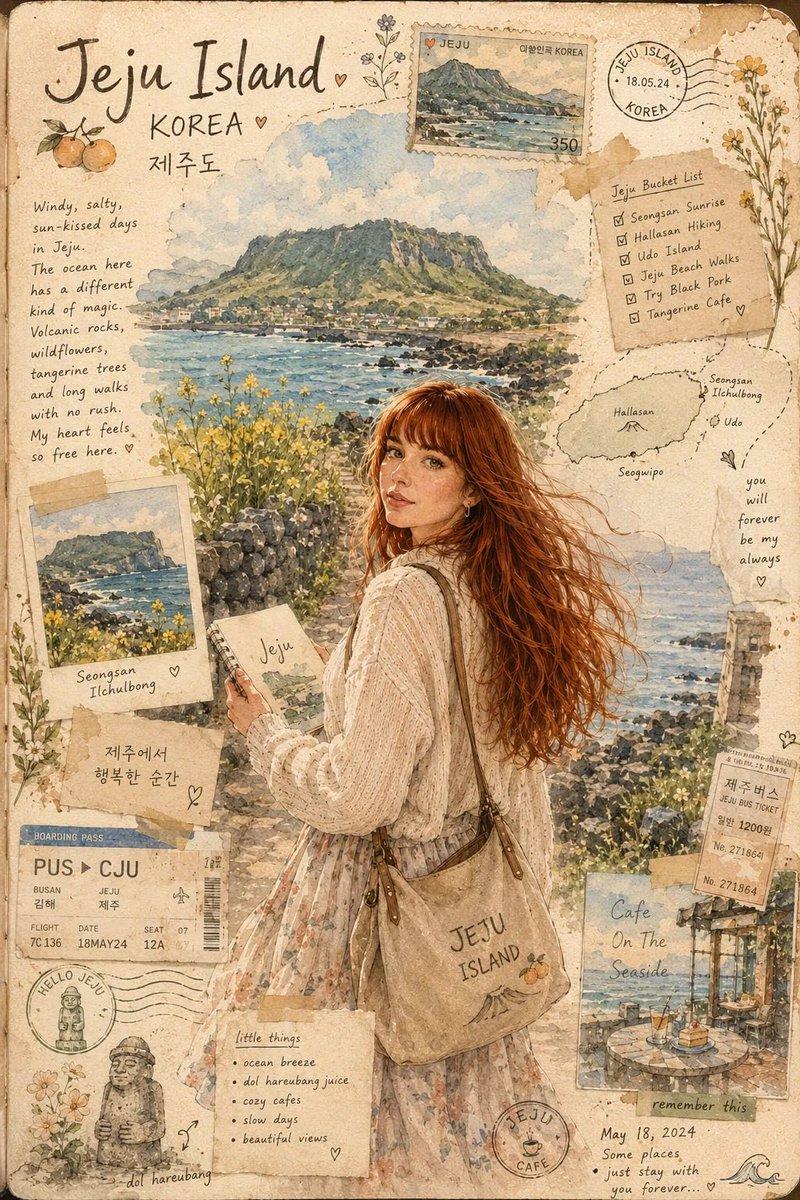
旅游照水墨明信片
Enlarge

旅游照水墨明信片

Prompt
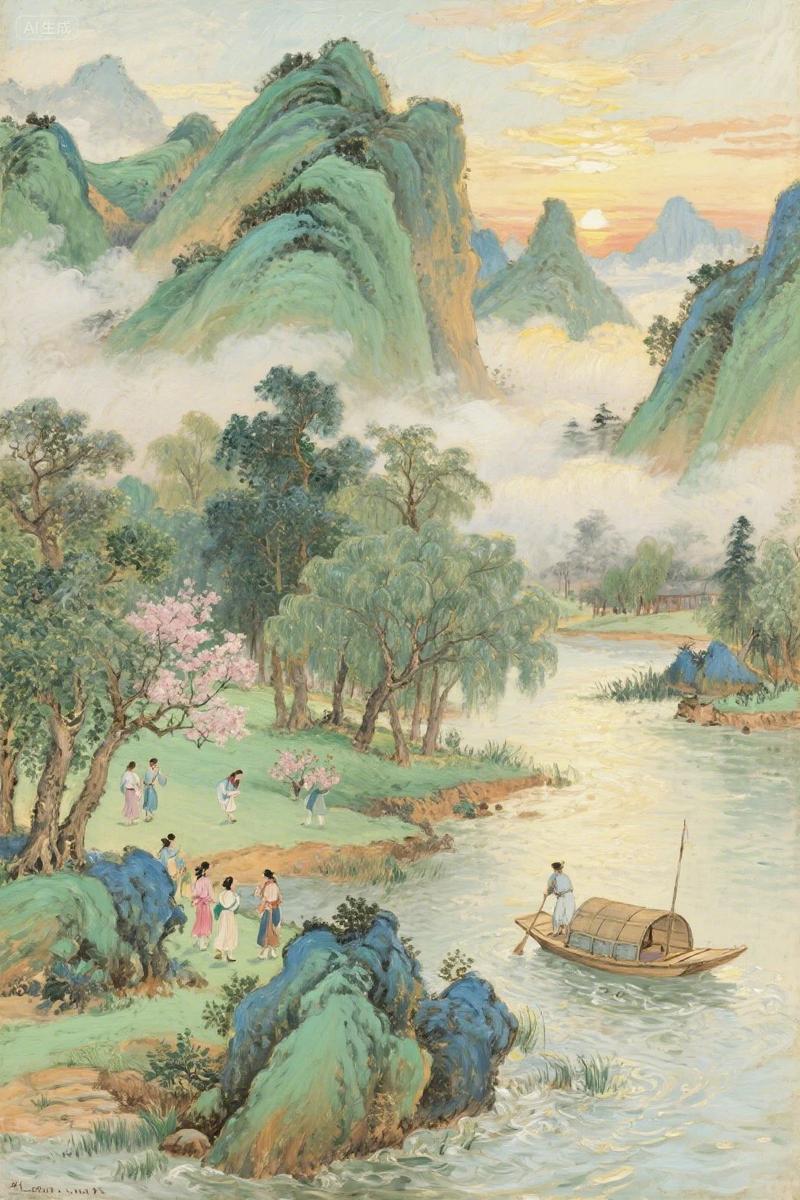
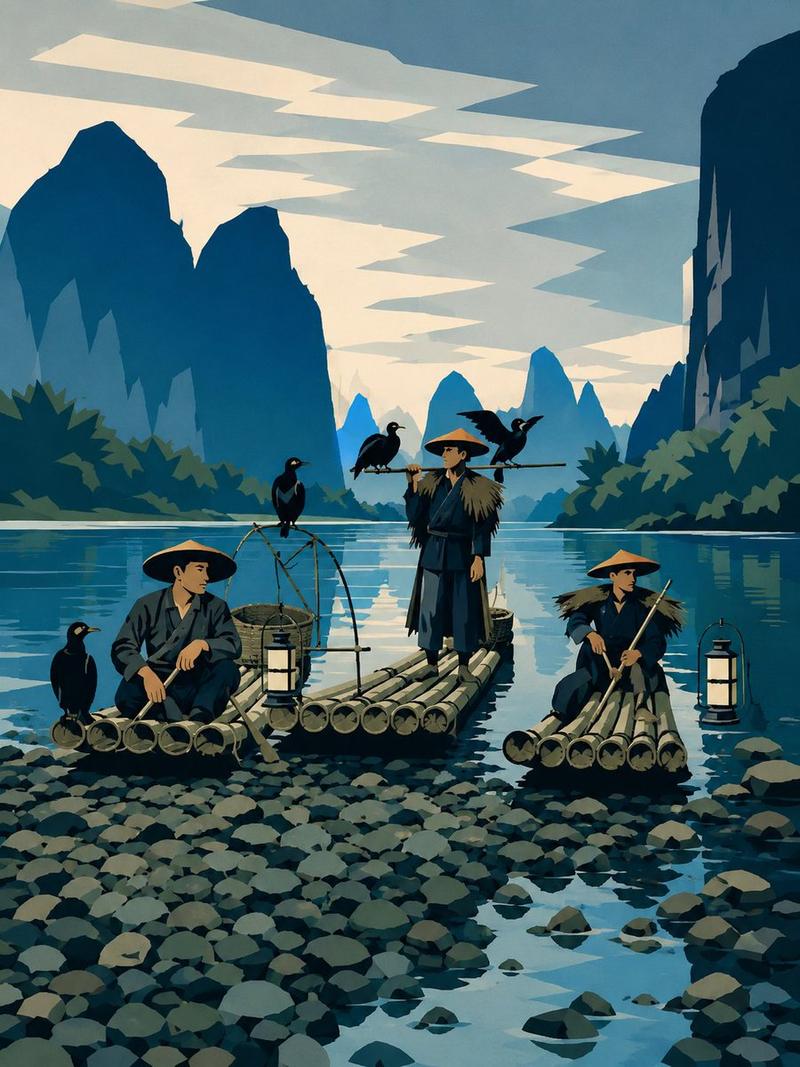
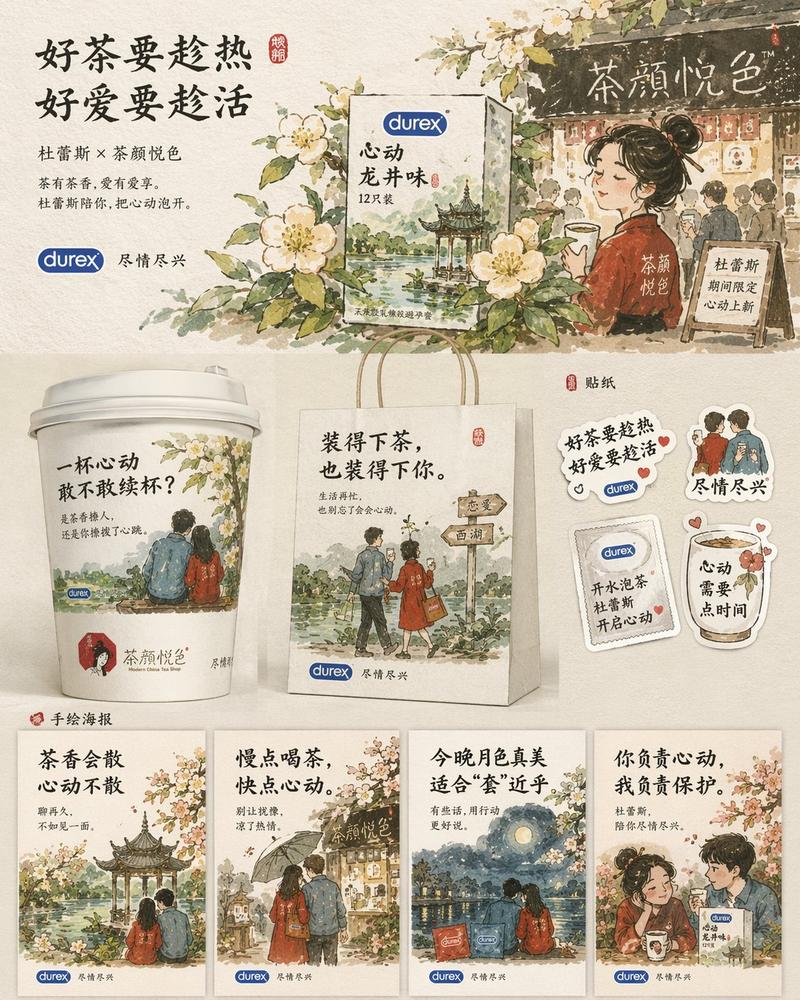
Create a dreamy watercolor travel illustration style from the attached photo. Use hand-painted urban sketchbook aesthetic, delicate ink linework mixed with soft watercolor washes, highly detailed pen-and-ink drawing, loose expressive brush strokes, watercolor bleeding edges, ultra detailed watercolor texture, soft beige paper texture background, architectural sketch style, vintage travel diary and sketchbook traveler aesthetic, travel journal composition, editorial postcard layout, handwritten medium title:[自定义标题]  at top, handwritten notes:[自定义文案] , date: [自定义日期] and location: [自定义地点]  stamps, natural perspective, atmospheric depth, minimalist negative space, muted earthy palette (warm browns, faded greens, cream whites, soft blue accents), quiet, calm, soft, cozy, nostalgic vibes, cinematic slice-of-life mood, poetic composition, mixed urban sketching with Ghibli-inspired realism, vertical poster design, premium art print quality.
Category
Illustration & Art
Model
GPT Image 2
Views1
Source ID
445

Guide

About "旅游照水墨明信片"

What is this prompt for?

"旅游照水墨明信片" AI image prompt for GPT Image 2 (Illustration & Art). Create a dreamy watercolor travel illustration style from the attached photo. Use hand-painted…

The full copyable prompt and example visuals above are ready for AI image generation or one-click recreate in Picva.

How to use this prompt

  1. Step 1

    Open the prompt detail

    Review the example visuals, category, and full prompt text for "旅游照水墨明信片".

  2. Step 2

    Copy the prompt

    Copy the prompt body from this page, or load it directly in Studio.

  3. Step 3

    Pick a model (GPT Image 2)

    Prefer GPT Image 2. If you switch models, keep subject and composition and tweak style terms.

  4. Step 4

    Generate and export

    Recreate the look in Picva, or export into your workflow for editing and publishing.

FAQ

What is the "旅游照水墨明信片" prompt?
It is an AI image-generation prompt for GPT Image 2 in the Illustration & Art category. This page includes the full prompt text, example visuals, and a one-click recreate path in Picva.
How do I use this prompt to generate an image?
Copy the prompt from this page, or use Generate / Studio. Paste it into a compatible image model, or recreate the look in Picva with optional reference images.
Which model is this prompt for?
This page lists GPT Image 2. Most descriptive prompts also transfer to nearby image models such as GPT Image, Flux, or Midjourney with light style tweaks.
Can I use the result commercially?
You can usually copy the prompt for creation, but commercial use of the final image depends on the model terms, reference-image rights, and the generated content. Follow the source author and platform rules.