12

巨型舒适洞洞鞋 Campaign
Enlarge

巨型舒适洞洞鞋 Campaign

Prompt
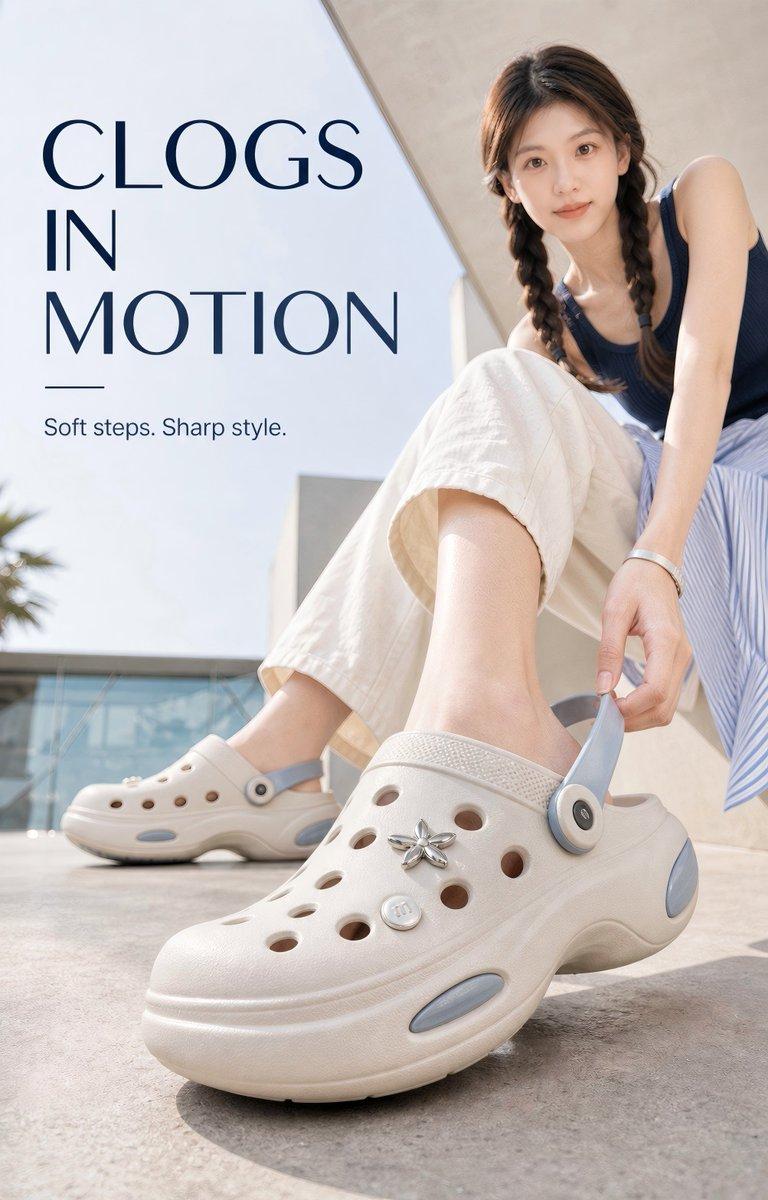
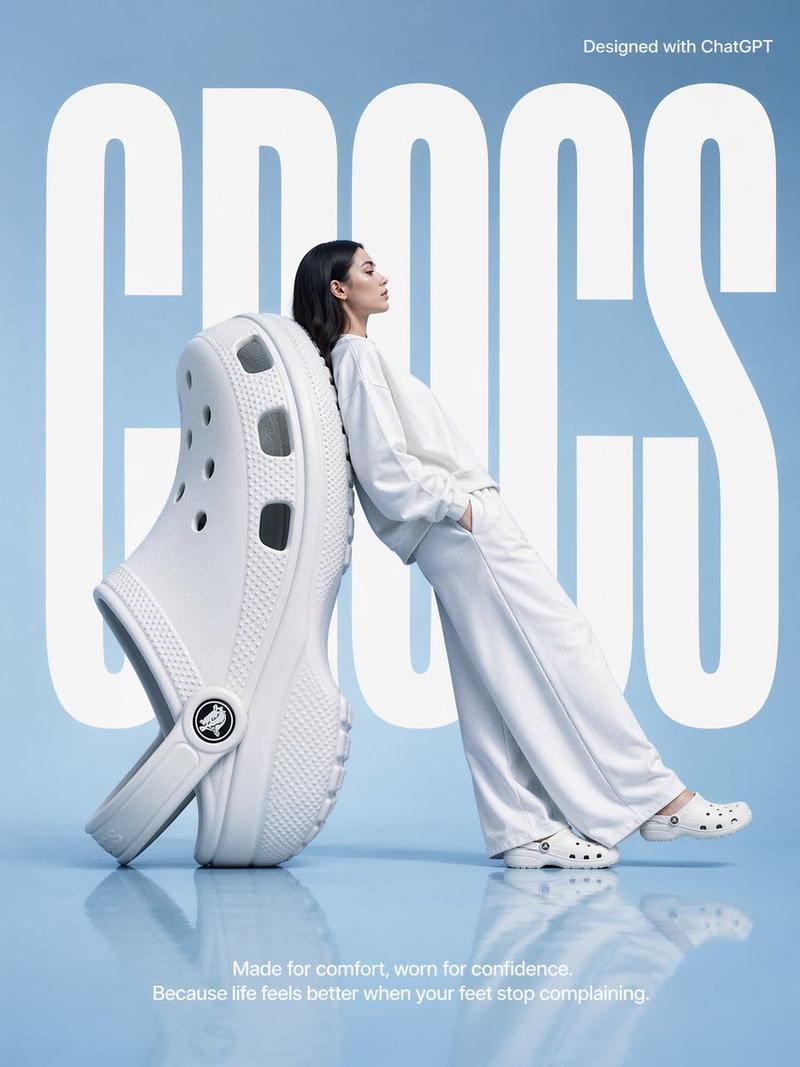
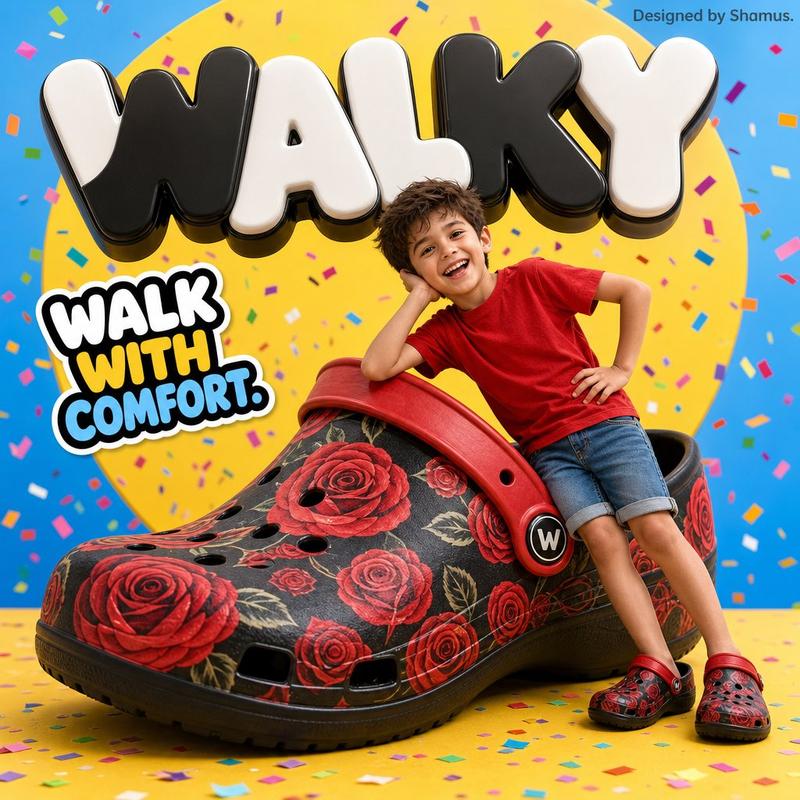
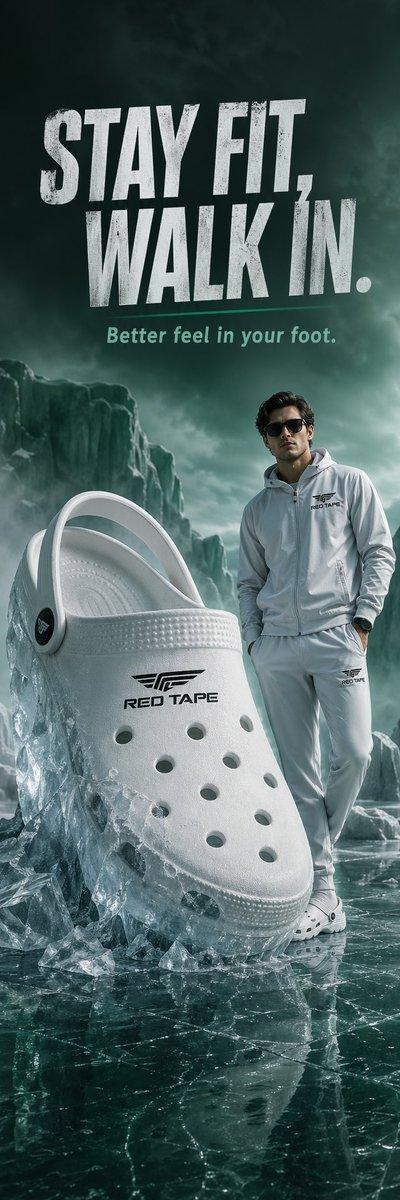
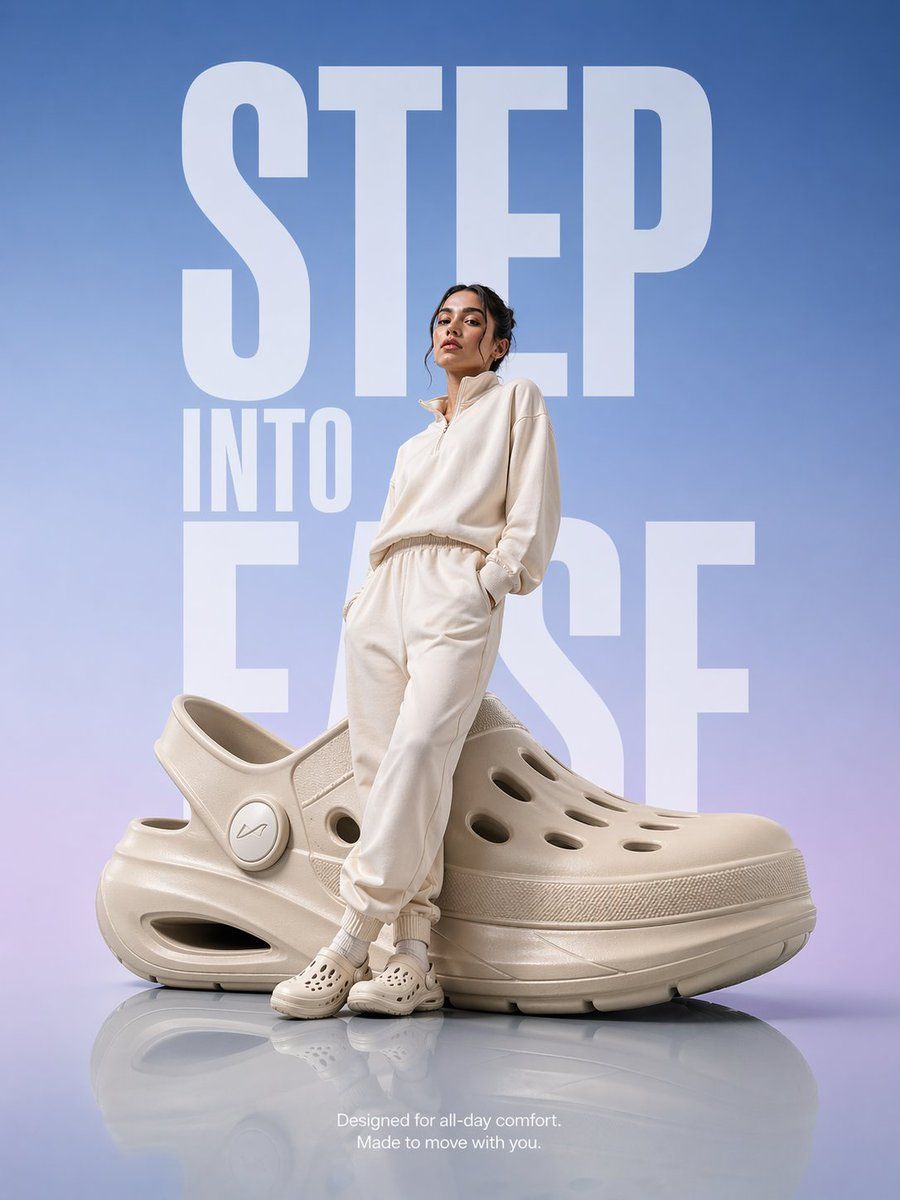
Hyper-realistic premium product advertisement: an oversized futuristic comfort clog sits on a smooth glossy reflective floor. A modern model in soft neutral-toned athleisure (off-white / beige) leans casually against the giant shoe with a relaxed, confident posture.

Backdrop: clean gradient flowing from soft sky blue into subtle lavender, with massive bold sans-serif typography reading "STEP INTO EASE" stretched vertically, partially tucked behind the subject.

Lighting: high-end studio lighting, soft highlights, gentle floor reflections, and a subtle rim light tracing the model and the product for depth.

Composition: editorial magazine layout, subject perfectly centered, generous negative space, luxury campaign mood.

Small minimal copy at the bottom: "Designed for all-day comfort. Made to move with you."

Style: ultra-clean Apple-style minimalism crossed with a fashion campaign, hyper-realistic, premium commercial photography, 8K, razor-sharp detail.
Category
Products & E-commerce
Model
GPT Image 2
Views1
Source ID
455

Guide

About "巨型舒适洞洞鞋 Campaign"

What is this prompt for?

"巨型舒适洞洞鞋 Campaign" AI image prompt for GPT Image 2 (Products & E-commerce). Hyper-realistic premium product advertisement: an oversized futuristic comfort clog…

The full copyable prompt and example visuals above are ready for AI image generation or one-click recreate in Picva.

How to use this prompt

  1. Step 1

    Open the prompt detail

    Review the example visuals, category, and full prompt text for "巨型舒适洞洞鞋 Campaign".

  2. Step 2

    Copy the prompt

    Copy the prompt body from this page, or load it directly in Studio.

  3. Step 3

    Pick a model (GPT Image 2)

    Prefer GPT Image 2. If you switch models, keep subject and composition and tweak style terms.

  4. Step 4

    Generate and export

    Recreate the look in Picva, or export into your workflow for editing and publishing.

FAQ

What is the "巨型舒适洞洞鞋 Campaign" prompt?
It is an AI image-generation prompt for GPT Image 2 in the Products & E-commerce category. This page includes the full prompt text, example visuals, and a one-click recreate path in Picva.
How do I use this prompt to generate an image?
Copy the prompt from this page, or use Generate / Studio. Paste it into a compatible image model, or recreate the look in Picva with optional reference images.
Which model is this prompt for?
This page lists GPT Image 2. Most descriptive prompts also transfer to nearby image models such as GPT Image, Flux, or Midjourney with light style tweaks.
Can I use the result commercially?
You can usually copy the prompt for creation, but commercial use of the final image depends on the model terms, reference-image rights, and the generated content. Follow the source author and platform rules.