18

家庭旅行纸雕拼贴
Enlarge

家庭旅行纸雕拼贴

Prompt
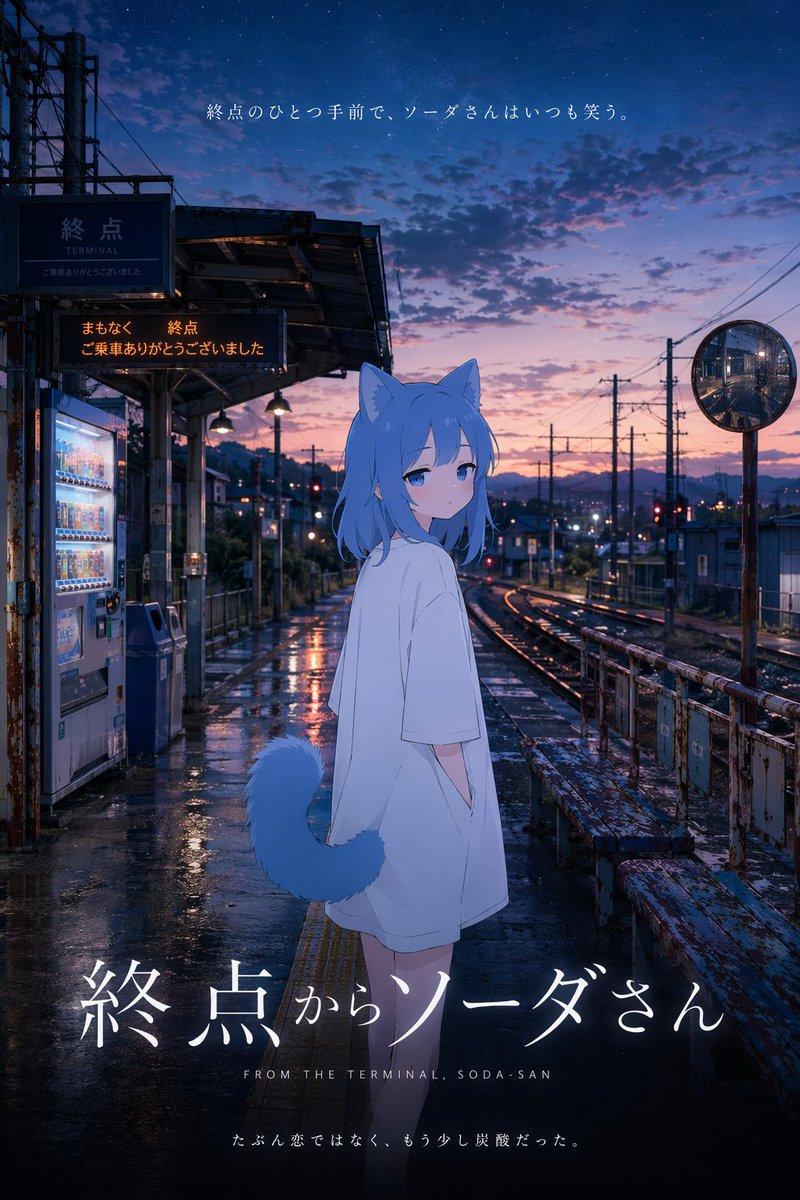
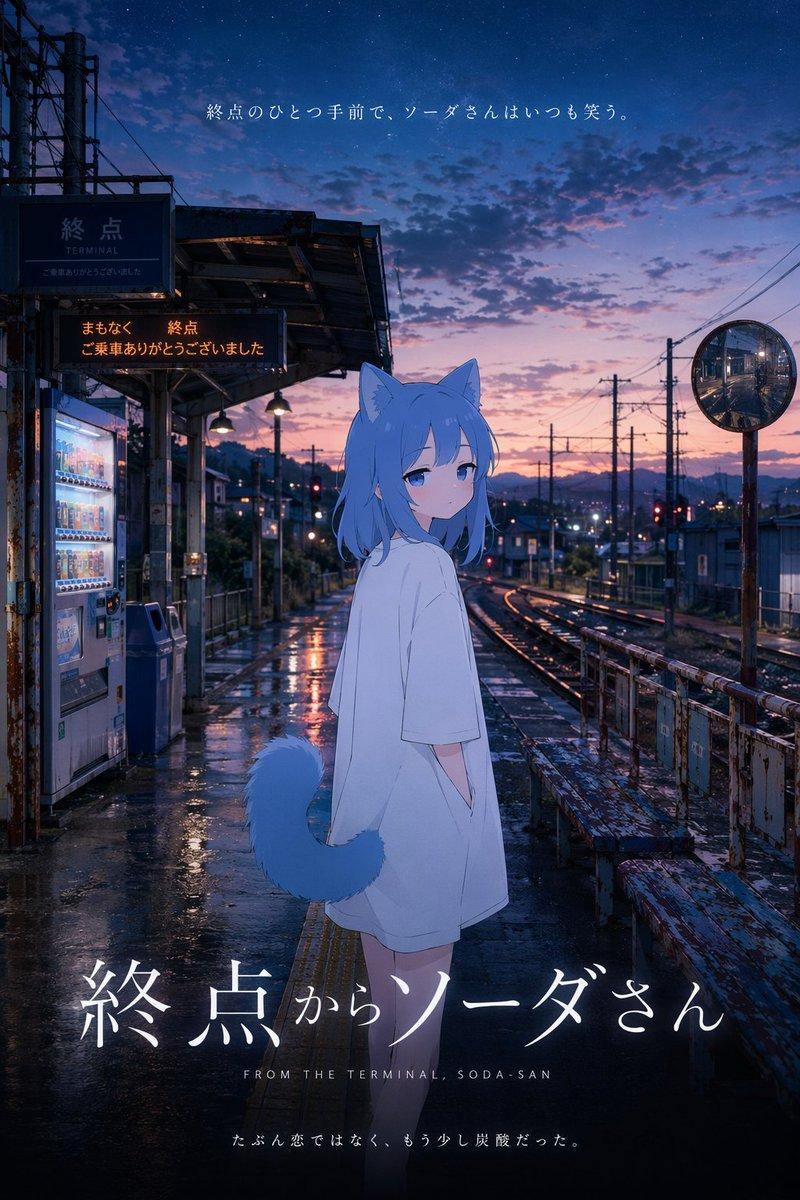
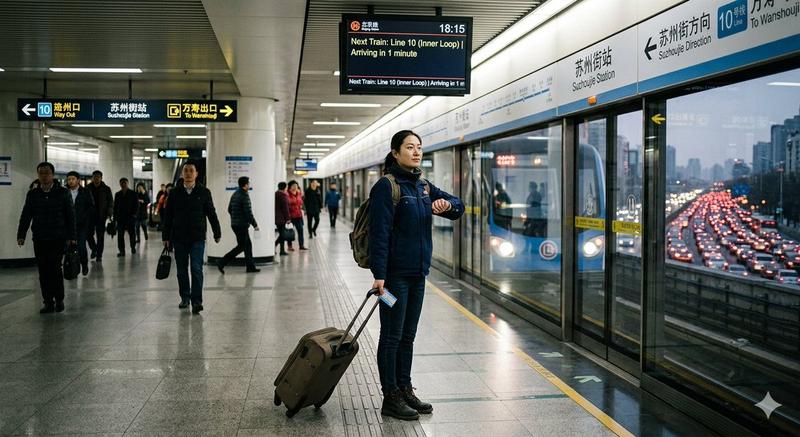
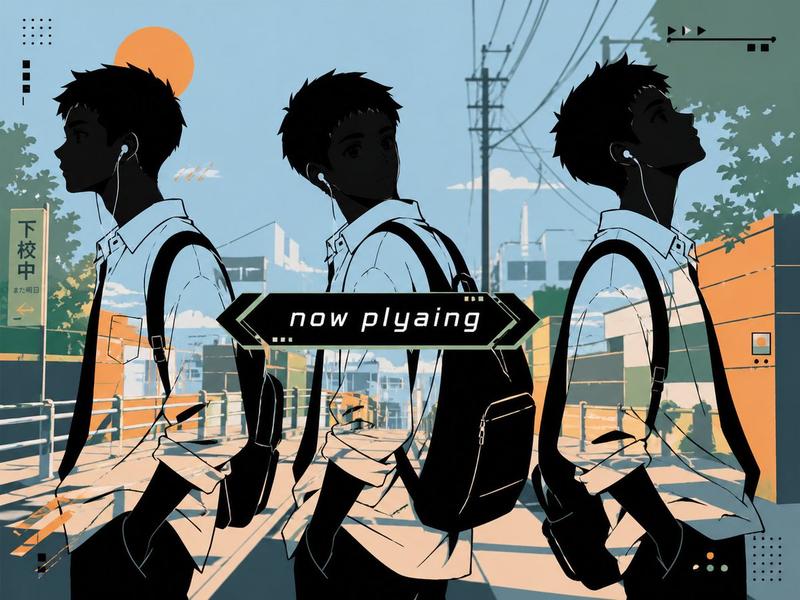
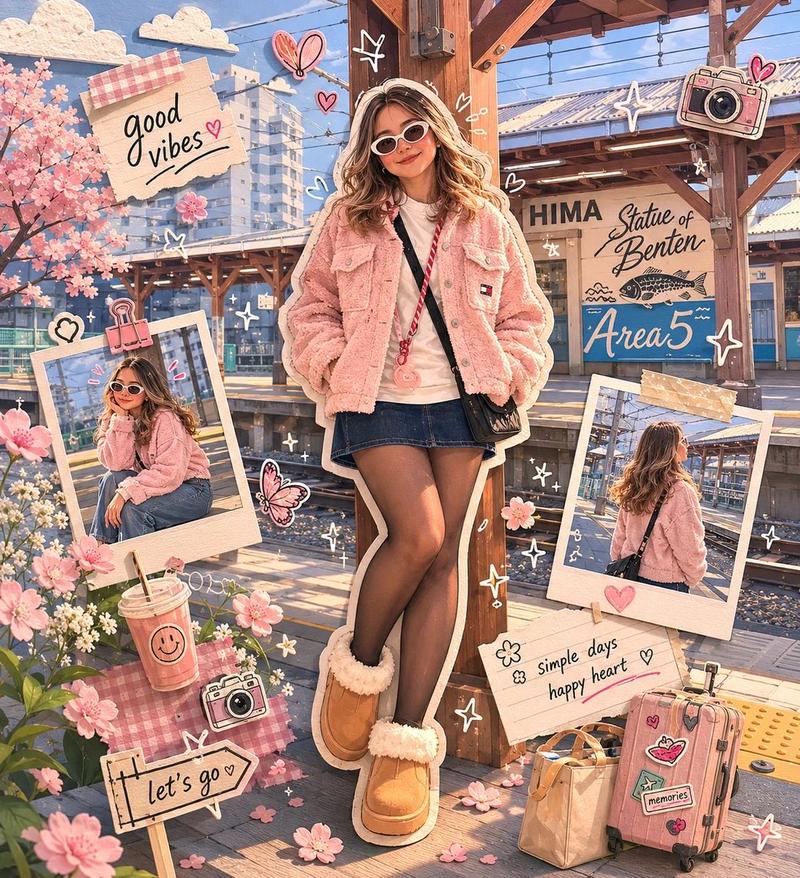
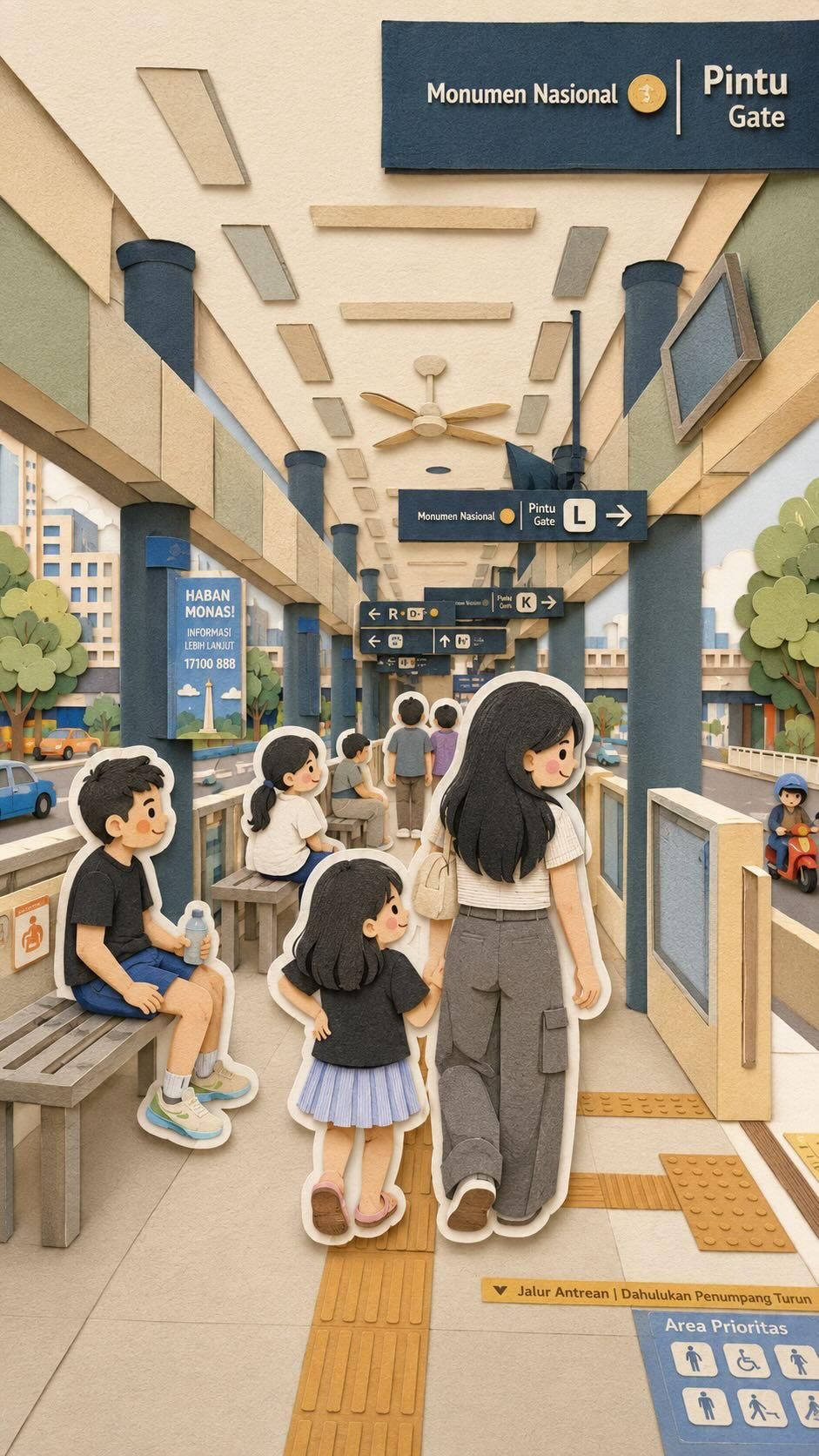
Adorable kawaii family travel collage, combining four different scenes in one composition, cute anime-inspired parents, friends and children taking selfies and exploring together, handcrafted paper-cut diorama style, layered cardboard and felt textures, miniature world aesthetic, cozy pastel color palette, soft cinematic lighting, playful vacation atmosphere, urban city station scene, shopping mall selfie corner, outdoor nature park, and crowded playground blended into one seamless scrapbook-style artwork, charming sticker-like white outlines around characters, tiny tourists and pedestrians in background, whimsical handcrafted textures, soft depth of field, highly detailed paper craft illustration, warm nostalgic mood, cute casual outfits with glasses, caps, bags and sandals, dreamy Instagram kawaii aesthetic, storybook composition, ultra detailed miniature environment, 3D layered paper art, tilt-shift effect, cozy wholesome family travel vibes, premium handcrafted look, high detail, 8k, vertical composition
Category
Illustration & Art
Model
GPT Image 2
Views4
Source ID
461

Guide

About "家庭旅行纸雕拼贴"

What is this prompt for?

"家庭旅行纸雕拼贴" AI image prompt for GPT Image 2 (Illustration & Art). Adorable kawaii family travel collage, combining four different scenes in one composition, cut…

The full copyable prompt and example visuals above are ready for AI image generation or one-click recreate in Picva.

How to use this prompt

  1. Step 1

    Open the prompt detail

    Review the example visuals, category, and full prompt text for "家庭旅行纸雕拼贴".

  2. Step 2

    Copy the prompt

    Copy the prompt body from this page, or load it directly in Studio.

  3. Step 3

    Pick a model (GPT Image 2)

    Prefer GPT Image 2. If you switch models, keep subject and composition and tweak style terms.

  4. Step 4

    Generate and export

    Recreate the look in Picva, or export into your workflow for editing and publishing.

FAQ

What is the "家庭旅行纸雕拼贴" prompt?
It is an AI image-generation prompt for GPT Image 2 in the Illustration & Art category. This page includes the full prompt text, example visuals, and a one-click recreate path in Picva.
How do I use this prompt to generate an image?
Copy the prompt from this page, or use Generate / Studio. Paste it into a compatible image model, or recreate the look in Picva with optional reference images.
Which model is this prompt for?
This page lists GPT Image 2. Most descriptive prompts also transfer to nearby image models such as GPT Image, Flux, or Midjourney with light style tweaks.
Can I use the result commercially?
You can usually copy the prompt for creation, but commercial use of the final image depends on the model terms, reference-image rights, and the generated content. Follow the source author and platform rules.