18

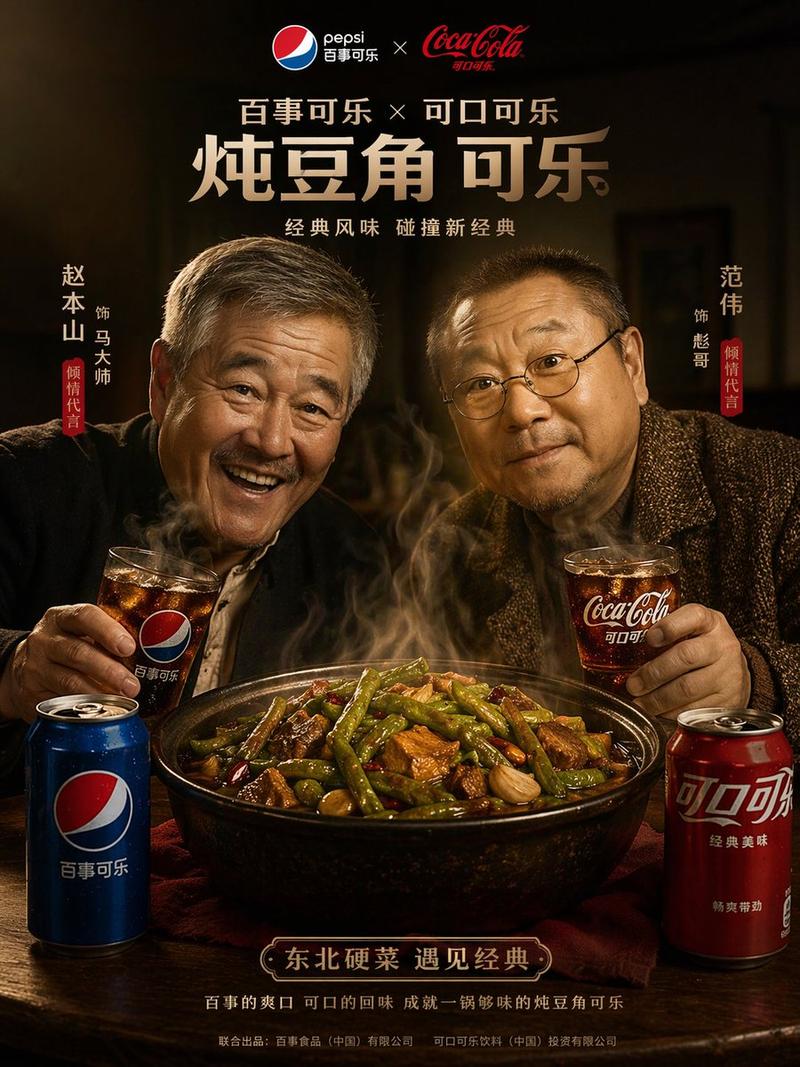
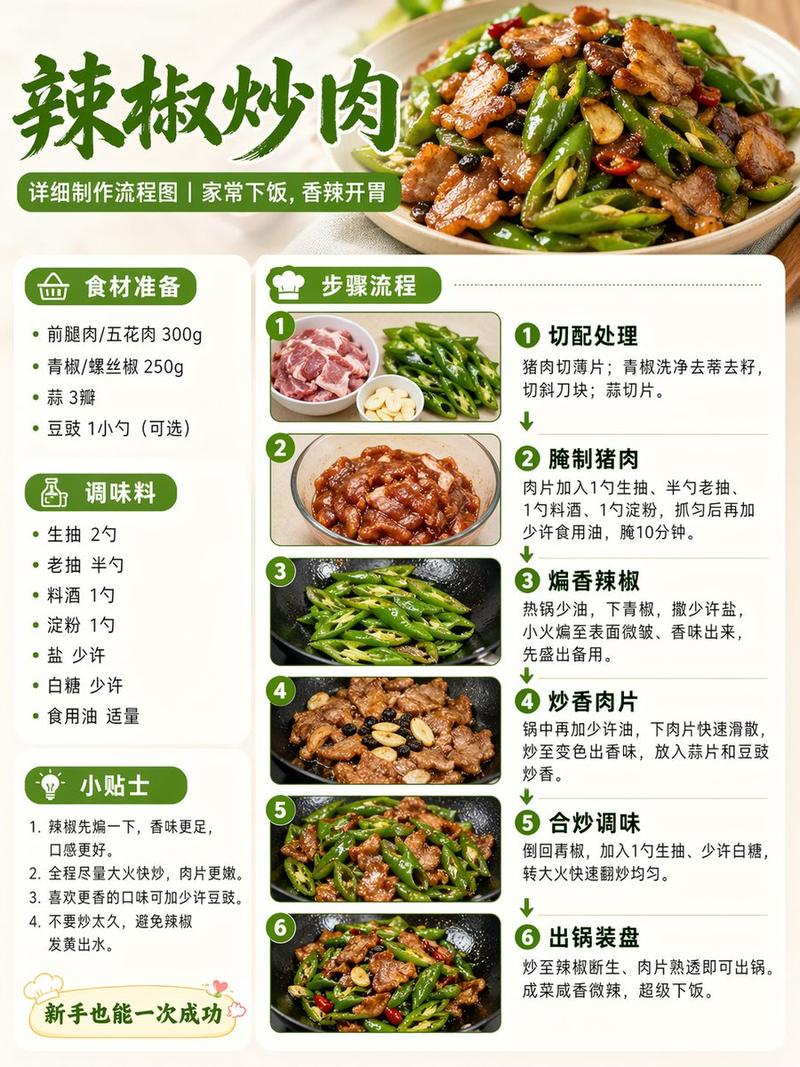
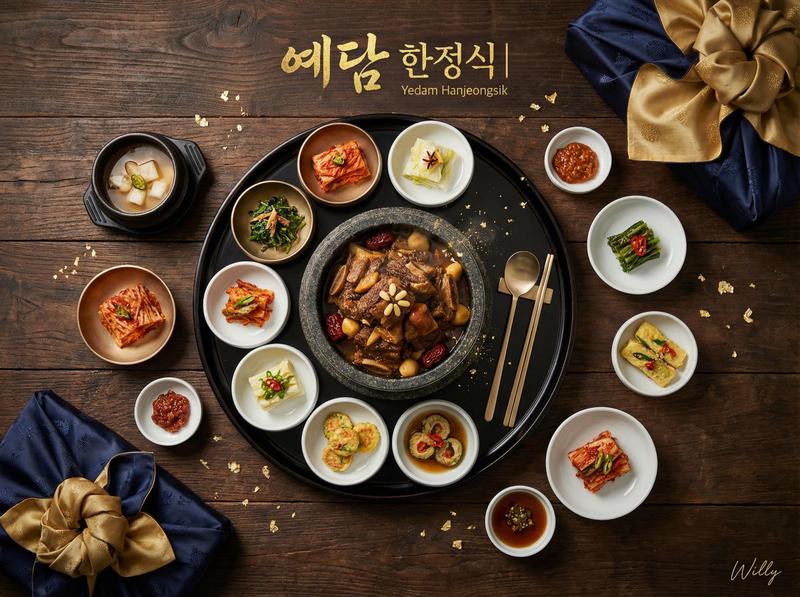
Premium food photography template
Enlarge

Premium food photography template

Prompt
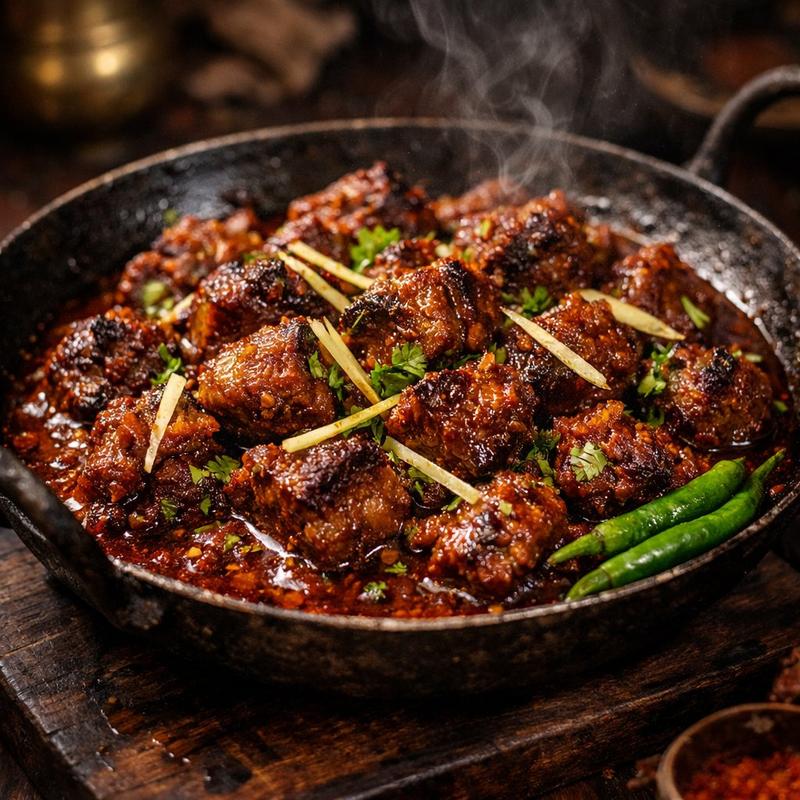
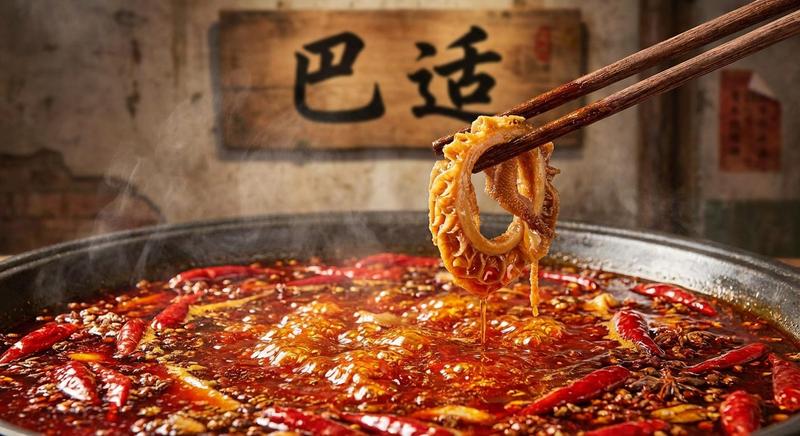
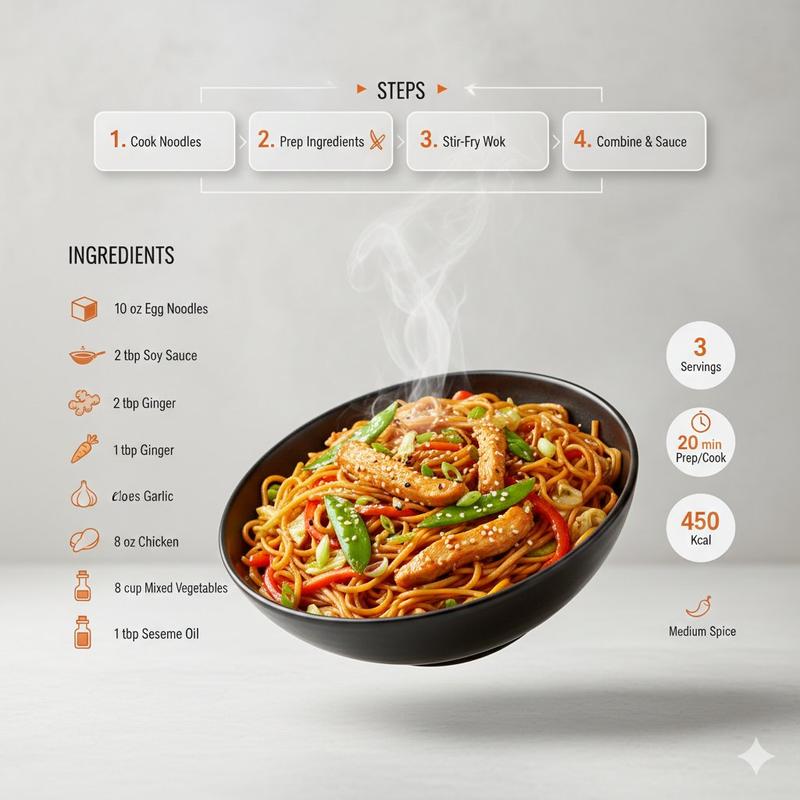
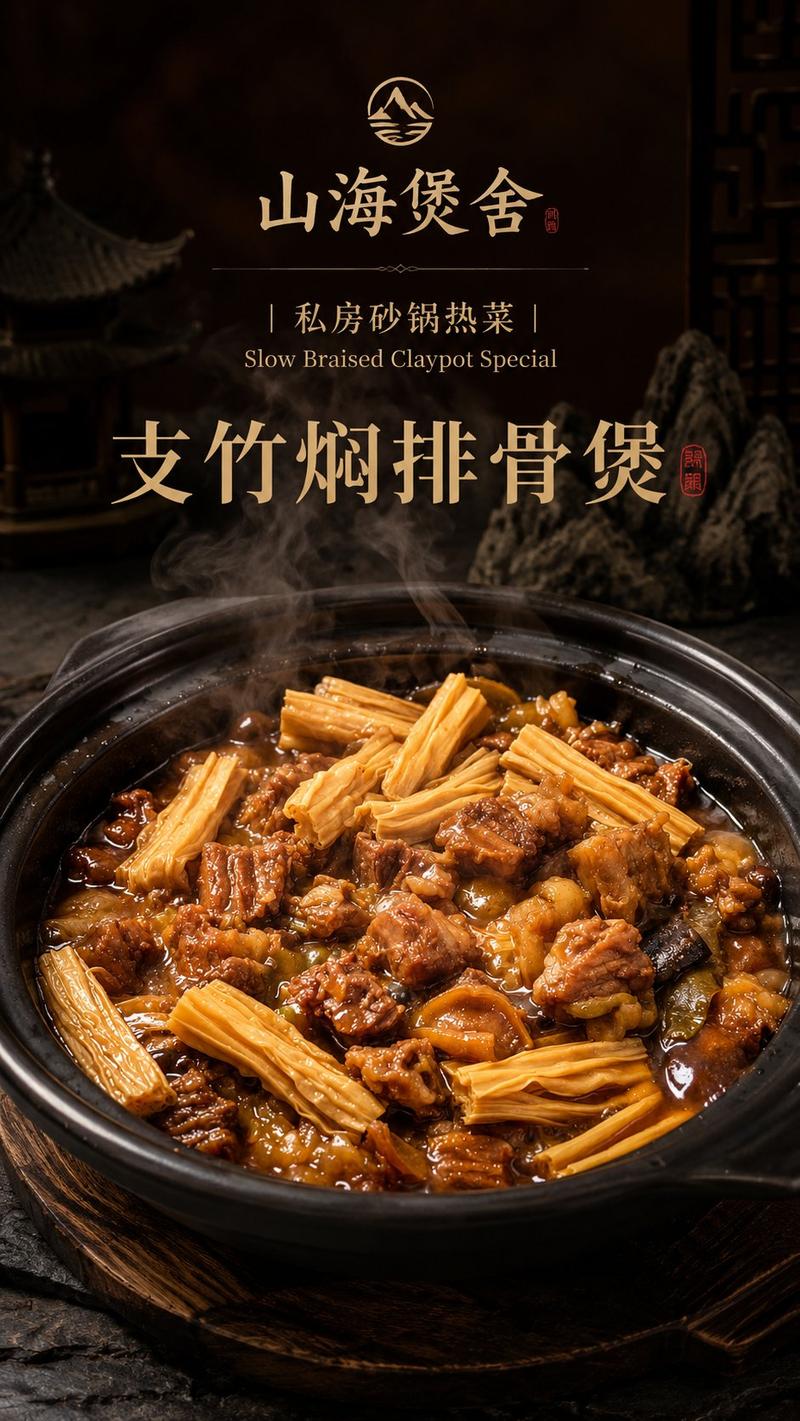
Create a square [ASPECT RATIO] premium food photography image of a steaming [FOOD] served in a dark black stone bowl or cast-iron skillet on a wooden board. The dish should look hot, glossy, spicy, and freshly served, with bite-sized pieces of browned protein, dried red chilies, green scallions, white onion, garlic, chili flakes, and visible Sichuan peppercorns coated in a deep red, oily Szechuan sauce. Use a slightly elevated close-up camera angle with shallow depth of field. Make the food the clear hero of the image, centered and richly detailed. Add visible steam rising naturally from the dish. Surround the bowl with subtle restaurant-style props like a dark red tray, scattered dried chilies, peppercorns, a small sauce bowl, or a blurred teapot in the background. Lighting should feel warm, moody, and editorial, like a high-end restaurant food shoot. Emphasize realistic textures and keep the image appetizing, realistic, cinematic, and polished. Avoid text, logos, hands, people, utensils covering the food, cartoon styling, fake plastic textures, excessive symmetry, or an overly clean stock-photo look.
Category
Products & E-commerce
Model
GPT Image 2
Creator
EvoLinkAI
Views4
Source ID
ecommerce-162

Guide

About "Premium food photography template"

What is this prompt for?

"Premium food photography template" AI image prompt for GPT Image 2 (Products & E-commerce). Create a square [ASPECT RATIO] premium food photography image of a…

The full copyable prompt and example visuals above are ready for AI image generation or one-click recreate in Picva.

How to use this prompt

  1. Step 1

    Open the prompt detail

    Review the example visuals, category, and full prompt text for "Premium food photography template".

  2. Step 2

    Copy the prompt

    Copy the prompt body from this page, or load it directly in Studio.

  3. Step 3

    Pick a model (GPT Image 2)

    Prefer GPT Image 2. If you switch models, keep subject and composition and tweak style terms.

  4. Step 4

    Generate and export

    Recreate the look in Picva, or export into your workflow for editing and publishing.

FAQ

What is the "Premium food photography template" prompt?
It is an AI image-generation prompt for GPT Image 2 in the Products & E-commerce category. This page includes the full prompt text, example visuals, and a one-click recreate path in Picva.
How do I use this prompt to generate an image?
Copy the prompt from this page, or use Generate / Studio. Paste it into a compatible image model, or recreate the look in Picva with optional reference images.
Which model is this prompt for?
This page lists GPT Image 2. Most descriptive prompts also transfer to nearby image models such as GPT Image, Flux, or Midjourney with light style tweaks.
Can I use the result commercially?
You can usually copy the prompt for creation, but commercial use of the final image depends on the model terms, reference-image rights, and the generated content. Follow the source author and platform rules.