19

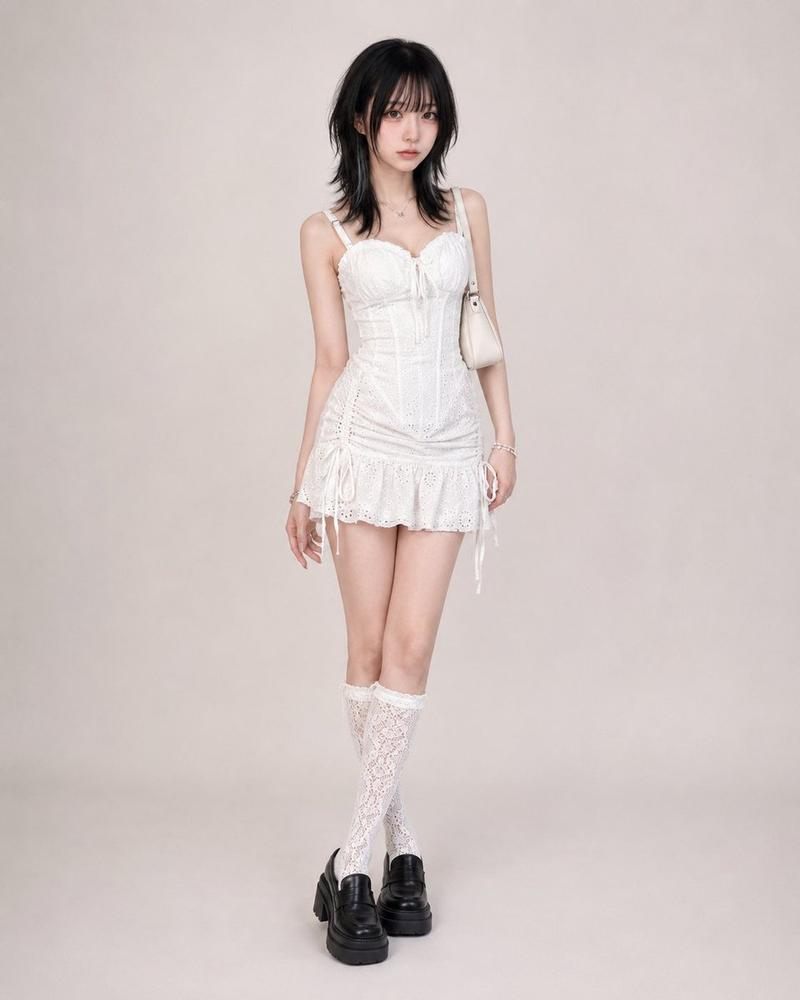
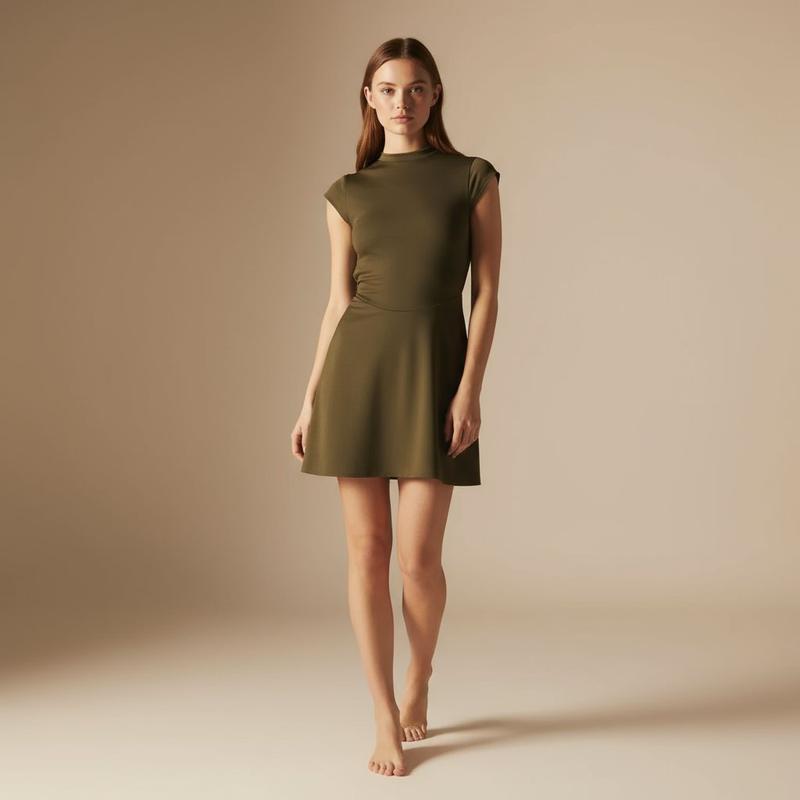
Luxury Studio Outfit Transformation
Enlarge

Luxury Studio Outfit Transformation

Prompt
Using REFERENCE_0 as the subject base, transform the casual desert snapshot into a full-body luxury fashion studio portrait. Replace the denim jacket, tank top, and shorts with a fitted strapless mini cocktail dress in {argument name="dress color" default="powder blue"} with ornate silver floral embroidery and exactly 2 geometric cutouts at the chest and upper waist. Change the setting to a clean seamless light-gray studio background with polished high-end editorial styling. Add 1 silver clutch with a thin chain strap in the subject's right hand and 1 pair of pointed silver high heels. Refine the pose into an elegant standing fashion pose with one hand near the face, keep the same person and hair identity, and apply soft cinematic luxury lighting with crisp 8K fashion-photography detail.
Category
Photography & Realism
Model
GPT Image 2
Creator
EvoLinkAI
Views3
Source ID
portrait-89

Guide

About "Luxury Studio Outfit Transformation"

What is this prompt for?

"Luxury Studio Outfit Transformation" AI image prompt for GPT Image 2 (Photography & Realism). Using REFERENCE_0 as the subject base, transform the casual dese…

The full copyable prompt and example visuals above are ready for AI image generation or one-click recreate in Picva.

How to use this prompt

  1. Step 1

    Open the prompt detail

    Review the example visuals, category, and full prompt text for "Luxury Studio Outfit Transformation".

  2. Step 2

    Copy the prompt

    Copy the prompt body from this page, or load it directly in Studio.

  3. Step 3

    Pick a model (GPT Image 2)

    Prefer GPT Image 2. If you switch models, keep subject and composition and tweak style terms.

  4. Step 4

    Generate and export

    Recreate the look in Picva, or export into your workflow for editing and publishing.

FAQ

What is the "Luxury Studio Outfit Transformation" prompt?
It is an AI image-generation prompt for GPT Image 2 in the Photography & Realism category. This page includes the full prompt text, example visuals, and a one-click recreate path in Picva.
How do I use this prompt to generate an image?
Copy the prompt from this page, or use Generate / Studio. Paste it into a compatible image model, or recreate the look in Picva with optional reference images.
Which model is this prompt for?
This page lists GPT Image 2. Most descriptive prompts also transfer to nearby image models such as GPT Image, Flux, or Midjourney with light style tweaks.
Can I use the result commercially?
You can usually copy the prompt for creation, but commercial use of the final image depends on the model terms, reference-image rights, and the generated content. Follow the source author and platform rules.