19

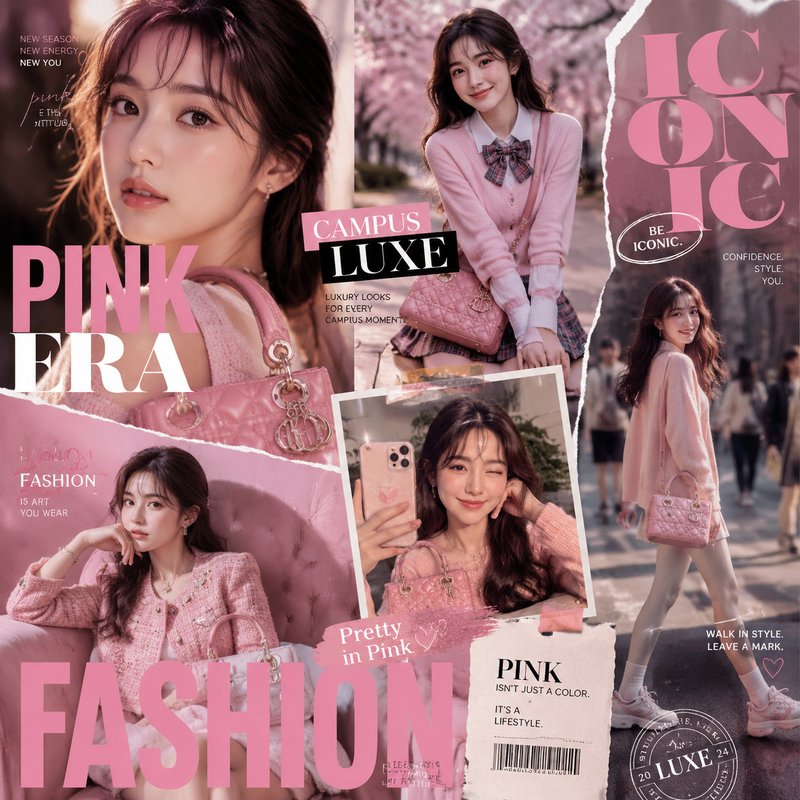
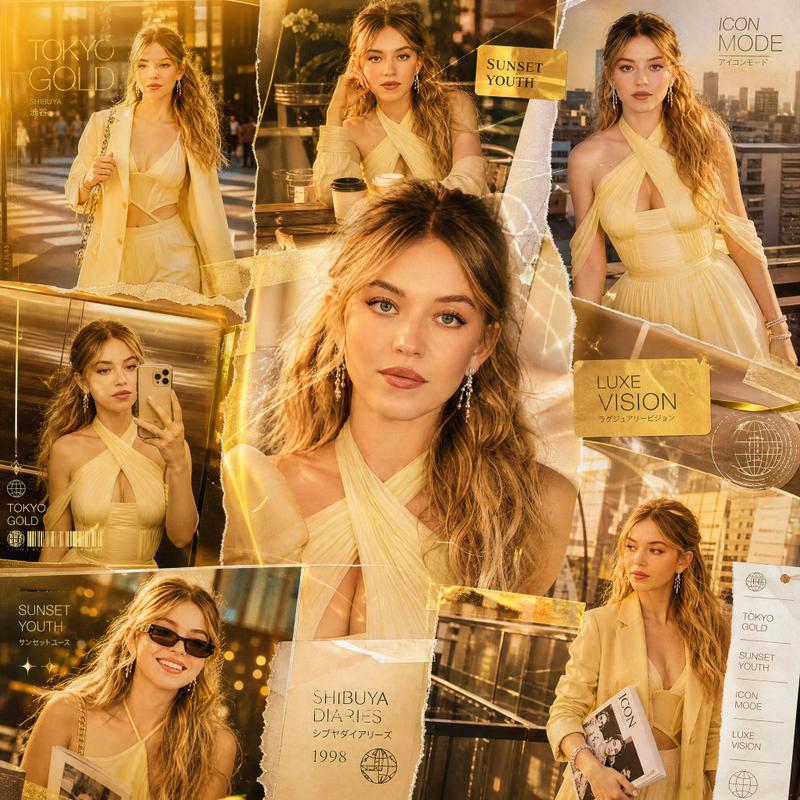
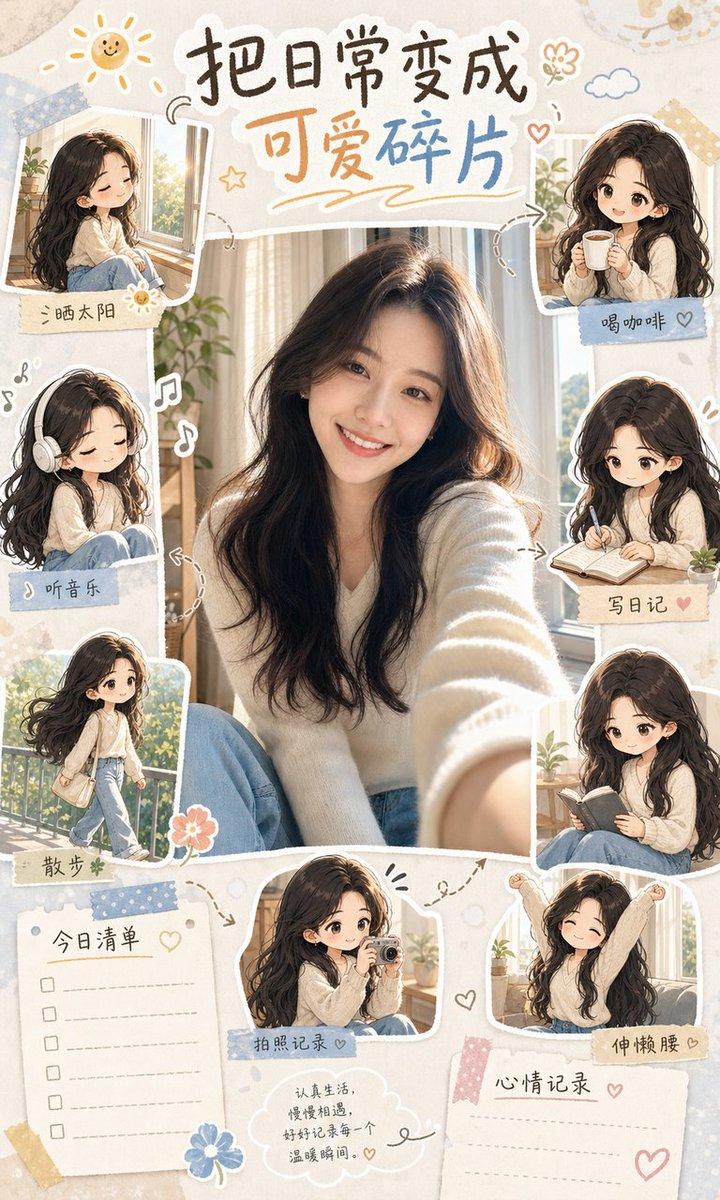
Tokyo Pink Fashion Collage
Enlarge

Tokyo Pink Fashion Collage

Prompt
GPT Image 2 on ChatGPT                         

Prompt :

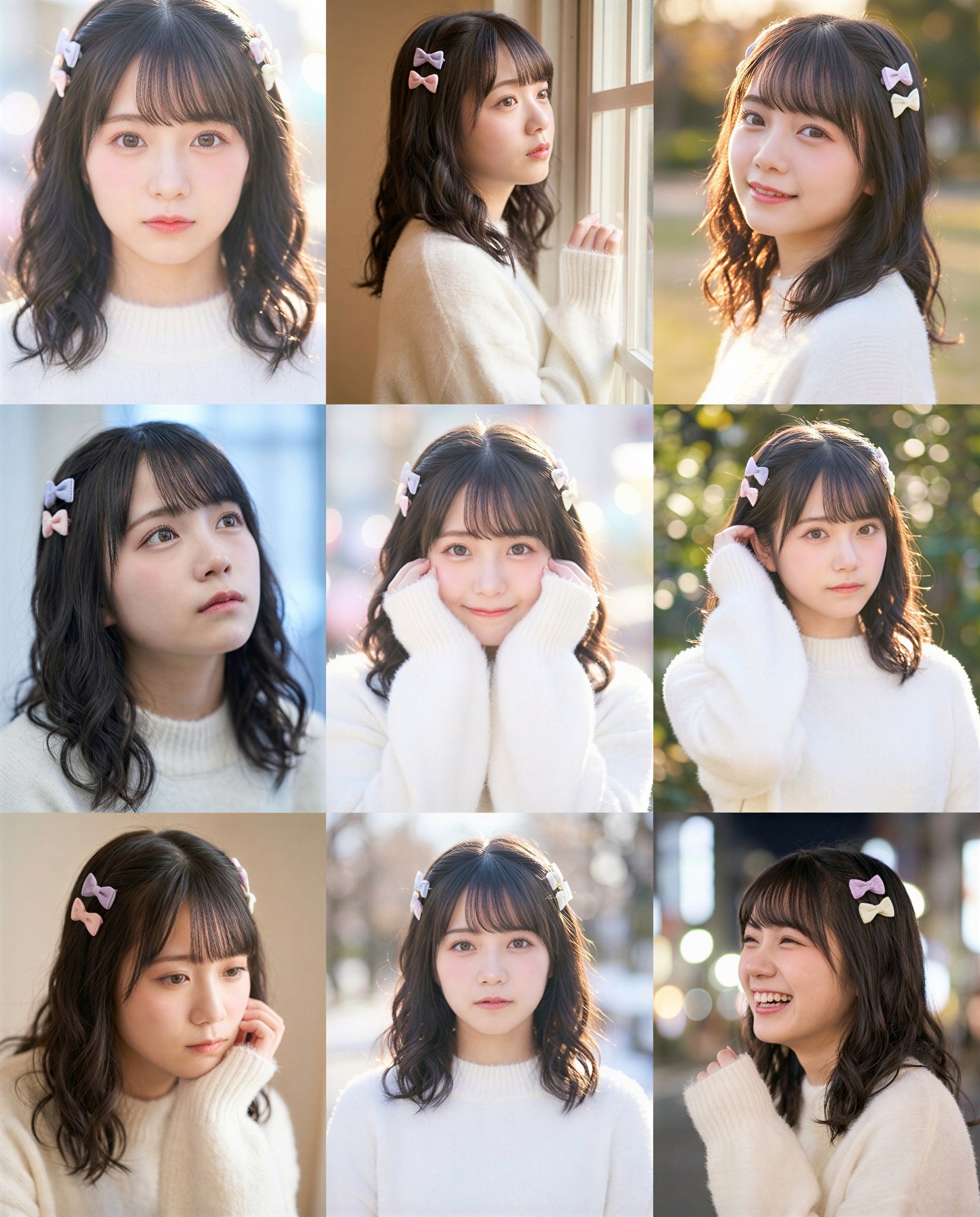
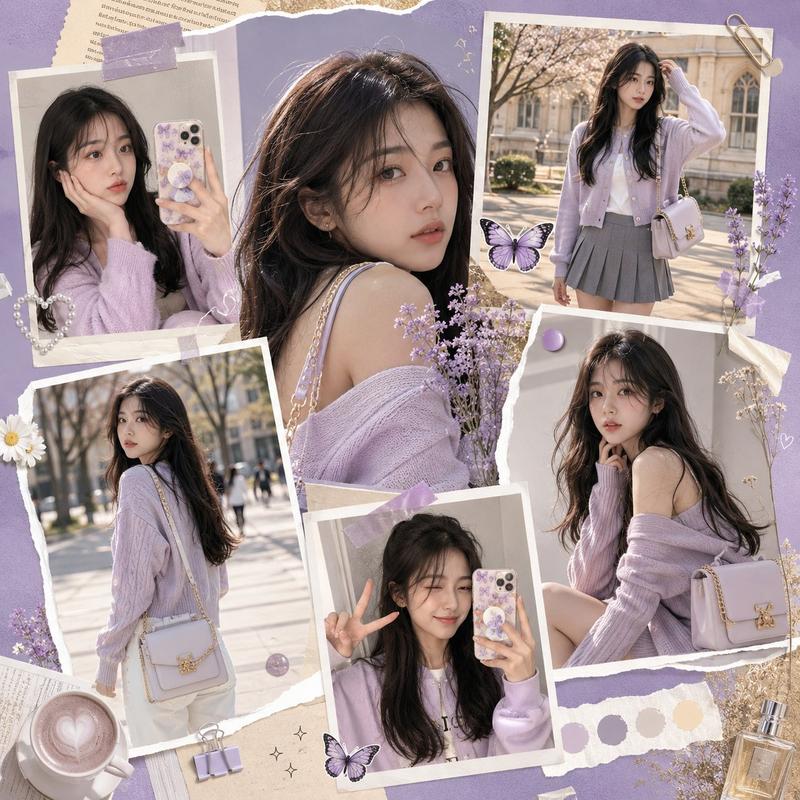
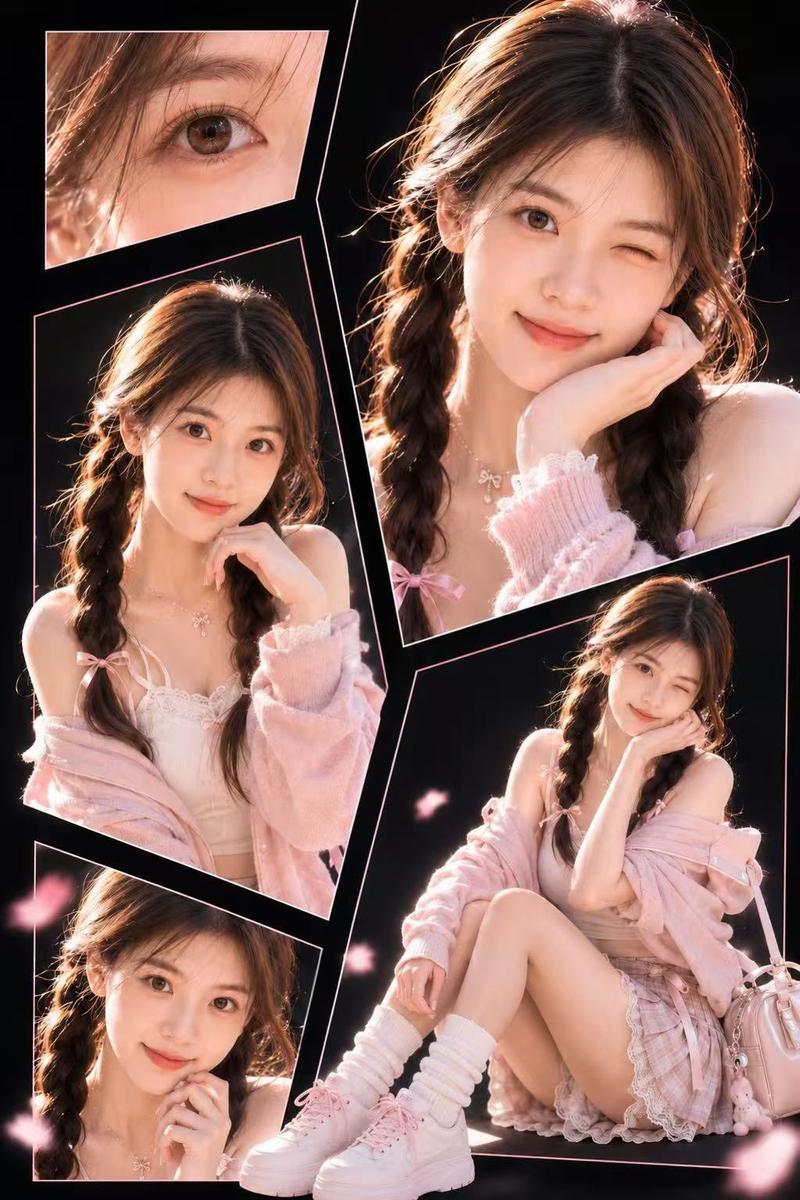
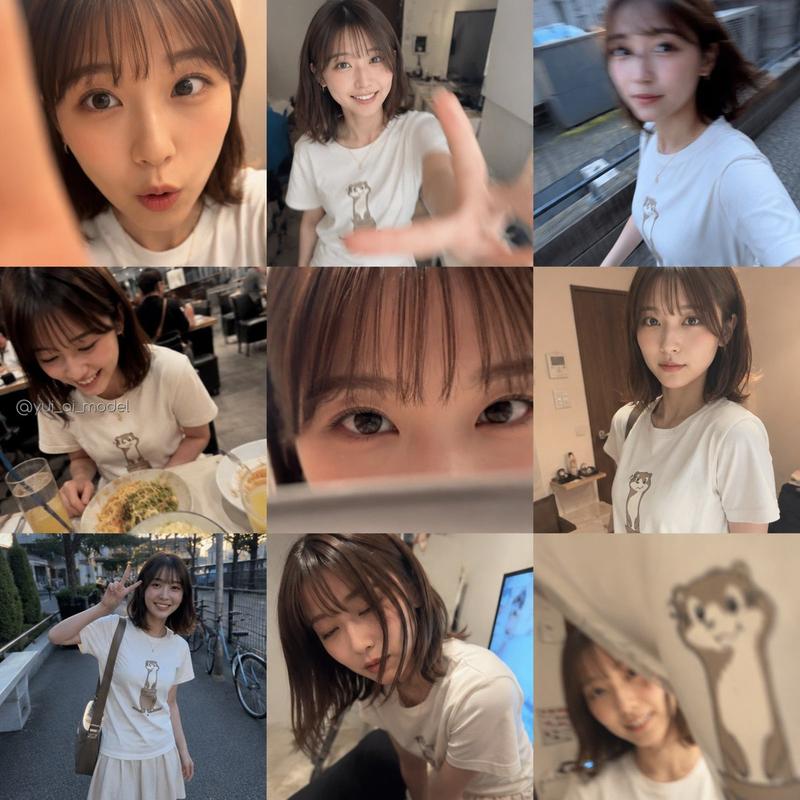
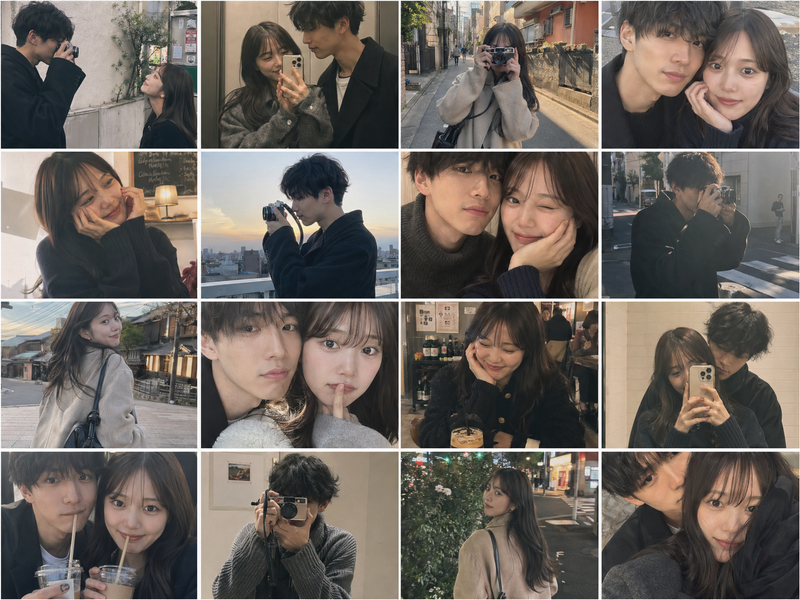
Create a premium 1:1 luxury fashion collage featuring the same stylish Japanese college girl in multiple cinematic portrait moments across one artistic composition. Blend ultra-realistic anime-inspired beauty with luxury editorial aesthetics. Include close-up beauty shots, candid walking moments, stylish classroom fashion, playful mirror selfies, rooftop sunset poses, and soft emotional expressions while maintaining identical character identity throughout. Use asymmetrical overlapping photo layers, torn magazine textures, glossy reflections, handwritten fashion notes, dreamy pink gradients, cinematic bloom lighting, and tiny  size integrated typography like “TOKYO PINK”, “ICON”, “YOUTH MODE”, and “LUXE GIRL”. Ultra detailed, cinematic, modern Japanese fashion campaign aesthetic, soft depth of field, premium social media advertisement style, 8K.
Category
UI & Interfaces
Model
GPT Image 2
Creator
EvoLinkAI
Views4
Source ID
ui-154

Guide

About "Tokyo Pink Fashion Collage"

What is this prompt for?

"Tokyo Pink Fashion Collage" AI image prompt for GPT Image 2 (UI & Interfaces). GPT Image 2 on ChatGPT Prompt : Create a premium 1:1 luxury fashion collage fea…

The full copyable prompt and example visuals above are ready for AI image generation or one-click recreate in Picva.

How to use this prompt

  1. Step 1

    Open the prompt detail

    Review the example visuals, category, and full prompt text for "Tokyo Pink Fashion Collage".

  2. Step 2

    Copy the prompt

    Copy the prompt body from this page, or load it directly in Studio.

  3. Step 3

    Pick a model (GPT Image 2)

    Prefer GPT Image 2. If you switch models, keep subject and composition and tweak style terms.

  4. Step 4

    Generate and export

    Recreate the look in Picva, or export into your workflow for editing and publishing.

FAQ

What is the "Tokyo Pink Fashion Collage" prompt?
It is an AI image-generation prompt for GPT Image 2 in the UI & Interfaces category. This page includes the full prompt text, example visuals, and a one-click recreate path in Picva.
How do I use this prompt to generate an image?
Copy the prompt from this page, or use Generate / Studio. Paste it into a compatible image model, or recreate the look in Picva with optional reference images.
Which model is this prompt for?
This page lists GPT Image 2. Most descriptive prompts also transfer to nearby image models such as GPT Image, Flux, or Midjourney with light style tweaks.
Can I use the result commercially?
You can usually copy the prompt for creation, but commercial use of the final image depends on the model terms, reference-image rights, and the generated content. Follow the source author and platform rules.