19

Sitcom Intro Storyboard Sheet
Enlarge

Sitcom Intro Storyboard Sheet

Prompt
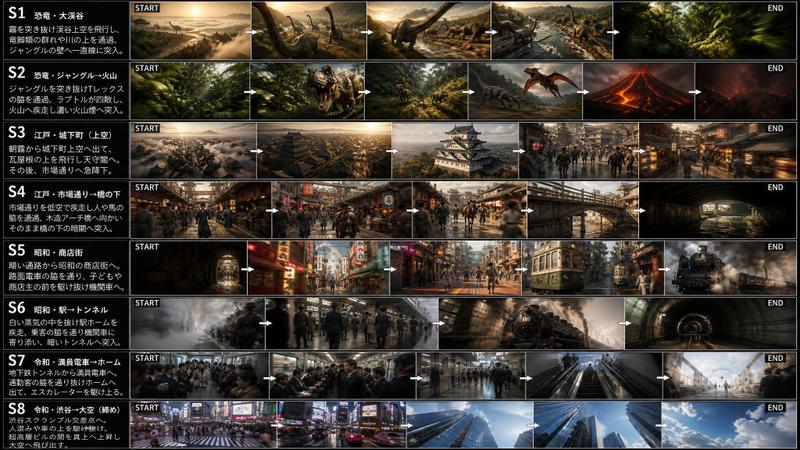
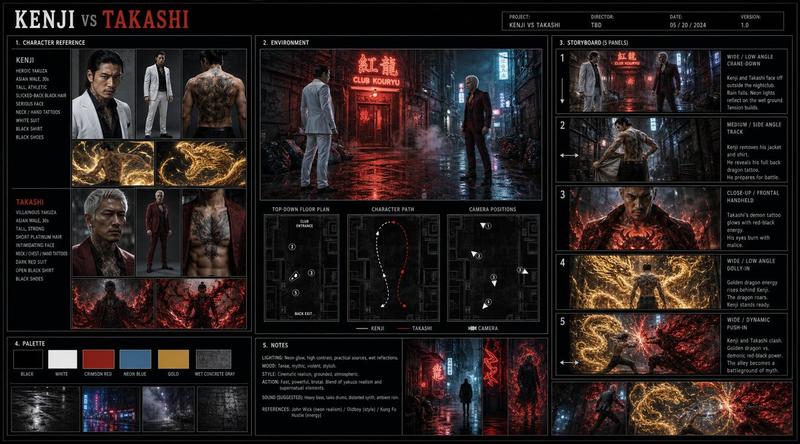
Create a professional film production storyboard for a 15-second sitcom intro montage in a premium pitch deck presentation. Use multi-panel storyboard sheet layout, cinematic 16:9 framing per panel, clean panel borders, shot descriptions beneath each frame, timing notes, and transition indicators between panels. Maintain strict character consistency for Super Mei, Edvard, and Fenrir across all panels. Include a complete sequence of title flash, living room, backyard walkies, kitchen powers, convenience store raid, monster battle, bonus domestic comedy beats, closing hero shot, and logo slam. Visual style: cinematic sitcom, high-budget live-action network comedy, production-ready fidelity, not animated or illustrated.
Category
UI & Interfaces
Model
GPT Image 2
Creator
EvoLinkAI
Views3
Source ID
ui-161

Guide

About "Sitcom Intro Storyboard Sheet"

What is this prompt for?

"Sitcom Intro Storyboard Sheet" AI image prompt for GPT Image 2 (UI & Interfaces). Create a professional film production storyboard for a 15-second sitcom intr…

The full copyable prompt and example visuals above are ready for AI image generation or one-click recreate in Picva.

How to use this prompt

  1. Step 1

    Open the prompt detail

    Review the example visuals, category, and full prompt text for "Sitcom Intro Storyboard Sheet".

  2. Step 2

    Copy the prompt

    Copy the prompt body from this page, or load it directly in Studio.

  3. Step 3

    Pick a model (GPT Image 2)

    Prefer GPT Image 2. If you switch models, keep subject and composition and tweak style terms.

  4. Step 4

    Generate and export

    Recreate the look in Picva, or export into your workflow for editing and publishing.

FAQ

What is the "Sitcom Intro Storyboard Sheet" prompt?
It is an AI image-generation prompt for GPT Image 2 in the UI & Interfaces category. This page includes the full prompt text, example visuals, and a one-click recreate path in Picva.
How do I use this prompt to generate an image?
Copy the prompt from this page, or use Generate / Studio. Paste it into a compatible image model, or recreate the look in Picva with optional reference images.
Which model is this prompt for?
This page lists GPT Image 2. Most descriptive prompts also transfer to nearby image models such as GPT Image, Flux, or Midjourney with light style tweaks.
Can I use the result commercially?
You can usually copy the prompt for creation, but commercial use of the final image depends on the model terms, reference-image rights, and the generated content. Follow the source author and platform rules.