Screenshot
Prompt
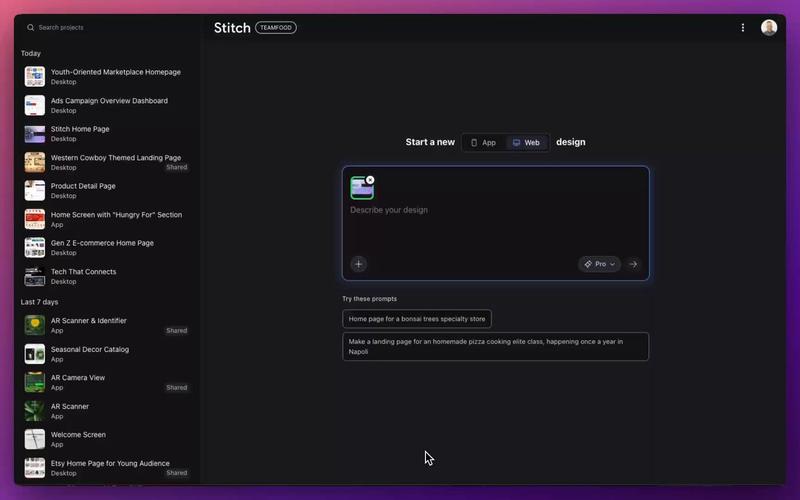
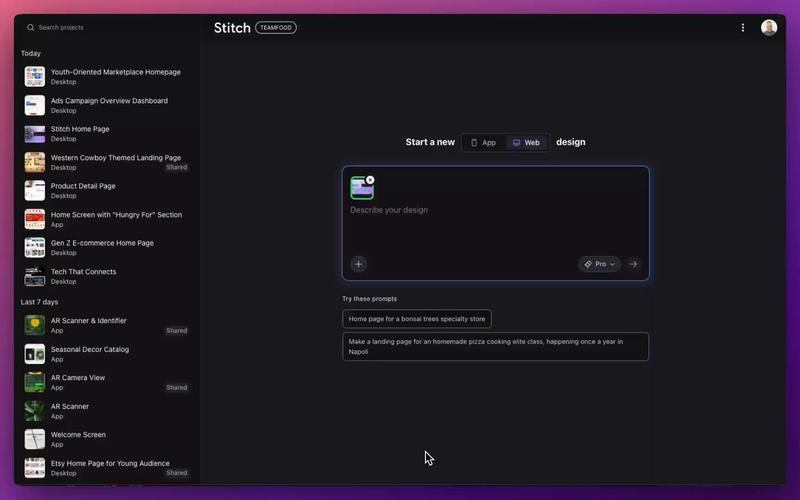
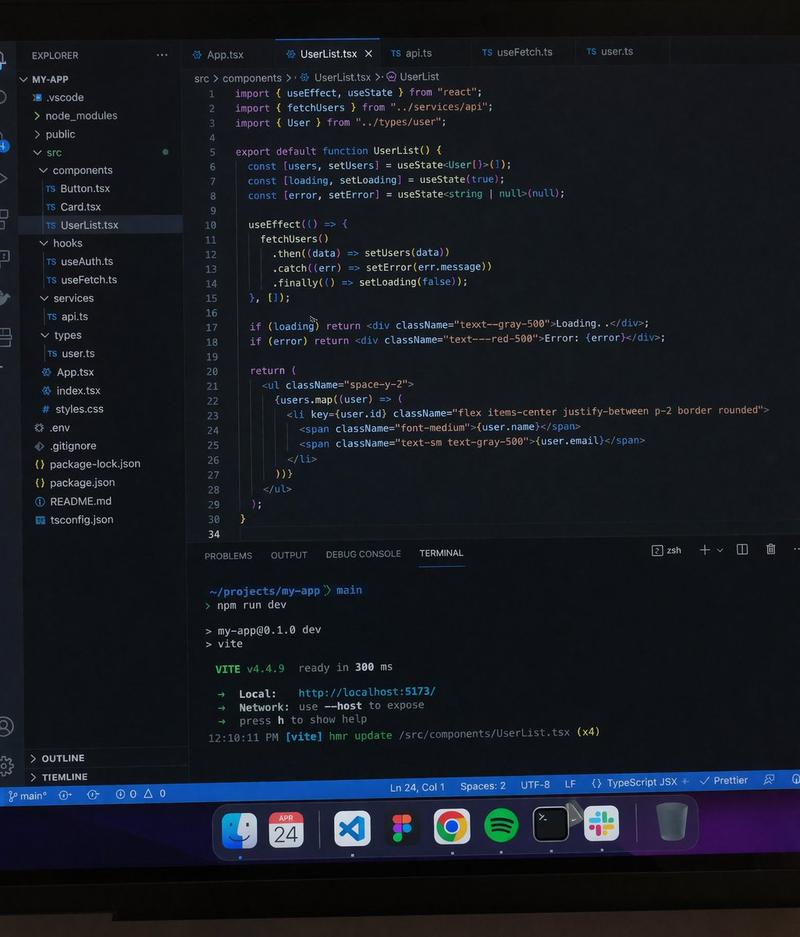
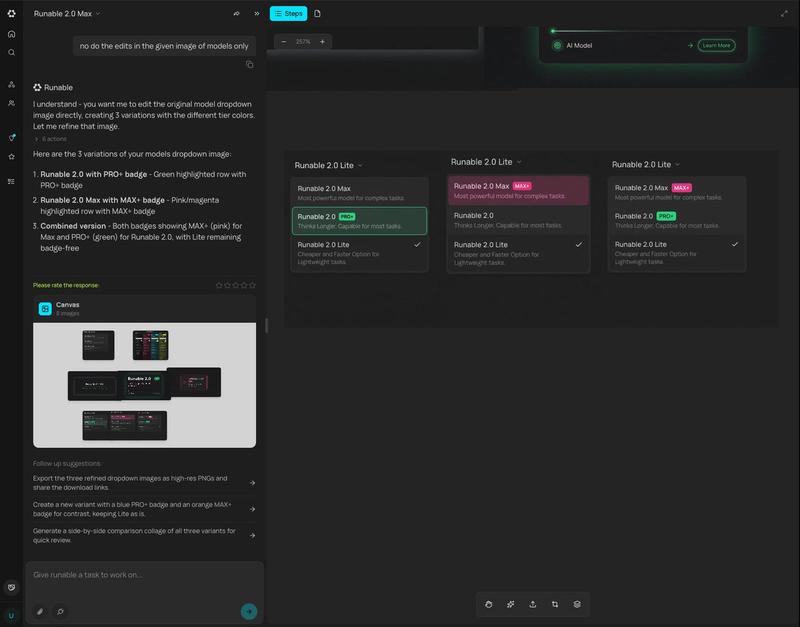
由 ChatGPT 图像 2.0 生成的细腻桌面场景,展示了一个布满了已打开应用和窗口的 macOS 工作空间。屏幕中央是正在生成 ASCII 艺术图的 ChatGPT,周围环绕着编程工具、笔记、文件、音乐控制组件以及各类效率应用。
- Category
- Documents & Publishing
- Model
- GPT Image 2
- Creator
- OpenAI
- Source ID
- 003
Views3
17
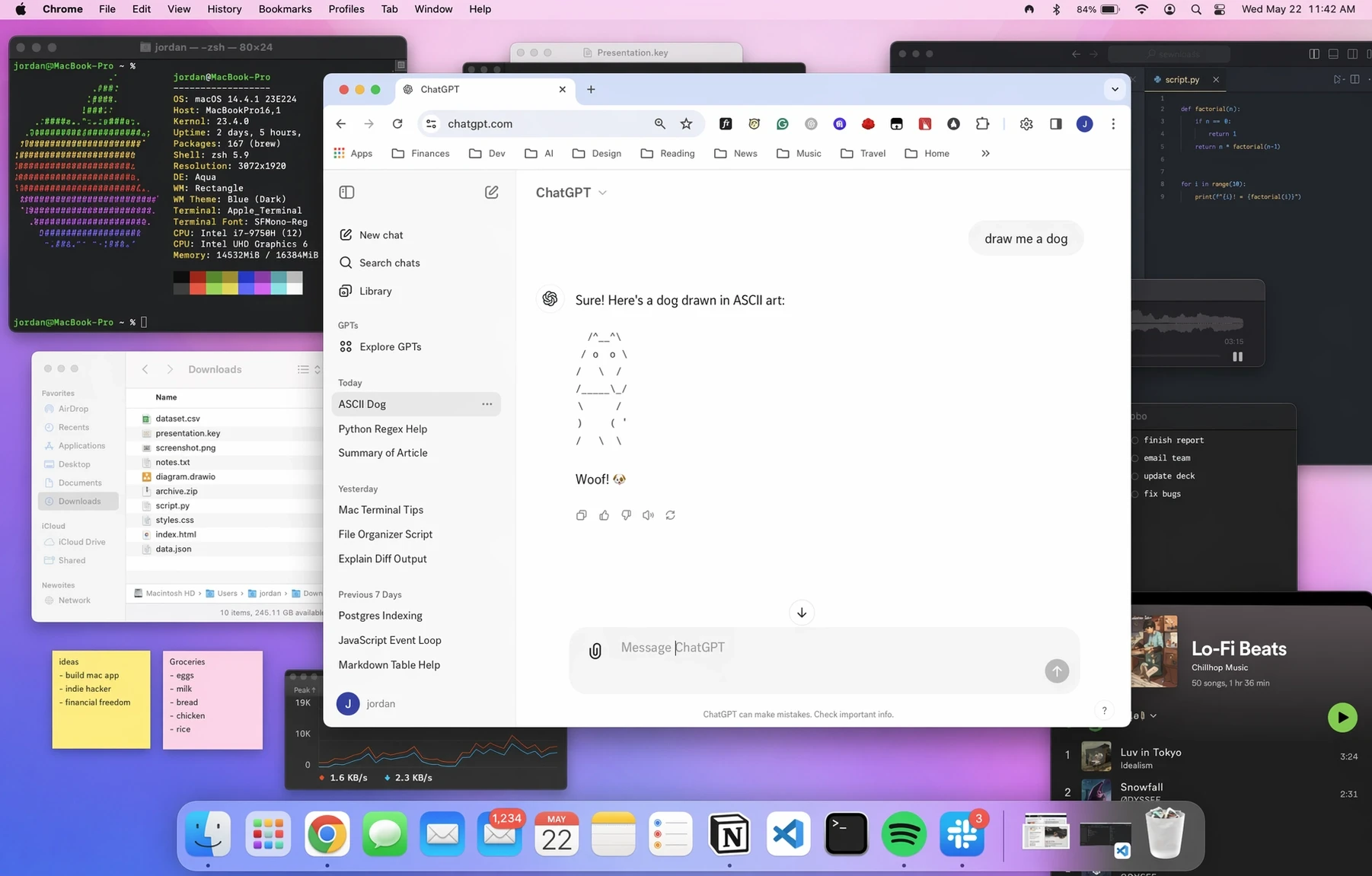
由 ChatGPT 图像 2.0 生成的细腻桌面场景,展示了一个布满了已打开应用和窗口的 macOS 工作空间。屏幕中央是正在生成 ASCII 艺术图的 ChatGPT,周围环绕着编程工具、笔记、文件、音乐控制组件以及各类效率应用。
Guide
"Screenshot" AI image prompt for GPT Image 2 (Documents & Publishing). 由 ChatGPT 图像 2.0 生成的细腻桌面场景,展示了一个布满了已打开应用和窗口的 macOS 工作空间。屏幕中央是正在生成 ASCII 艺术图的 ChatGPT,周围环…
The full copyable prompt and example visuals above are ready for AI image generation or one-click recreate in Picva.
Step 1
Review the example visuals, category, and full prompt text for "Screenshot".
Step 2
Copy the prompt body from this page, or load it directly in Studio.
Step 3
Prefer GPT Image 2. If you switch models, keep subject and composition and tweak style terms.
Step 4
Recreate the look in Picva, or export into your workflow for editing and publishing.