20

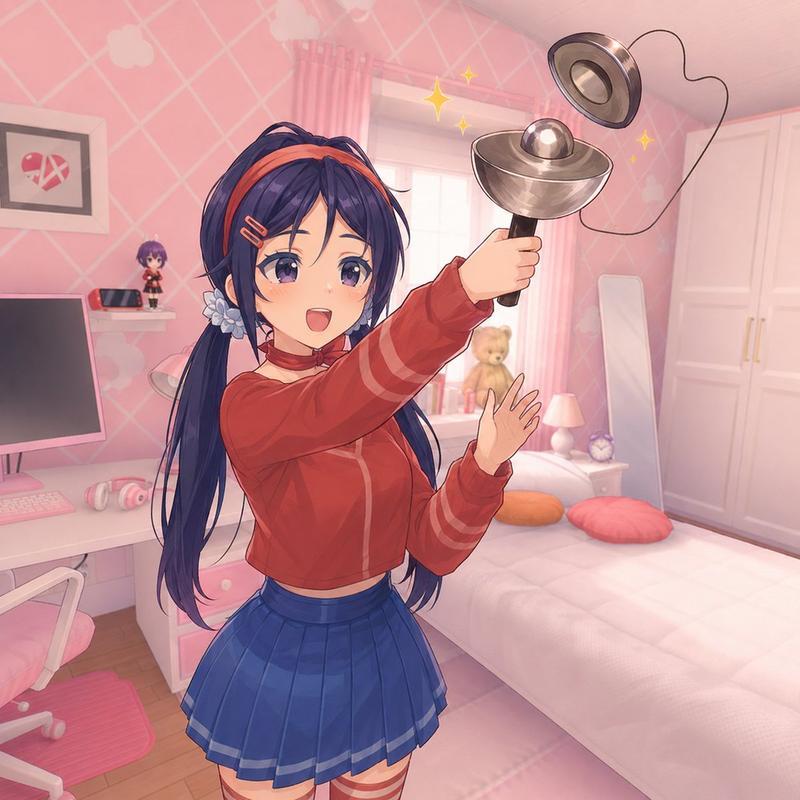
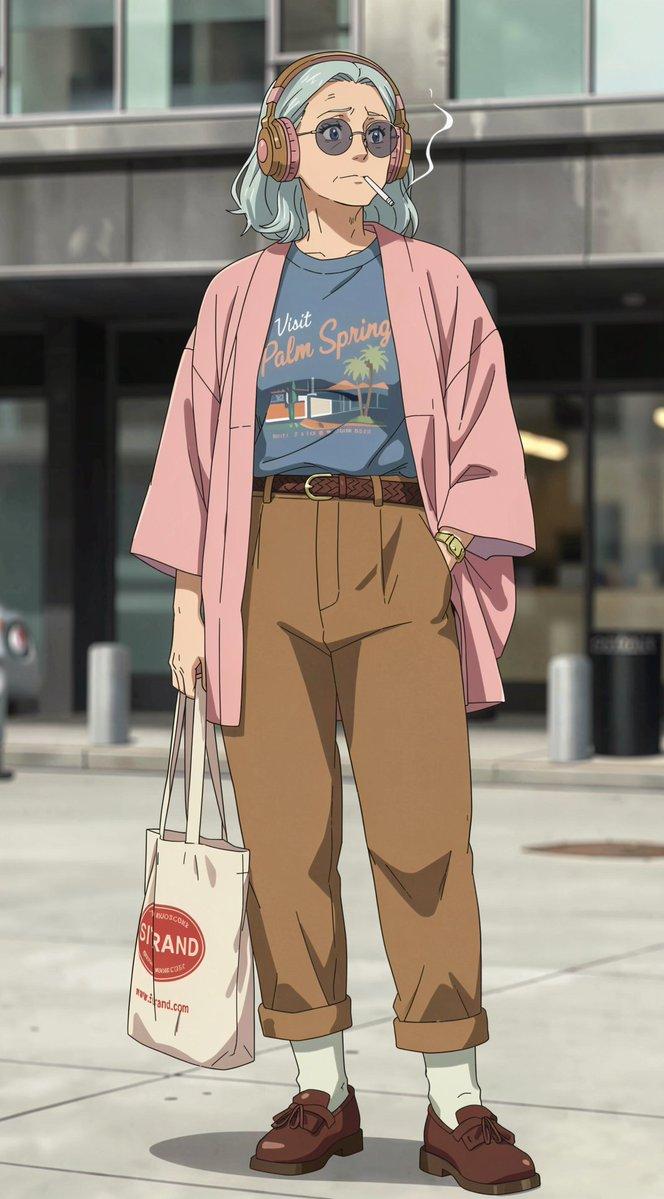
2000年代卡通频道风格角色设计
Enlarge

Example images

2000年代卡通频道风格角色设计

Prompt
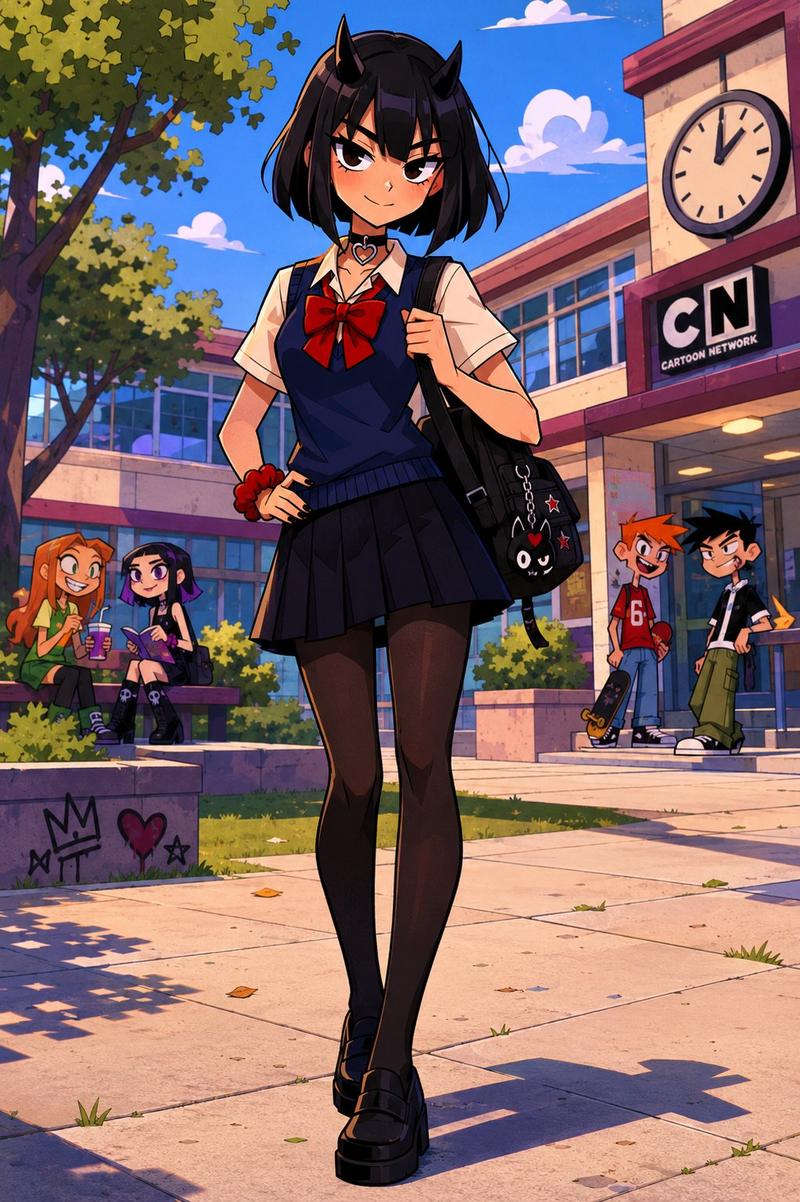
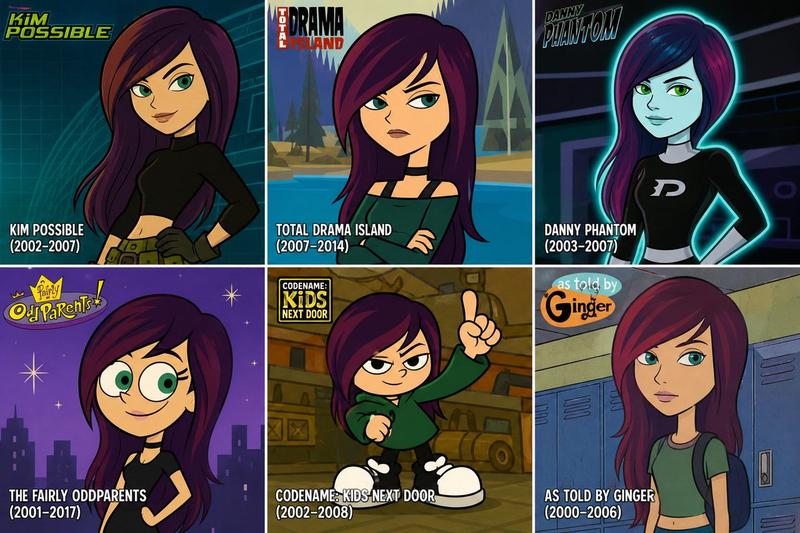
Turn the person from the reference photo into a character from a classic early 2000s Cartoon Network animated series.

Preserve the person’s recognizable facial features, hairstyle, expression, skin tone, and overall identity while redesigning them in the visual style of Cartoon Network cartoons from the 2000s.

Style characteristics:

* bold clean outlines
* simplified geometric shapes
* expressive cartoon proportions
* colorful cel-shaded animation
* exaggerated facial expressions

* vibrant but slightly soft color palette
* high-quality 2D animation frame
* authentic Cartoon Network aesthetic
* professionally illustrated character design

The character should be standing naturally in a typical Cartoon Network environment:

* suburban school courtyard
* colorful school hallway with lockers
* city park with trees and playground
* quiet neighborhood street
* cartoon town background

Background should look like an actual scene from a Cartoon Network show, with stylized buildings, simple perspective, bright colors, playful atmosphere, and detailed environmental storytelling.

The character must be the main focus of the image.

Full body shot, clean composition, highly detailed cartoon artwork, 4K quality, animation cel look, nostalgic early 2000s Cartoon Network vibe.
Category
Brand & Logos
Model
ChatGPT
Creator
@Ciri_ai
Views27
Source ID
15804
Published
Jun 11, 2026

Guide

About "2000年代卡通频道风格角色设计"

What is this prompt for?

"2000年代卡通频道风格角色设计" AI image prompt for ChatGPT (Brand & Logos). 将参考照片中的人变成经典的2000年代早期卡通频道(Cartoon Network)动画系列中的角色。 在按照2000年代卡通频道动画的视觉风格进行重新设计时,保留该人可识别的面部特征、发型…

The full copyable prompt and example visuals above are ready for AI image generation or one-click recreate in Picva.

How to use this prompt

  1. Step 1

    Open the prompt detail

    Review the example visuals, category, and full prompt text for "2000年代卡通频道风格角色设计".

  2. Step 2

    Copy the prompt

    Copy the prompt body from this page, or load it directly in Studio.

  3. Step 3

    Pick a model (ChatGPT)

    Prefer ChatGPT. If you switch models, keep subject and composition and tweak style terms.

  4. Step 4

    Generate and export

    Recreate the look in Picva, or export into your workflow for editing and publishing.

FAQ

What is the "2000年代卡通频道风格角色设计" prompt?
It is an AI image-generation prompt for ChatGPT in the Brand & Logos category. This page includes the full prompt text, example visuals, and a one-click recreate path in Picva.
How do I use this prompt to generate an image?
Copy the prompt from this page, or use Generate / Studio. Paste it into a compatible image model, or recreate the look in Picva with optional reference images.
Which model is this prompt for?
This page lists ChatGPT. Most descriptive prompts also transfer to nearby image models such as GPT Image, Flux, or Midjourney with light style tweaks.
Can I use the result commercially?
You can usually copy the prompt for creation, but commercial use of the final image depends on the model terms, reference-image rights, and the generated content. Follow the source author and platform rules.