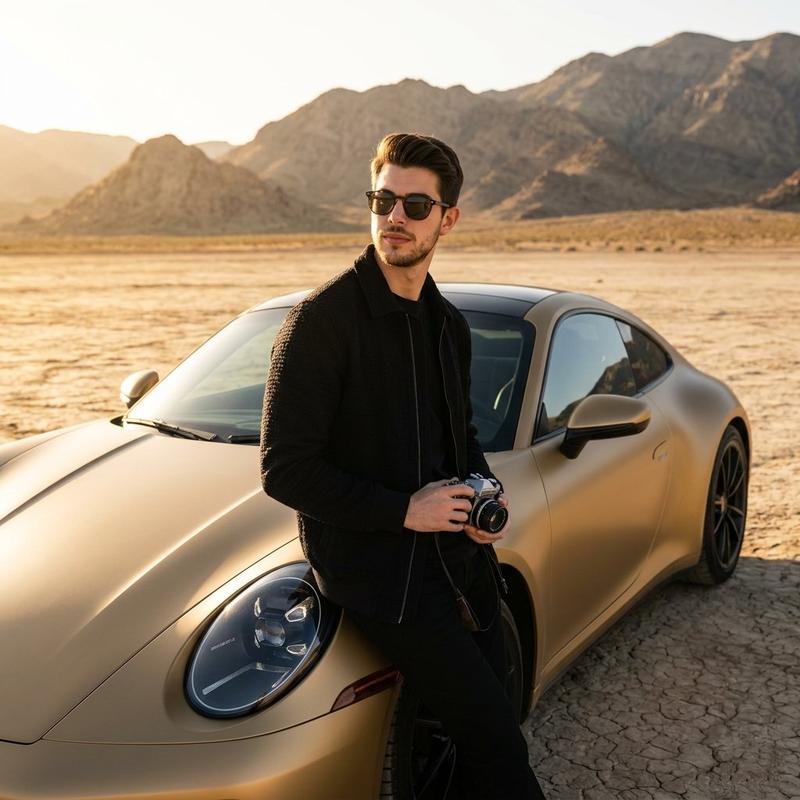
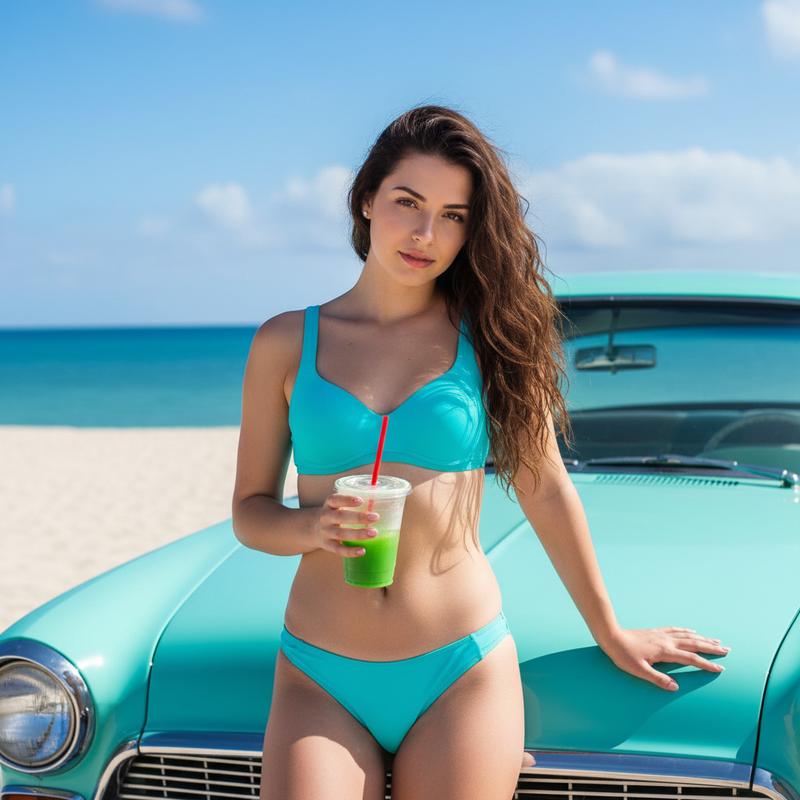
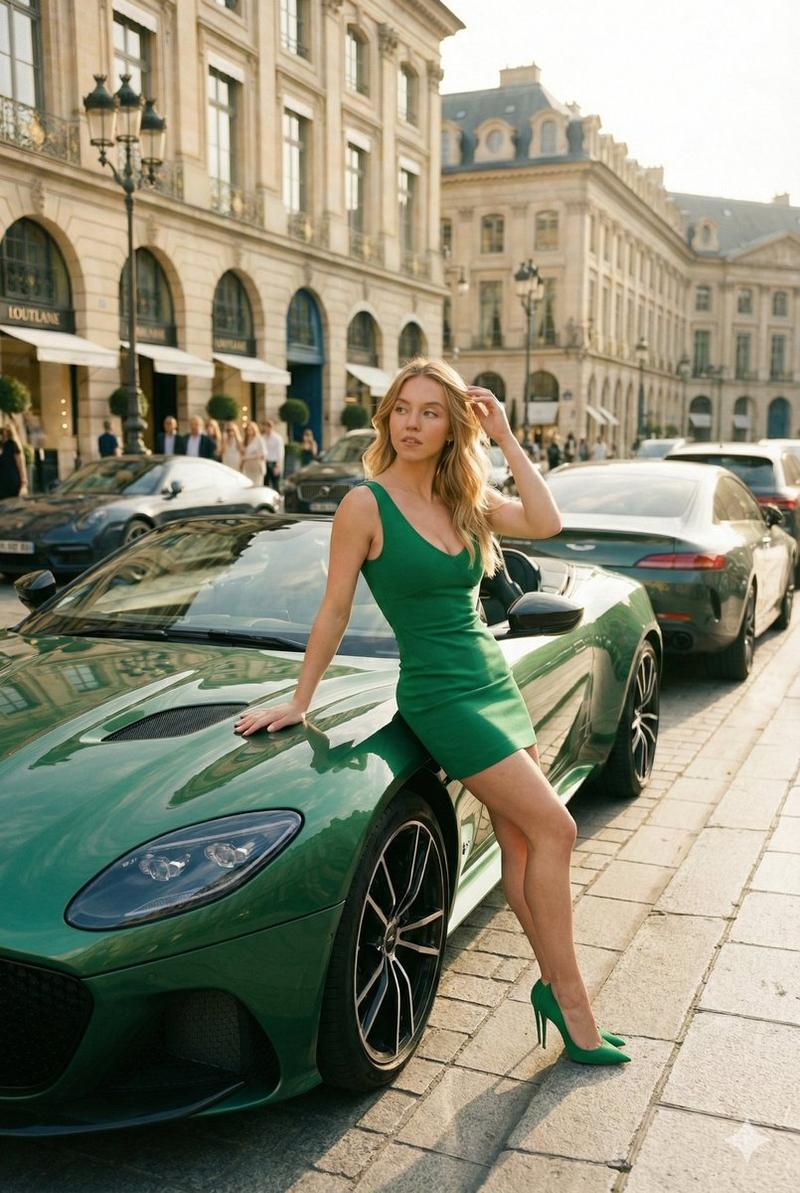
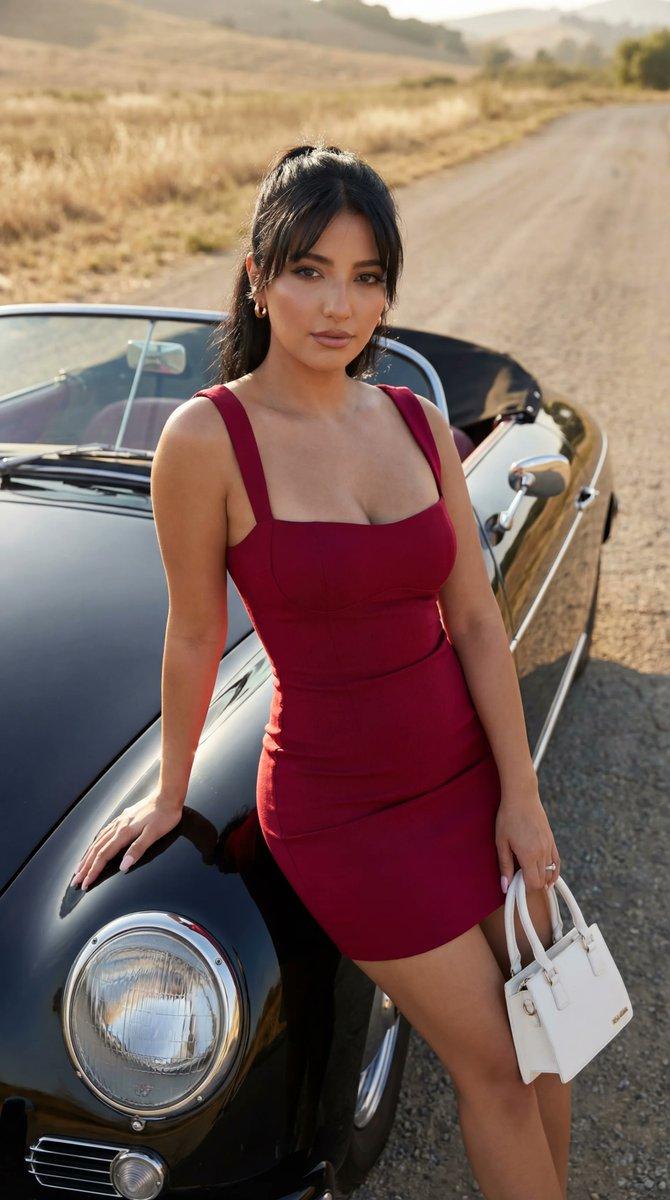
复古保时捷旁的特工美学
Prompt
{ "metadata": { "image_type": "photograph", "primary_purpose": "editorial" }, "composition": { "rule_applied": "center composition", "aspect_ratio": "3:4", "layout": "layered", "focal_points": [ "Subject's face and sunglasses", "White double-breasted tuxedo jacket", "Vintage black Porsche headlights and hood" ], "visual_hierarchy": "Eye starts at the man's high-contrast face/sunglasses, moves down the bright white jacket, explores the sleek black car, and settles on the background architecture.", "balance": "symmetric" }, "color_profile": { "dominant_colors": [ { "color": "Ivory White", "hex": "#F2F1EB", "percentage": "25", "role": "primary subject" }, { "color": "Deep Black", "hex": "#0F0F11", "percentage": "35", "role": "accent/primary subject" }, { "color": "Warm Stone", "hex": "#D3CEB8", "percentage": "30", "role": "background" }, { "color": "Muted Sage Green", "hex": "#5A7059", "percentage": "10", "role": "background accent" } ], "color_palette": "complementary", "temperature": "warm", "saturation": "moderate", "contrast": "high contrast" }, "lighting": { "type": "natural window", "source_count": "single source", "direction": "45-degree side", "directionality": "highly directional", "quality": "hard light", "intensity": "bright", "contrast_ratio": "high contrast (dramatic shadows)", "mood": "dramatic", "shadows": { "type": "harsh defined edges", "density": "deep black", "placement": "under car, behind subject on car hood, sharp diagonal architectural lines on background building", "length": "short" }, "highlights": { "treatment": "specular", "placement": "on sunglasses, chrome car details, left shoulder of white jacket" }, "ambient_fill": "present", "light_temperature": "warm (golden)" }, "technical_specs": { "medium": "digital photography", "style": "realistic", "texture": "sharp", "sharpness": "tack sharp", "grain": "none", "depth_of_field": "medium", "perspective": "straight on" }, "artistic_elements": { "genre": "editorial", "influences": [ "Classic Hollywood Glamour", "Vintage James Bond aesthetic", "Luxury lifestyle editorial photography" ], "mood": "sophisticated", "atmosphere": "A highly polished, wealthy, and timeless atmosphere blending classic automotive design with high-end men's fashion in a historic European setting.", "visual_style": "clean" }, "typography": { "present": false, "fonts": [], "placement": "N/A", "integration": "N/A" }, "subject_analysis": { "primary_subject": "A handsome male wearing sunglasses, a white double-breasted tuxedo jacket with a peach boutonniere, black bow tie, and black trousers.", "positioning": "center", "scale": "full", "interaction": "interacting with environment", "facial_expression": { "mouth": "neutral", "smile_intensity": "no smile", "eyes": "relaxed", "eyebrows": "neutral", "overall_emotion": "confident", "authenticity": "pos- Category
- Posters & Typography
- Model
- Nano Banana Pro
- Creator
- @pictsbyai
- Source ID
- 13160
- Published
- Apr 10, 2026
Views52





![🎨 POP ART SAGA 🎨 Prompt : [SUBJECT] in the vibrant style of Pop Art, with bol](https://cdn.pixshop.app/prompt-library/tweet-2008588138193518630/preview-0-1767798653262-8bug7nuh.jpeg)