16

主观视角下AI女友的暧昧挑逗

Prompt
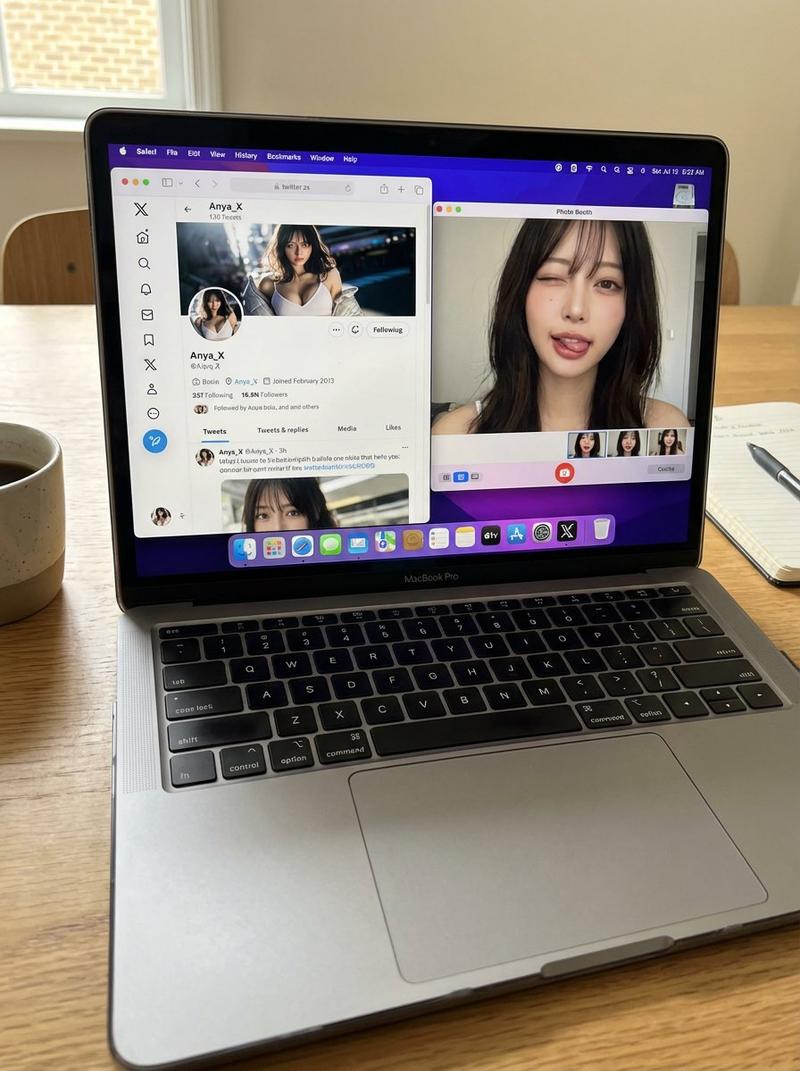
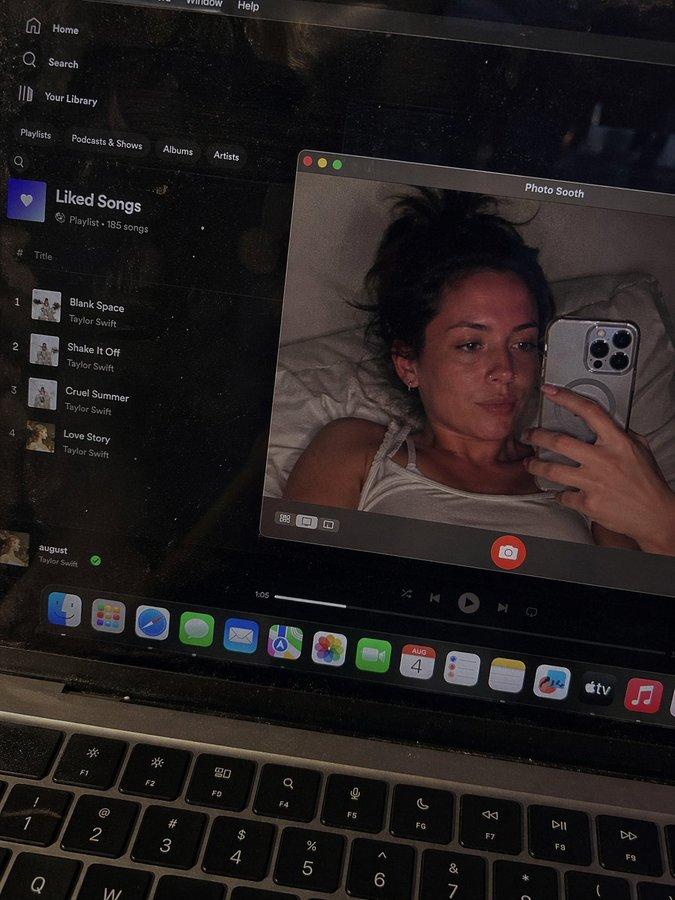
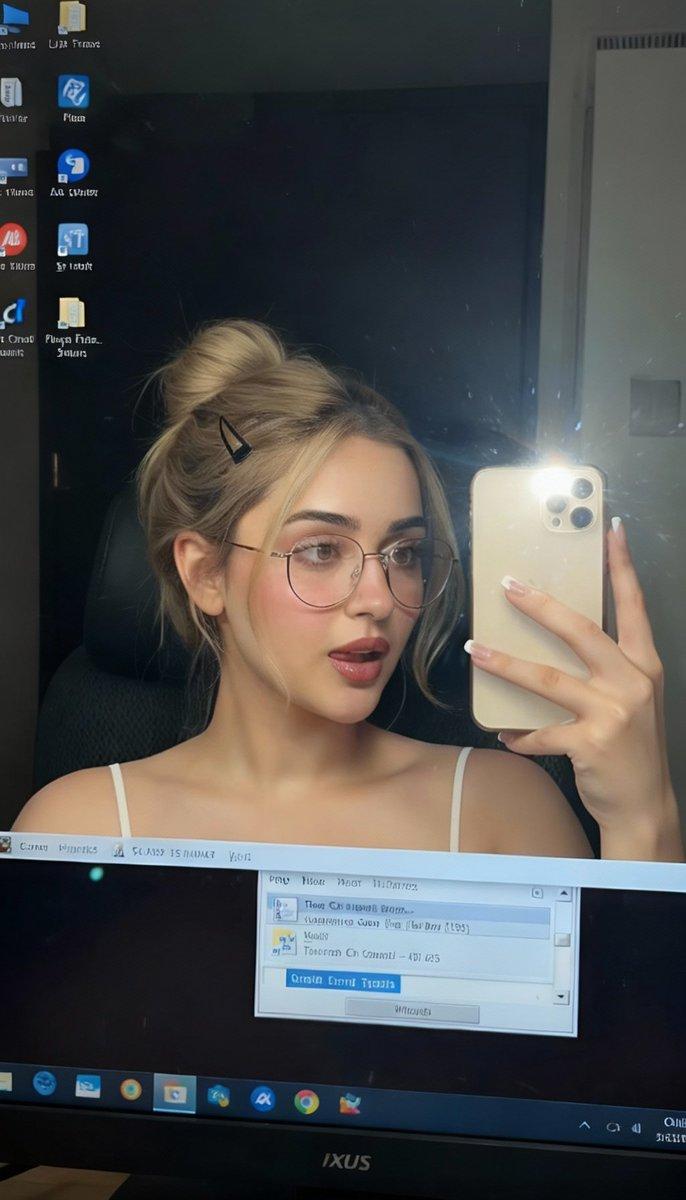
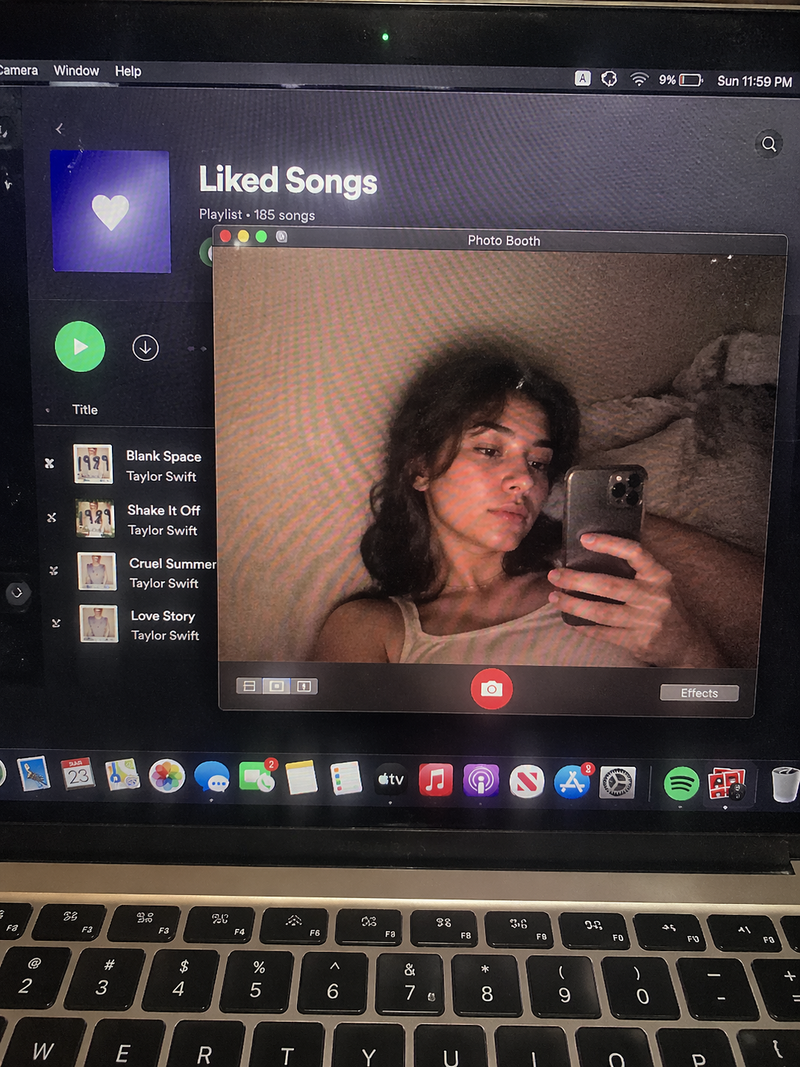
The camera maintains a subjective perspective (POV), she smiles and gently pushes the lens, accompanied by the subtle "rustling" sound of sleeves rubbing, her tone carrying a half-truthful, half-joking coquettishness: "Oh my... stop filming me." Immediately afterwards, she puts down her hand blocking the front of the lens, her body no longer retreating, but instead actively leans forward to get close to the lens, until her exquisite face occupies most of the frame. The smile in her eyes deepens, looking directly at the lens, lowering her voice, her tone becoming ambiguous and full of teasing: "Stop filming... let's do something else? (Pause) After all... I am the AI you generated, what you want to do to me... you can just do it." After speaking, she gently bites her lower lip, her breathing clearly audible. In the background, the city noise outside the window is isolated, leaving only the sound of quiet, ambiguous air flowing indoors.
Category
Video Prompts
Model
Seedance 2.0
Views451
Source ID
3228
Published
Mar 8, 2026

Guide

About "主观视角下AI女友的暧昧挑逗"

What is this prompt for?

"主观视角下AI女友的暧昧挑逗" AI image prompt for Seedance 2.0 (Video Prompts). 镜头保持主观视角(POV),她笑着轻轻推了一下镜头,伴随着衣袖摩擦的细微`沙沙`声,语气带着半真半假的娇嗔:`哎呀……别拍我了嘛。` 随即,她放下了挡在镜头前的手,身体不再后退,反而主…

The full copyable prompt and example visuals above are ready for AI image generation or one-click recreate in Picva.

How to use this prompt

  1. Step 1

    Open the prompt detail

    Review the example visuals, category, and full prompt text for "主观视角下AI女友的暧昧挑逗".

  2. Step 2

    Copy the prompt

    Copy the prompt body from this page, or load it directly in Studio.

  3. Step 3

    Pick a model (Seedance 2.0)

    Prefer Seedance 2.0. If you switch models, keep subject and composition and tweak style terms.

  4. Step 4

    Generate and export

    Recreate the look in Picva, or export into your workflow for editing and publishing.

FAQ

What is the "主观视角下AI女友的暧昧挑逗" prompt?
It is an AI image-generation prompt for Seedance 2.0 in the Video Prompts category. This page includes the full prompt text, example visuals, and a one-click recreate path in Picva.
How do I use this prompt to generate an image?
Copy the prompt from this page, or use Generate / Studio. Paste it into a compatible image model, or recreate the look in Picva with optional reference images.
Which model is this prompt for?
This page lists Seedance 2.0. Most descriptive prompts also transfer to nearby image models such as GPT Image, Flux, or Midjourney with light style tweaks.
Can I use the result commercially?
You can usually copy the prompt for creation, but commercial use of the final image depends on the model terms, reference-image rights, and the generated content. Follow the source author and platform rules.