18

绝壁古城极速飞车追逐战

Prompt
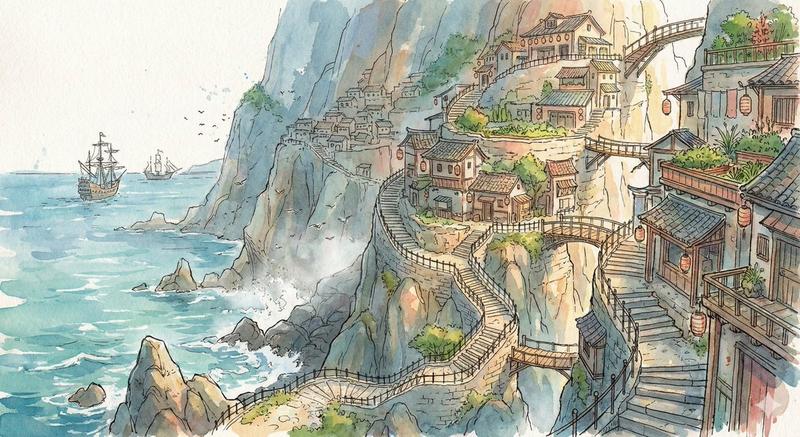
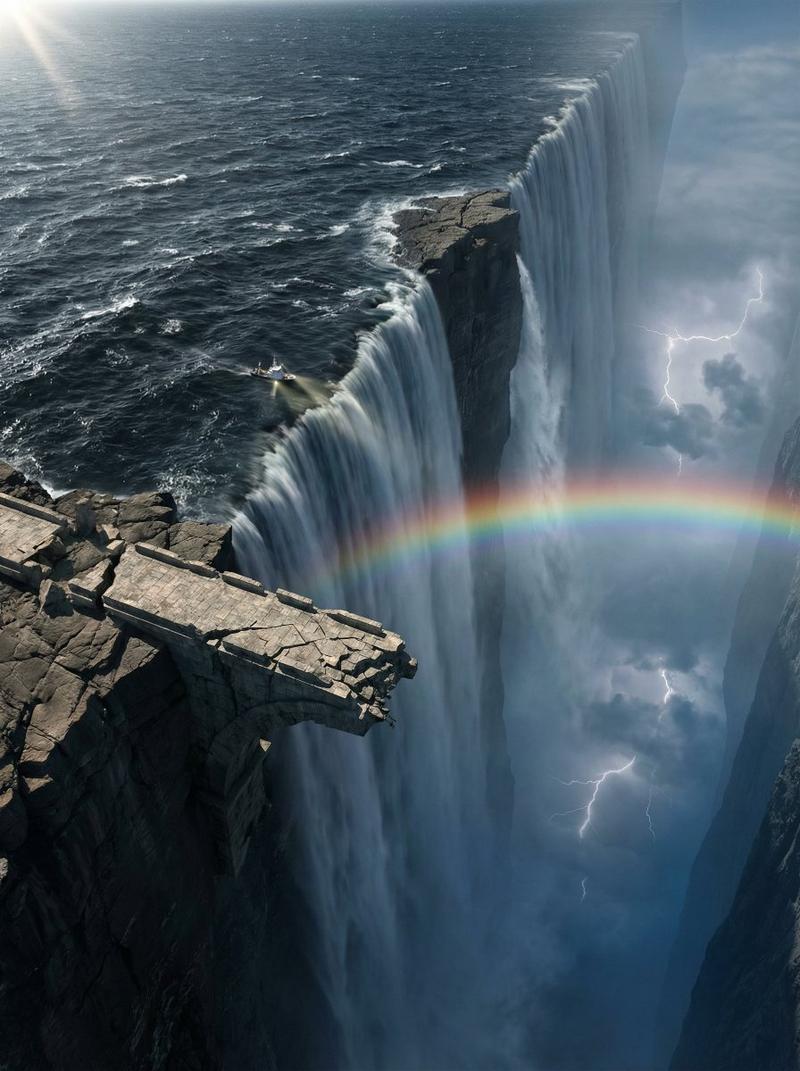
Speeder chase across a cliff city (single continuous shot) From a monumental cliffside city carved into stone, the camera dives toward a tiny streak of light ripping along a narrow ledge-road. Lock-on: a speeder hugging the wall at insane speed. The camera slingshots ahead, whips back, then drops tight to the rear thrusters: heat haze, grit snapping off the ledge, warning lights flashing. A collapsing balcony rains debris; the rider snaps a last-inch swerve under a falling arch, then threads through hanging laundry lines and open windows in one fluid line. The camera darts through the same openings, staying glued to the motion. One final bend and sudden calm: the camera blasts outward into a reveal of the city opening onto a boundless waterfall-fed valley, mist turning into rainbow.
Category
Video Prompts
Model
Seedance 2.0
Creator
@umesh_ai
Views164
Source ID
2582
Published
Feb 19, 2026

Guide

About "绝壁古城极速飞车追逐战"

What is this prompt for?

"绝壁古城极速飞车追逐战" AI image prompt for Seedance 2.0 (Video Prompts). 穿越悬崖城市的飞车追逐(单镜头连续拍摄)从一座雕刻在石头上的宏伟悬崖城市开始,镜头俯冲向一道沿着狭窄岩架道路疾驰的微弱光芒。锁定目标:一辆以疯狂速度紧贴墙壁飞驰的飞车。镜头弹射向前,猛地甩回…

The full copyable prompt and example visuals above are ready for AI image generation or one-click recreate in Picva.

How to use this prompt

  1. Step 1

    Open the prompt detail

    Review the example visuals, category, and full prompt text for "绝壁古城极速飞车追逐战".

  2. Step 2

    Copy the prompt

    Copy the prompt body from this page, or load it directly in Studio.

  3. Step 3

    Pick a model (Seedance 2.0)

    Prefer Seedance 2.0. If you switch models, keep subject and composition and tweak style terms.

  4. Step 4

    Generate and export

    Recreate the look in Picva, or export into your workflow for editing and publishing.

FAQ

What is the "绝壁古城极速飞车追逐战" prompt?
It is an AI image-generation prompt for Seedance 2.0 in the Video Prompts category. This page includes the full prompt text, example visuals, and a one-click recreate path in Picva.
How do I use this prompt to generate an image?
Copy the prompt from this page, or use Generate / Studio. Paste it into a compatible image model, or recreate the look in Picva with optional reference images.
Which model is this prompt for?
This page lists Seedance 2.0. Most descriptive prompts also transfer to nearby image models such as GPT Image, Flux, or Midjourney with light style tweaks.
Can I use the result commercially?
You can usually copy the prompt for creation, but commercial use of the final image depends on the model terms, reference-image rights, and the generated content. Follow the source author and platform rules.