16

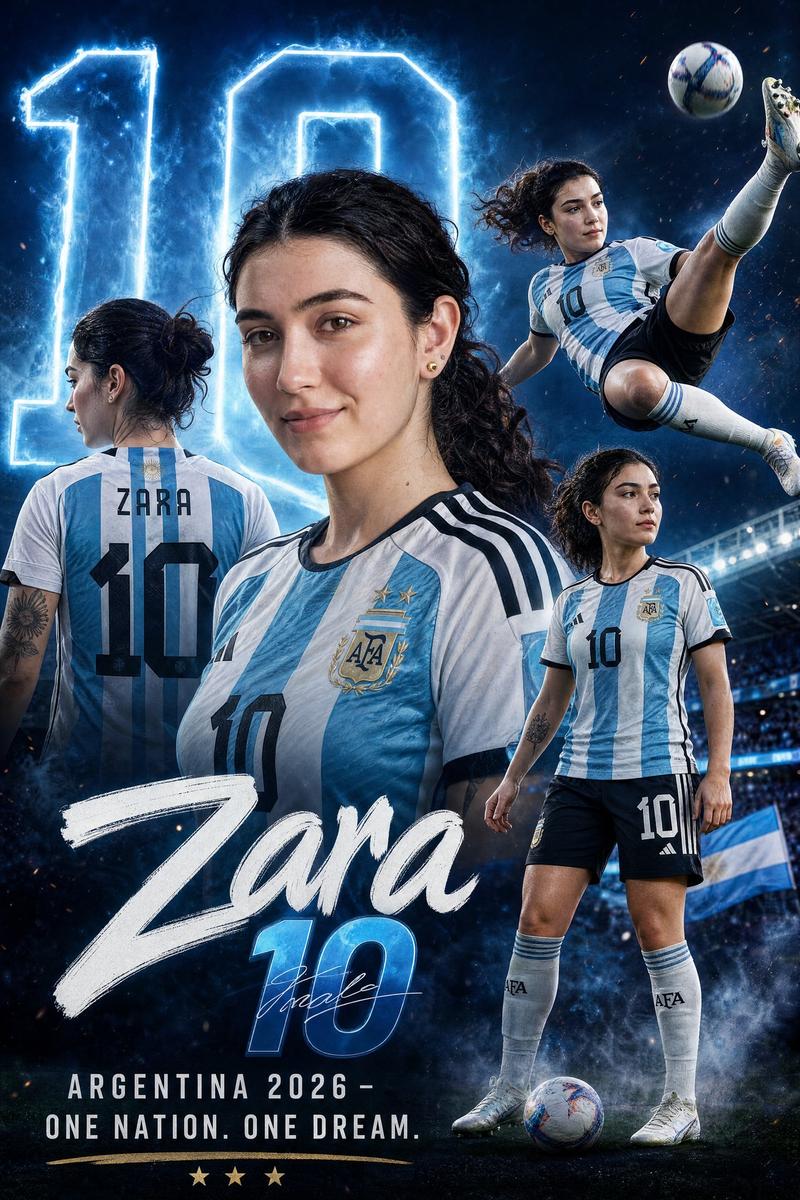
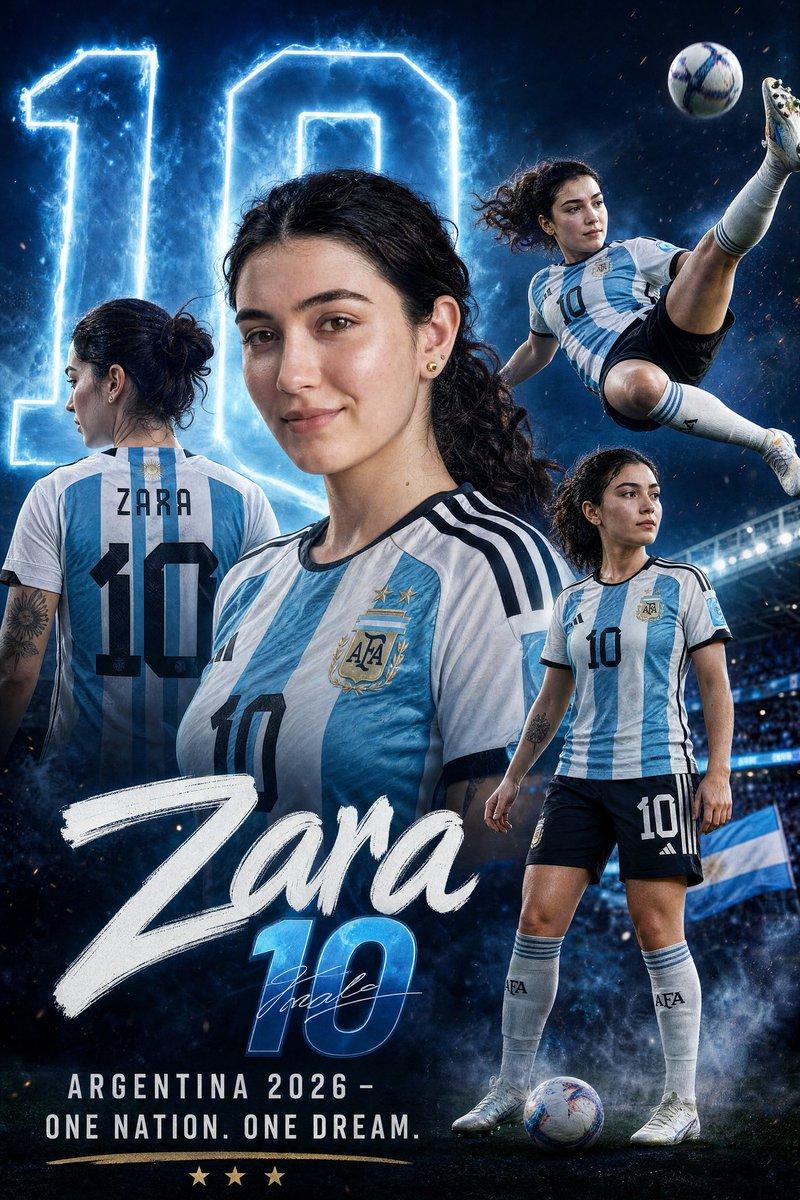
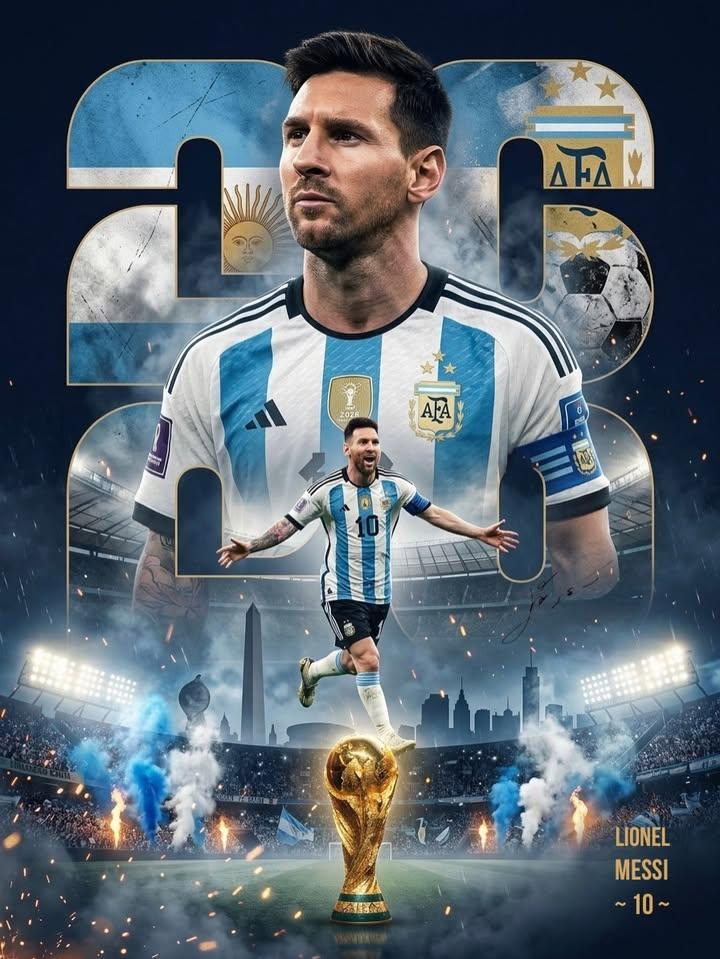
阿根廷足球员运动宣传海报
Enlarge

Example images

阿根廷足球员运动宣传海报

Prompt
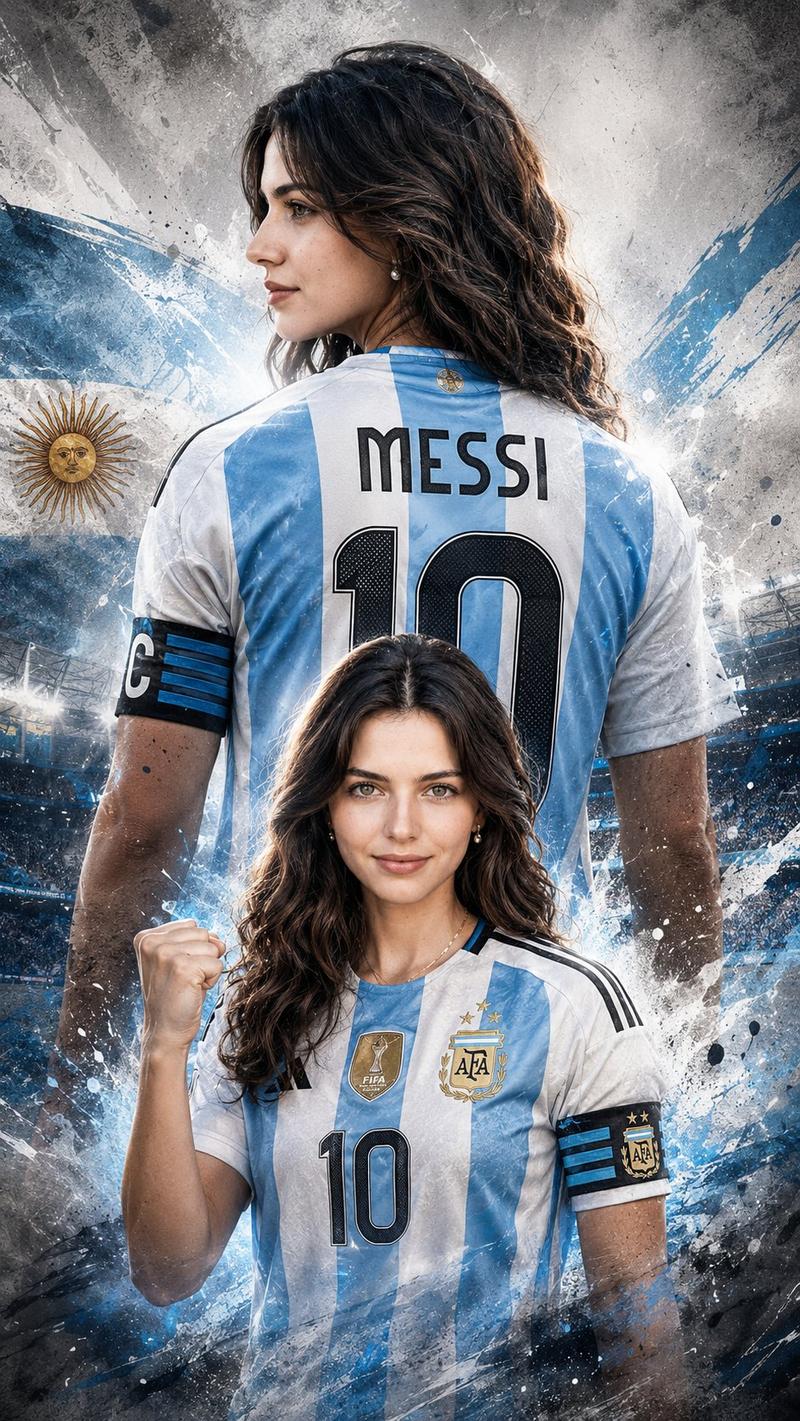
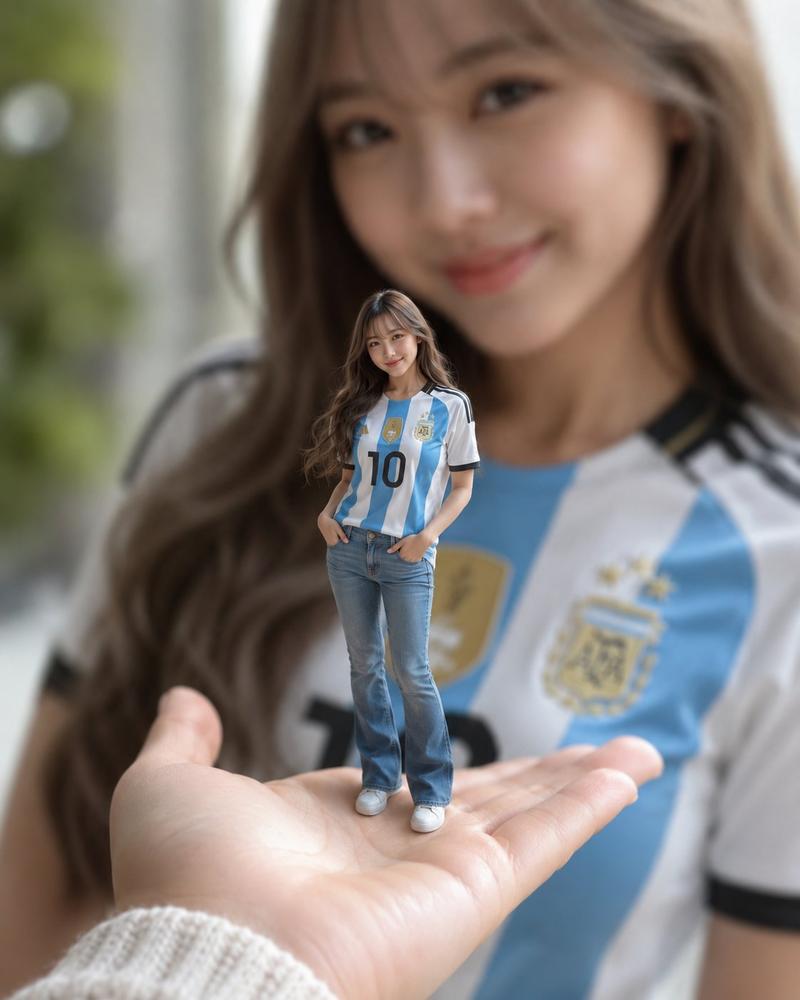
A mixed-media sports promotional poster featuring a realistic chest-up portrait of a young Argentine soccer player. He/She poses in a relaxed and confident manner with a subtle smile, dark brown slightly messy hair falling naturally onto the forehead. He/She is wearing the Argentina national team jersey from the provided reference image, featuring the iconic sky-blue and white colors, with the Adidas logo on the right chest and the Argentina Football Association crest on the left.

Soft studio lighting from the upper left creates gentle shadows and subtle highlights on the hair. Behind the player is a large bold white number “10,” partially overlapped by the subject.

The background features vertical smoke in the colors of the Argentine flag: sky blue, white, and sky blue.

The overall style is modern, clean, and dynamic, combining sharp details with soft smoky effects, creating a powerful and professional sports-poster aesthetic.
Category
Posters & Typography
Model
ChatGPT
Creator
@ZaraIrahh
Views45
Source ID
16353
Published
Jun 20, 2026

Guide

About "阿根廷足球员运动宣传海报"

What is this prompt for?

"阿根廷足球员运动宣传海报" AI image prompt for ChatGPT (Posters & Typography). 一张混合媒体运动宣传海报,展示了一位年轻阿根廷足球运动员的写实胸部以上肖像。他/她以轻松自信的姿态摆姿势,带着微妙的微笑,深棕色稍显凌乱的头发自然地垂在额头上。他/她穿着参考图中提供的…

The full copyable prompt and example visuals above are ready for AI image generation or one-click recreate in Picva.

How to use this prompt

  1. Step 1

    Open the prompt detail

    Review the example visuals, category, and full prompt text for "阿根廷足球员运动宣传海报".

  2. Step 2

    Copy the prompt

    Copy the prompt body from this page, or load it directly in Studio.

  3. Step 3

    Pick a model (ChatGPT)

    Prefer ChatGPT. If you switch models, keep subject and composition and tweak style terms.

  4. Step 4

    Generate and export

    Recreate the look in Picva, or export into your workflow for editing and publishing.

FAQ

What is the "阿根廷足球员运动宣传海报" prompt?
It is an AI image-generation prompt for ChatGPT in the Posters & Typography category. This page includes the full prompt text, example visuals, and a one-click recreate path in Picva.
How do I use this prompt to generate an image?
Copy the prompt from this page, or use Generate / Studio. Paste it into a compatible image model, or recreate the look in Picva with optional reference images.
Which model is this prompt for?
This page lists ChatGPT. Most descriptive prompts also transfer to nearby image models such as GPT Image, Flux, or Midjourney with light style tweaks.
Can I use the result commercially?
You can usually copy the prompt for creation, but commercial use of the final image depends on the model terms, reference-image rights, and the generated content. Follow the source author and platform rules.