16

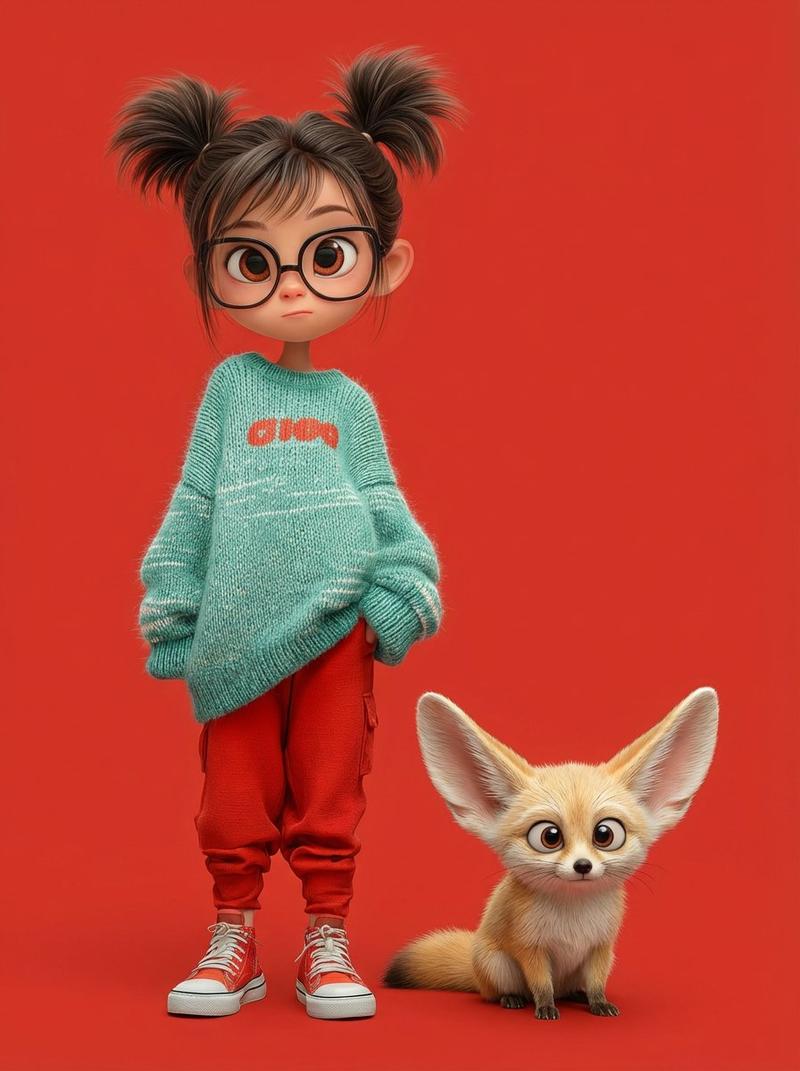
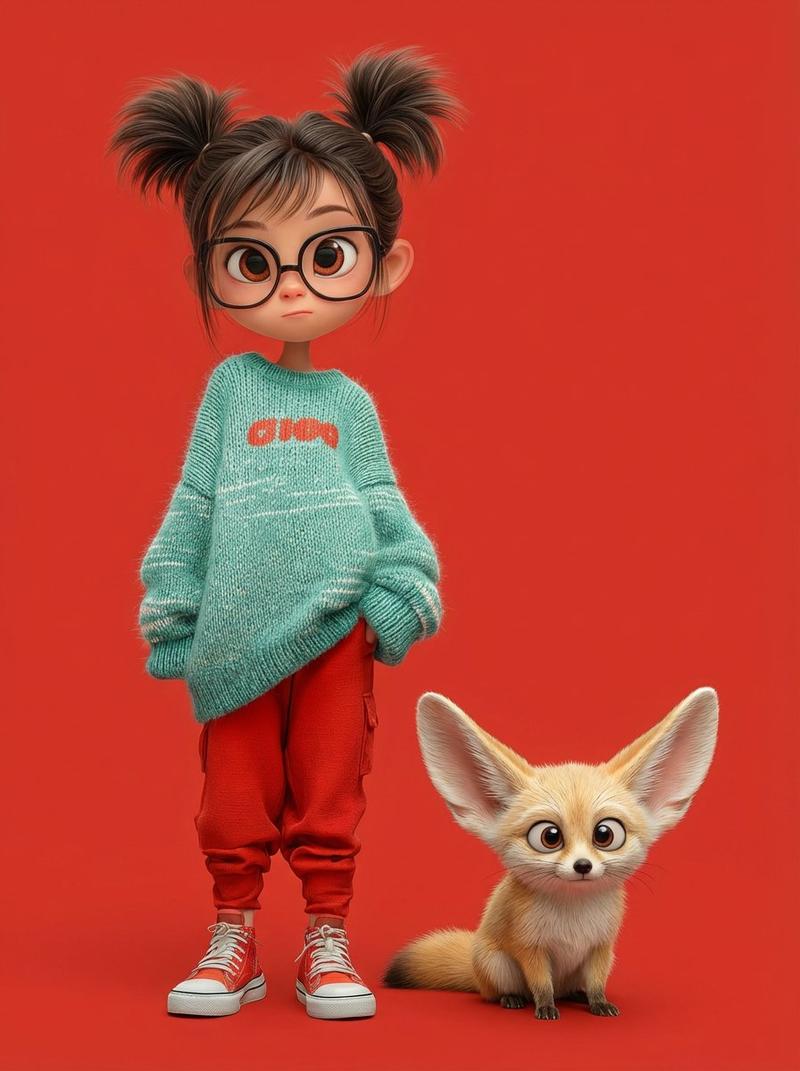
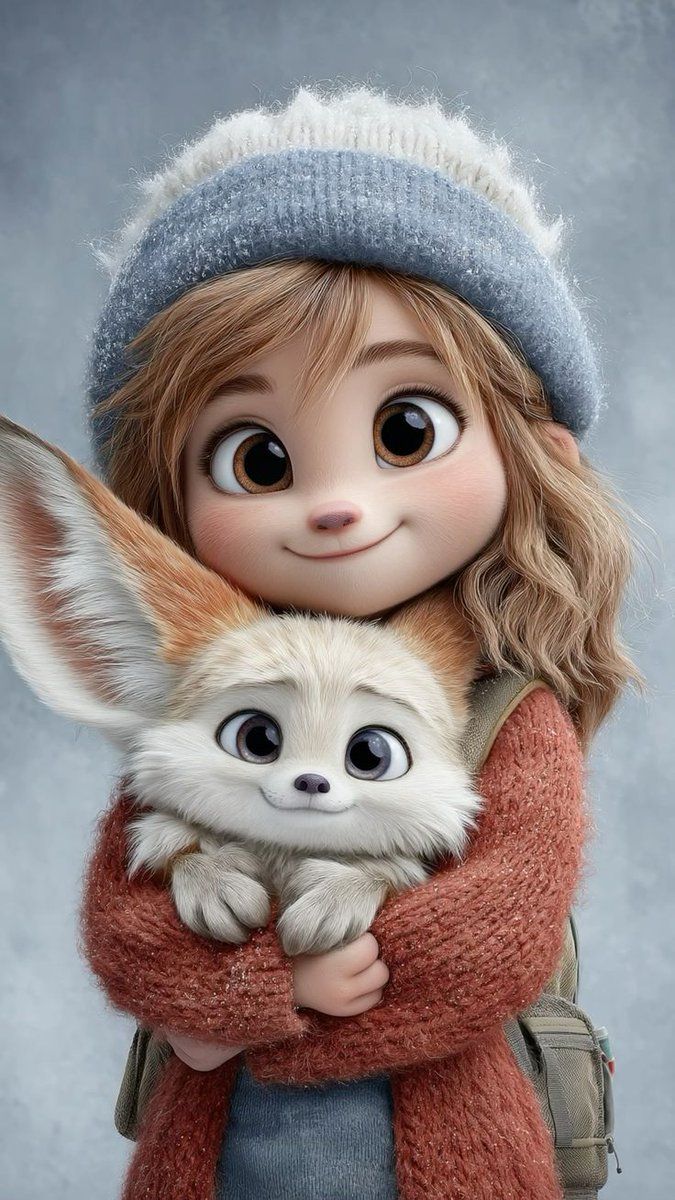
秋日童话少女与萌狐
Enlarge

秋日童话少女与萌狐

Prompt
A heartwarming 3D animated illustration in a soft Pixar/Disney-inspired style. A cute young girl with oversized expressive eyes, soft blush cheeks, and delicate facial features. She wears cozy autumn clothing — an oversized knitted sweater/hoodie in muted earthy tones, warm trousers, and casual sneakers. Her hair is slightly messy and fluffy, giving a gentle, innocent look.
She is accompanied by an adorable small fox with big glossy eyes, fluffy fur, and oversized ears, either being lovingly held or standing closely by her side.
Soft studio lighting, pastel background with warm beige/gray tones, shallow depth of field, ultra-detailed textures (knit fabric, fur strands), smooth cinematic render, wholesome and cozy mood, magical realism, 8K quality, ultra-cute aesthetic, storybook charm.
Category
Photography & Realism
Model
Grok
Views108
Source ID
2054
Published
Jan 17, 2026

Guide

About "秋日童话少女与萌狐"

What is this prompt for?

"秋日童话少女与萌狐" AI image prompt for Grok (Photography & Realism). 一幅温馨感人的3D动画插图,采用柔和的皮克斯/迪士尼风格。一个可爱的年轻女孩,拥有夸张的大眼睛、柔软的红润脸颊和精致的五官。她穿着舒适的秋日服装——一件超大针织毛衣/连帽衫,色调为柔和的大地色,…

The full copyable prompt and example visuals above are ready for AI image generation or one-click recreate in Picva.

How to use this prompt

  1. Step 1

    Open the prompt detail

    Review the example visuals, category, and full prompt text for "秋日童话少女与萌狐".

  2. Step 2

    Copy the prompt

    Copy the prompt body from this page, or load it directly in Studio.

  3. Step 3

    Pick a model (Grok)

    Prefer Grok. If you switch models, keep subject and composition and tweak style terms.

  4. Step 4

    Generate and export

    Recreate the look in Picva, or export into your workflow for editing and publishing.

FAQ

What is the "秋日童话少女与萌狐" prompt?
It is an AI image-generation prompt for Grok in the Photography & Realism category. This page includes the full prompt text, example visuals, and a one-click recreate path in Picva.
How do I use this prompt to generate an image?
Copy the prompt from this page, or use Generate / Studio. Paste it into a compatible image model, or recreate the look in Picva with optional reference images.
Which model is this prompt for?
This page lists Grok. Most descriptive prompts also transfer to nearby image models such as GPT Image, Flux, or Midjourney with light style tweaks.
Can I use the result commercially?
You can usually copy the prompt for creation, but commercial use of the final image depends on the model terms, reference-image rights, and the generated content. Follow the source author and platform rules.