20

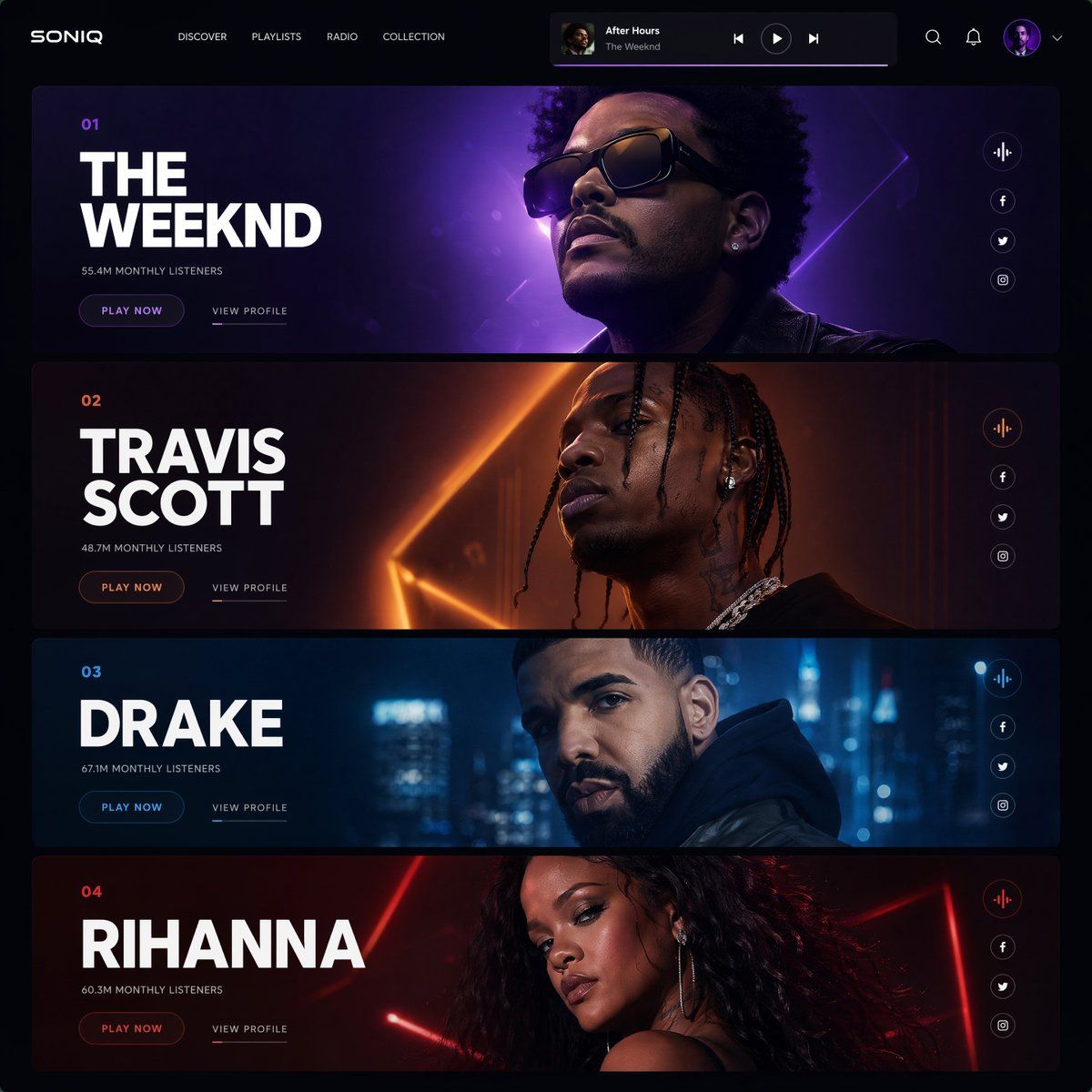
前卫未来风音乐网站 UI 设计
Enlarge

前卫未来风音乐网站 UI 设计

Prompt
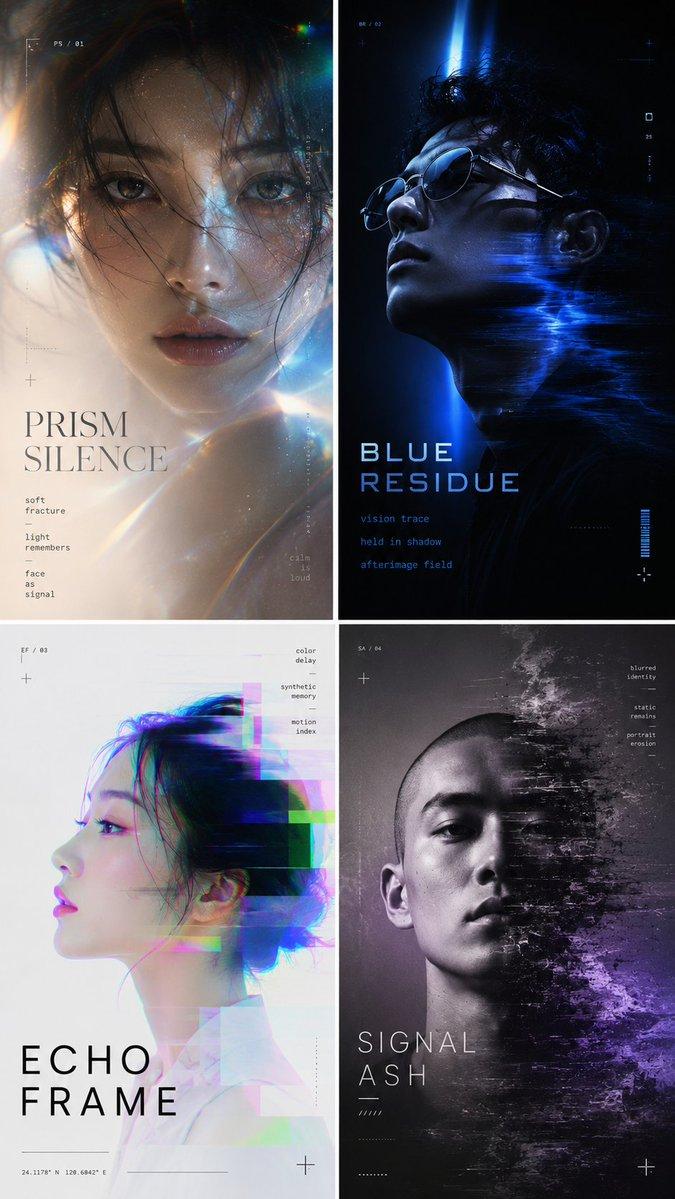
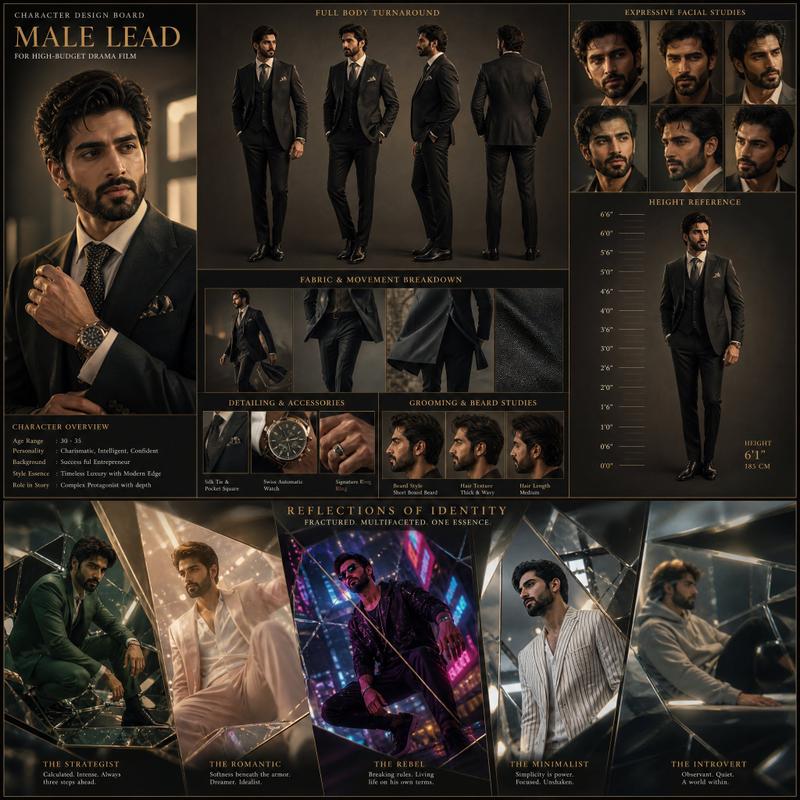
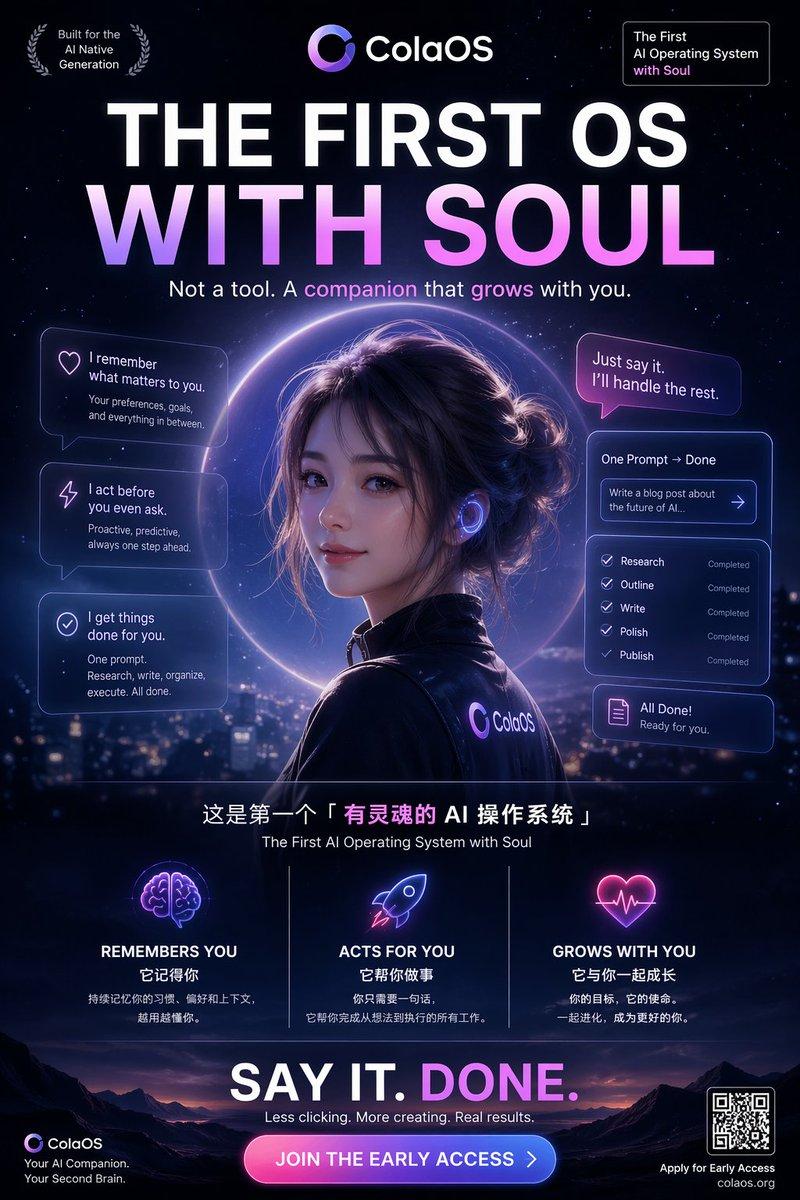
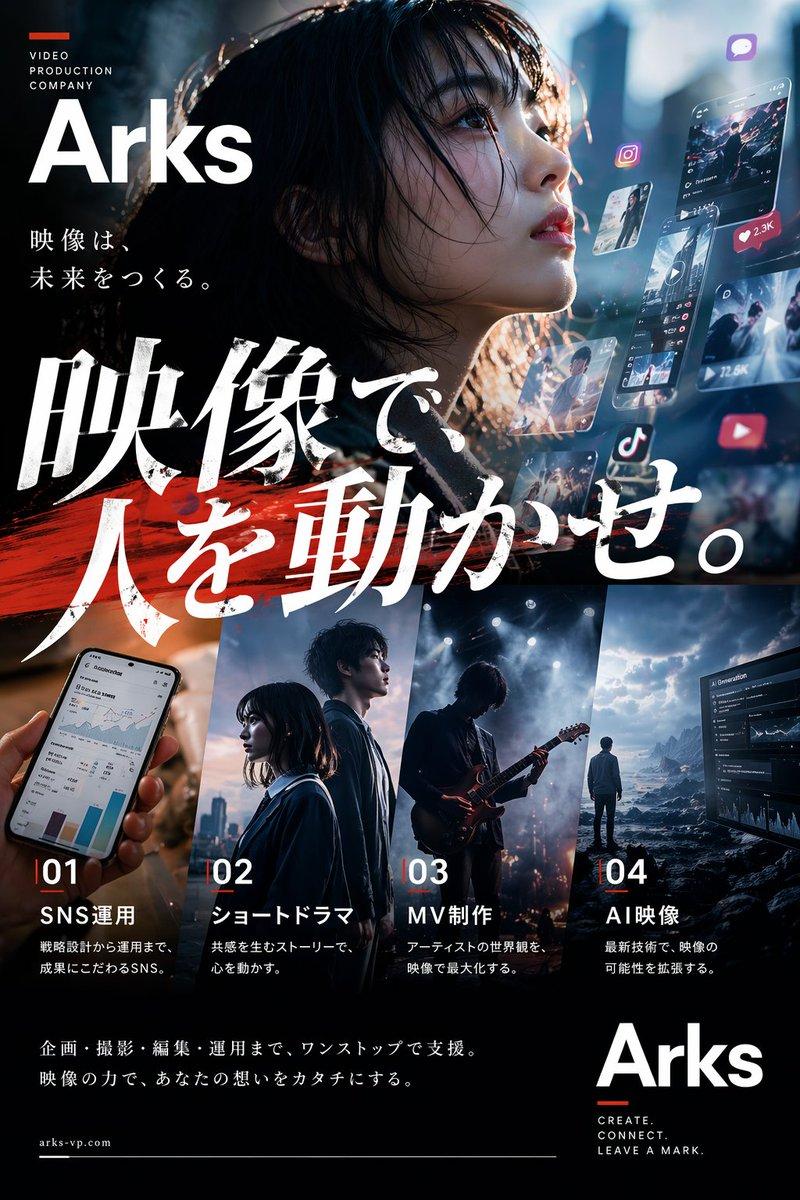
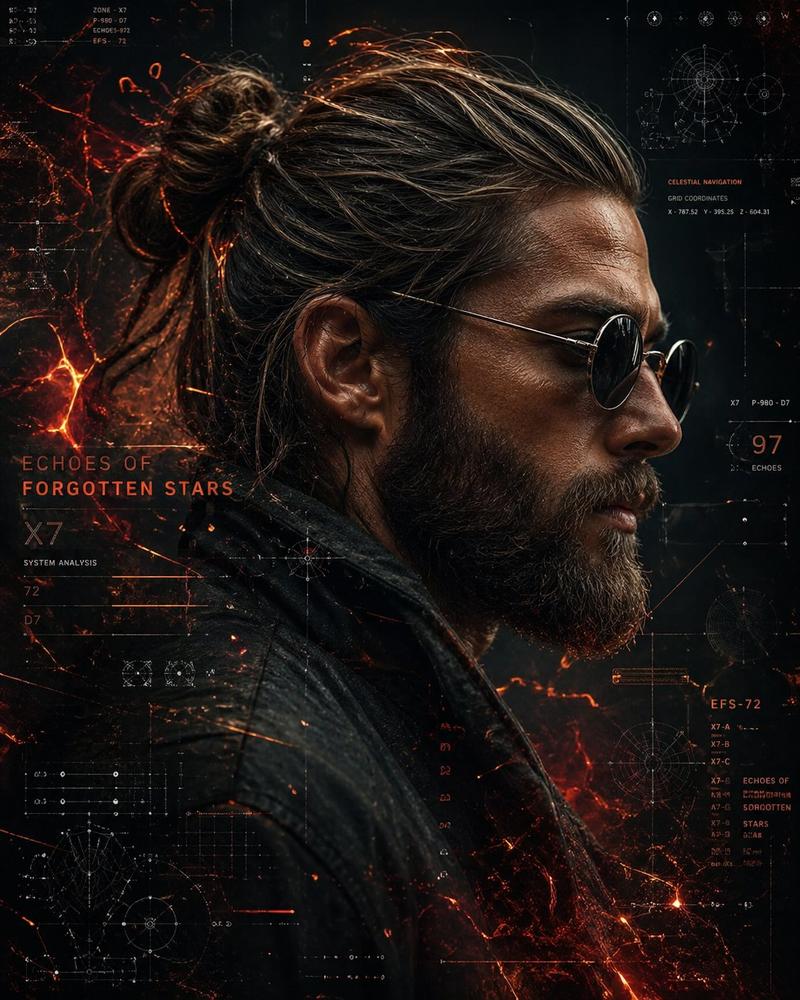
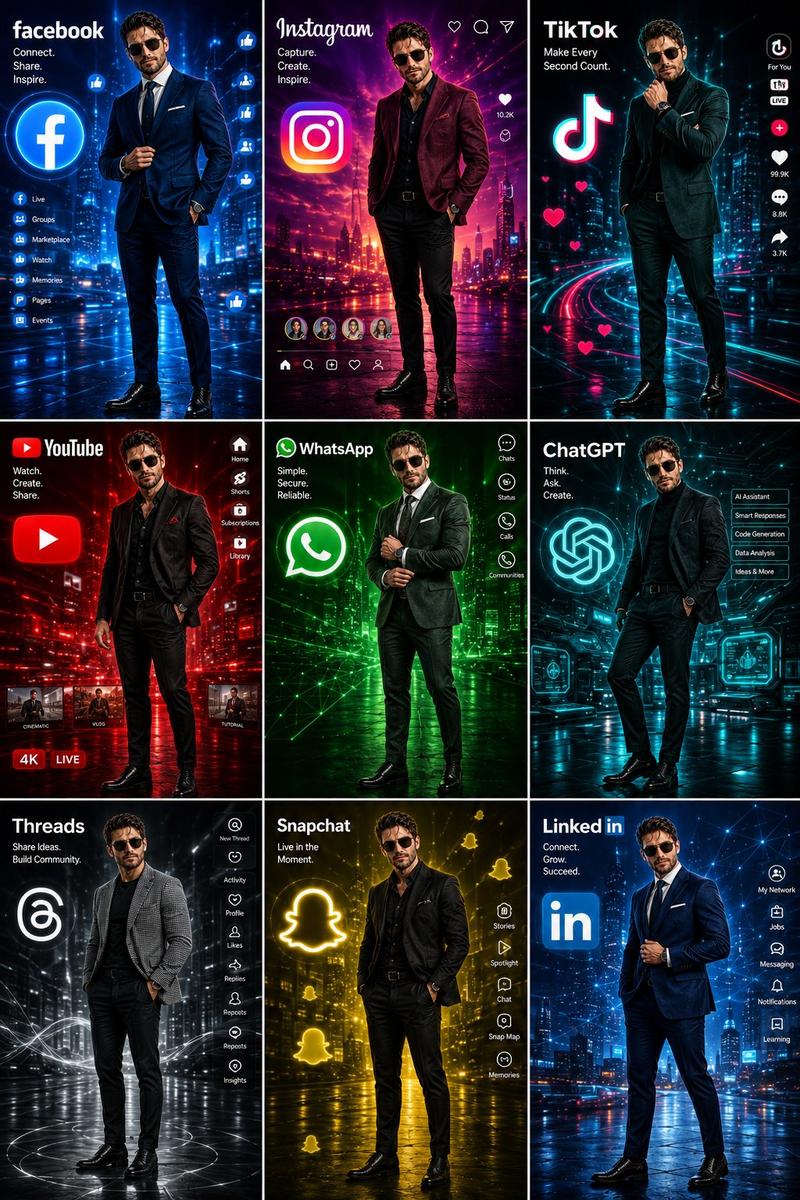
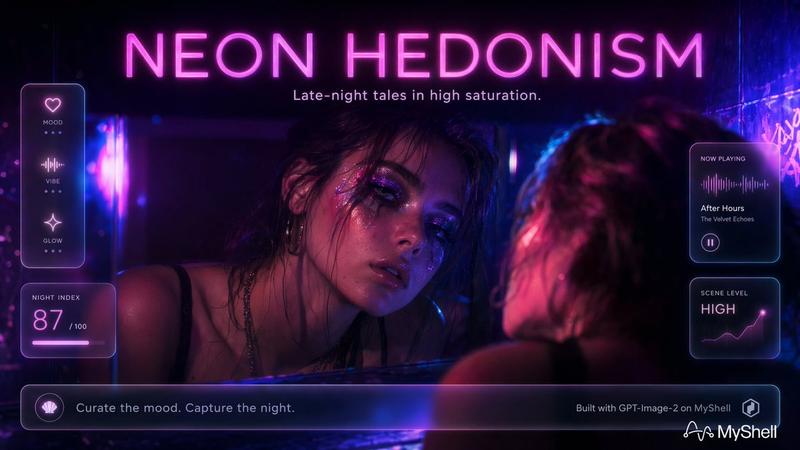
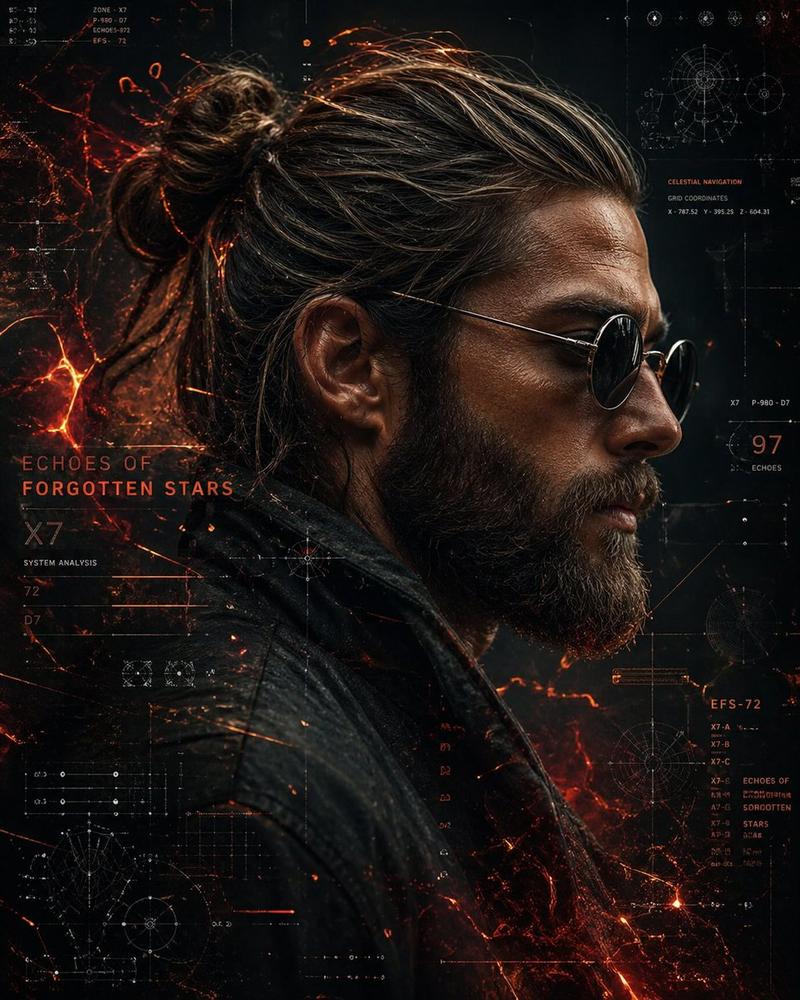
Avant-garde futuristic music streaming website UI, 4 stacked artist hero banners presentation, bold white sans-serif typography on left, ultra-realistic celebrity portraits on right, cinematic neon gradients in purple, orange, blue and red, luxury cyberpunk aesthetic, dark premium interface, floating music player bar at top, minimal navigation menu, glossy reflections, dramatic shadows, soft glow effects, subtle film grain texture, high contrast lighting, editorial fashion campaign vibe, sleek modern layout, balanced negative space, studio-quality portrait photography, ultra-clean composition, cinematic lighting, Behance-style showcase mockup, premium digital art direction, highly detailed, sharp focus, realistic skin texture, depth and atmosphere, dark mode UI, 1:1 aspect ratio
Category
UI & Interfaces
Model
ChatGPT
Views72
Source ID
14093
Published
May 10, 2026

Guide

About "前卫未来风音乐网站 UI 设计"

What is this prompt for?

"前卫未来风音乐网站 UI 设计" AI image prompt for ChatGPT (UI & Interfaces). Avant-garde futuristic music streaming website UI, 4 stacked artist hero banners presentation,…

The full copyable prompt and example visuals above are ready for AI image generation or one-click recreate in Picva.

How to use this prompt

  1. Step 1

    Open the prompt detail

    Review the example visuals, category, and full prompt text for "前卫未来风音乐网站 UI 设计".

  2. Step 2

    Copy the prompt

    Copy the prompt body from this page, or load it directly in Studio.

  3. Step 3

    Pick a model (ChatGPT)

    Prefer ChatGPT. If you switch models, keep subject and composition and tweak style terms.

  4. Step 4

    Generate and export

    Recreate the look in Picva, or export into your workflow for editing and publishing.

FAQ

What is the "前卫未来风音乐网站 UI 设计" prompt?
It is an AI image-generation prompt for ChatGPT in the UI & Interfaces category. This page includes the full prompt text, example visuals, and a one-click recreate path in Picva.
How do I use this prompt to generate an image?
Copy the prompt from this page, or use Generate / Studio. Paste it into a compatible image model, or recreate the look in Picva with optional reference images.
Which model is this prompt for?
This page lists ChatGPT. Most descriptive prompts also transfer to nearby image models such as GPT Image, Flux, or Midjourney with light style tweaks.
Can I use the result commercially?
You can usually copy the prompt for creation, but commercial use of the final image depends on the model terms, reference-image rights, and the generated content. Follow the source author and platform rules.