20

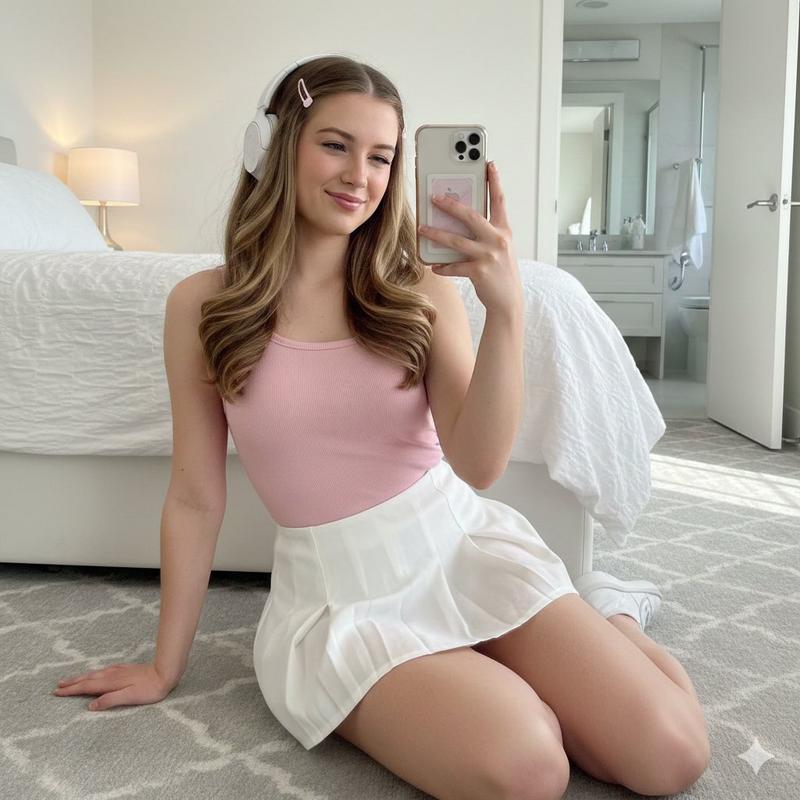
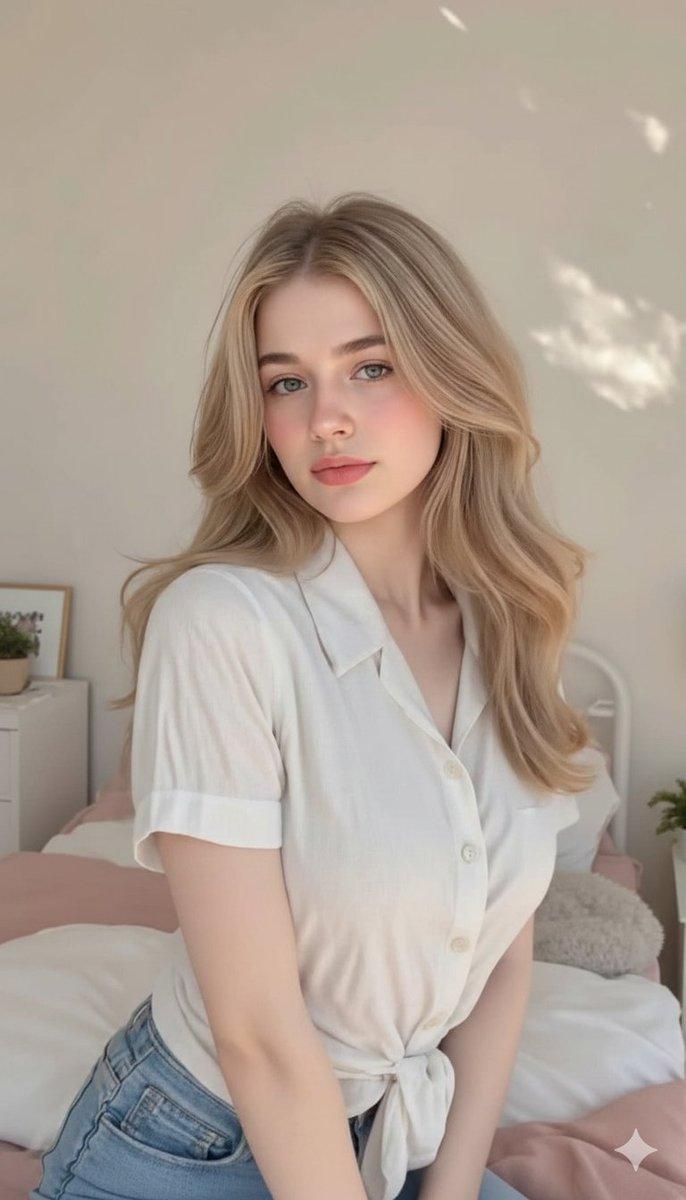
百叶光影少女写真
Enlarge

百叶光影少女写真

Prompt
{
  "prompt": "Ultra-realistic indoor portrait of a young woman sitting by a window in a quiet room. Strong natural sunlight passes through window blinds, casting clear striped shadows across her face, shoulders, and collarbone. Soft yet high-contrast lighting, warm daylight tones. She wears a loose white knit sweater slipping slightly off one shoulder, natural and unposed. Real human skin texture with visible pores, fine skin grain, subtle imperfections, natural blush, no smoothing. Calm, intimate, quiet atmosphere. Real camera photography, candid moment, shallow depth of field, realistic shadow falloff.",
  "negative_prompt": "AI look, plastic skin, smooth airbrushed skin, beauty filter, anime, illustration, CGI, doll face, studio lighting, overexposed highlights, glossy skin, sexualized pose, unrealistic anatomy, extra limbs"
}
Category
Architecture & Spaces
Model
Nano Banana Pro
Views164
Source ID
2355
Published
Feb 3, 2026

Guide

About "百叶光影少女写真"

What is this prompt for?

"百叶光影少女写真" AI image prompt for Nano Banana Pro (Architecture & Spaces). { "prompt": "超写实室内肖像,年轻女子静坐在安静房间的窗边。强烈自然阳光透过百叶窗,在她脸、肩、锁骨投下清晰条纹阴影。柔和却高对比的光线,温暖日光色调。她身穿宽松…

The full copyable prompt and example visuals above are ready for AI image generation or one-click recreate in Picva.

How to use this prompt

  1. Step 1

    Open the prompt detail

    Review the example visuals, category, and full prompt text for "百叶光影少女写真".

  2. Step 2

    Copy the prompt

    Copy the prompt body from this page, or load it directly in Studio.

  3. Step 3

    Pick a model (Nano Banana Pro)

    Prefer Nano Banana Pro. If you switch models, keep subject and composition and tweak style terms.

  4. Step 4

    Generate and export

    Recreate the look in Picva, or export into your workflow for editing and publishing.

FAQ

What is the "百叶光影少女写真" prompt?
It is an AI image-generation prompt for Nano Banana Pro in the Architecture & Spaces category. This page includes the full prompt text, example visuals, and a one-click recreate path in Picva.
How do I use this prompt to generate an image?
Copy the prompt from this page, or use Generate / Studio. Paste it into a compatible image model, or recreate the look in Picva with optional reference images.
Which model is this prompt for?
This page lists Nano Banana Pro. Most descriptive prompts also transfer to nearby image models such as GPT Image, Flux, or Midjourney with light style tweaks.
Can I use the result commercially?
You can usually copy the prompt for creation, but commercial use of the final image depends on the model terms, reference-image rights, and the generated content. Follow the source author and platform rules.