20

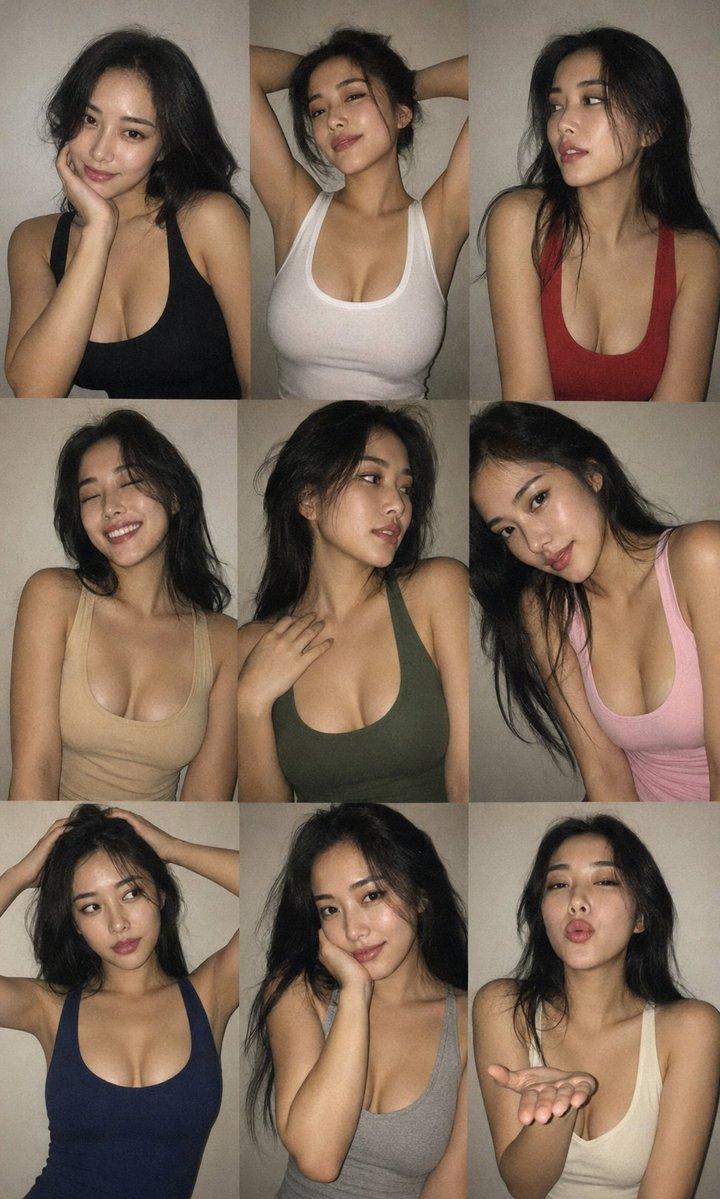
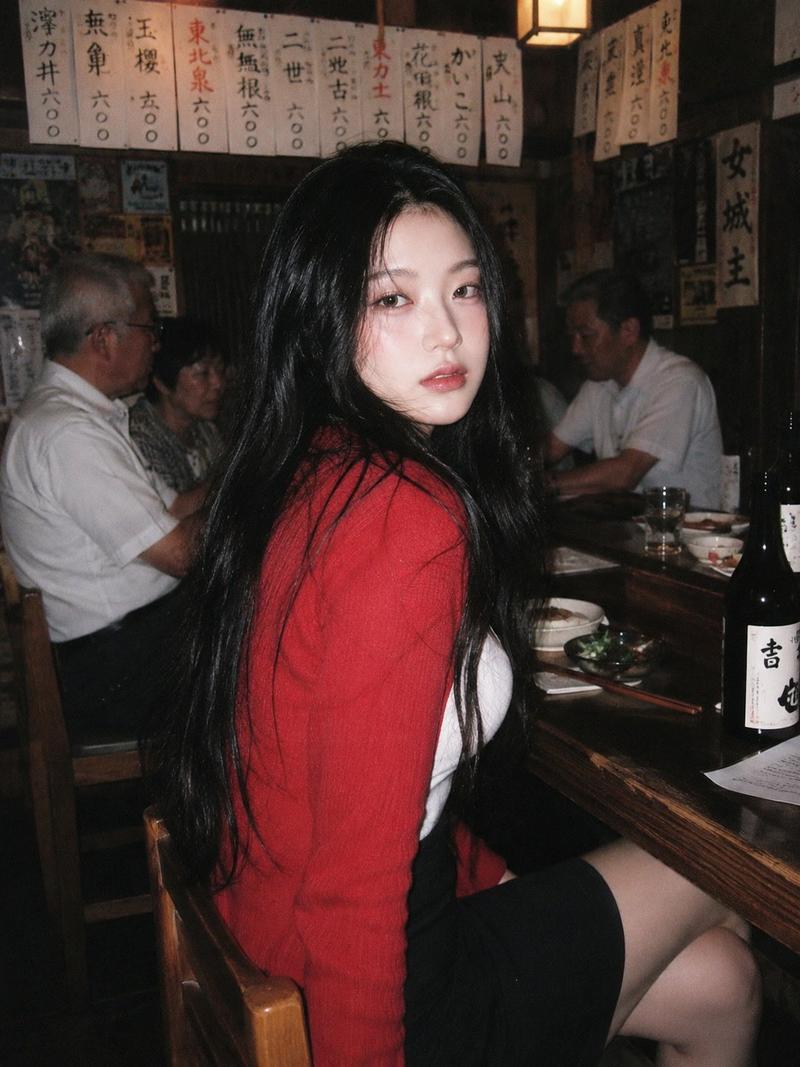
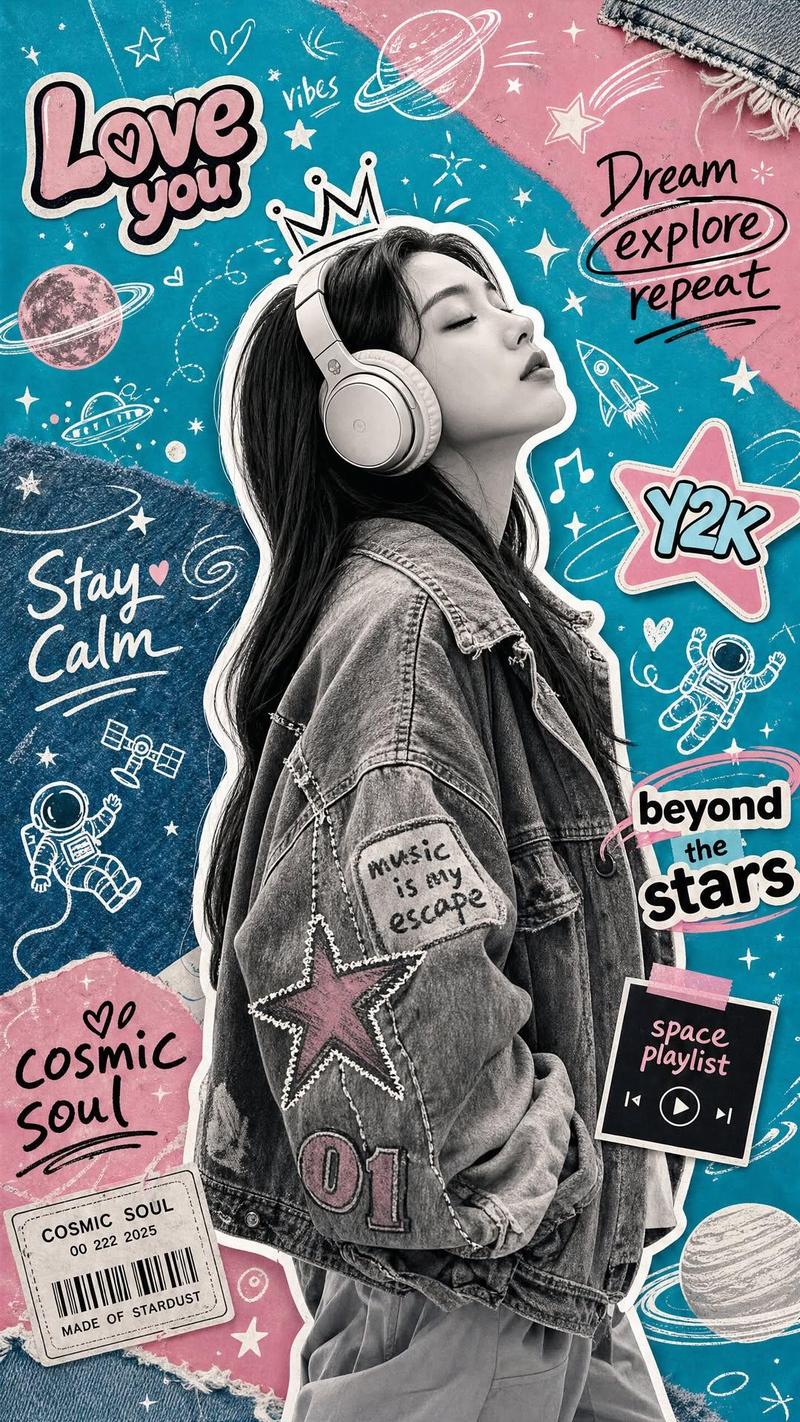
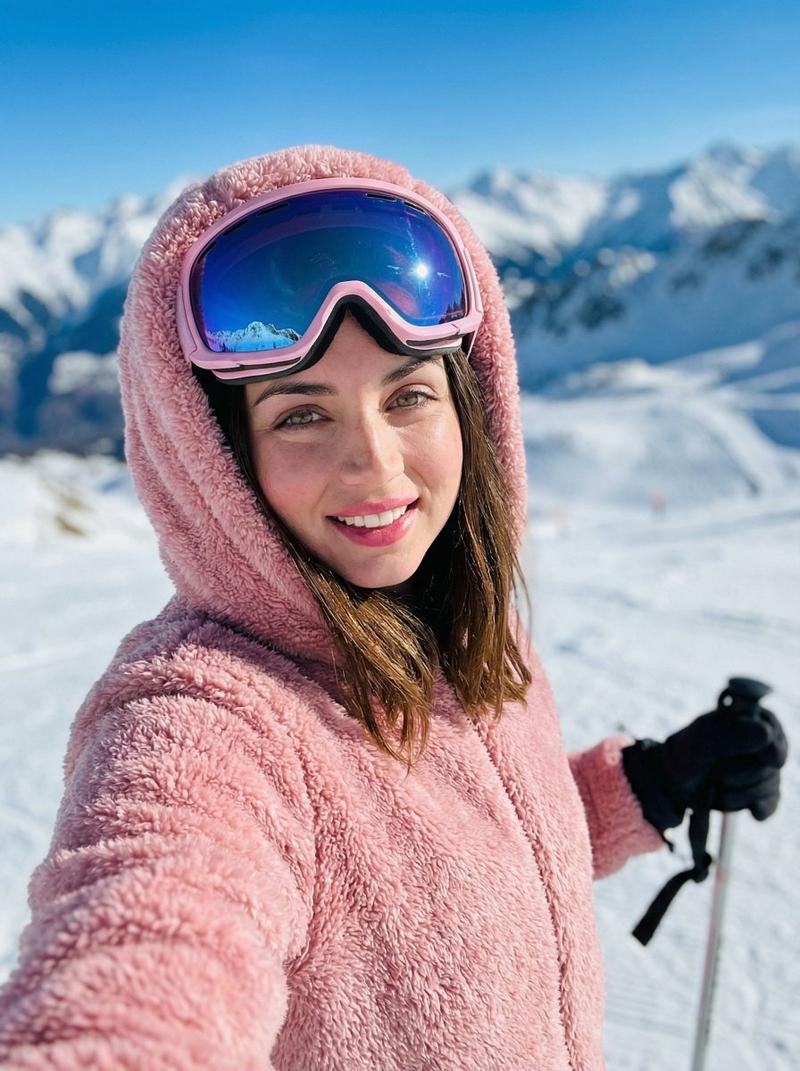
蓝色背景俯视鱼眼复古卡片机人像
Enlarge

蓝色背景俯视鱼眼复古卡片机人像

Prompt
Composition: strict vertical top-down overhead portrait, subject centered on a flat saturated blue surface, very close wide-angle/fisheye lens from directly above so the head and face dominate the upper half while shoulders, torso, legs, and small shoes recede toward the bottom; minimal headroom with black upside-down floor text near the top edge and small black text near the feet; keep the slightly awkward snapshot crop and exaggerated perspective.

Grade: early-2000s compact-camera flash look with saturated cobalt blue and bubblegum pink, medium contrast, crisp center sharpness with mild wide-lens edge softness, visible fine digital grain on the blue floor and faint skin texture with pores and slight cheek unevenness, glossy highlights rolling off a little harshly rather than softly, no beauty-filter smoothing.

Negative: beauty-filter smoothing, studio glamour lighting, normal eye-level perspective, long-lens compression, extra props or furniture, changed outfit colors, cleaned-up symmetrical crop, a different person or blended face replacing the uploaded Sidona identity, high-fashion model bone structure, elongated editorial face, or sharpened jaw, tiny, hidden, or turned-away face dodging identity verification, lightened blonde, silver, grey, or ash hair identity drift, plastic beauty-filter skin with no pores or texture
Category
Posters & Typography
Model
ChatGPT
Creator
@sidona
Views0
Source ID
17470
Published
Jul 6, 2026

Guide

About "蓝色背景俯视鱼眼复古卡片机人像"

What is this prompt for?

"蓝色背景俯视鱼眼复古卡片机人像" AI image prompt for ChatGPT (Posters & Typography). 构图:严格的垂直顶视俯拍肖像,主体居中于平坦的饱和蓝色表面,来自正上方的极近广角/鱼眼镜头,使头部和脸部占据上半部分,而肩膀、躯干、腿和细小的鞋子向底部后退;留白极少,顶部边缘附…

The full copyable prompt and example visuals above are ready for AI image generation or one-click recreate in Picva.

How to use this prompt

  1. Step 1

    Open the prompt detail

    Review the example visuals, category, and full prompt text for "蓝色背景俯视鱼眼复古卡片机人像".

  2. Step 2

    Copy the prompt

    Copy the prompt body from this page, or load it directly in Studio.

  3. Step 3

    Pick a model (ChatGPT)

    Prefer ChatGPT. If you switch models, keep subject and composition and tweak style terms.

  4. Step 4

    Generate and export

    Recreate the look in Picva, or export into your workflow for editing and publishing.

FAQ

What is the "蓝色背景俯视鱼眼复古卡片机人像" prompt?
It is an AI image-generation prompt for ChatGPT in the Posters & Typography category. This page includes the full prompt text, example visuals, and a one-click recreate path in Picva.
How do I use this prompt to generate an image?
Copy the prompt from this page, or use Generate / Studio. Paste it into a compatible image model, or recreate the look in Picva with optional reference images.
Which model is this prompt for?
This page lists ChatGPT. Most descriptive prompts also transfer to nearby image models such as GPT Image, Flux, or Midjourney with light style tweaks.
Can I use the result commercially?
You can usually copy the prompt for creation, but commercial use of the final image depends on the model terms, reference-image rights, and the generated content. Follow the source author and platform rules.