18

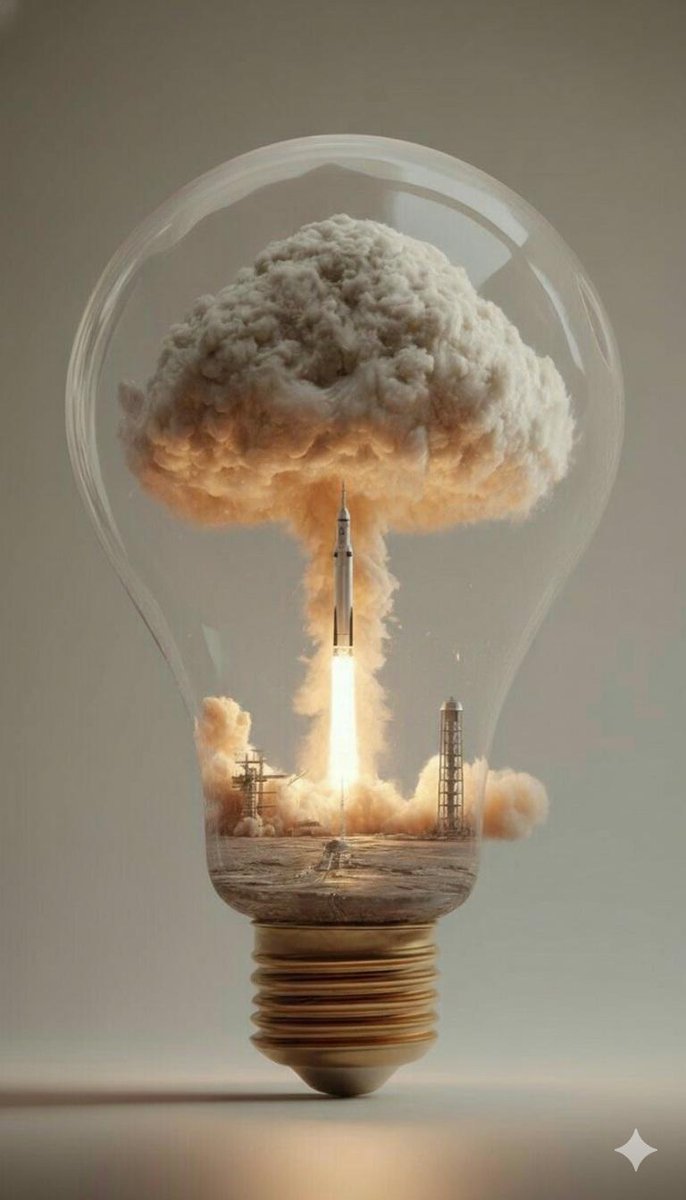
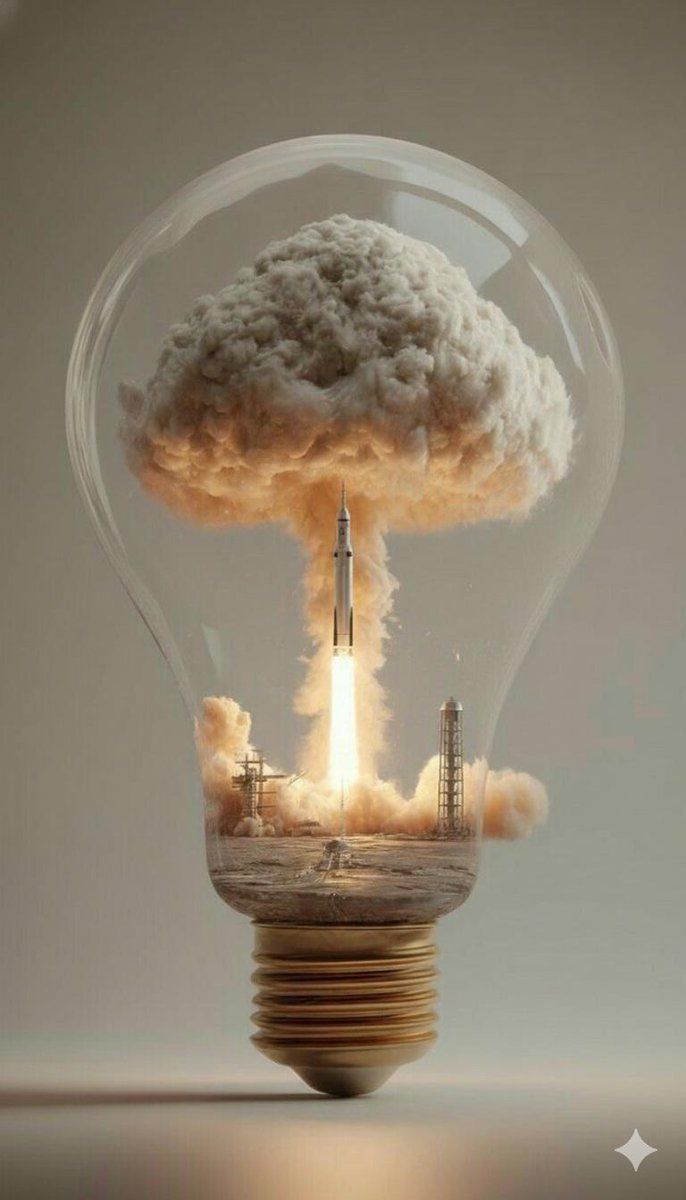
灯泡里的烈焰升空
Enlarge

灯泡里的烈焰升空

Prompt
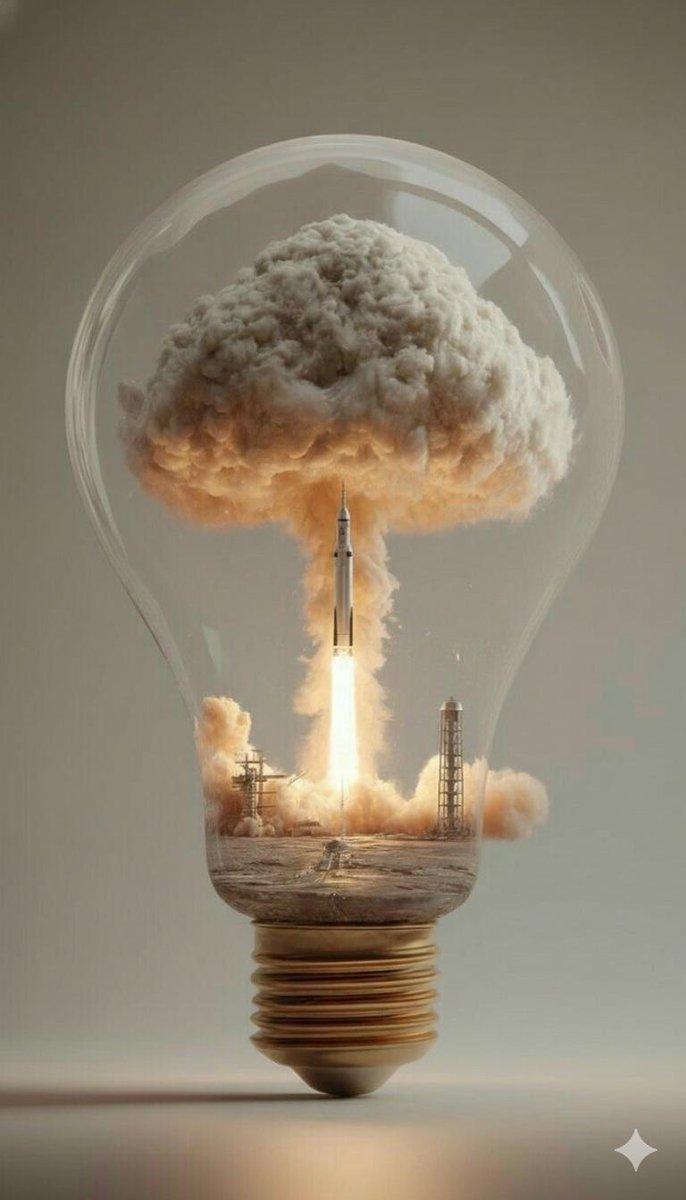
A surreal dreamlike scene inside a large transparent glass lightbulb, zoom in a powerful rocket launching vertically upward, massive billowing clouds of thick white-orange rocket exhaust smoke filling the entire glass dome like a contained explosion, dramatic launch flames glowing bright orange-yellow at the base, the rocket piercing through dense turbulent smoke clouds,launch pad structures and support towers visible at the bottom inside the bulb, soft warm golden light emanating from the rocket flames illuminating the smoke from within, subtle reflections and refractions on the curved glass surface, intricate filament and screw base of the bulb at the bottom in metallic bronze, hyper-detailed,cinematic lighting, surreal concept art, magical realism, high contrast, dramatic atmosphere, ultra realistic textures, octane render, 8k, masterpiece with lighter background and its a dropdown shadow of blub on the floor to give realistic effect.
Category
Posters & Typography
Model
Nano Banana Pro
Views93
Source ID
2092
Published
Jan 19, 2026

Guide

About "灯泡里的烈焰升空"

What is this prompt for?

"灯泡里的烈焰升空" AI image prompt for Nano Banana Pro (Posters & Typography). 一个超现实梦境般的场景,在一枚巨大透明玻璃灯泡内部,近距离展现一枚强劲火箭垂直向上发射,厚重白橙色火箭尾焰浓烟滚滚,充满整个玻璃穹顶,像被禁锢的爆炸,底部发射火焰呈明亮橙黄色熊…

The full copyable prompt and example visuals above are ready for AI image generation or one-click recreate in Picva.

How to use this prompt

  1. Step 1

    Open the prompt detail

    Review the example visuals, category, and full prompt text for "灯泡里的烈焰升空".

  2. Step 2

    Copy the prompt

    Copy the prompt body from this page, or load it directly in Studio.

  3. Step 3

    Pick a model (Nano Banana Pro)

    Prefer Nano Banana Pro. If you switch models, keep subject and composition and tweak style terms.

  4. Step 4

    Generate and export

    Recreate the look in Picva, or export into your workflow for editing and publishing.

FAQ

What is the "灯泡里的烈焰升空" prompt?
It is an AI image-generation prompt for Nano Banana Pro in the Posters & Typography category. This page includes the full prompt text, example visuals, and a one-click recreate path in Picva.
How do I use this prompt to generate an image?
Copy the prompt from this page, or use Generate / Studio. Paste it into a compatible image model, or recreate the look in Picva with optional reference images.
Which model is this prompt for?
This page lists Nano Banana Pro. Most descriptive prompts also transfer to nearby image models such as GPT Image, Flux, or Midjourney with light style tweaks.
Can I use the result commercially?
You can usually copy the prompt for creation, but commercial use of the final image depends on the model terms, reference-image rights, and the generated content. Follow the source author and platform rules.