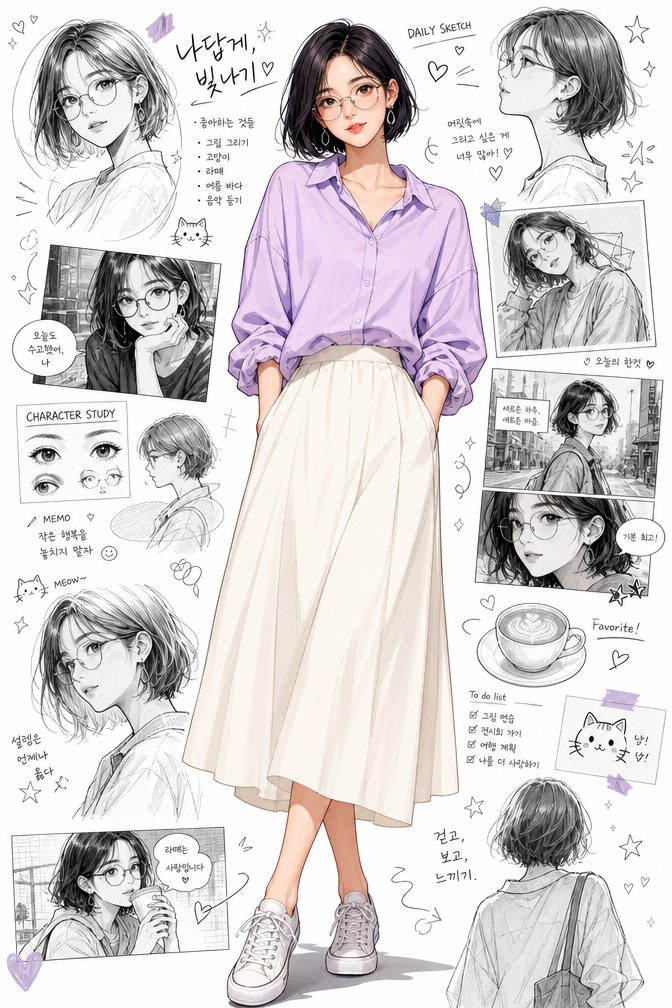
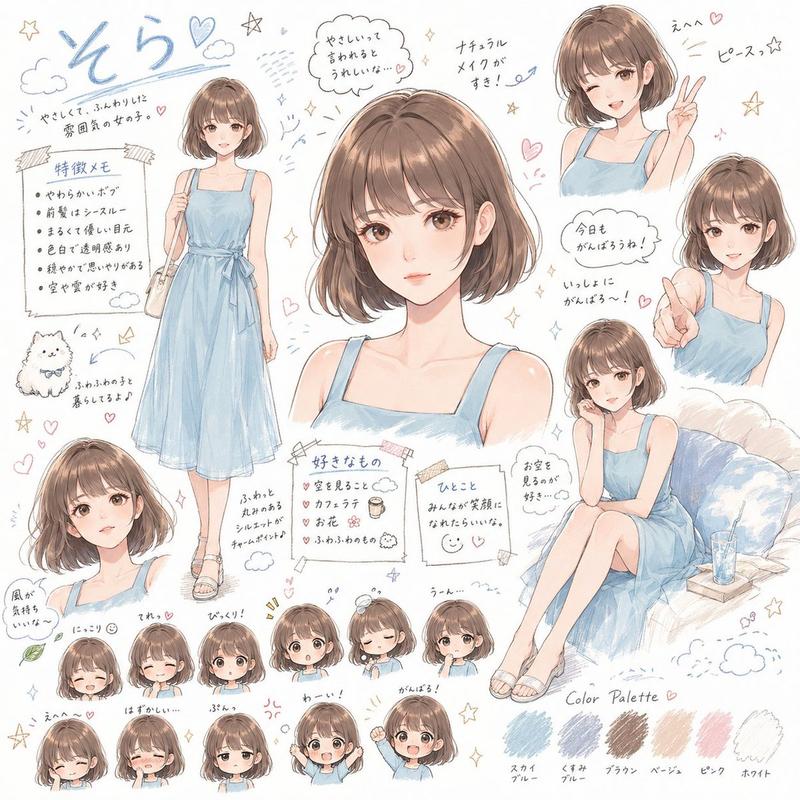
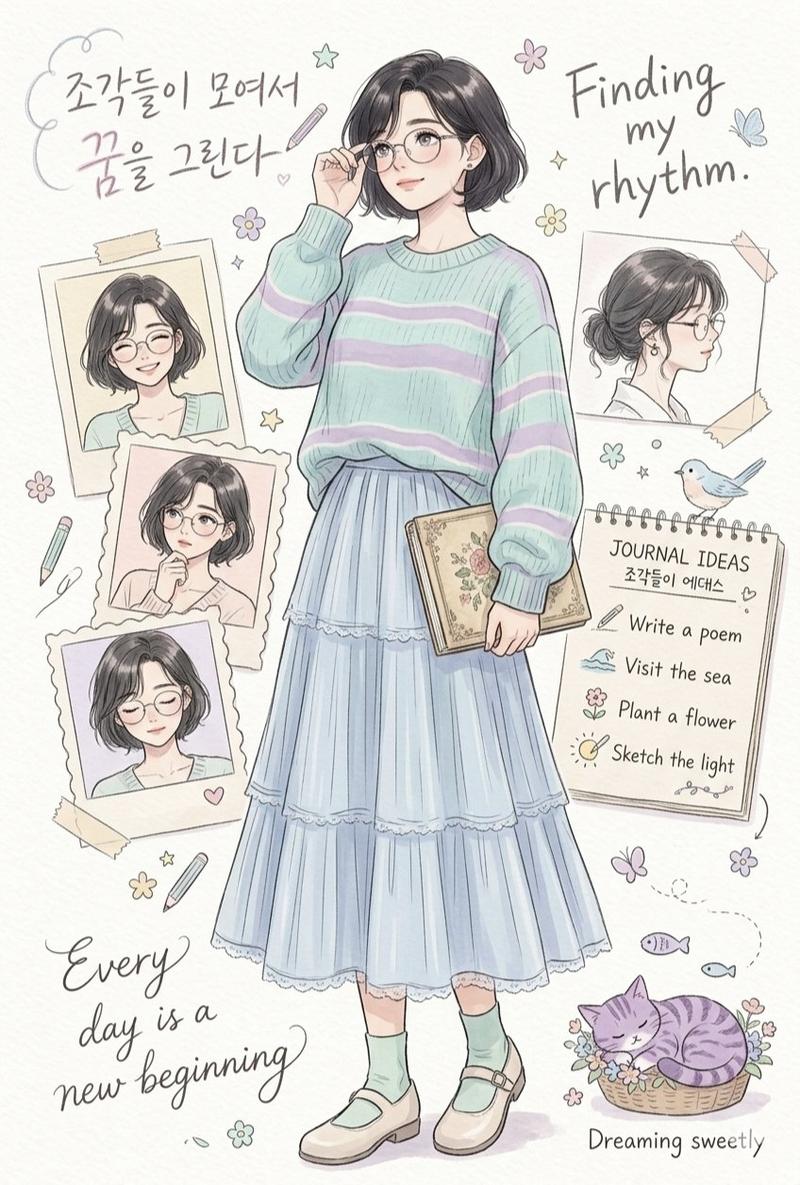
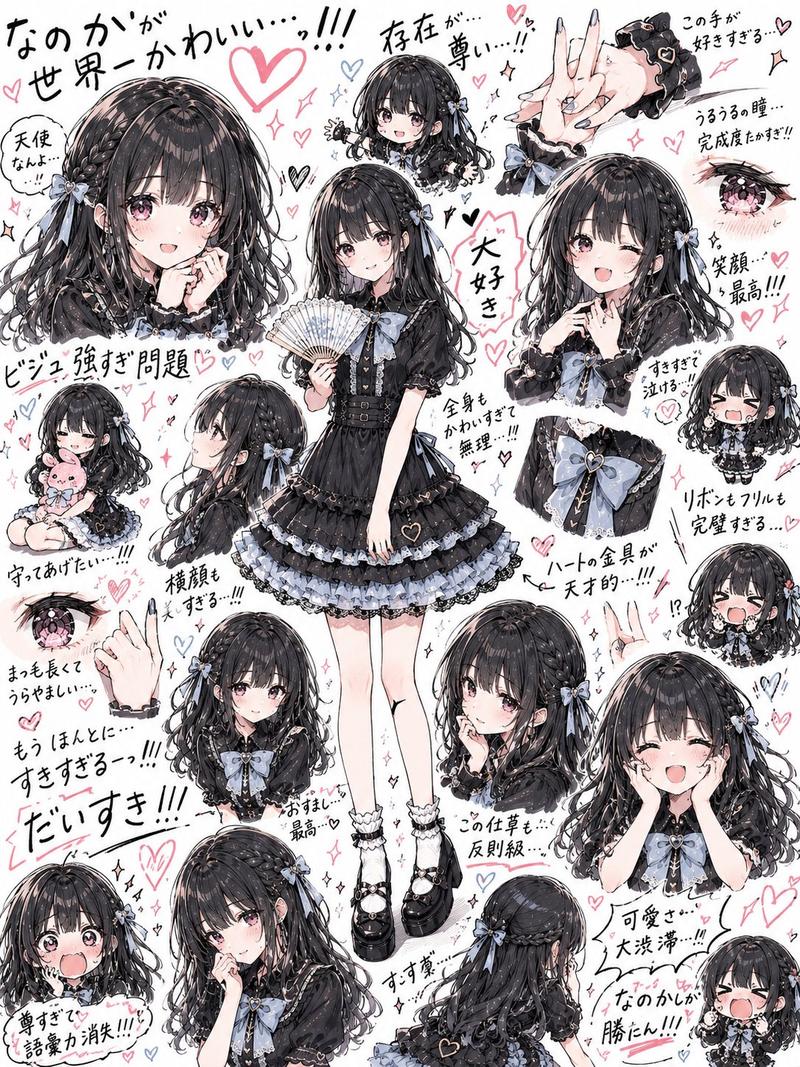
精致手绘风格人物角色档案设定页
Prompt
Please generate a high-completion "Character Profile Card / Character Setting Page" based on the 3–5 character photos I uploaded.

Requirements:
1. Retain the person's real facial features and ensure recognizability
2. The overall look should be like an exquisite hand-drawn character setting card, rather than a common collage
3. The page should include the following content:
 - One main visual half-body or bust portrait
 - One full-body illustration
 - 3–5 small emoji avatars with different emotions
 - 1–2 small scene illustrations related to the character's daily traits
 - A set of character tag words
 - A handwritten-style personality short phrase
 - A brief description of character traits

Style directions: [Hand-drawn illustration / Japanese setting page / Watercolor feel / Flat vector / Retro manga / Fresh and artistic]

Character temperament keywords: [e.g., quiet, loves visiting exhibitions, coffee lover, relaxed feel, weekend hiking, light retro]

Layout requirements:
The overall look should be like a character manual that can be collected and shared, with complete but not crowded information, clear layers, and exquisite layout, suitable for social media publishing.

If you want the character to be more "like you", you can also add one more sentence:

Please first understand the character's physical features, temperament, and lifestyle based on the photos, and then output them uniformly into a complete character profile visual page.

Parameter Techniques / Key Control Points
1. Recommended number of photos: 3–5, which is the most stable range.
Try to include:
Front photo
3/4 profile
Natural smile
Half-body or full-body photo
One scene photo that reflects life status
Do not use all selfies from the same angle.

2. Fewer filters, keep real features
Excessive beautification, heavy filters, and heavy skin smoothing will affect character recognizability.
The closer to the real state, the easier it is for AI to extract stable character features.

3. The more specific the character setting description, the better:
Likes coffee and visiting exhibitions
Often goes hiking on weekends
Dressing style is light retro
Usually loves shooting street scenes and bookstores
A bit quiet but very assertive
This kind of information will directly affect the richness of the character card content.

4. Don't make tags too vague
For example:
Love life / Positive / Gentle and cute
Coffee addict / Weekend hiking maniac / Exhibition collector / Late-night writer
The more specific, the more memorable.
- Category
- Charts & Infographics
- Model
- ChatGPT
- Creator
- @derek_wall90176
- Source ID
- 17617
- Published
- Jul 9, 2026
Views7