15

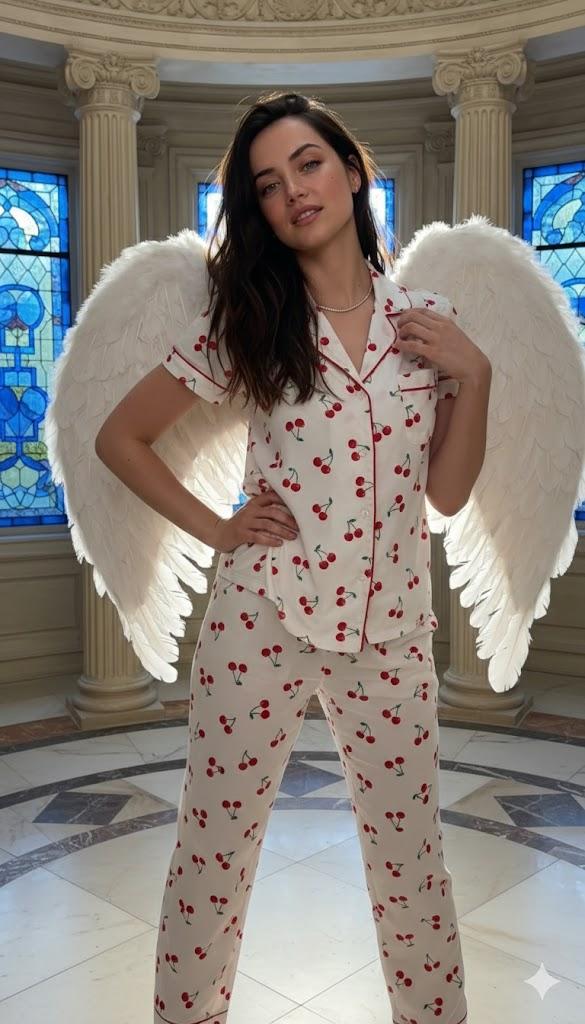
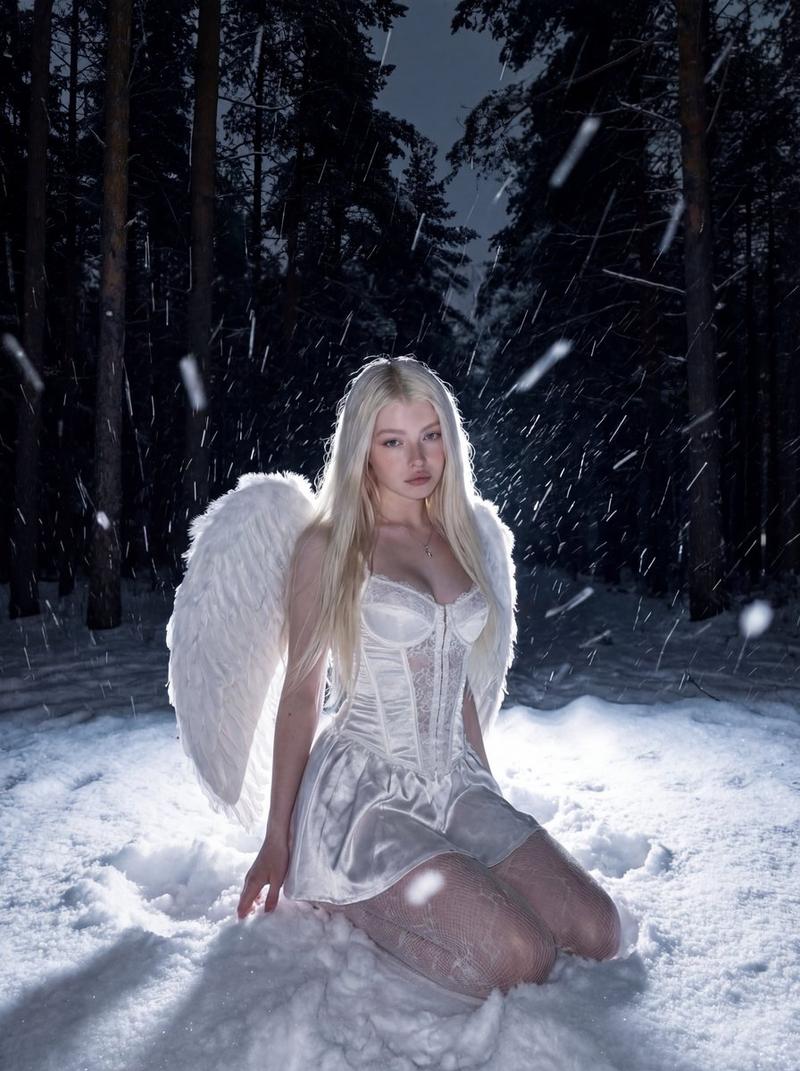
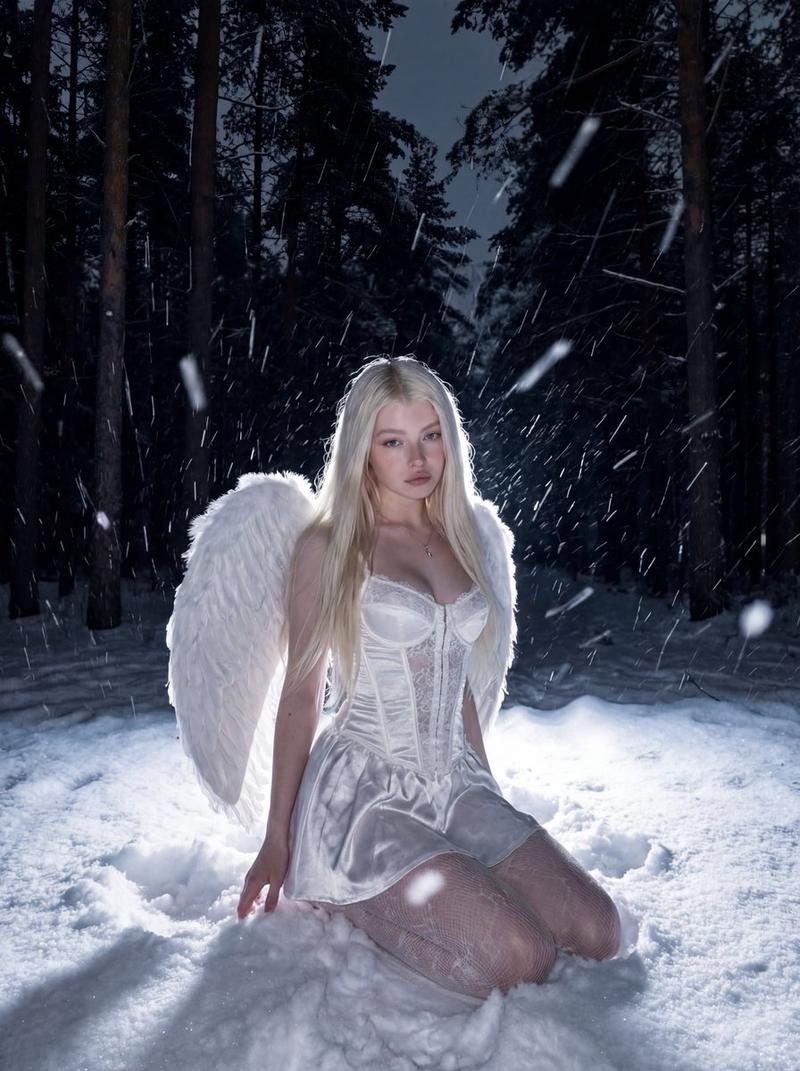
蓝调光影下的樱桃睡衣天使
Enlarge

蓝调光影下的樱桃睡衣天使

Prompt
{ "camera_override_protocol": "Low-angle / Hip-Level tilt. The camera looks slightly upward at the subject to empower the figure while maintaining an intimate, invite-only perspective.", "volumetric_reconstruction": "The subject leans slightly into the frame, creating a sense of proximity. The large white wings arc dynamically behind, framing the head and shoulders. Lighting highlights the gloss on the lips and the texture of the hair.", "consistency_anchors": "Subject identity, long dark wavy hair, white pajama set with red cherry pattern (crop top and shorts), large white feathered angel wings, ornate architectural background with blue stained glass.", "framing_boundaries": "Vertical 9:16 aspect ratio. Medium Close-Up (MCU) capturing from the hips/waist to the top of the wings. Focus is sharp on the eyes and smile, with a soft fall-off towards the background.", "optical_physics": "Simulated 50mm f/1.8 lens. Soft bokeh on the architectural details in the background to separate the subject. Natural, flattering skin tones with a soft glow.", "final_technical_prompt": "A playful and sensual Medium Close-Up of a young woman with long dark hair, wearing a white cherry-print pajama set and large white angel wings. She is posing with a flirtatious expression, tilting her head slightly and touching her hair. The shot is taken from a low angle (hip level), looking up. Background is an elegant room with tall windows and blue light. High fidelity, photorealistic, 8k resolution." }
Category
Posters & Typography
Model
Nano Banana Pro
Creator
@Vishnudxe
Views41
Source ID
9388
Published
May 19, 2026

Guide

About "蓝调光影下的樱桃睡衣天使"

What is this prompt for?

"蓝调光影下的樱桃睡衣天使" AI image prompt for Nano Banana Pro (Posters & Typography). { "camera_override_protocol": "低角度 / 齐腰倾斜。摄像机略微向上仰视主体,以彰显人物气势,同时保持一种私密、专属的视角。", "vol…

The full copyable prompt and example visuals above are ready for AI image generation or one-click recreate in Picva.

How to use this prompt

  1. Step 1

    Open the prompt detail

    Review the example visuals, category, and full prompt text for "蓝调光影下的樱桃睡衣天使".

  2. Step 2

    Copy the prompt

    Copy the prompt body from this page, or load it directly in Studio.

  3. Step 3

    Pick a model (Nano Banana Pro)

    Prefer Nano Banana Pro. If you switch models, keep subject and composition and tweak style terms.

  4. Step 4

    Generate and export

    Recreate the look in Picva, or export into your workflow for editing and publishing.

FAQ

What is the "蓝调光影下的樱桃睡衣天使" prompt?
It is an AI image-generation prompt for Nano Banana Pro in the Posters & Typography category. This page includes the full prompt text, example visuals, and a one-click recreate path in Picva.
How do I use this prompt to generate an image?
Copy the prompt from this page, or use Generate / Studio. Paste it into a compatible image model, or recreate the look in Picva with optional reference images.
Which model is this prompt for?
This page lists Nano Banana Pro. Most descriptive prompts also transfer to nearby image models such as GPT Image, Flux, or Midjourney with light style tweaks.
Can I use the result commercially?
You can usually copy the prompt for creation, but commercial use of the final image depends on the model terms, reference-image rights, and the generated content. Follow the source author and platform rules.