16

高端电影角色提案板设计
Enlarge

Example images

高端电影角色提案板设计

Prompt
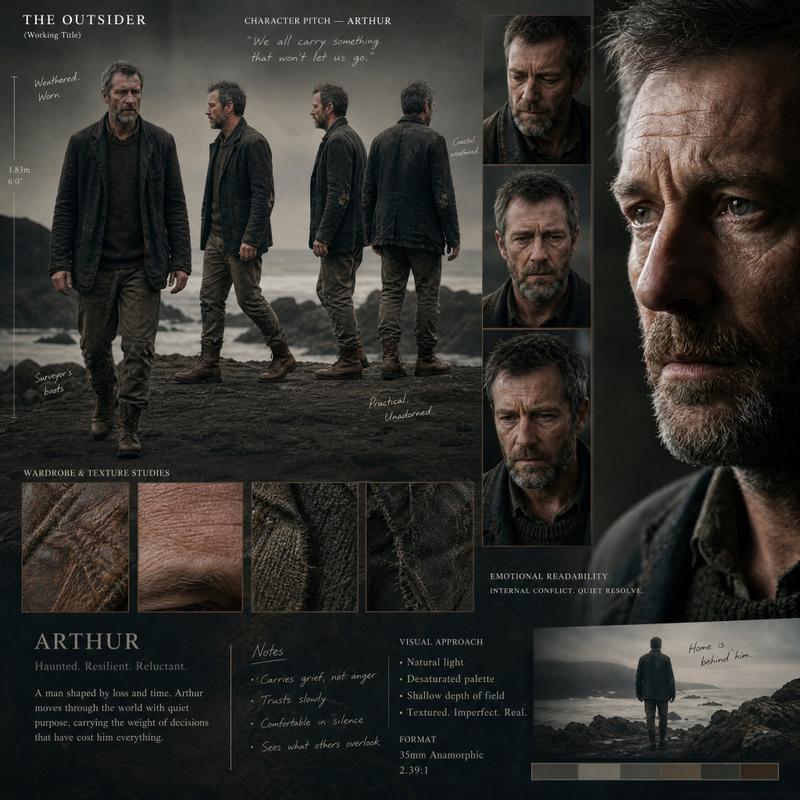
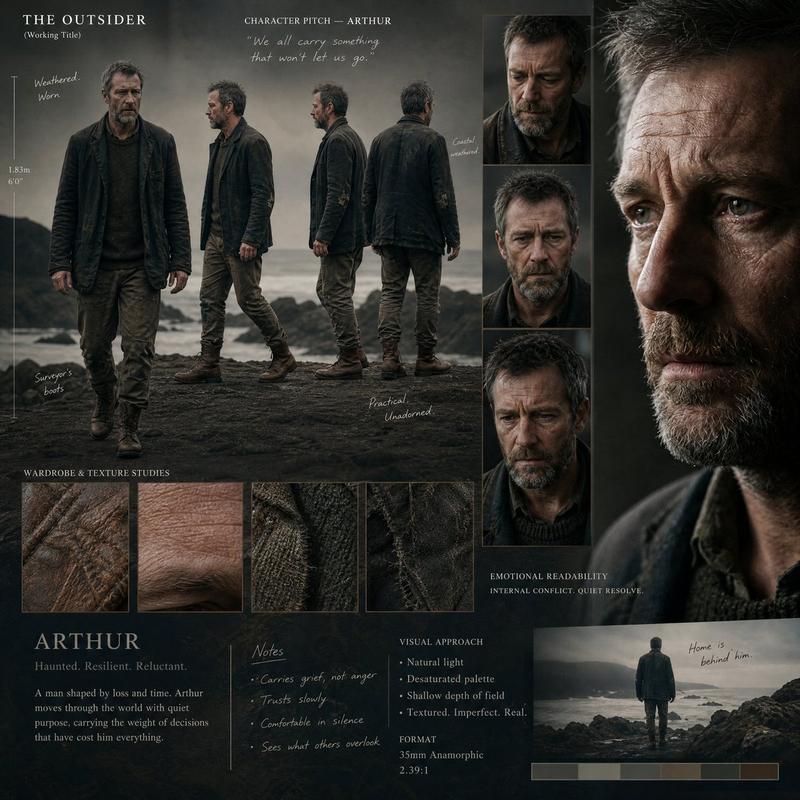
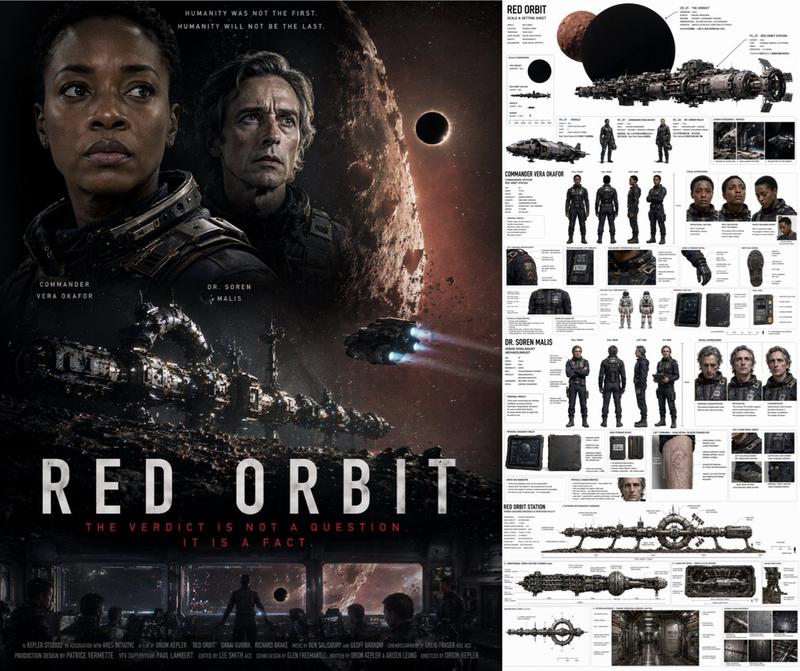
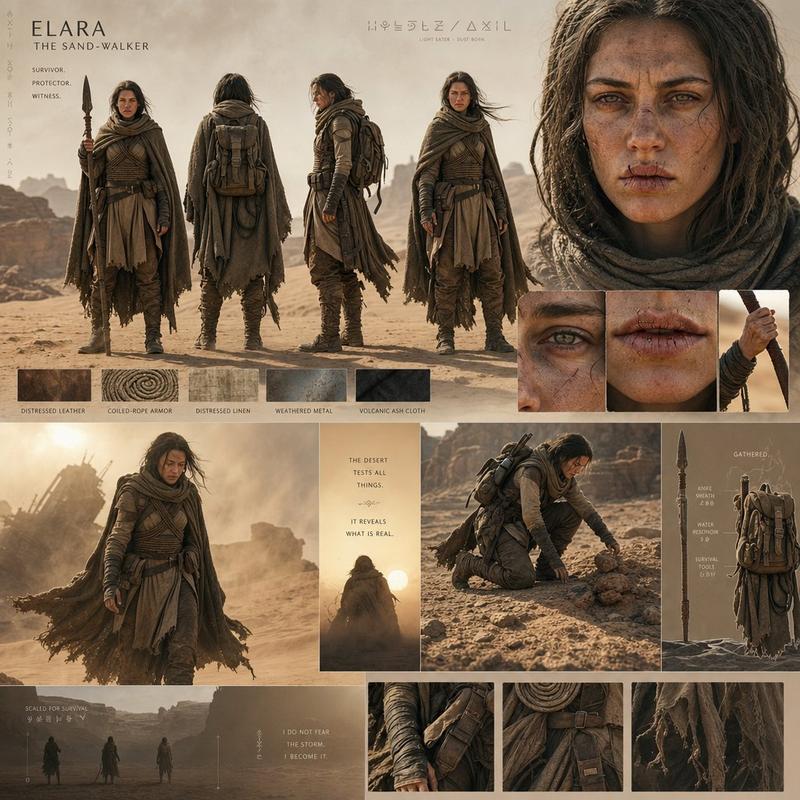
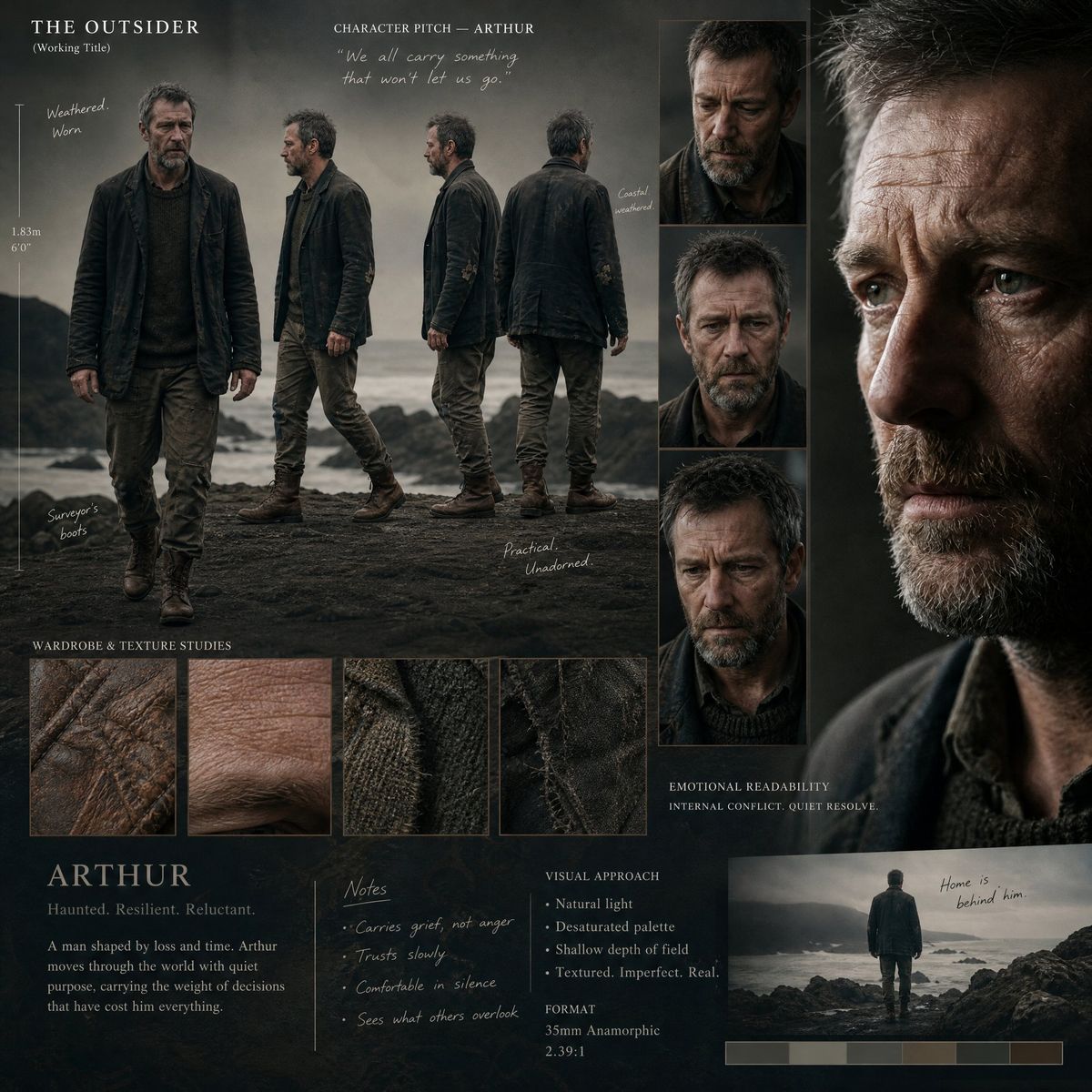
A premium director’s pitch presentation board for a high-budget cinematic production, showcasing a single, grounded human character with intense emotional readability and natural imperfections. The layout is art-directed and organically asymmetrical, avoiding rigid grids. Features a fluid, narrative full-body turnaround (capturing the character mid-stride across front, 3/4, profile, and rear views), detailed candid head studies expressing internal conflict, and a sweeping cinematic close-up portrait with dramatic Rembrandt lighting. Includes integrated texture macro-crops (weathered leather, realistic skin pores, distressed linen), minimalist production annotations, and an organic height scale. Shot on 35mm anamorphic, shallow depth of field, muted color grading, ultra-realistic textures, strict character and wardrobe consistency throughout.
Category
Posters & Typography
Model
ChatGPT
Views164
Source ID
14870
Published
May 20, 2026

Guide

About "高端电影角色提案板设计"

What is this prompt for?

"高端电影角色提案板设计" AI image prompt for ChatGPT (Posters & Typography). 一块用于高预算电影制作的高级导演提案板,展示了一个具有强烈情感可读性和自然瑕疵的单一、扎实的人类角色。布局经过艺术指导且呈有机不对称状,避免了僵硬的网格。特色包括流畅的叙事性全身转向图(…

The full copyable prompt and example visuals above are ready for AI image generation or one-click recreate in Picva.

How to use this prompt

  1. Step 1

    Open the prompt detail

    Review the example visuals, category, and full prompt text for "高端电影角色提案板设计".

  2. Step 2

    Copy the prompt

    Copy the prompt body from this page, or load it directly in Studio.

  3. Step 3

    Pick a model (ChatGPT)

    Prefer ChatGPT. If you switch models, keep subject and composition and tweak style terms.

  4. Step 4

    Generate and export

    Recreate the look in Picva, or export into your workflow for editing and publishing.

FAQ

What is the "高端电影角色提案板设计" prompt?
It is an AI image-generation prompt for ChatGPT in the Posters & Typography category. This page includes the full prompt text, example visuals, and a one-click recreate path in Picva.
How do I use this prompt to generate an image?
Copy the prompt from this page, or use Generate / Studio. Paste it into a compatible image model, or recreate the look in Picva with optional reference images.
Which model is this prompt for?
This page lists ChatGPT. Most descriptive prompts also transfer to nearby image models such as GPT Image, Flux, or Midjourney with light style tweaks.
Can I use the result commercially?
You can usually copy the prompt for creation, but commercial use of the final image depends on the model terms, reference-image rights, and the generated content. Follow the source author and platform rules.