20

俯瞰未来城市品牌标志景观设计
Enlarge

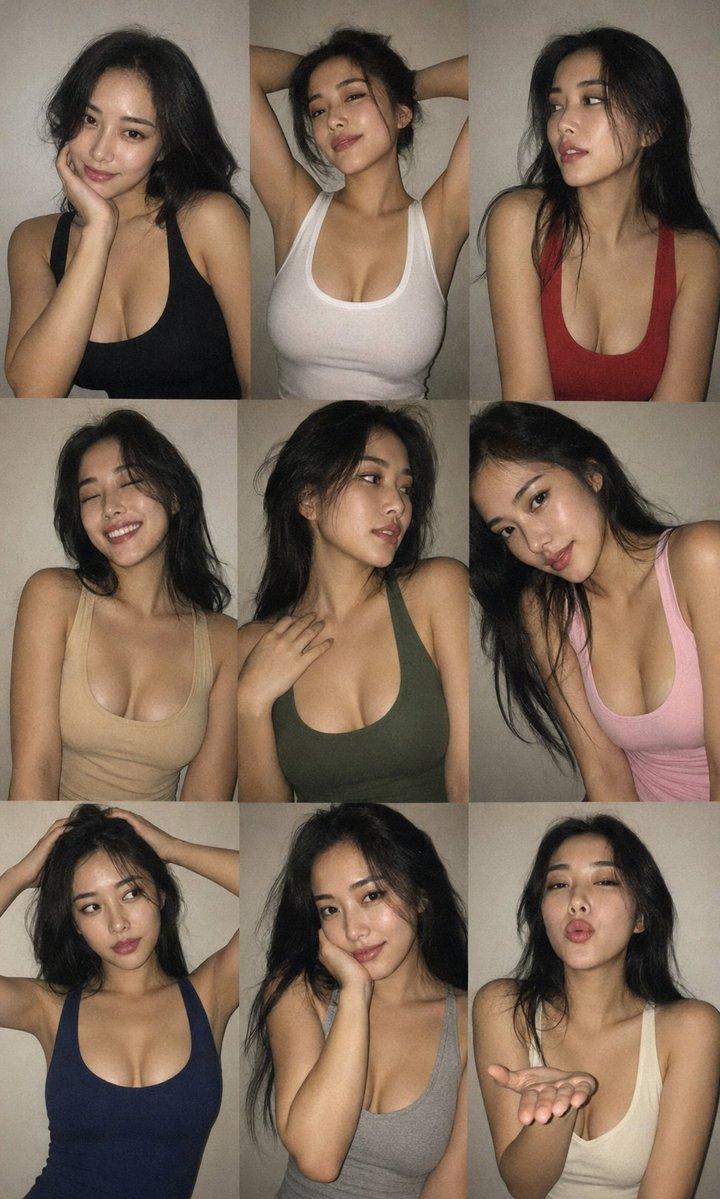
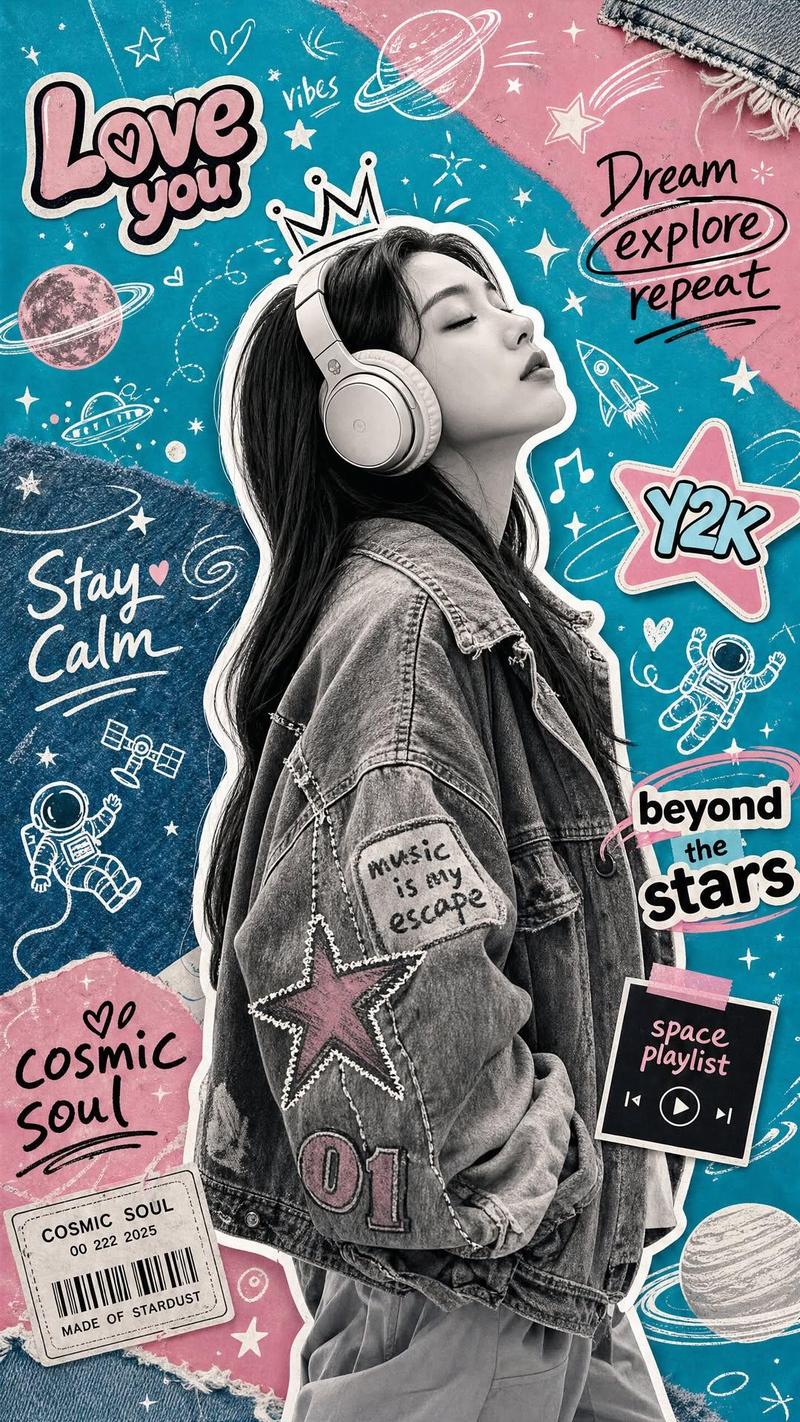
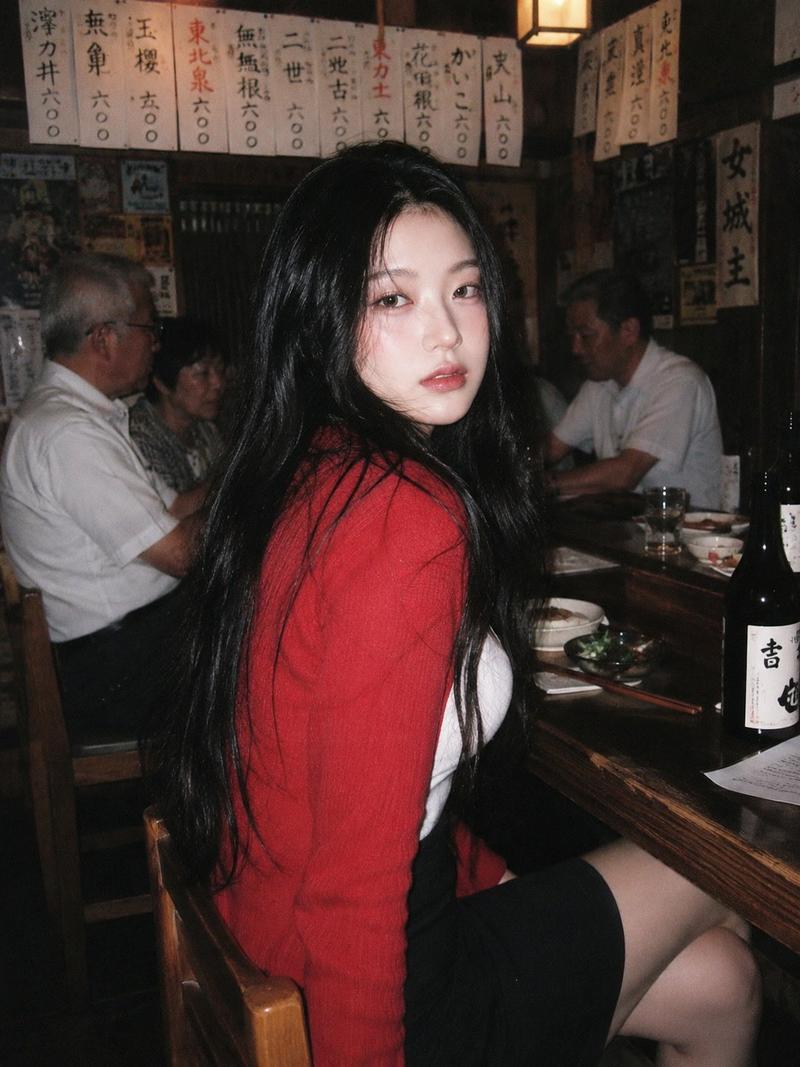
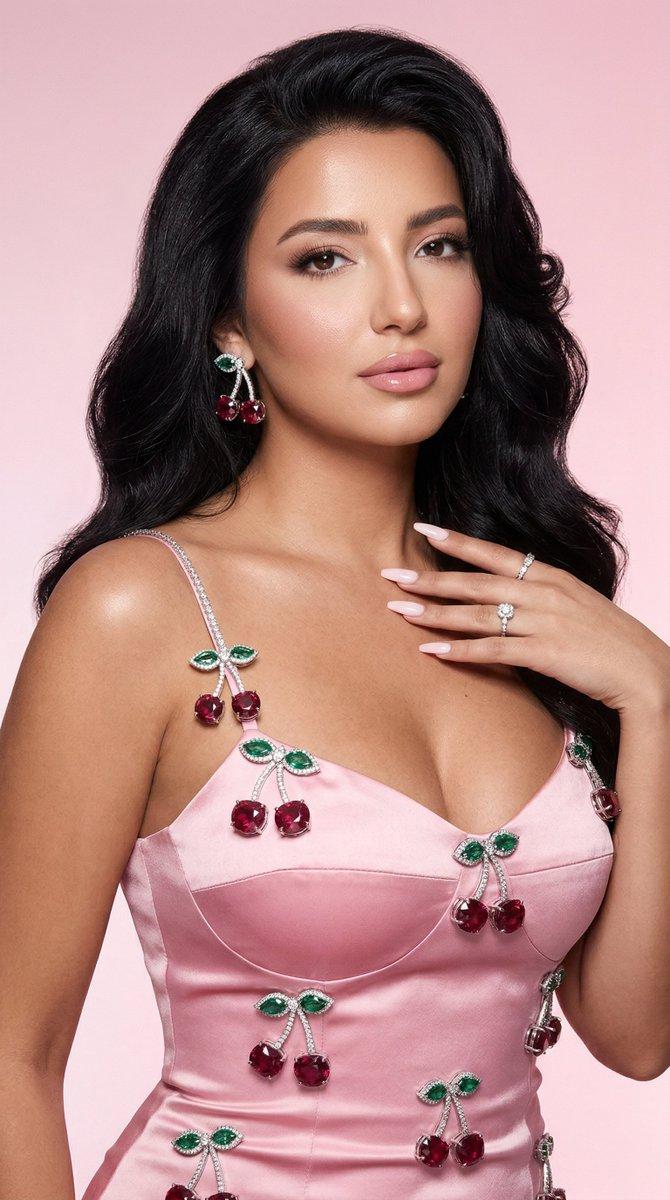
Example images

俯瞰未来城市品牌标志景观设计

Prompt
Create a cinematic futuristic aerial scene where the entire city is designed to form [LOGO / BRAND MARK] when viewed from above. The buildings, skyscrapers, roads, bridges, highways, lights, and urban layout should naturally merge together to create the exact shape of the logo as part of the city itself. The composition should feel grand, intelligent, and visually stunning, as if the brand has become the architecture of the city. Use a dramatic sunset or blue-hour atmosphere, glowing golden lights, reflective water, detailed skyline, and high-end futuristic urban design. The logo should be clearly recognizable from the top view, while still looking like a real, immersive city. Ultra-detailed, epic scale, photorealistic, cinematic lighting, luxury advertising style, masterpiece composition, no watermark.
Category
Posters & Typography
Model
ChatGPT
Creator
@ksa8Turky
Views25
Source ID
16916
Published
Jun 28, 2026

Guide

About "俯瞰未来城市品牌标志景观设计"

What is this prompt for?

"俯瞰未来城市品牌标志景观设计" AI image prompt for ChatGPT (Posters & Typography). 创作一个电影级的未来俯视场景,整个城市的设计在从上方俯看时形成[LOGO / 品牌标志]。建筑、摩天大楼、道路、桥梁、公路、灯光和城市布局应自然地融合在一起,作为城市本身的一部分,…

The full copyable prompt and example visuals above are ready for AI image generation or one-click recreate in Picva.

How to use this prompt

  1. Step 1

    Open the prompt detail

    Review the example visuals, category, and full prompt text for "俯瞰未来城市品牌标志景观设计".

  2. Step 2

    Copy the prompt

    Copy the prompt body from this page, or load it directly in Studio.

  3. Step 3

    Pick a model (ChatGPT)

    Prefer ChatGPT. If you switch models, keep subject and composition and tweak style terms.

  4. Step 4

    Generate and export

    Recreate the look in Picva, or export into your workflow for editing and publishing.

FAQ

What is the "俯瞰未来城市品牌标志景观设计" prompt?
It is an AI image-generation prompt for ChatGPT in the Posters & Typography category. This page includes the full prompt text, example visuals, and a one-click recreate path in Picva.
How do I use this prompt to generate an image?
Copy the prompt from this page, or use Generate / Studio. Paste it into a compatible image model, or recreate the look in Picva with optional reference images.
Which model is this prompt for?
This page lists ChatGPT. Most descriptive prompts also transfer to nearby image models such as GPT Image, Flux, or Midjourney with light style tweaks.
Can I use the result commercially?
You can usually copy the prompt for creation, but commercial use of the final image depends on the model terms, reference-image rights, and the generated content. Follow the source author and platform rules.